





How to Train Restaurant Staff So Inventory Software Adoption Sticks
What Real Adoption Looks Like Across Every Branch
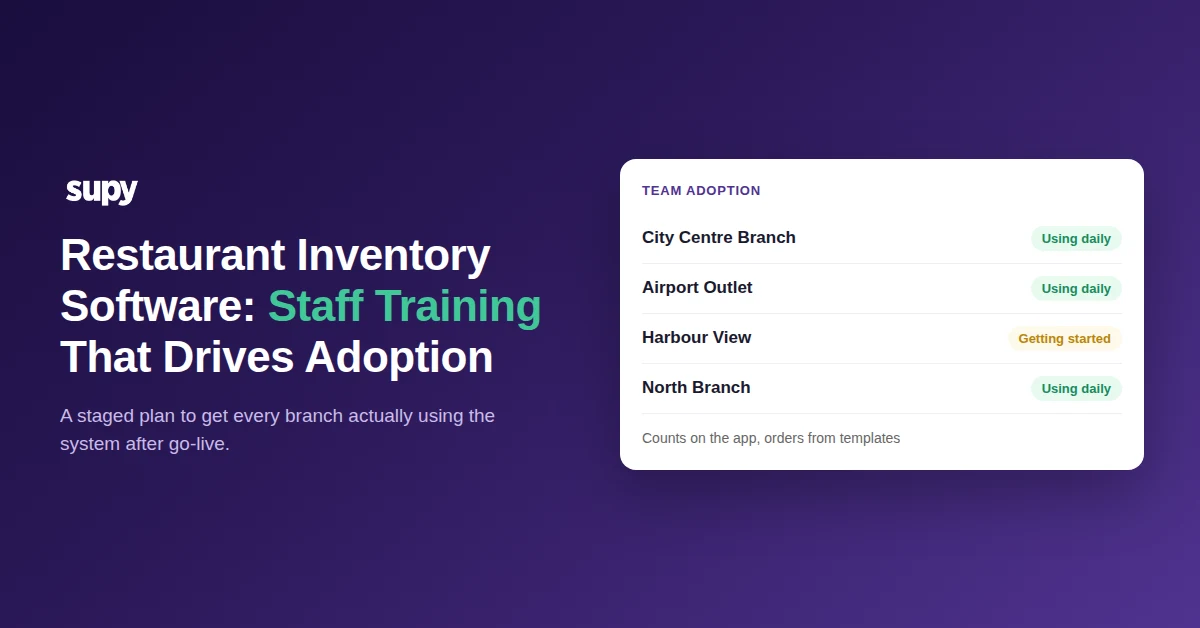
Real adoption means every branch uses your restaurant inventory software the same way, every day, without being chased. Staff count on the app, order from templates, and receive against a purchase order because it is faster than the old way. Good training gets you there, but only when it is staged around the system your team will actually touch.
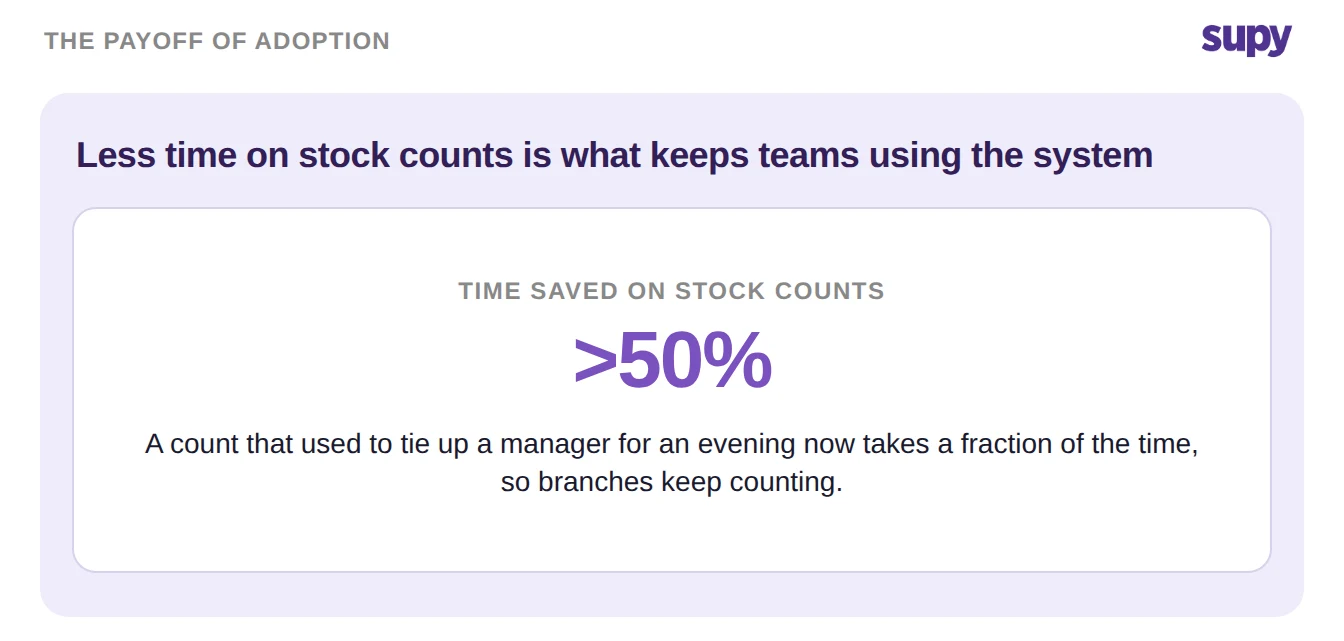
The payoff is concrete. A stock count that used to tie up a manager for a whole evening can take more than 50% less time on a phone. When the daily work is quicker, people keep doing it, and your numbers stay current. That is the real test of any restaurant inventory management software: not whether it is installed, but whether every site relies on it.
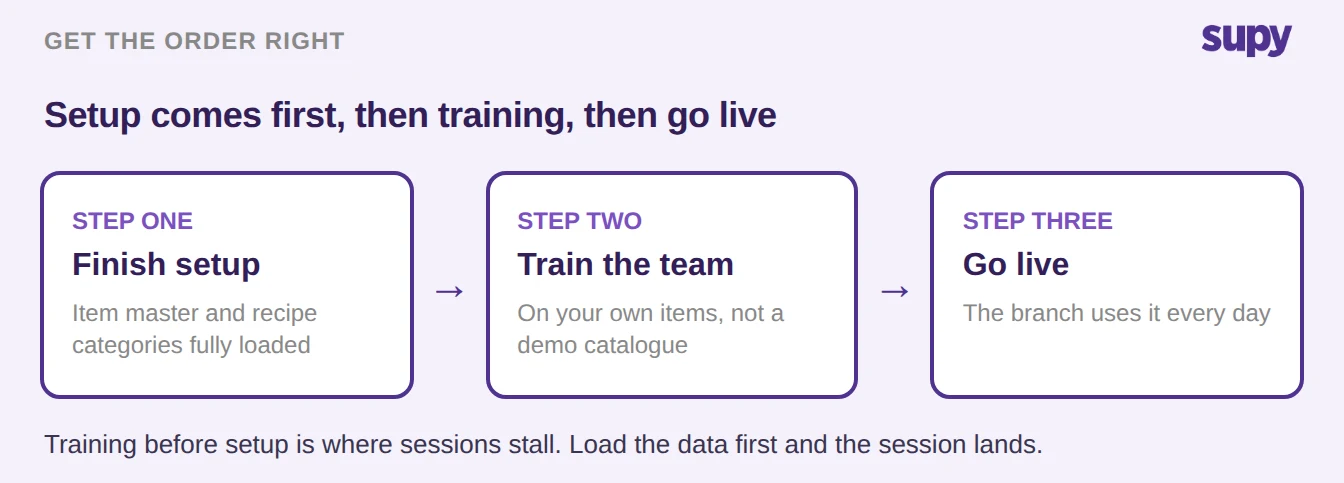
The plan runs in stages. Finish setup, match access to each role and make ordering and counting near foolproof, then roll out one site at a time and give every site a super-user. Each step lowers the barrier, so the training sticks instead of fading after week one.
Finish Setup Before You Train Anyone
Training lands when people practise on real data. Load the item master and recipe categories before the session, not during it. A team that logs in to its own suppliers, items and recipes can start counting and ordering the same day. A team that logs in to an empty system spends the session watching setup instead.
Setup is where most rollouts stall, so treat it as its own project. Building the item master by hand is slow. You can speed it up by letting AI invoice scanning read your supplier invoices and pull item names, packs and prices for you. If setup keeps slipping, read our guide on why recipe setup is the real onboarding blocker and clear it before you book training.
Match Access to the Job With Role-Based Permissions
The fastest way to make software easy to learn is to show each person less of it. Role-based permissions do exactly that, so a floor team member sees the count and the order they need, and nothing else. In one rollout, staff across several departments had still never logged in months after launch, because everyone had the same blanket access.
Supy ships with 200+ customisable permissions and approval chains of up to 5 approvers, set by branch and order value. Here is a simple way to map roles to access, and where each role trains:
| Role | Day-to-day tasks | Guardrail that keeps it simple | Where they train |
|---|---|---|---|
| Floor and prep staff | Stock counts, receiving, raising requisitions | Restricted to order templates; no price or supplier edits | Mobile |
| Branch manager | Approving requisitions, placing orders, reviewing variance | Order value limits by supplier and category | Web and mobile |
| Area manager | Overseeing several sites, second approval | Sits in the approval chain | Web and mobile |
| Head office and finance | Pricing, suppliers, reports, permissions | Sets the rules everyone else works within | Web |
| Super-user (one per site) | Everything their site does, plus helping others | Their own role's limits still apply | Web and mobile |
The same scoping helps approvers. They review, approve, reject or batch-process requisitions from one consolidated screen on web and mobile, filtered by location and category. Each location also maps to its branch in your POS or accounting system, so per-site setup stays explicit.
Make Ordering and Counting Near Foolproof
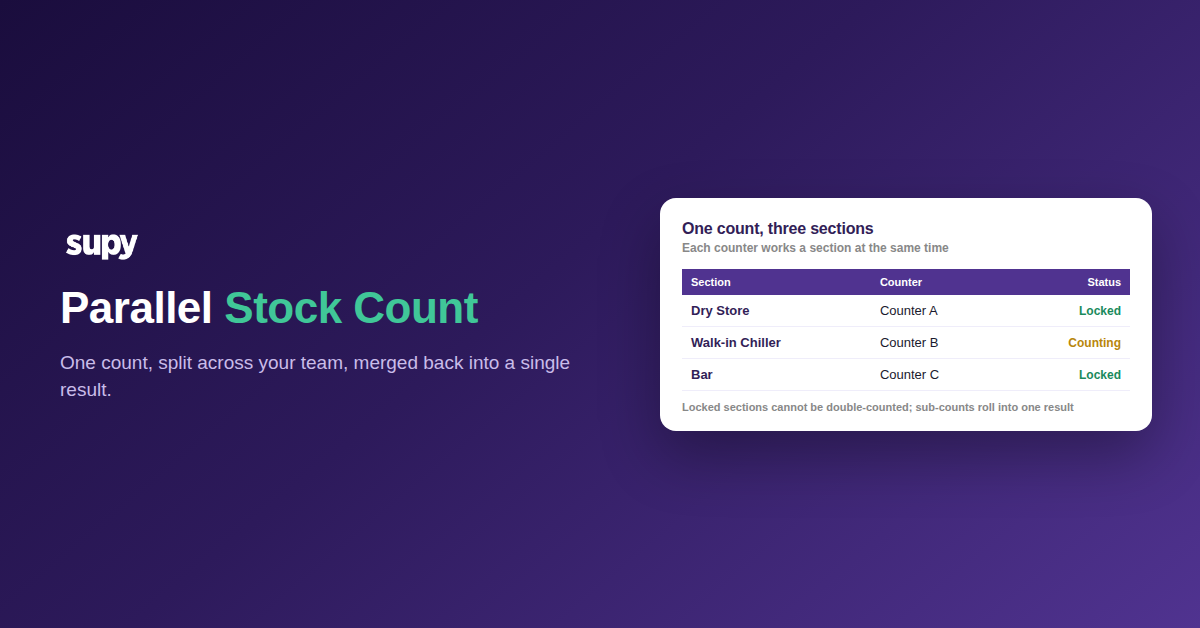
Adoption holds when the daily tasks are hard to get wrong. Order and requisition templates prefill an order from a saved list, so staff adjust quantities instead of searching the whole catalogue. You can restrict some users to templates only, which makes the safe path the only path. For stock counts, a reusable template in shelf order keeps every counter on the same route.
Put the work where the work happens. Counts, receiving and orders all run on the mobile app, so floor staff are not tied to a back-office desk. Counting even works on tablets in low-connectivity storerooms. If counts still drift between sites, our guide on restaurant stock count software shows where accuracy breaks and how to fix it.
The difference between a free-form system and a guided one shows up in every shift:
| Task | The free-form way | The template-guided way |
|---|---|---|
| Placing an order | Search the full catalogue; easy to miss or double up | Load a supplier template, adjust quantities, one tap to the PO |
| Counting stock | A blank sheet, items in no fixed order | A template in shelf order, counted on the app |
| New or junior staff | Have to learn the whole system | Restricted to templates, so mistakes are hard to make |
| Keeping branches aligned | Every site works differently | Shared templates show only items every site stocks |
Roll It Out One Site at a Time
Do not train every site at once. Run the first site as a pilot and note what confused people, then turn that into a short playbook naming the roles, the session order and the day-one task for each role. Replicate the pilot at the next sites and standardise it across the group.
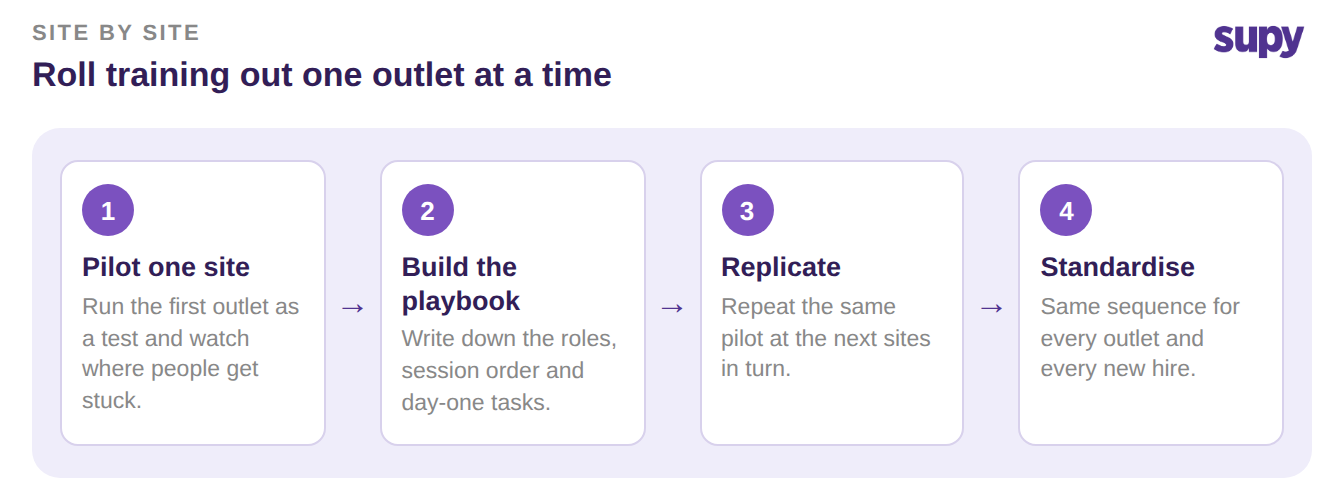
Use the pilot to find the hardest workflows. Semi-finished recipes, inter-location ordering and production tracking tend to stay confusing after one general session, so build a short, role-targeted follow-up for them before the next site starts.
Give Every Site a Super-User and a Way to Raise Blockers
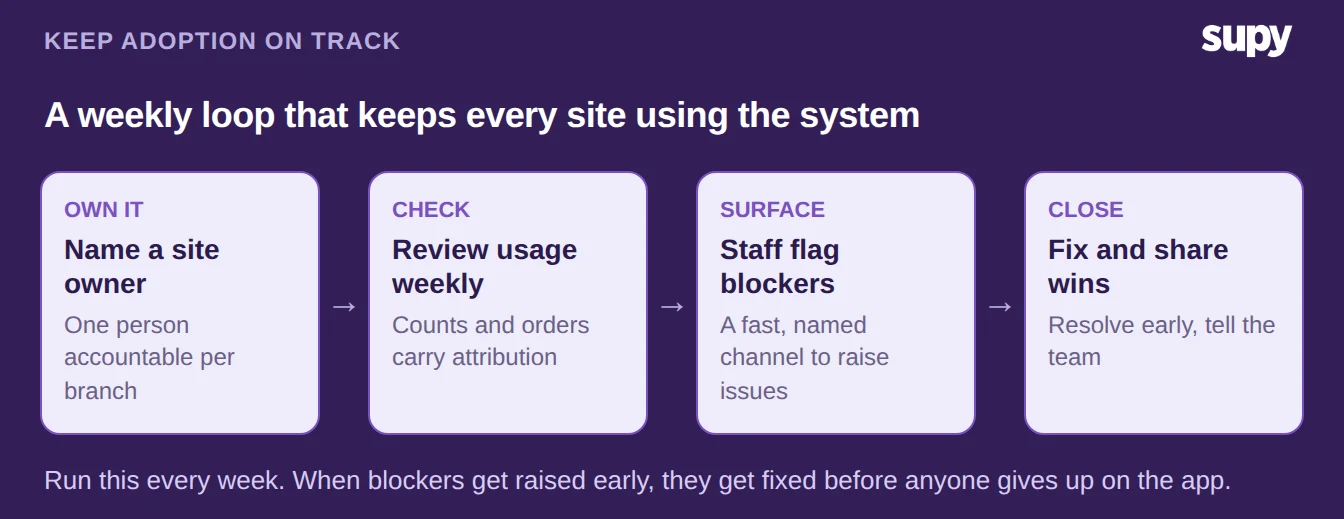
Adoption needs a name against it. Give every site a super-user who is accountable for people using the system, and a fast, named way for staff to raise blockers, because an issue that is not surfaced early quietly kills the habit. Train each new site before it opens, so the team starts live rather than catching up.
Five habits keep the training on site after the trainer leaves.
- A super-user at every site. A manager plus one power user per department answers questions the day after training, not a week later through support.
- Floor staff trained on the mobile app. Receiving, counts, transfers and central kitchen order edits all run from the phone, so train those roles on the device they carry.
- A first-week task list per role. People do their real jobs in the system in week one, not just watch a demo, so the habit forms while help is close.
- A 30-day adoption check. Look at who is logging in and completing tasks per site, and re-run a short session for any role that has drifted.
- Training folded into onboarding. New hires join with the same role and first-week list, so a site does not slide back to spreadsheets as staff turn over.
You can see whether it is working without walking every floor. Counts carry attribution and orders keep a full audit trail, so a site owner can spot who is using each part and who needs a hand. Turn that into a short weekly loop: review usage, surface blockers, fix them, and share the wins.
Where to start this week. Pick one site, not the whole estate. Finish its setup, name its super-user, and restrict new staff to templates before you train them. Two weeks later, check the app: are counts and orders coming from that branch on their own? If they are, repeat the same steps at the next site. If they are not, the gap is almost always setup or an unraised blocker, not the team.