.jpg)


Switching Restaurant Inventory Software: What to Check First
What Switching Restaurant Inventory Software Really Involves
Switching restaurant inventory software means moving your items, recipes, suppliers, counts and integrations onto a new platform. Then you have to get every site to actually use it. The hard part is not the data move. It is choosing a system that fixes the reason you left the last one, and rolling it out so adoption holds across every location.
That makes the decision a sequence, not a single leap. First you diagnose why the current system is failing you. Then you shortlist and test the alternatives against that reason. Then you run the new system in parallel with the old one long enough to trust it. Only then do you cut over. Skip the diagnosis and the shortlist, and you tend to land somewhere no better than where you started.
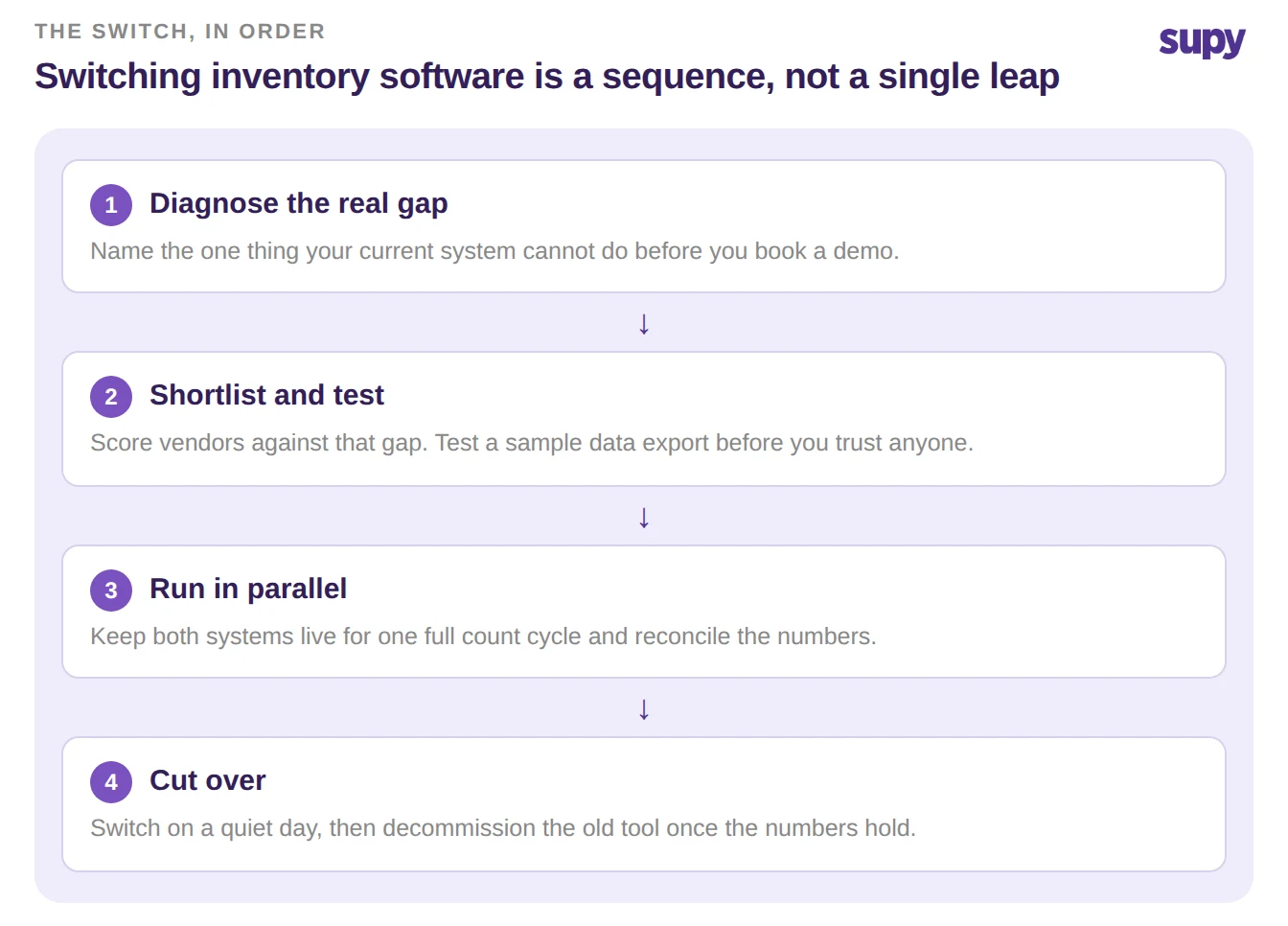
First, Check the Real Reason You're Leaving Gets Fixed
Write down the one thing your current system cannot do before you look at a single demo. Usually it is one of three. You cannot trust the variance numbers, counts are slow or half-finished, or you have no single view across sites. If you cannot name the reason, you are not ready to switch. You are ready to be sold to.
Operators who skip this step often land in the same place twice. One multi-site group had put in three separate systems before someone asked what problem they were actually solving. Each move cost months and goodwill, and none fixed the underlying gap. A switch that does not close a named gap is churn with a migration attached.
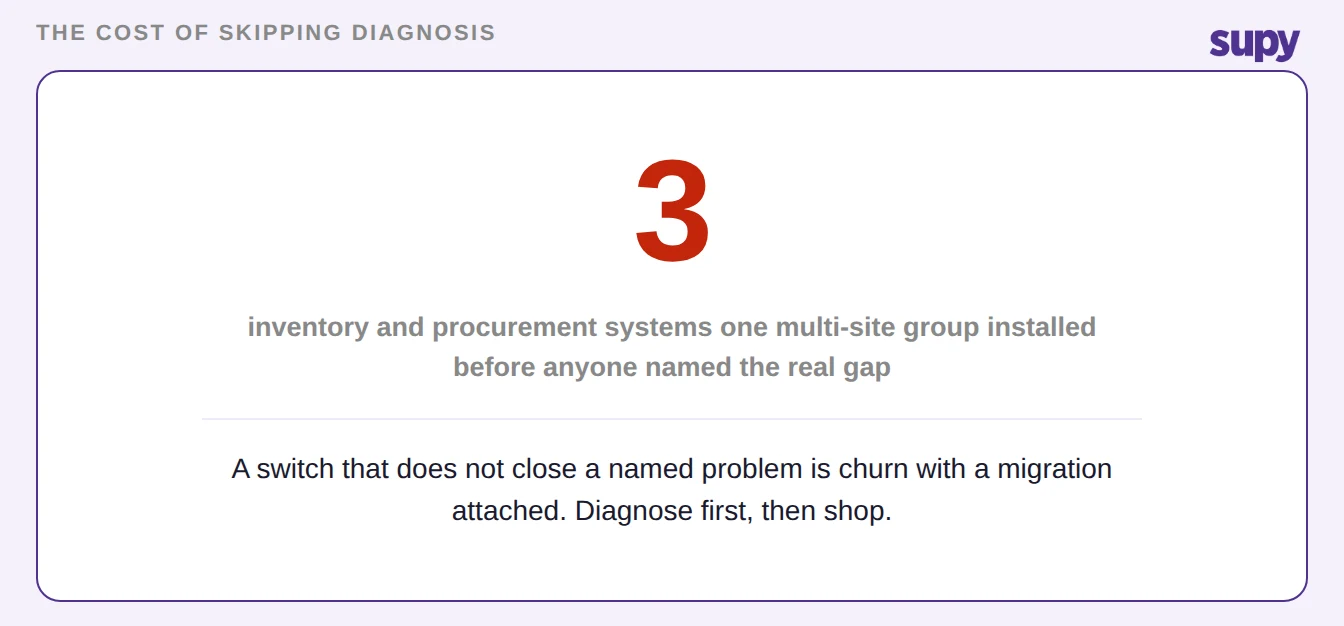
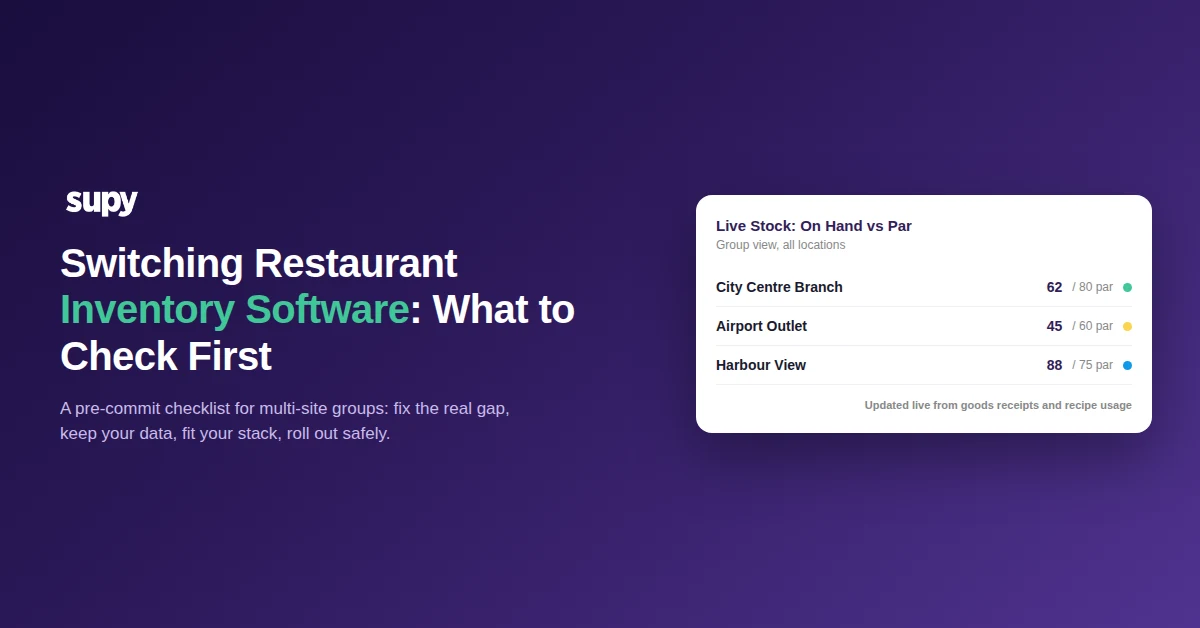
So test the fix directly. If variance accuracy is the problem, ask to see how the platform keeps theoretical stock current. Supy updates theoretical stock from every goods receipt and recipe usage event, so the variance at count time is measured against real expected usage. If slow counts are the problem, ask about count structure. Supy uses reusable templates in shelf order and parallel counting that auto-merges across counters, with a stated time reduction of over half against manual counts.
Score Each System on What Actually Matters
A demo is designed to impress, not to inform. Bring your own scorecard so every vendor is judged on the same criteria, in the same order, against the gap you named. Serious buyers already do this. One twelve-site operator arrived at evaluations with a detailed criteria list rather than a wish to be wowed, which is the posture that keeps a switch honest.
Score at least these criteria, and make each vendor show you rather than tell you.
| What to score | Weak answer | What to require |
|---|---|---|
| Variance accuracy | "Trust us, it is accurate" | Theoretical stock updating live from receipts and recipe usage |
| Stock counts | "You can count on mobile" | Reusable templates, parallel counting, instant variance drill-down |
| Data portability | "Everything exports" | A clean sample export with recipe and modifier links intact |
| Integrations | "We connect to everything" | A named connector for your point of sale, sales in by webhook |
| Multi-site control | "Role-based access" | Per-site permissions and an audit trail of every change |
| Rollout support | "Onboarding included" | A parallel-run plan and a named owner per site |
What to Nail Before You Sign
Four things sink a switch, and all four are verifiable before you commit. Weigh each by how much it costs you if you skip it, and by how early you can check it. The two you can check earliest, data portability and integration fit, are also the two that hurt most when they go wrong. Start there.
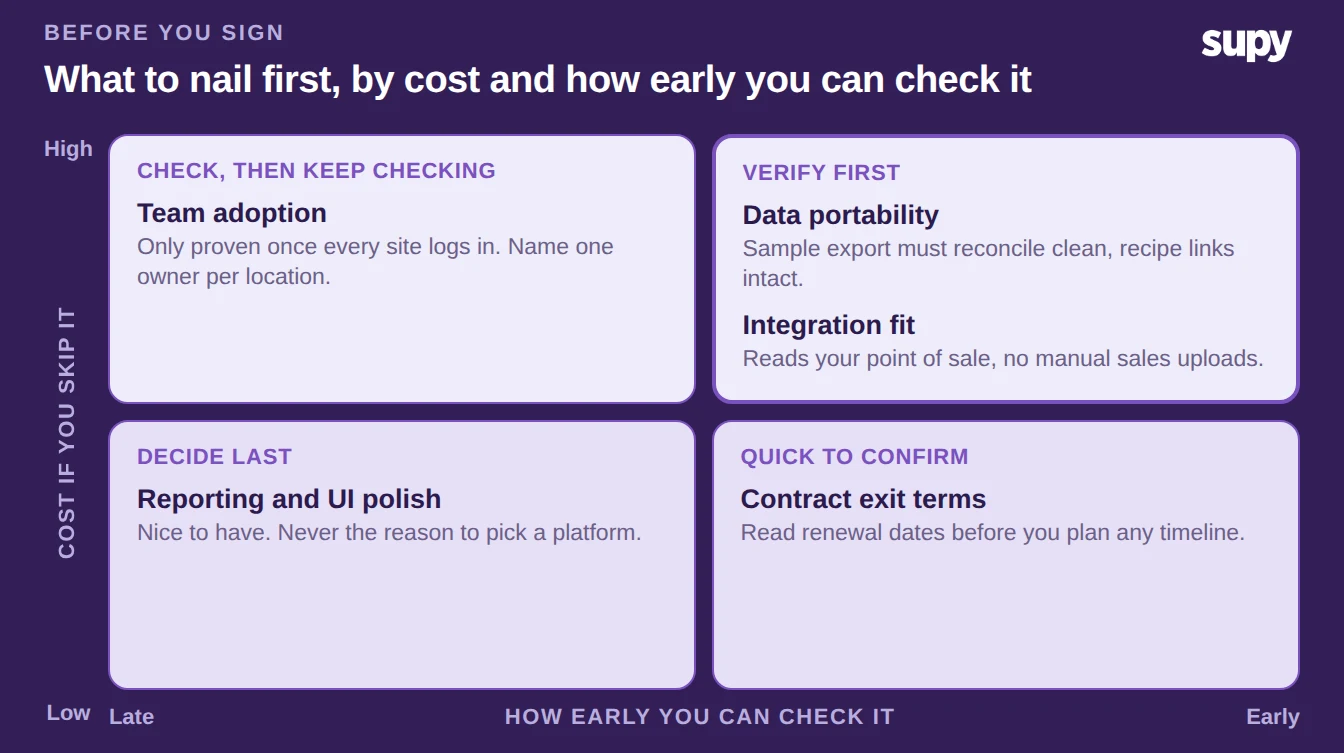
Data portability comes first. Do not accept a general promise that your data can be exported. Ask for a sample export and import it into a test space. Then reconcile totals, item counts and recipe links against the old system. An export that arrives as a flat list with the recipe and modifier links broken is not a migration. Our guide to migrating restaurant inventory software walks through that reconciliation step by step.
Integration fit comes next. A system that cannot read your point of sale forces you to upload sales by hand, which quietly undoes the automation you switched for. Confirm the platform connects to your point of sale and the rest of your stack before you sign. Supy runs over seventy integrations across point of sale, accounting, ERP and aggregators, and imports sales by webhook so stock moves without manual entry. If you are weighing a point-of-sale module against a dedicated tool, our comparison of point-of-sale versus dedicated inventory software is a useful companion.
The last two are contract and adoption. Read your incumbent contract for exit terms and auto-renewal dates before you plan any timeline. One operator was locked in until the end of a multi-year term and could not move when they wanted to. Adoption is the quiet killer. Budget real training time per site, and name one owner per location, because a system nobody logs into fails no matter how good it is.
Plan the Cutover So Nothing Goes Dark
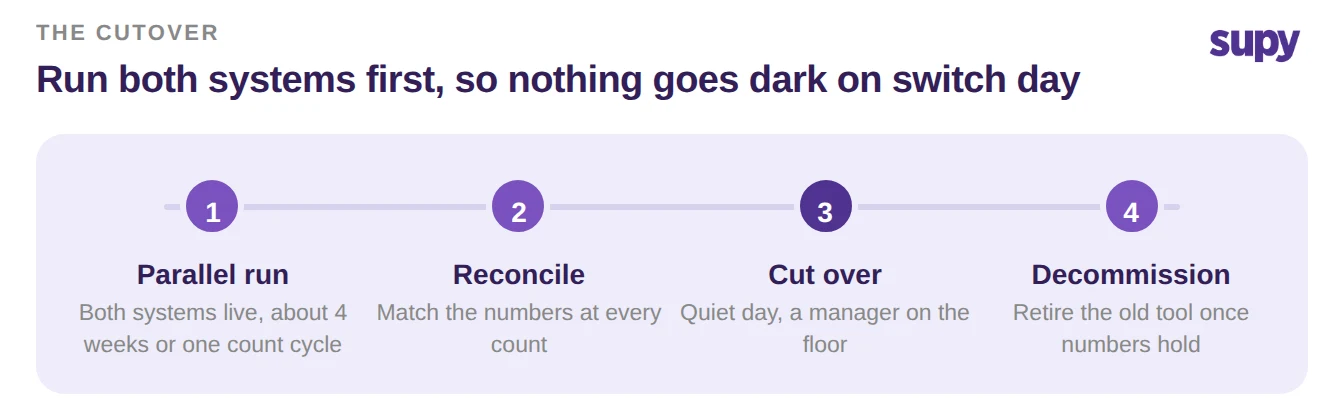
You do not have to flip everything overnight, and you should not. The safest switch runs the new platform alongside the old one first. That way you compare their numbers on the same days before you trust either one, and nothing goes dark if something is off.
Run both systems together for about four weeks, or one full count cycle, whichever is longer. Reconcile the two at each count. When the new numbers hold up, cut over and decommission the old system on a quiet day with a manager on the floor. Give multi-site roles and permissions a check on the way in, so each site sees what it should and nothing it should not.
Your pre-commit checklist
Before you sign for any platform, apply four tests and score each one in the demo, not after it. First, does it close the specific gap you named, shown live rather than described? Second, does a real sample export come back clean, with recipe and modifier links intact? Third, does it connect to your point of sale and the rest of your stack without manual uploads? Fourth, can you run it in parallel and prove the numbers before you cut over?
A platform that passes all four is worth switching to. One that passes three is worth another conversation. A tool that cannot show you any of them live is the same bet that made you want to switch in the first place. If real-time variance, faster counts and one view across every site are the gaps you are closing, that is what to weigh against your shortlist. See the restaurant inventory management software platform, or book a demo and bring your scorecard.