.jpg)


Signs You Need Restaurant Inventory Software: Move Off the Spreadsheet
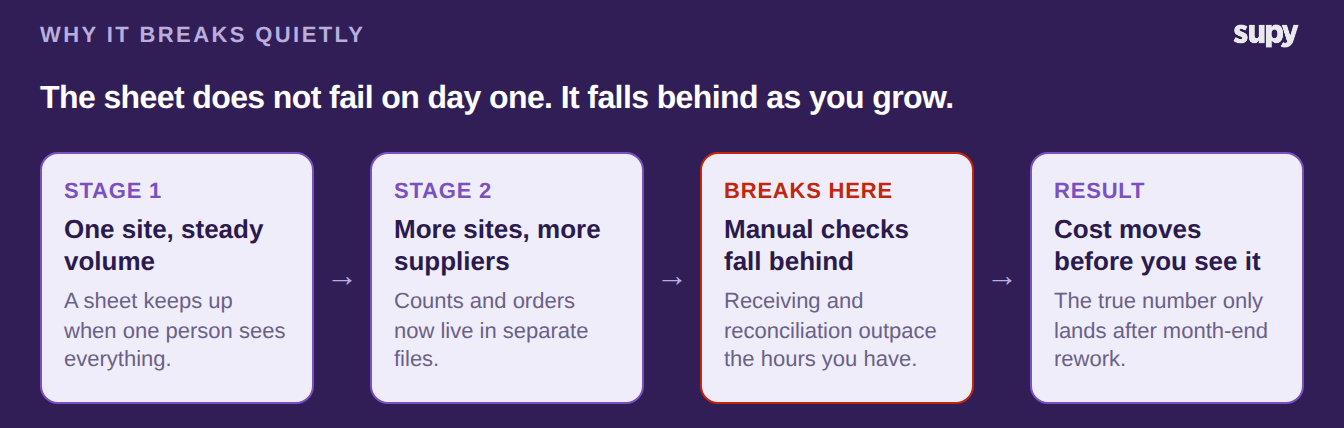
When Spreadsheet Inventory Starts Falling Behind
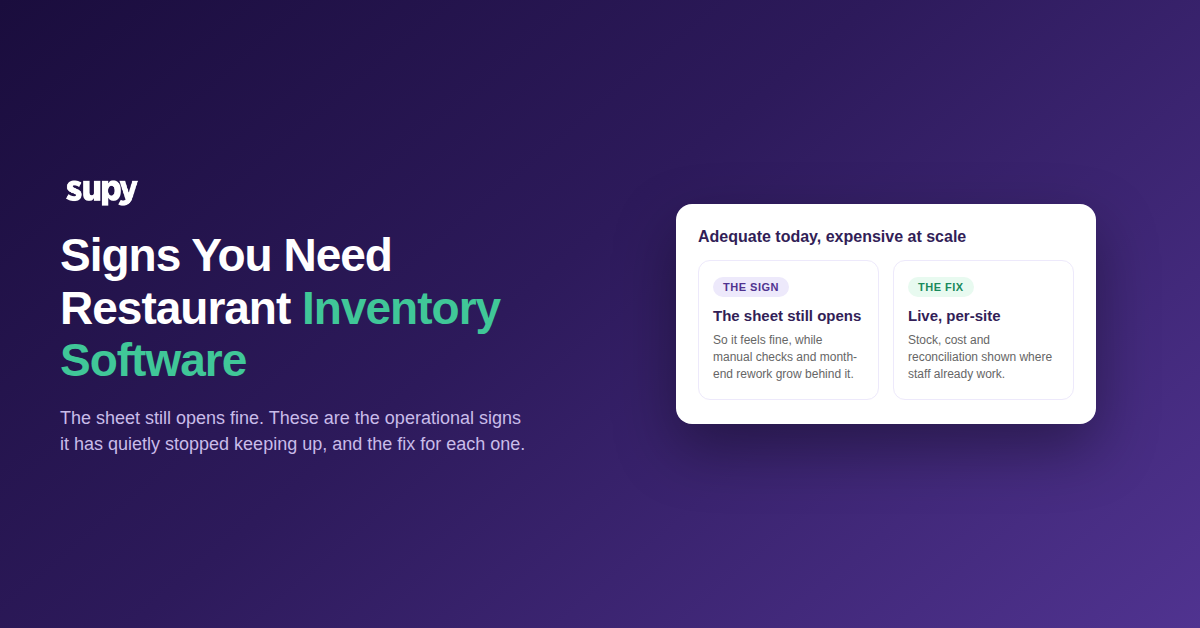
You need restaurant inventory management software when the manual work behind your spreadsheet grows faster than the hours you have. The signs are practical, not dramatic. Deliveries take longer to check, food cost lands late, and stock figures stop agreeing between sites.
Plenty of operators review this with their accountant and decide the sheet is fine for their current volume. It usually is, right up until it is not. The rest of this guide lists the signs that adequacy is hiding real cost, and pairs each one with the fix.
The Signs You Have Outgrown Spreadsheet Inventory
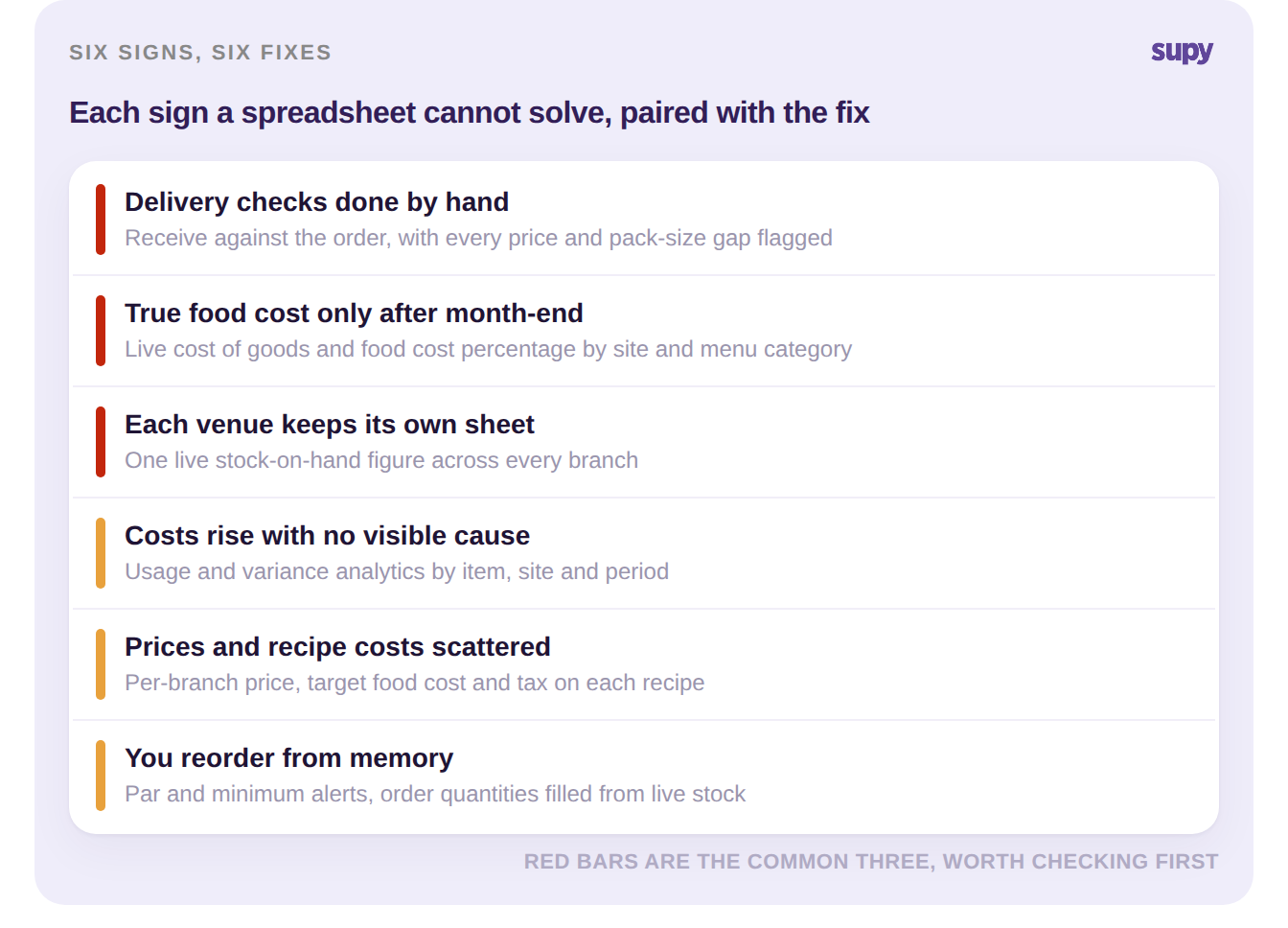
Here are the signs operators run into most often, and what each one looks like once it is fixed.
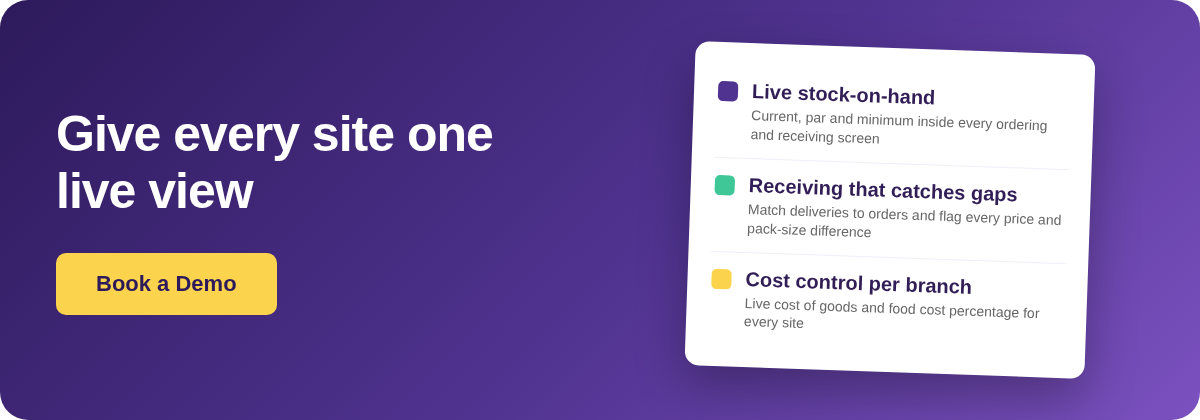
- You reconcile deliveries by hand. Someone checks each delivery against its purchase order, hunting line by line for pack-size and price differences. It is slow, and gaps still slip through. The fix is to receive against the order in one screen, with live stock updating as you go and every price or pack-size difference flagged for review.
- Your true food cost only appears after month-end. You rebuild the real number later from credits, cashback and retrospective pricing, so you are always looking backward. The fix is live cost of goods and food cost percentage at group, site and menu-category level, with theoretical-versus-actual variance you can read any day of the week.
- Every venue keeps its own sheet. Each site counts and orders in a separate file, so no two numbers match and nobody sees the group. The fix is one real-time stock-on-hand figure per item per location, with par and minimum levels you can view across every site at once.
- Costs are climbing and you cannot see why. The total goes up, but the sheet cannot show which item, site or period moved. The fix is usage and variance analytics. They break movement down by item, branch and period, so you see the cause before month-end.
- Prices and recipe costs live in scattered files. One site sells a dish at one price and margin, another at a different one, and a sheet cannot hold both cleanly. The fix is to assign each recipe to specific branches, each with its own selling price, target food cost and tax.
- You reorder from memory. Without a live figure you either run out or over-buy, and cash sits on the shelf either way. The fix is par and minimum thresholds per item per site, with alerts and order quantities filled from current stock against par.
Working out par levels for every item by hand is its own chore. If you would rather not, the free par level calculator works them out for each item from your usage, delivery days and supplier lead times.
How to Tell You Are Ready for Inventory Software
You do not need every sign on the list to justify a change. The practical test is simpler: count how many of these show up in a normal month. If two or more recur, the spreadsheet is already costing you more than it saves. Start with the two that hurt most, which are usually live visibility and receiving.
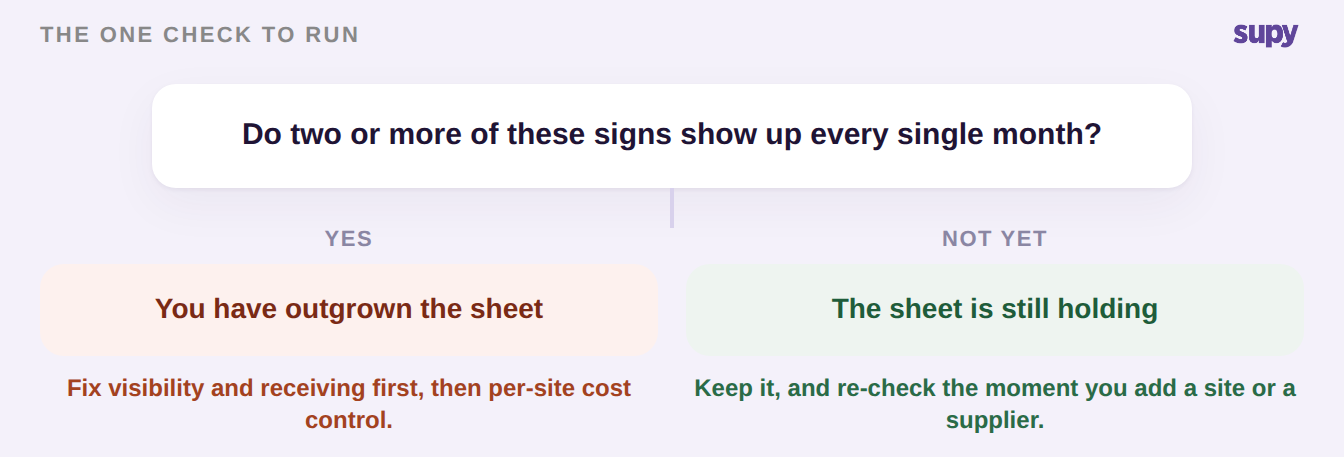
Growing multi-site operators tend to reach the same point: once ordering is under control, inventory and cost are the logical next step. When two or more of these signs are true every month, that step is due. If you are ready, our restaurant inventory implementation checklist covers moving off the spreadsheet in stages, without downtime.