.jpg)


Restaurant Inventory Implementation Checklist: How to Set Up a New Site
What Goes on a Restaurant Inventory Implementation Checklist
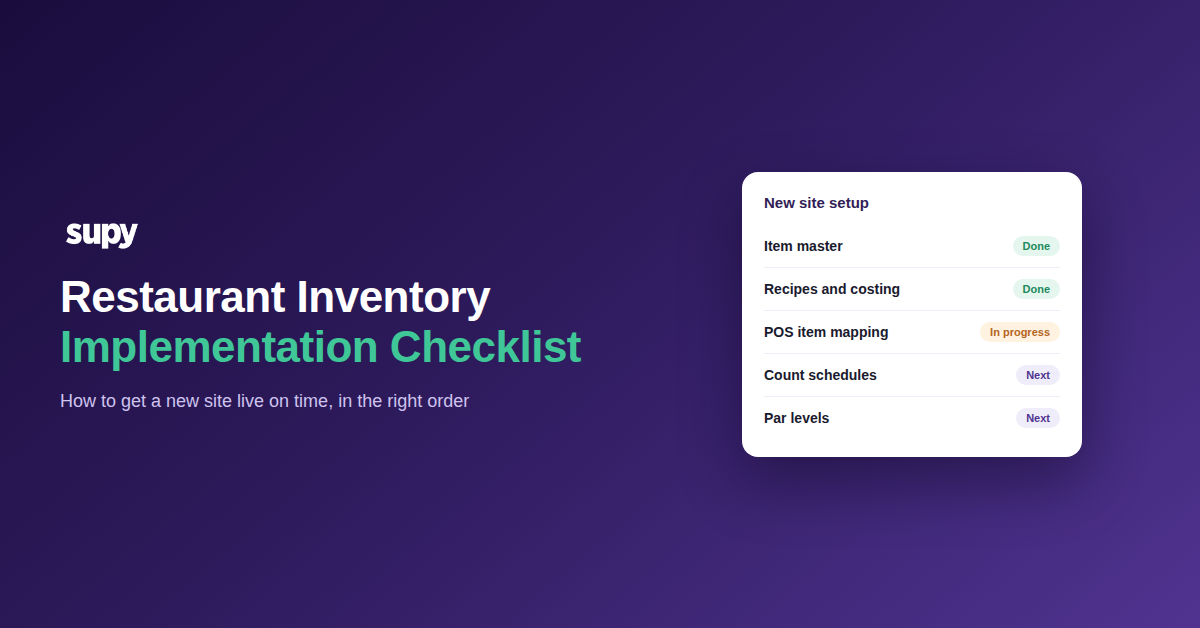
A restaurant inventory implementation checklist is the ordered set of setup steps a new site works through before its first live stock count. It moves from the data everything else depends on, through recipes and costing, to the counts, roles and par levels that keep the site running. The order is the point, because each step relies on the one before it.
Most go-live problems are not software problems. They are sequence problems. A team sets par levels before the item master is clean. Or it runs an opening count before recipe costs are right. Either way, the numbers are wrong from day one.
Work the checklist top to bottom. Do not start a step until the step above it is signed off. That single rule separates a two-week go-live from one that drifts for months.
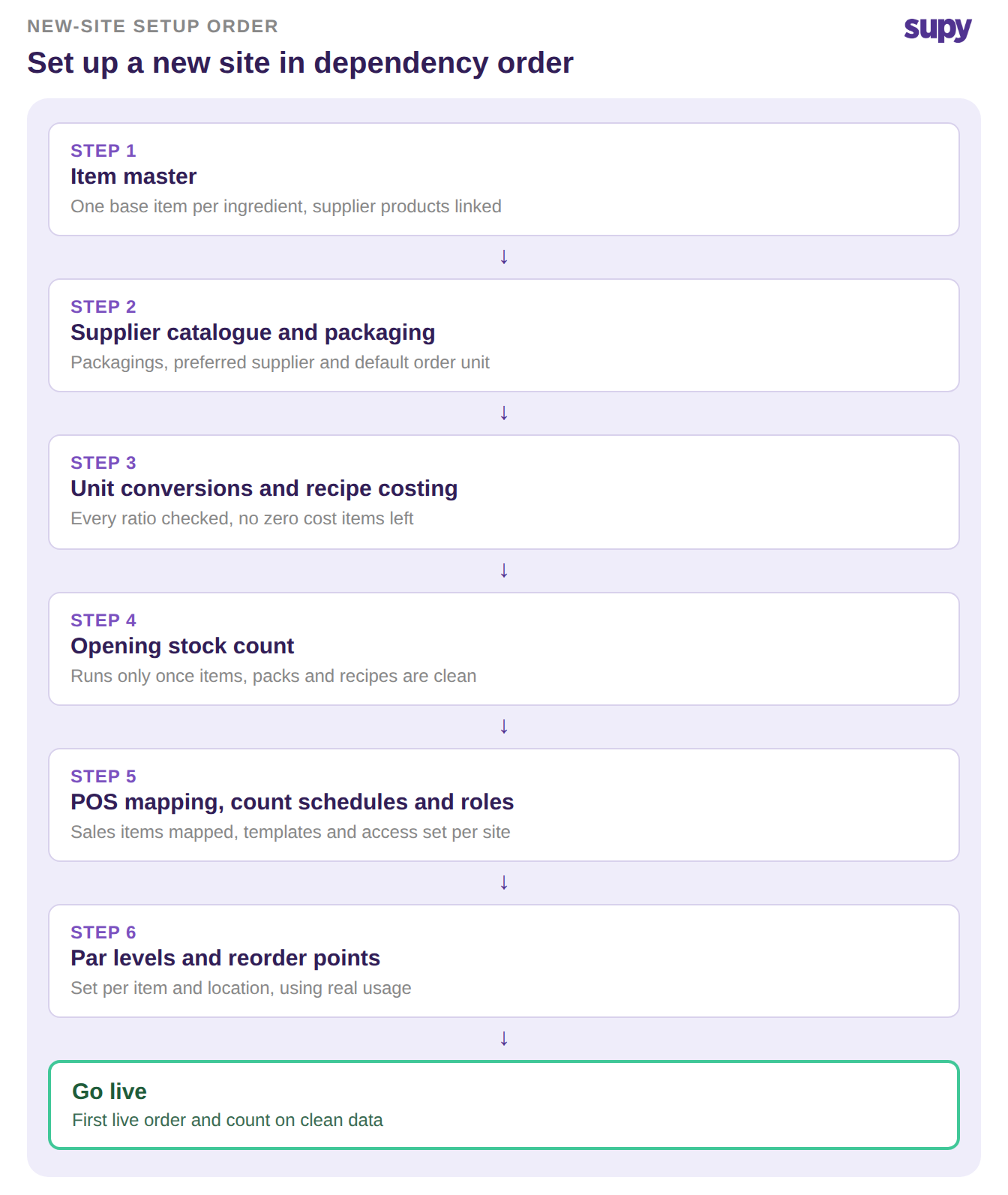
The New-Site Inventory Setup Checklist
Here are the nine steps in the order to complete them. Each one has a clear thing to verify before you move on. Each one also has a reason it gates the go-live if you skip it.
| Setup step | Verify before moving on | Why it gates go-live |
|---|---|---|
| Item master | Every ingredient has one base item with its supplier products linked | Costs and counts have nothing to attach to without it |
| Supplier catalogue and packaging | Each item lists its packagings, preferred supplier and default order unit | Ordering picks the wrong unit and prices load wrong |
| Unit of measure conversions | Each pack to recipe ratio is checked, such as a loaf to its real slice count | A wrong ratio inverts every recipe cost downstream |
| Recipes and costing | Recipes are built and costed, with no zero cost items left | Costing errors block the first transaction entirely |
| Opening stock count | The first count runs only once items, packs and recipes are clean | An early count on dirty data just records wrong numbers |
| POS item code mapping | Every POS sales item maps to an inventory item | Unmapped items make theoretical versus actual reports meaningless |
| Count schedules and templates | A recurring schedule and shelf order templates are set per location | Counts drift and take far longer without them |
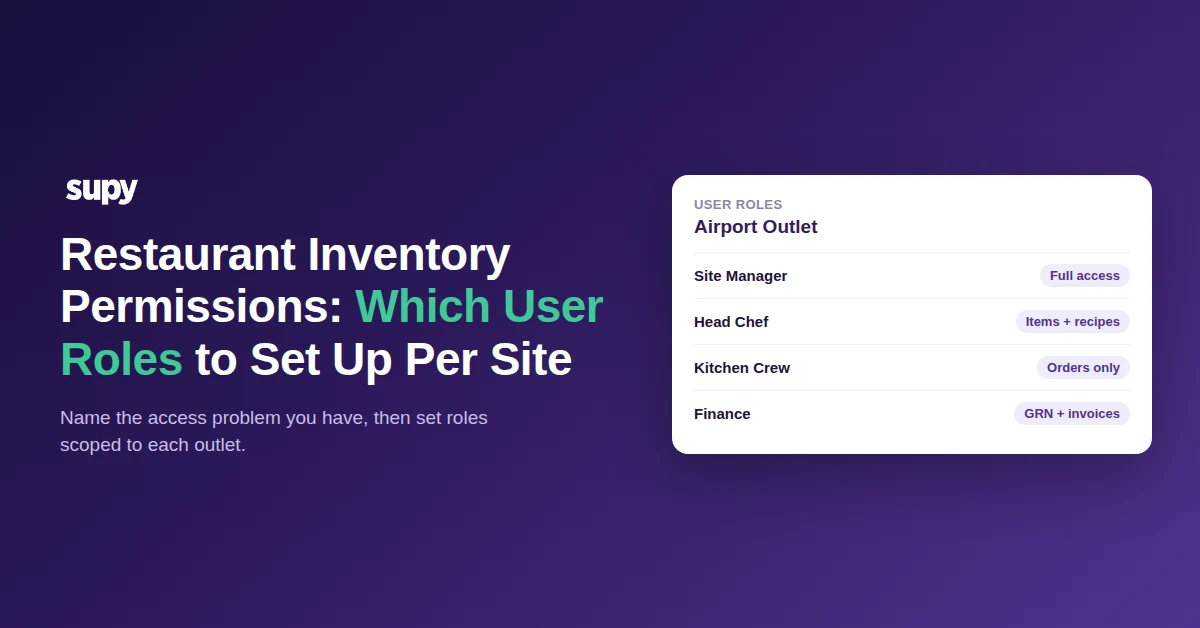
| User roles and access | Each user is scoped to their sites, with cost visibility set | Staff either cannot work or see figures they should not |
| Par levels and reorder points | Par levels are set per item and location | Ordering has no trigger and the site over or under orders |
Par levels are the last step for a reason. They depend on clean items, real usage and known lead times. That makes them easy to rush at the end of a go-live. Set them per location, because a city centre site and an airport outlet rarely turn over the same way.
If you would rather not work par out by hand, the free par level calculator does it for every item on your sheet. It uses your usage, delivery days and supplier lead times.
The Three Checks That Most Often Block Go-Live
Three steps stall more go-lives than the rest combined. They are worth a second look before you count a single shelf.
Recipes and costing come first. One operator could not place a single order, because recipe and costing errors had left prices wrong across nearly every item. A staged inventory platform like Supy flags zero cost items, which otherwise stay at zero until a real purchase or transfer exists. For the deeper version of this trap, see how recipe setup blocks onboarding.
POS item code mapping is second. One group carried about 2,000 items still unmapped between their point of sale and inventory across five venues. No report could be trusted until it was fixed. The mapping can be automated across Supy's 75+ integrations, then checked item by item before go-live.
Unit of measure conversions are third, and the quietest. A single wrong ratio inflates or inverts every downstream cost, with no error message. Mapping a loaf to one slice instead of its real slice count is a common example. Check the conversions on your highest volume items first.
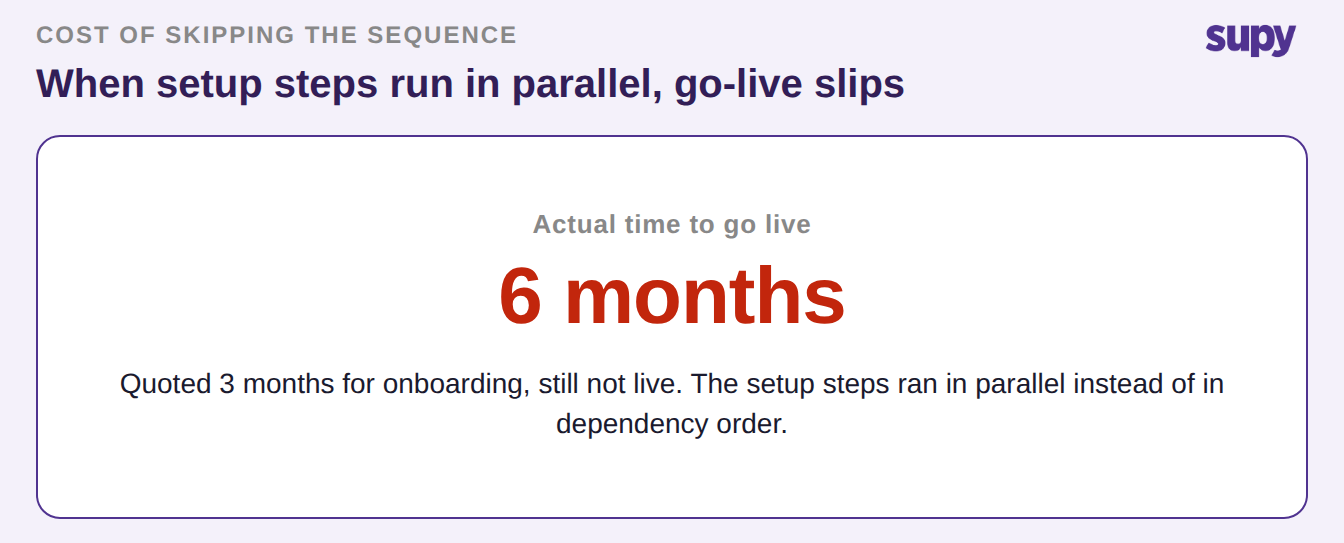
Get these three right and the rest of the checklist follows quickly. One group was quoted three months for onboarding. Six months later they still had no live system, because the steps ran in parallel instead of in order. Reusable count templates in shelf order then cut counting time by over 50%, so the setup effort pays back on every count that follows.
Roll the same checklist out to the next site rather than starting over. Count schedules, shelf order templates and role structures carry across locations. Site two inherits what site one proved. Time each go-live away from peak trading, because a team in its busiest weeks cannot absorb a new system on top of service.
Run this quick self audit before your next go-live. Is every item costed above zero, is every POS item mapped, and are your unit conversions checked on the items you sell most? If any answer is no, fix that before the opening count. To see how the whole rollout fits together, read the multi-site inventory rollout guide.
Getting a new site live is mostly about doing known steps in the right order. A platform built for multi-site groups keeps that order enforced, so each site goes live clean and the next one goes faster. To see it on your own setup, book a demo.