.jpg)


Why Restaurant Tech Rollouts Stall on Training, Not Technology: Role-Based Sequencing and the Real Adoption Risk
Why Restaurant Software Rollouts Stall on Training, Not the Software
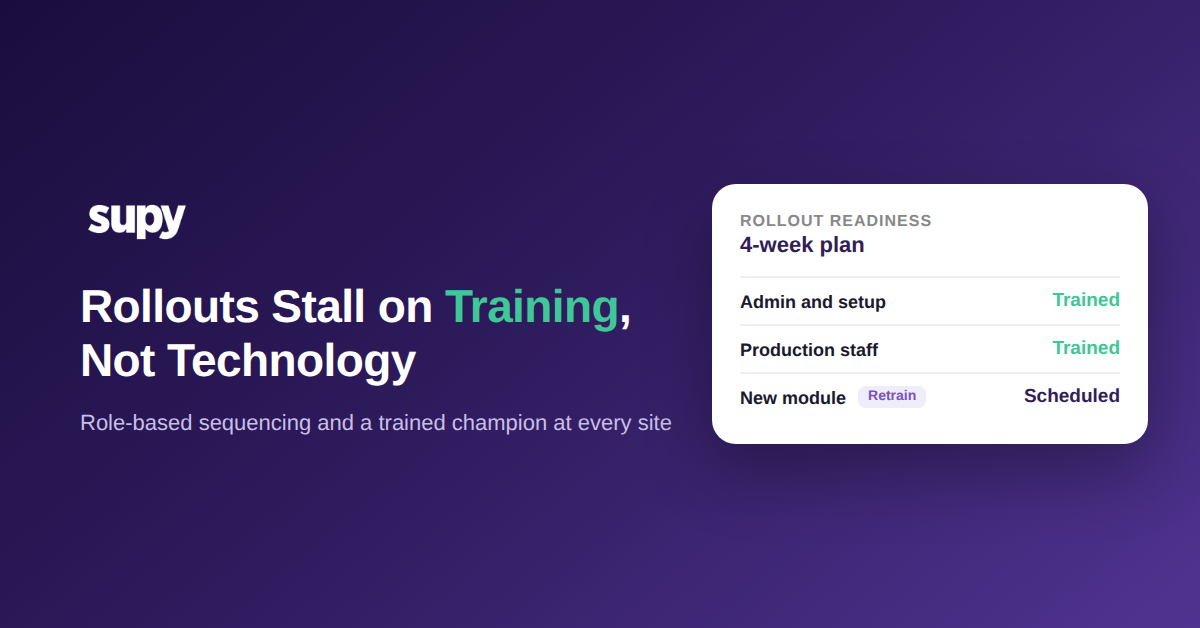
Most restaurant software rollouts stall on training, not technology. The platform works; the team never fully adopts it because training happens once, at go-live, around whoever is in the room that day. Adoption depends on sequencing: training each role on each module in the order it goes live, with a named champion at every site. Get the sequence wrong and the software goes live in name only.
The pattern is consistent across multi-site groups. A rollout is scoped as a project with a hard go-live date, back-end setup and integrations get most of the attention, and training is treated as a single event near the end. Weeks later the gaps surface: staff who were never set up as users, a site that no one on the ground can operate, a new module bolted onto old habits. None of these are software faults. They are sequencing faults, and they are predictable enough to plan around.
The rest of this guide walks through the four failure modes that quietly stall adoption and the training sequence that prevents each one. The order matters more than the effort: a small amount of training delivered in the right sequence beats a large amount delivered as one lump at the wrong time.
One Central Training Session Never Reaches a Multi-Site Team
The most common rollout mistake is a single group training session that assumes everyone who needs the system will be present and will absorb it in one sitting. In multi-site groups this fails on contact with reality. Branch staff cannot always attend a session scheduled for one location, attendance is voluntary, and the people who show up are rarely the ones doing the daily counting and ordering. The result is a group that is trained on paper and untrained in practice.
The fix is to treat each site as its own activation, not a line item under one company-wide session. Every location needs at least one trained local champion who can operate the core workflows without help and answer the questions that come up in the first busy week. A super-user model works well: a manager plus one designated power user per department, so training survives beyond the launch session and does not depend on a single person being reachable. Confirm attendance per site rather than assuming it, and plan follow-up for the sites that could not make the first session.
A central session is not a rollout plan
| Site | Local champion | Trained | Go-live status |
|---|---|---|---|
| City Centre | Floor manager | Yes | Ready |
| Harbour View | Head barista | Yes | Ready |
| Airport Outlet | Shift lead | No | Follow-up visit booked |
| North Branch | Kitchen lead | Yes | Ready |
This is the same discipline that keeps multi-site stock counts accurate: the process only holds if every location can run it, not just head office.
Training That Stops at Go-Live While New Modules Keep Shipping
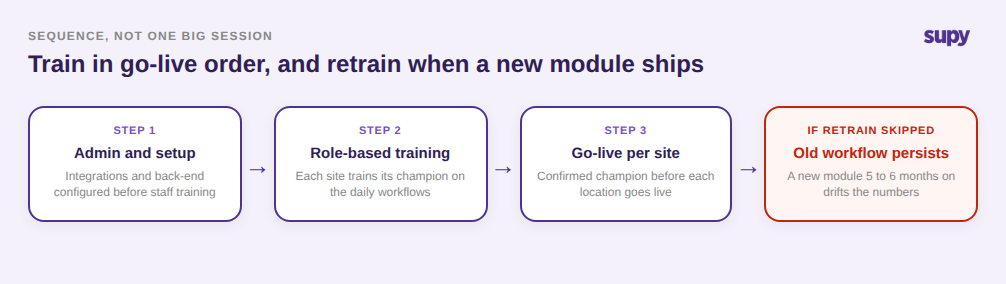
Onboarding training covers the modules that are live on day one. The problem is that the platform keeps growing after go-live, and training rarely keeps pace. A team trained on core ordering and receiving carries on with those habits when a new module arrives 5 to 6 months later, quietly running the new capability through the old workflow. The gap does not show up immediately. It shows up as numbers that no longer match reality.
One operator kept an old workflow after a new module went live and never retrained. Stock-on-hand drifted until the system showed 2,800 units of an item against 200 on the shelf, and the fix was a full rebuild of recipes, yields and cost centres before the data could be trusted again. The lesson is that training has to be sequenced module by module in the order each one goes live, with a dedicated retraining session rather than an assumption that staff will self-adopt a new tool onto existing routines.
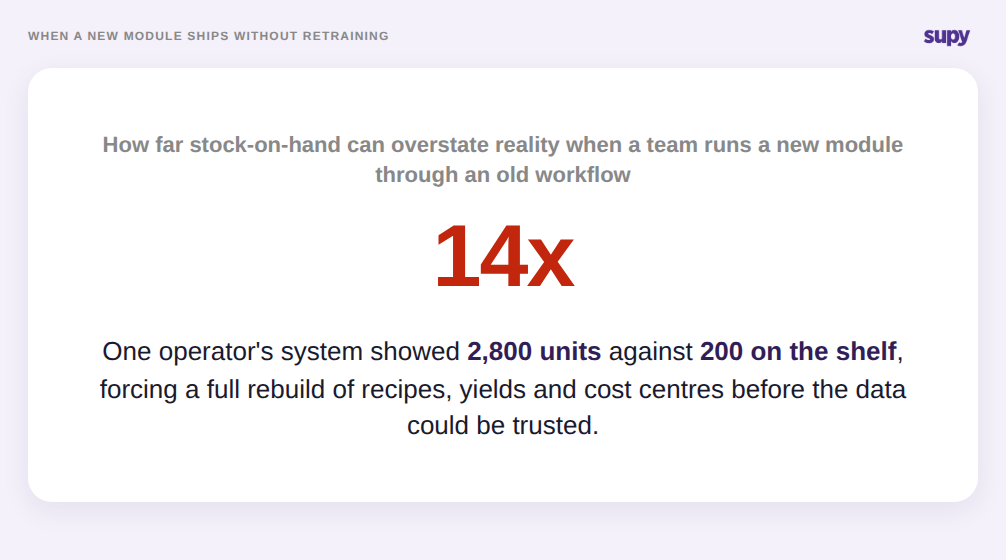
Keeping live stock visibility trustworthy is a training problem as much as a data one: a module no one was retrained on produces confident, wrong numbers.
Train Roles and Sequences, Not Individuals
Two related failures come from building a rollout around named people instead of roles. The first is single-person dependency: a team allocates training time around specific individuals, those people leave before go-live, and the plan collapses because it was never tied to a role that a replacement could step into. The second is access that ignores roles entirely. When every user is given admin-level access with no department-scoped permissions, the accounts that matter often never get provisioned, and key staff can be months past go-live having never logged in.
Role-based sequencing solves both. Define who needs which module, in what order, and scope access to the revenue centre or department each person actually works in. Supy supports this directly with role-based permissions and approval chains of up to up to 5 approvers, scoped by branch and role, so training maps to real responsibilities rather than to individuals. When someone leaves, the role and its access survive, and the replacement steps into a defined seat instead of a gap. Where a rollout has to proceed before the full team is in place, stage it: let integrations and back-end setup go ahead while operational training waits for the people who will actually own it.
Scope each role to what it actually owns
| Role | Access scope | Trains on | Rollout stage |
|---|---|---|---|
| Group admin | All sites and settings | Setup, permissions | First wave |
| Site manager | One site, all departments | Approvals, reports | First wave |
| Kitchen lead | Kitchen department | Recipes, counts | Second wave |
| Front of house | Ordering only | Ordering, receiving | Second wave |
There is one more reason sequencing matters, and it is about people rather than permissions. Decision-makers and frontline staff need separate convincing. Owners sign because of the group-level numbers; the person doing manual pen-and-paper work adopts only when they see proof in their own day. That proof is concrete and per-role: a par-level order that drops from 1 hour a day to about 10 minutes, or 2 hours a month saved on supplier invoicing. A phased rollout that starts on a narrow category at one outlet generates that proof before you ask the whole group to change how it works. It also reframes the effort objection: one operator anchored a 4-week training plan at $1,000 a month against a $18,000 a month cost overrun they were already living with, and the training time suddenly looked proportional to the gain.
Before you set a go-live date, run this quick check on your own rollout. If you cannot name a trained champion at every site, one location will go live untrained. If your training plan lists people rather than roles, it will not survive a single resignation. If no retraining session is scheduled for the next module on your roadmap, that module will produce wrong numbers within a quarter. And if your frontline team has seen no per-role proof of time saved, expect resistance no matter how strong the group-level case is. A healthy rollout keeps wastage within about 2% of purchase value and variance within about 0.5% of revenue; if you are off those benchmarks after go-live, adoption, not the software, is usually where to look first.