.jpg)


Restaurant Inventory Software: Staff Training That Drives Adoption
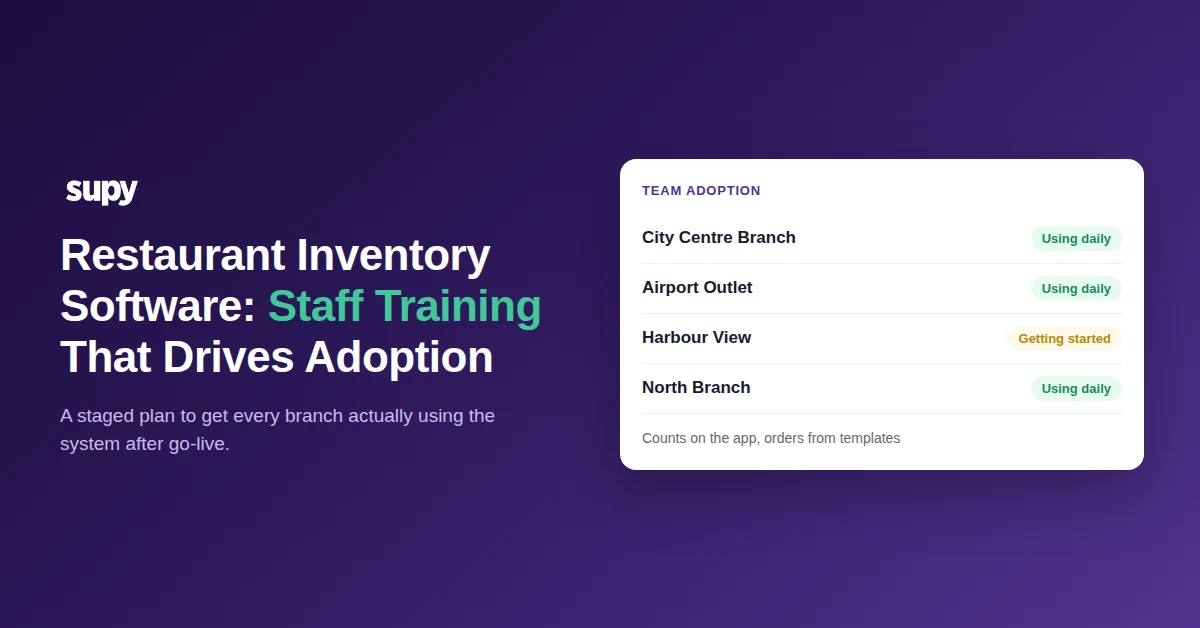
What Real Adoption Looks Like Across Every Branch
Real adoption means every branch uses your restaurant inventory software the same way, every day, without being chased. Staff count on the app, order from templates, and receive against a purchase order because it is faster than the old way. Good training gets you there, but only when it is staged around the system your team will actually touch.
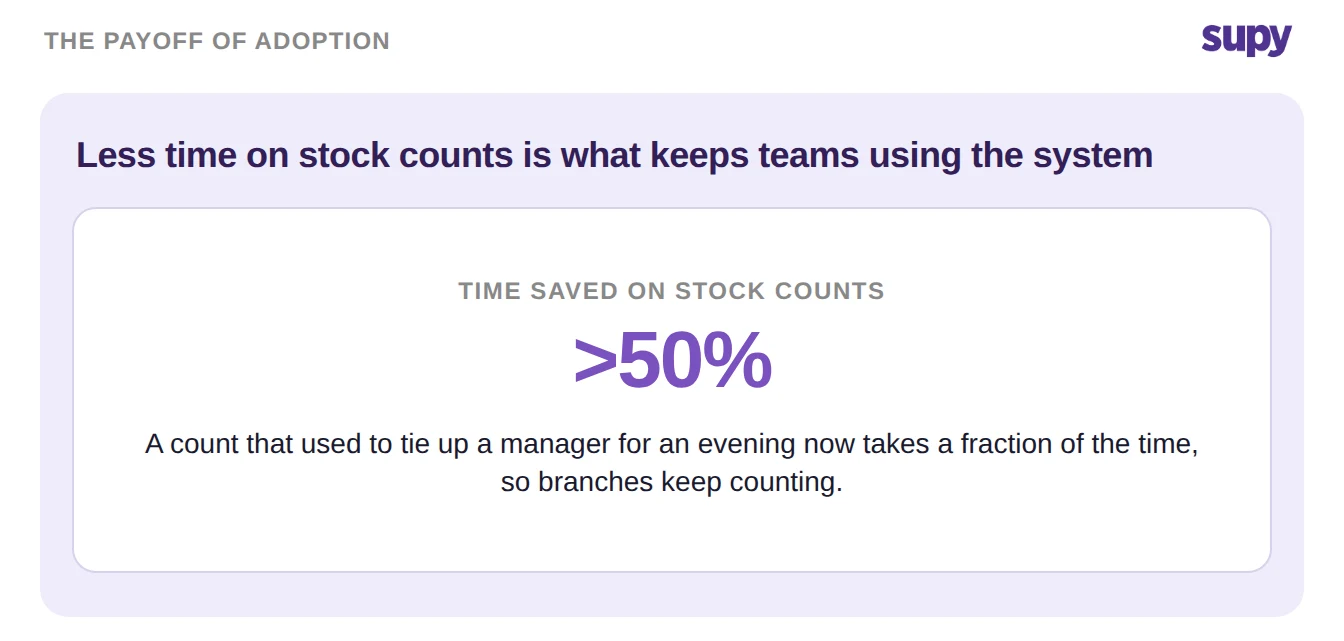
The payoff is concrete. A stock count that used to tie up a manager for a whole evening can take more than 50% less time on a phone. When the daily work is quicker, people keep doing it, and your numbers stay current. That is the real test of any restaurant inventory management software: not whether it is installed, but whether every site relies on it.
This guide is a staged plan. Finish setup first. Match access to each role. Make ordering and counting near foolproof. Move the work onto phones. Then give every site an owner. Each step lowers the barrier, so the training sticks instead of fading after week one.
Finish Setup Before You Train Anyone
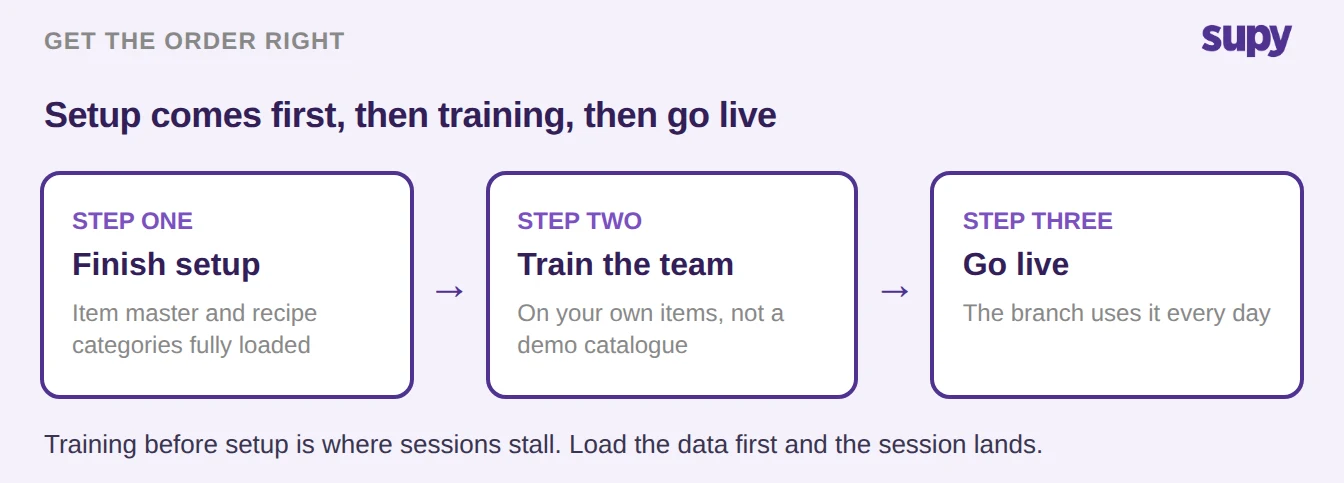
Training lands when people practise on real data. Load the item master and recipe categories before the session, not during it. A team that logs in to its own suppliers, items and recipes can start counting and ordering the same day. A team that logs in to an empty system spends the session watching setup instead.
Setup is where most rollouts stall, so treat it as its own project. Building the item master by hand is slow. You can speed it up by letting AI invoice scanning read your supplier invoices and pull item names, packs and prices for you. If setup keeps slipping, read our guide on why recipe setup is the real onboarding blocker and clear it before you book training.
Match Access to the Job With Role-Based Permissions
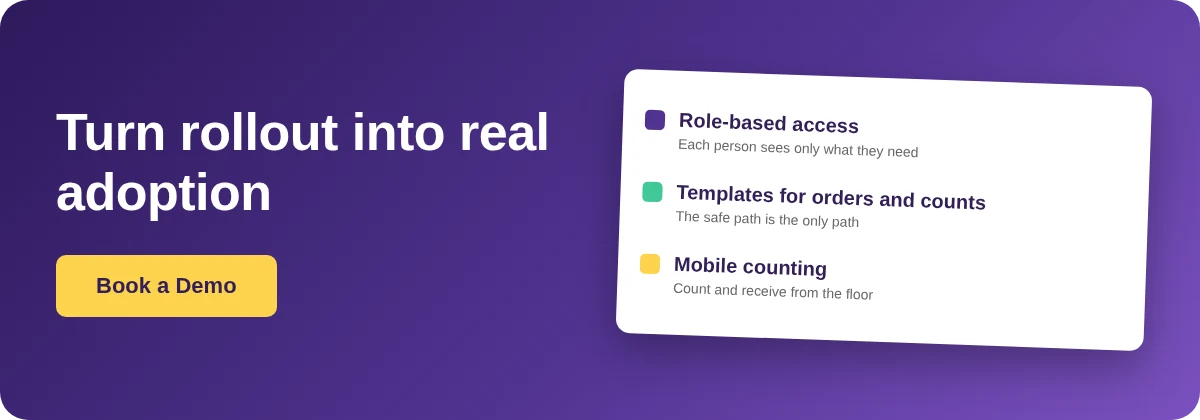
The fastest way to make software easy to learn is to show each person less of it. Role-based permissions do exactly that. A floor team member sees the count and the order they need, and nothing else. Supy ships with 200+ customisable permissions. It also supports approval chains of up to 5 approvers, set by branch and order value. Access maps to the real job.
Here is a simple way to map roles to access:
| Role | Day-to-day tasks | Guardrail that keeps it simple |
|---|---|---|
| Floor and prep staff | Stock counts, receiving, raising requisitions | Restricted to order templates; no price or supplier edits |
| Branch manager | Approving requisitions, placing orders, reviewing variance | Order value limits by supplier and category |
| Area manager | Overseeing several sites, second approval | Sits in the approval chain |
| Head office and finance | Pricing, suppliers, reports, permissions | Sets the rules everyone else works within |
Make Ordering and Counting Near Foolproof
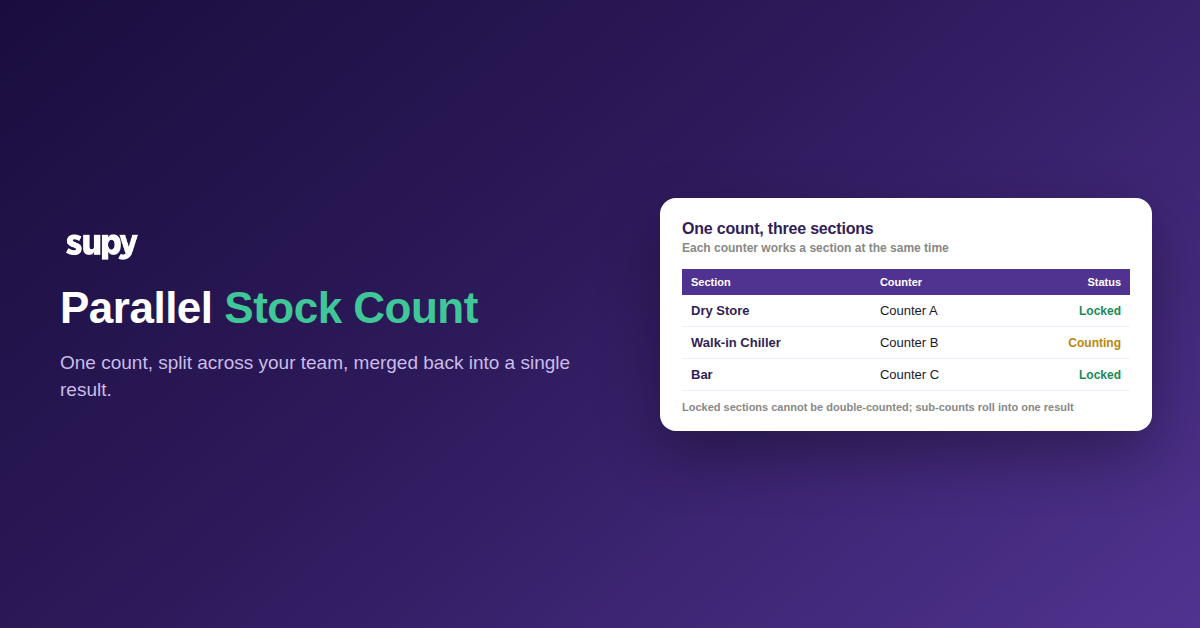
Adoption holds when the daily tasks are hard to get wrong. Order and requisition templates prefill an order from a saved list, so staff adjust quantities instead of searching the whole catalogue. You can restrict some users to templates only, which makes the safe path the only path. For stock counts, a reusable template in shelf order keeps every counter on the same route.
Put the work where the work happens. Counts, receiving and orders all run on the mobile app, so floor staff are not tied to a back-office desk. Counting even works on tablets in low-connectivity storerooms. If counts still drift between sites, our guide on restaurant stock count software shows where accuracy breaks and how to fix it.
The difference between a free-form system and a guided one shows up in every shift:
| Task | The free-form way | The template-guided way |
|---|---|---|
| Placing an order | Search the full catalogue; easy to miss or double up | Load a supplier template, adjust quantities, one tap to the PO |
| Counting stock | A blank sheet, items in no fixed order | A template in shelf order, counted on the app |
| New or junior staff | Have to learn the whole system | Restricted to templates, so mistakes are hard to make |
| Keeping branches aligned | Every site works differently | Shared templates show only items every site stocks |
Give Every Site an Owner and a Way to Raise Blockers
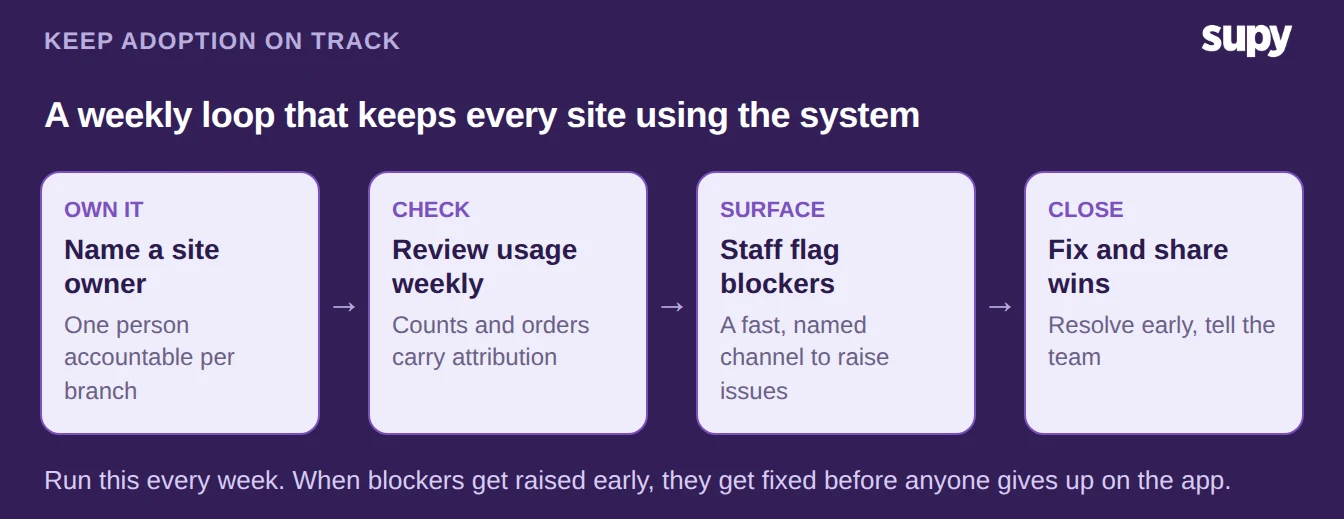
Adoption needs a name against it. Give every site one owner who is accountable for people using the system, not a task shared by everyone and therefore no one. Train each new site before it opens, so the team starts live rather than catching up. And give staff a fast, named way to raise blockers. An issue that is not surfaced early is one that quietly kills the habit.
You can see whether it is working without walking every floor. Counts carry attribution and orders keep a full audit trail, so a site owner can spot who is using each part and who needs a hand. Turn that into a short weekly loop: review usage, surface blockers, fix them, and share the wins.
Where to start this week. Pick one site, not the whole estate. Finish its setup, name its owner, and restrict new staff to templates before you train them. Two weeks later, check the app: are counts and orders coming from that branch on their own? If they are, repeat the same steps at the next site. If they are not, the gap is almost always setup or an unraised blocker, not the team.