.jpg)


Parallel Stock Count: One Restaurant Count, Split Across Your Team
How a Parallel Stock Count Works Across a Team
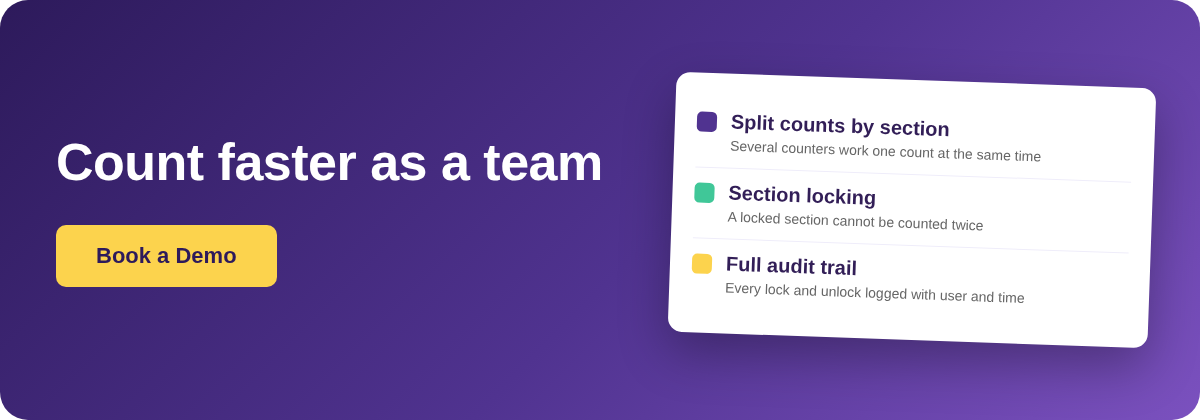
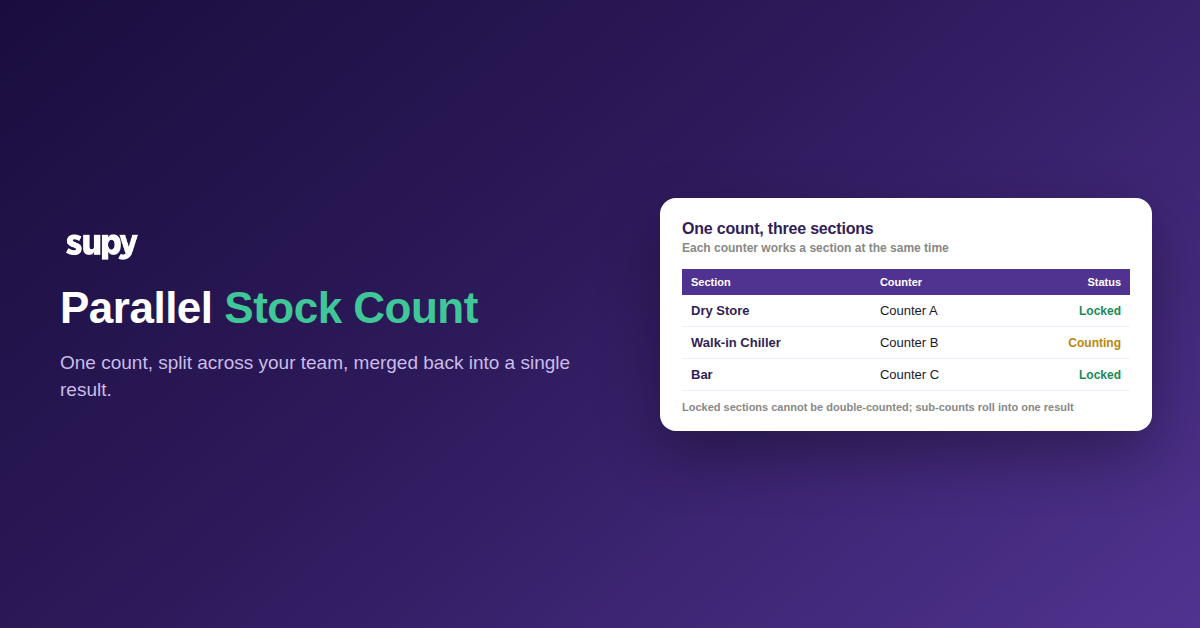
A parallel stock count is one count that several people work at the same time, each on a different section of the same location. You split the count into named sections, give each counter their own, and the results merge into one figure. Nobody waits for one person to finish, and no two people count the same shelf.
Run counts the old way and each site ends up with several separate, uncoupled counts, or one person walking every shelf alone. A parallel count fixes both. It turns a full stock count into a coordinated job the whole team finishes together.
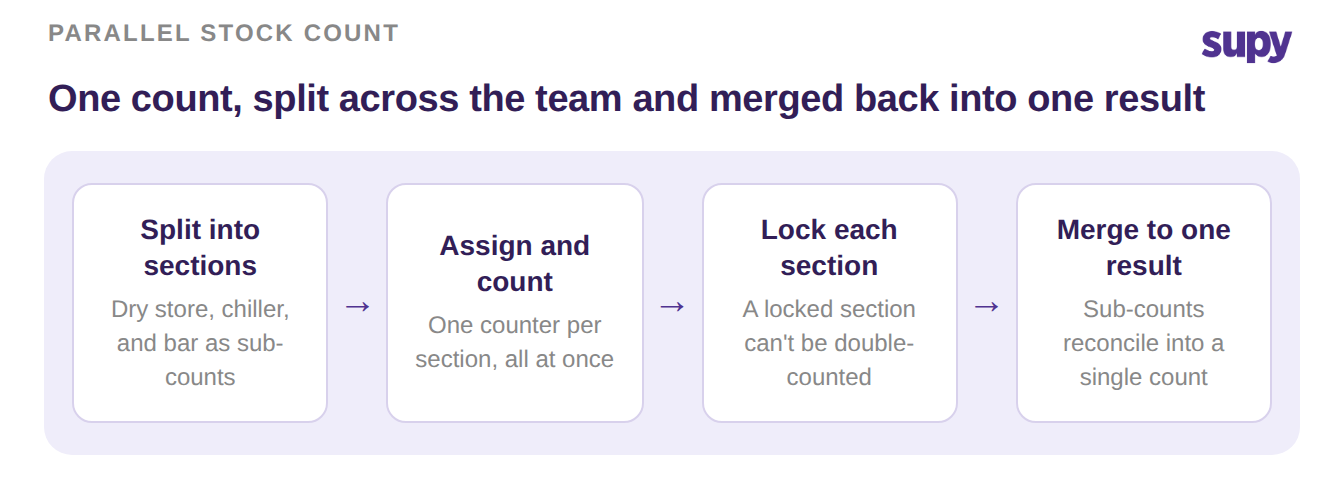
Split the Count into Named Sections
Start by dividing the location into named sections, such as the dry store, the walk-in chiller, and the bar. Each section becomes its own sub-count inside the one count, part of Supy's stock counting. You assign a counter to each, and they all count at the same time.
The table below shows how a three-section count is shared out.
| Section | Counter | Status |
|---|---|---|
| Dry Store | Counter A | Locked |
| Walk-in Chiller | Counter B | Counting |
| Bar | Counter C | Locked |
Everyone works from the same count, so their numbers roll up together. No one has to merge separate spreadsheets afterwards.
Lock Each Section to Stop Double-Counting
When a counter finishes a section, they lock it. A locked section cannot be edited by anyone else, so two people never count the same shelf and overwrite each other. That single rule is what removes double-counting.
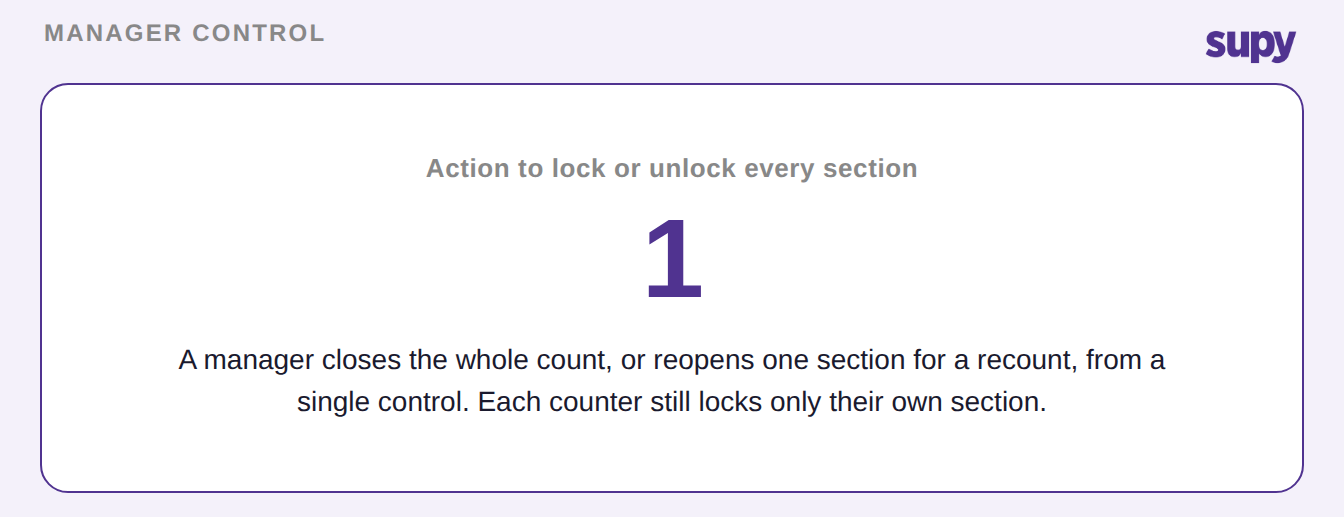
A manager keeps control of the whole count. One action locks or unlocks every section at once, which is how you close the count when the floor is done, or reopen it if a section needs a recount.
Keep One Audit Trail of Every Count
Every lock and unlock is recorded with the counter's name and the time it happened. If a number looks wrong, you can see who counted that section and when, without asking around.
The count carries its own history, so a recount or a query has an answer ready. That is also what lets a manager reopen one section with confidence, because the log shows exactly what changed.
| Time | Counter | Section | Action |
|---|---|---|---|
| 09:12 | Counter A | Dry Store | Locked |
| 09:20 | Counter C | Bar | Locked |
| 09:24 | Manager | Walk-in Chiller | Unlocked for recount |
| 09:31 | Counter B | Walk-in Chiller | Locked |
Combine the Sections into One Reconciled Result
Because every section belongs to the same count, the sub-counts add up to one reconciled result on their own. There is no separate step to stitch the parts together, and stronger stock count accuracy follows from that.
Each site counts in its own shelf order, too. Stock count templates are saved per outlet, so a counter follows the same path along the shelves every time. That keeps the count fast and consistent.
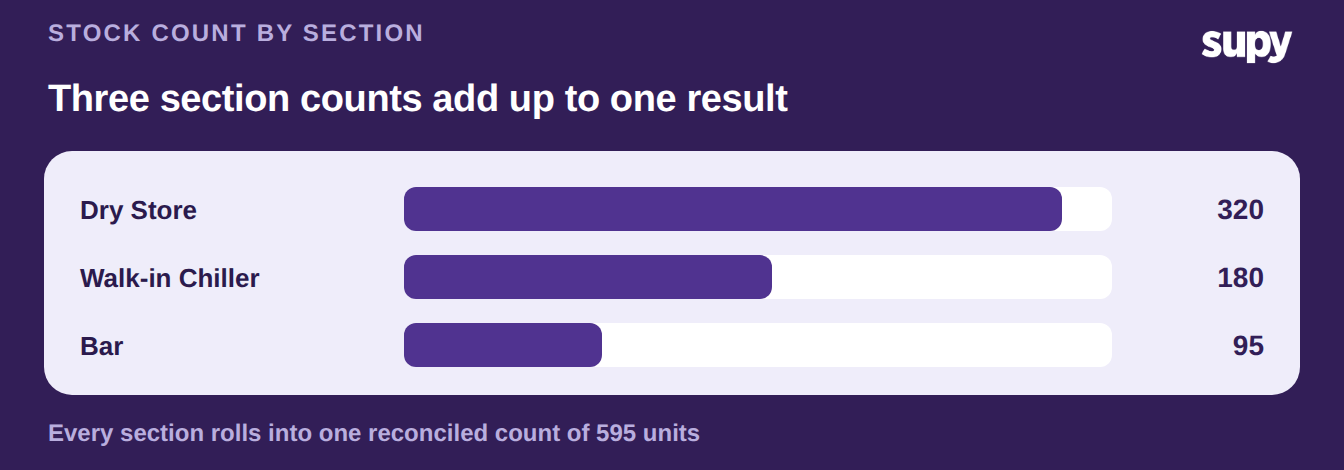
To try this on your next count, split one location into three or four named sections and assign a counter to each. Have each person lock their section as they finish.
You will see the whole count close in one pass, with a single result and a full record of who counted what. That replaces the stack of separate counts you would otherwise reconcile later.