
Procurement

How to Export Restaurant Invoices to Accounting Software With GL Codes
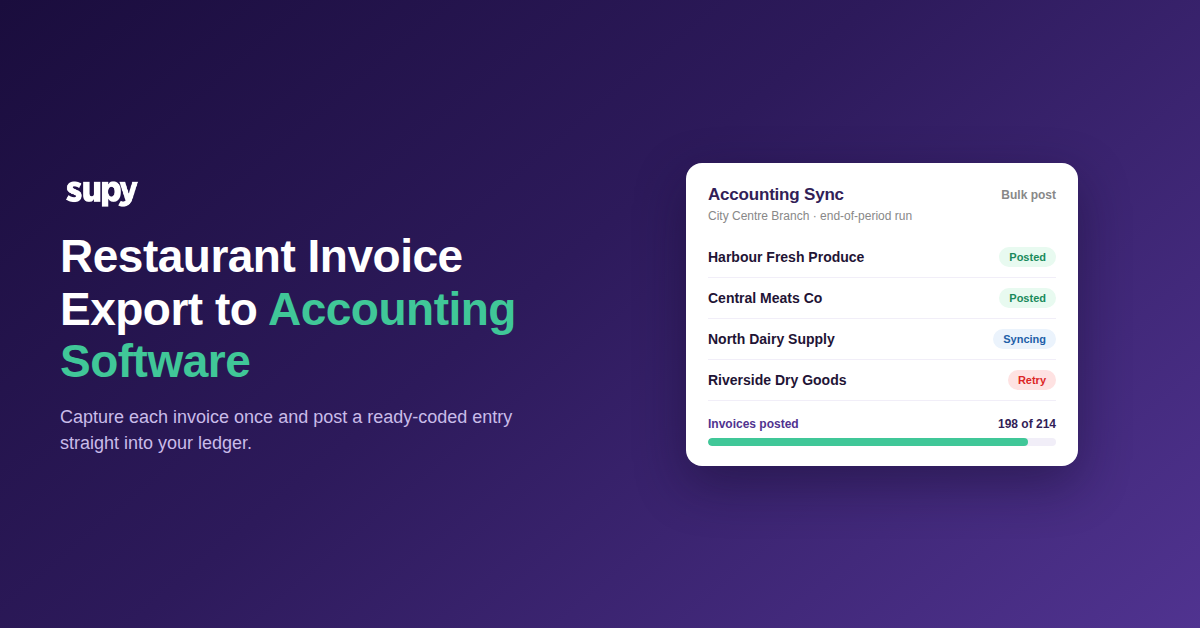
Restaurant invoice export to accounting software - Supy

Getting Restaurant Invoices Into Your Accounting Software

Exporting restaurant invoices to accounting software means sending each coded supplier invoice straight from the tool that captures it into your accounting platform. Done properly, the invoice is captured once and posts through as a ready-coded entry. Nobody re-keys it. The numbers in your books match the numbers on the invoice.

The manual version is where this breaks down. Many operators can only download invoices one order at a time. Each one then goes through a separate capture tool before it reaches the accounts. Across six sites, that becomes a daily reconciliation job somebody has to own.

Most kitchens run this the long way around: a standalone scanner captures the invoice, the accounting platform holds the ledger, and a separate stock system tracks what came in. None of them talk to each other, so someone checks the figures by hand at every handoff. At one or two sites that is tedious. Across a growing group it becomes a job on its own.

The fix is to connect your accounting system to the tool that already captures your invoices. You set the mapping once, and after that each invoice posts through on its own. This article shows how to connect, map, approve and post invoices, then confirm every entry landed.
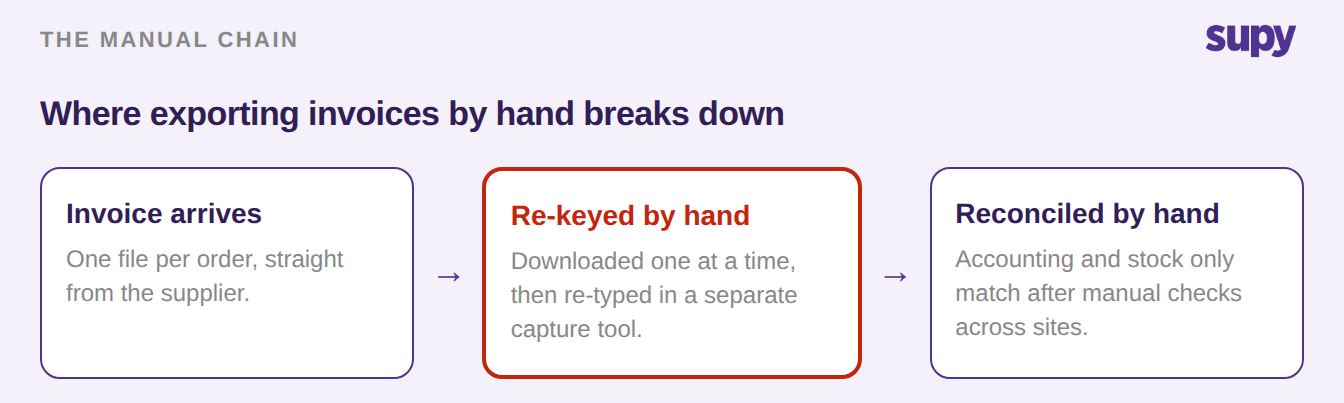
Process flow showing the manual invoice chain: invoice arrives, is re-keyed by hand in a separate capture tool, then reconciled by hand across sites

Connect the Accounting System You Already Use

Start with the platform your finance team already runs on. Supy connects to the major accounting systems used across hospitality. You post into the ledger you already keep, not a new one.

The direct integrations cover:

  • Xero
  • QuickBooks
  • Odoo
  • AutoCount Cloud
  • NetSuite
  • MYOB
  • Zoho
  • MS Dynamics
  • Wafeq

What flows across is more than a single invoice type. Posted goods receipts, supplier returns and central kitchen orders all push through to the connected system, so credits and internal transfers land in the ledger alongside your purchases. You are not exporting a file at month-end; each document moves as soon as it is confirmed.

If you run several entities, each one connects to its own accounting platform. Each site's purchases then post to the correct entity. A group that keeps separate books per brand can route every location to the right organisation from one account. If that is your setup, see how to post restaurant invoices to Xero across multiple entities without the books drifting.

If your accounting software is not on the direct list, you are not stuck. Systems that receive files over SFTP still take your posted receipts, on a schedule or through an on-demand re-sync. For anything else, you pull a structured export and load it across.
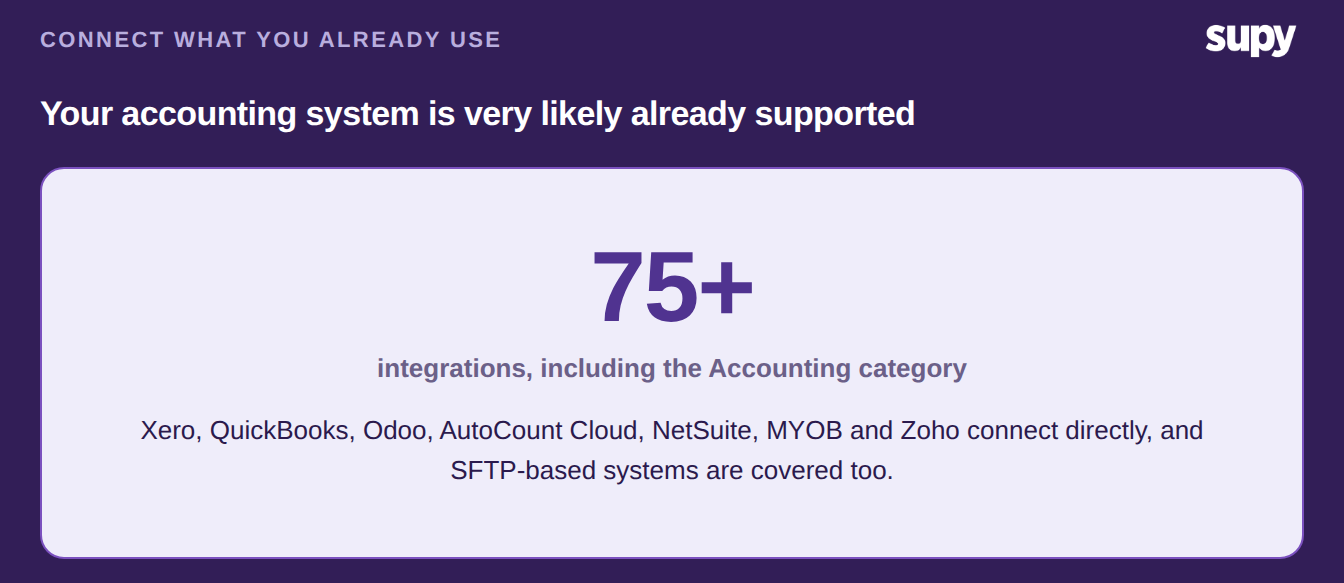
Stat callout: 75+ integrations including the Accounting category, listing Xero, QuickBooks, Odoo, AutoCount Cloud, NetSuite, MYOB and Zoho

Map Your Branches, Suppliers and Ledger Codes Once

Before anything posts, you connect what lives in Supy to what lives in your accounting system. This is a one-time setup. Supy blocks the sync with a clear message when a mapping is missing. Nothing ever lands half-coded.

You map each branch, each supplier, and each item category to the right destination record. After that, every purchase, receipt and credit note files itself under the correct profit-and-loss line. No one re-codes anything when the data reaches the accounts.

Tax settings map the same way. Each category carries its own destination tax code, so every line posts under the right rate without anyone deciding it by hand. A credit note follows the same route as the invoice it corrects, which keeps each supplier balance honest across every outlet.

What you set up in SupyWhere it lands in your accounting system
Branch or outletCost centre or location
SupplierSupplier or vendor record
Item categoryGeneral ledger (nominal) account
Tax settingDestination tax code

The same setup maps sales types and units of measure to their equivalents in the connected system. This is how each item category maps to a GL account and tax code in a sample setup.

Item categoryGL accountTax code
Produce5010 Food - ProduceZero-rated
Meat and poultry5020 Food - MeatStandard-rated
Packaging5070 PackagingStandard-rated
Cleaning and chemicals5080 CleaningStandard-rated

Because the mapping sits at category and supplier level, it scales as the group grows. A new site uses the same chart of accounts and tax logic as every other branch, so a group report compares like with like. If you are still picking a system, see the guide to choosing accounting software for a restaurant group.

Get capture and mapping right before you post anything. Before it moved to automated invoice capture, one 11-site casual dining group had only about 10% of its supplier invoices in its system. The other 90% went unrecorded, so stock on hand drifted negative and the same recipe carried a different food cost at each site.
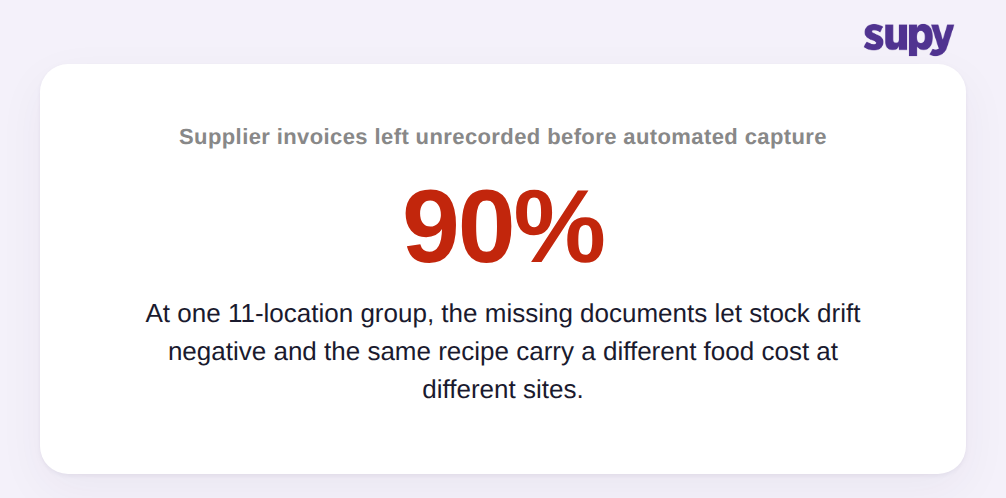
Stat callout showing 90 percent of supplier invoices left unrecorded before automated capture

Capture starts at the front door, with a shared supplier invoice inbox that pulls documents in before they go missing. Once every invoice is captured and every category is mapped, the numbers that reach your ledger match the invoices behind them.

Decide Who Releases Each Entry Before It Posts

Posting to accounting should be a decision, not a side effect. In Supy, an order or invoice can wait for exception approval before it updates your accounts, so the person who owns the ledger controls when each entry lands. Branch teams keep ordering as usual.
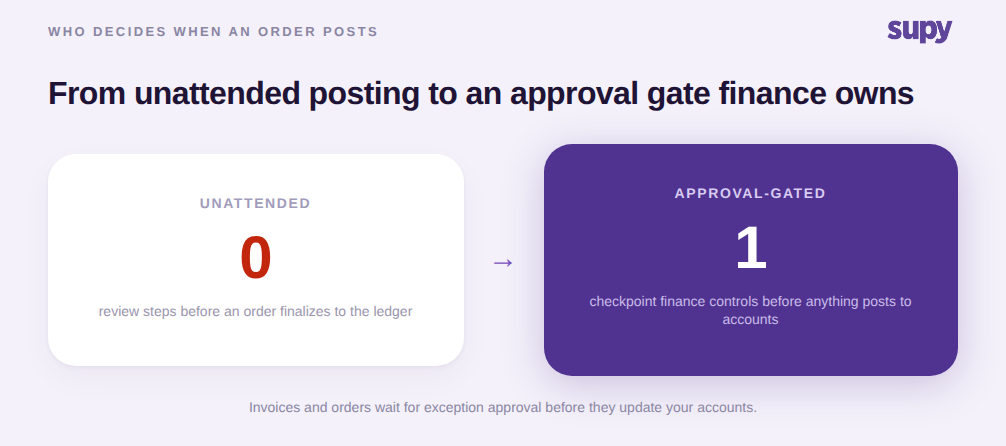
Comparison of unattended posting with zero review steps versus one approval checkpoint finance controls before anything posts to accounts

Once an entry posts, its cost stays the cost of record. A posted central kitchen order keeps the cost it posted at: Supy never recalculates it, and unposting the order later does not change it. With the audit trail recording who did what and when, the ledger and your reports agree on one cost for every order.

Post Invoices, Then Watch Them Land

Before you switch the posting on, check the data you are about to send. Supy captures supplier invoices and credit notes against your purchase orders and flags price and quantity variances, so confirm those are resolved first. Pushing unverified invoices into your books corrupts them, so verify the data before you enable the push.

When you are confident, post one invoice or select many and post them in one bulk action. An order shows as Posted only once the accounting system confirms it received the entry, so the status proves a booked record. Live sync status also shows on the goods received note (GRN), supplier return, credit note and order records.
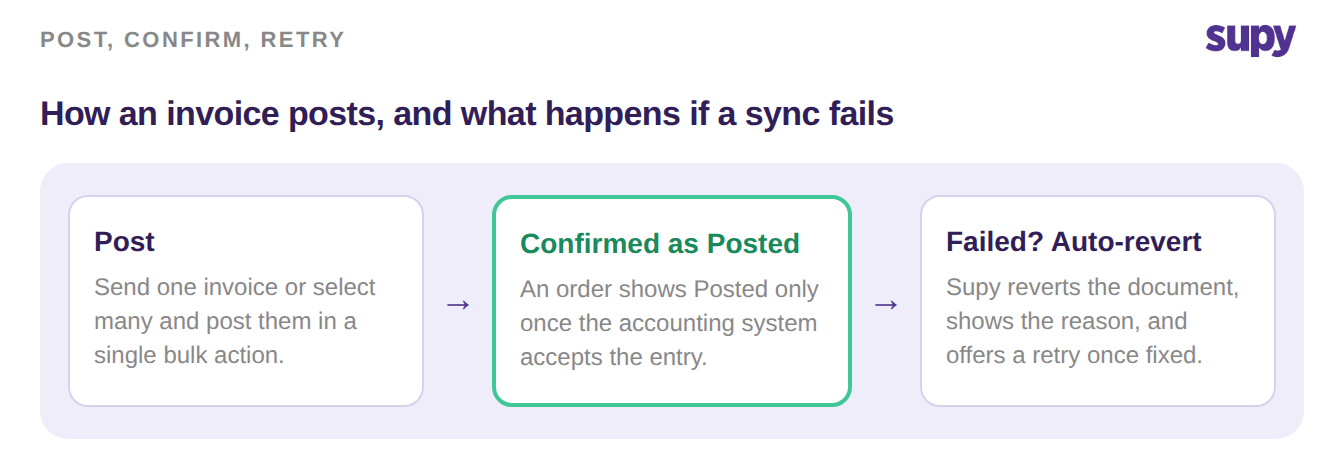
Process flow: post one invoice or a bulk batch, an order is confirmed as Posted only after the accounting system accepts it, and a failed sync auto-reverts with a retry

If a sync fails, Supy reverts that document to unposted and shows the reason on the order. The cause is usually an unmapped supplier or tax code, and a retry will not go through until you fix it. Nothing is left half-posted, so you never chase a ghost entry through the accounts.

Bulk posting is what makes this workable at volume. Select a whole period of GRNs, post them in one action, and watch real-time progress instead of opening each order. That one action does four jobs.

  • Consolidates the linked invoices
  • Closes any linked credit notes
  • Generates the PDFs
  • Syncs every selected document to the accounting system

For a system connected over SFTP, you can trigger an on-demand re-sync of posted receipts for a date range, so a missed window is a quick fix rather than a re-entry job. If your group also needs the raw data in an ERP or data warehouse, the guide to restaurant supplier integration for multi-site groups covers that route.

If you are setting this up, start small. Connect one entity, map one site, post a week of verified invoices as one batch, and confirm every line landed before you roll the mapping out. When you compare systems, ask to see a GRN post from a saved mapping, a bulk post and the sync-status indicator working on real records.
Book a Demo with Supy - export restaurant invoices to your accounting software

Ready to optimize your restaurant operations?

Blog

Our operational insights

A colourful arrangement of fresh produce representing restaurant procurement and food service purchasing
Procurement

How Restaurant Procurement Works for Multi-Location Operators

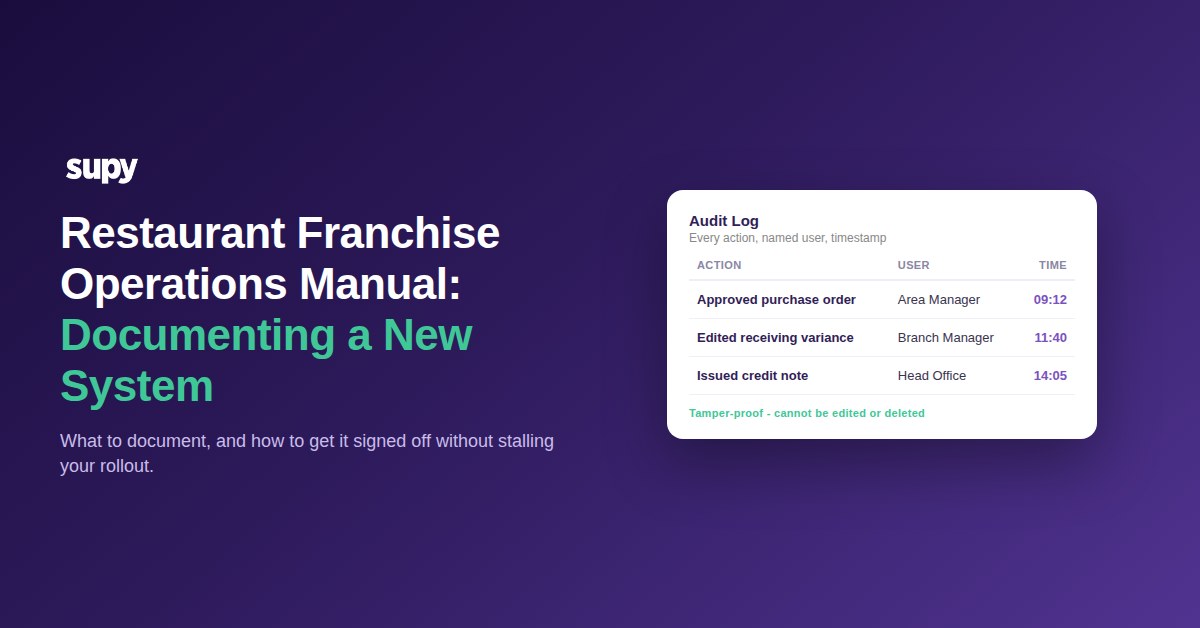
Restaurant franchise operations manual with a new system documented for franchisor sign-off
Procurement
Inventory

Restaurant Franchise Operations Manual: Documenting a New System

Procurement

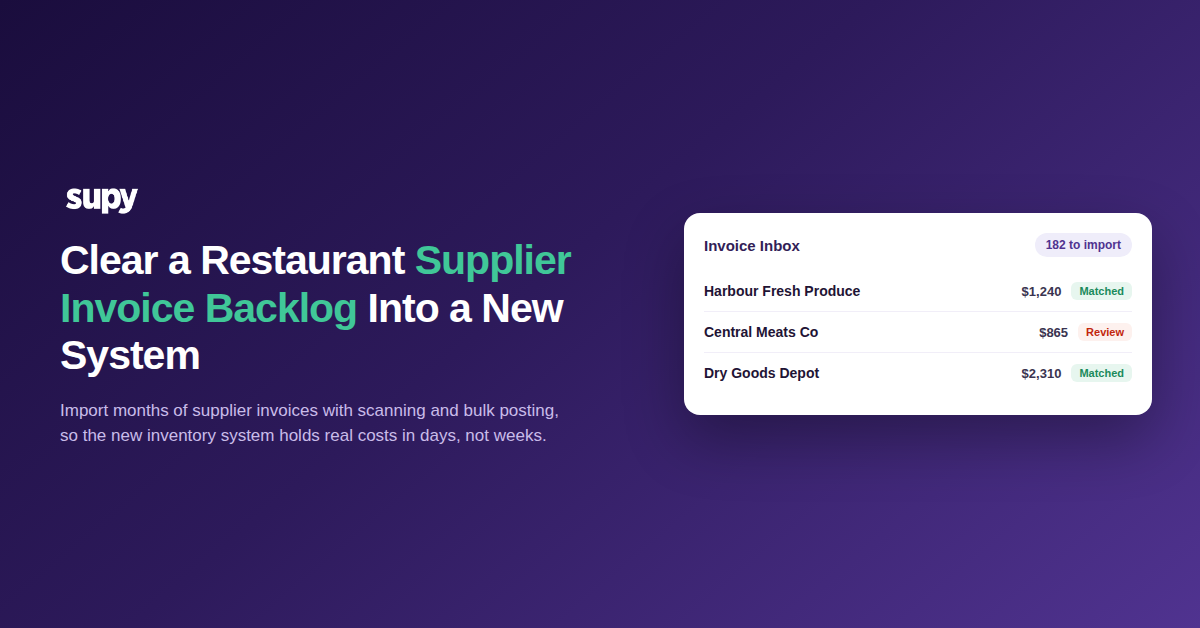
Restaurant Supplier Invoice Backlog: Import Months Into a New System

Procurement

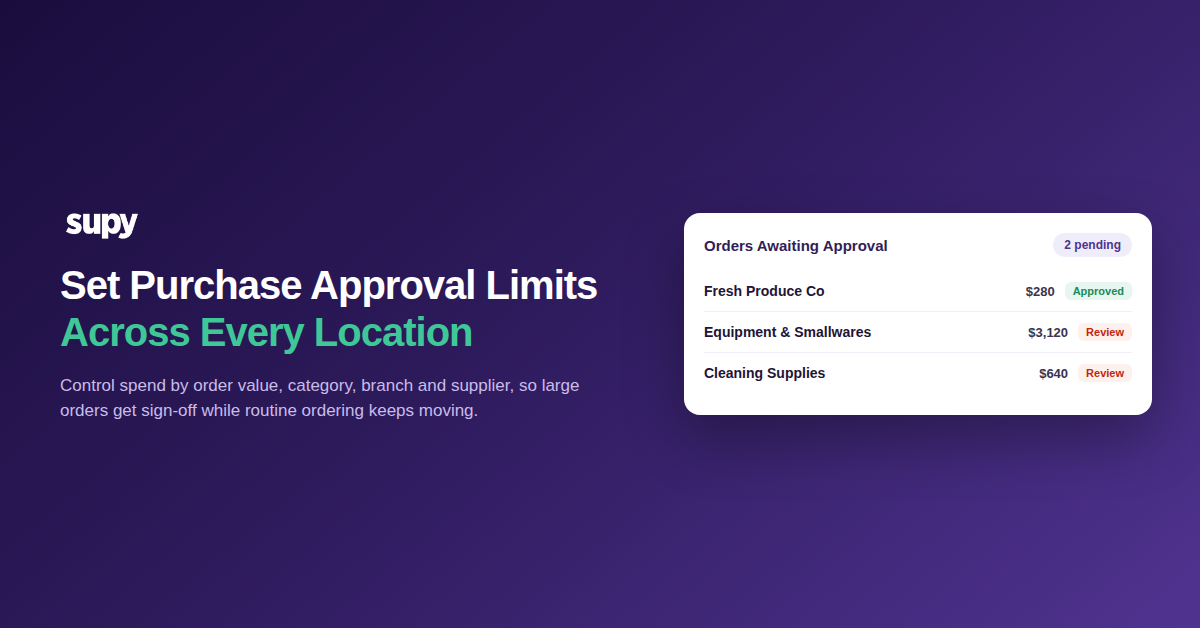
Restaurant Purchase Order Approval Limits: Control Spend by Location

Seven multi-site restaurant supplier ordering mistakes and their fixes
Procurement
Restaurant operations

Restaurant Supplier Ordering Process: Seven Multi-Site Mistakes to Fix

Your questions 
answered

Everything you need to know about Supy — from setup to integrations, pricing, and daily use. If it’s not covered here, just ask.

What does exporting restaurant invoices to accounting software mean?
+

Exporting invoices means sending each supplier invoice, with its coded line items and tax, from the system that captures it into your accounting platform. The goal is a ready-coded entry that posts through on its own, so nobody re-keys the invoice into the ledger. The line items file under the right general ledger accounts, the tax maps to the right code, and the numbers in your books match the numbers on the source invoice. Done well, capture happens once and the accounting entry is a by-product of it, not a second job someone repeats by hand every week.

Why do invoices need GL and tax codes to post correctly?
+

Every supplier invoice and goods-received note has to land in a specific general ledger account and carry the correct tax treatment, or your accounts and your food cost both drift. Without a saved mapping, a person decides document by document that this delivery is cost of goods at the standard rate and that order is an overhead at a different code. That manual step is slow and error-prone. Mapping categories to GL accounts and tax codes once means the classification happens automatically for every future document.

Which accounting systems can restaurant invoices be exported to?
+

Supy connects directly to the major accounting platforms used across hospitality, including Xero, QuickBooks, Odoo, AutoCount Cloud, NetSuite, MYOB, Zoho, MS Dynamics and Wafeq. Each entity in a group can connect to its own platform, so a business that keeps separate books per brand routes each location to the correct organisation. For platforms without a direct API, systems that receive files over SFTP still take your posted receipts on a schedule or an on-demand re-sync. That means the accounting system your finance team already runs on is almost always the one you post into, rather than a new tool you adopt just to move invoices across.

How do you export invoices when your accounting software has no direct integration?
+

When your platform is not on the direct-integration list, you have two routes. If it accepts files over SFTP, Supy still sends your posted receipts to it, either on a schedule or through an on-demand re-sync for a chosen date range, so the flow stays automatic. If it does not, you pull a structured export of the coded invoices and load that into your accounting system. Either way you keep the coding, the tax and the supplier detail that were captured once, rather than downloading raw invoices and retyping them. The manual fallback is a last resort, not the default, and it still avoids per-line re-entry.

Why should you verify invoice accuracy before posting to accounting?
+

Because your books inherit whatever you push into them. If prices or quantities were captured wrong and you post anyway, you have now written an error into the accounting system, where it is harder to find and unwind. Operators who trust their invoice data check it first: they confirm captured prices and quantities against the purchase order, resolve any variance, and clear credit notes before enabling the push. Verifying first turns the accounting entry into a clean record you can rely on at month-end. It is the difference between the ledger being a source of truth and being a pile of figures you still have to second-guess.

How do you post multiple restaurant invoices to accounting at once?
+

You select the invoices you want and post them in one bulk action rather than opening each order on its own. Supy shows real-time progress as each document syncs, so you can see which records have landed and which still need attention during an end-of-period run. This matters most across several sites, where posting invoices one at a time is the exact chore that makes people give up on the integration. Bulk posting turns a long afternoon of clicking into a single action you watch complete, and the progress view tells you when the batch is fully booked rather than leaving you to guess.

What happens when an invoice fails to sync to the accounting system?
+

Supy does not leave a failed document half-posted. When a sync fails, the order reverts to unposted, the specific error reason shows on the order itself, and a retry option appears once you have fixed the cause. You resolve the issue, usually a missing mapping or a validation gap, and post again. Because an order only shows as Posted after the accounting system confirms it received the entry, the status is proof of a booked record rather than proof that Supy tried. That design keeps your accounts clean: you never chase a ghost entry that Supy thinks it sent but the accounting platform never accepted.

How do I know a document actually posted to my accounts?
+

Supy shows live sync status from connected accounting systems directly on each record, so you can see whether a given goods-received note, supplier return, credit note, or order has posted. Instead of assuming an integration worked, or waiting until period end to find gaps, a finance team sees at a glance which documents have landed in the accounts and which still need attention. That visibility answers the practical question, which is never whether two systems can connect, but whether this specific invoice posted correctly.

Can finance approve orders before they reach the accounting ledger?
+

Yes. Supy supports exception approval before an order or invoice updates your accounts, so finance can review and release entries rather than having them post unattended. This answers a common request from multi-site finance teams who want visibility and control over when store orders finalise, to prevent premature or unauthorised posting. The approval gate does not slow branch ordering; teams raise orders as usual, and the accounting side gets a single controlled point where entries are released. The order only becomes a journal entry when someone with authority approves it.

Ready to transform your operations?

Join 5,000+ restaurant operators cutting costs, streamlining operations and making smarter decisions with Supy.