Procurement
Restaurant operations

Restaurant Supplier Ordering Process: Seven Multi-Site Mistakes to Fix
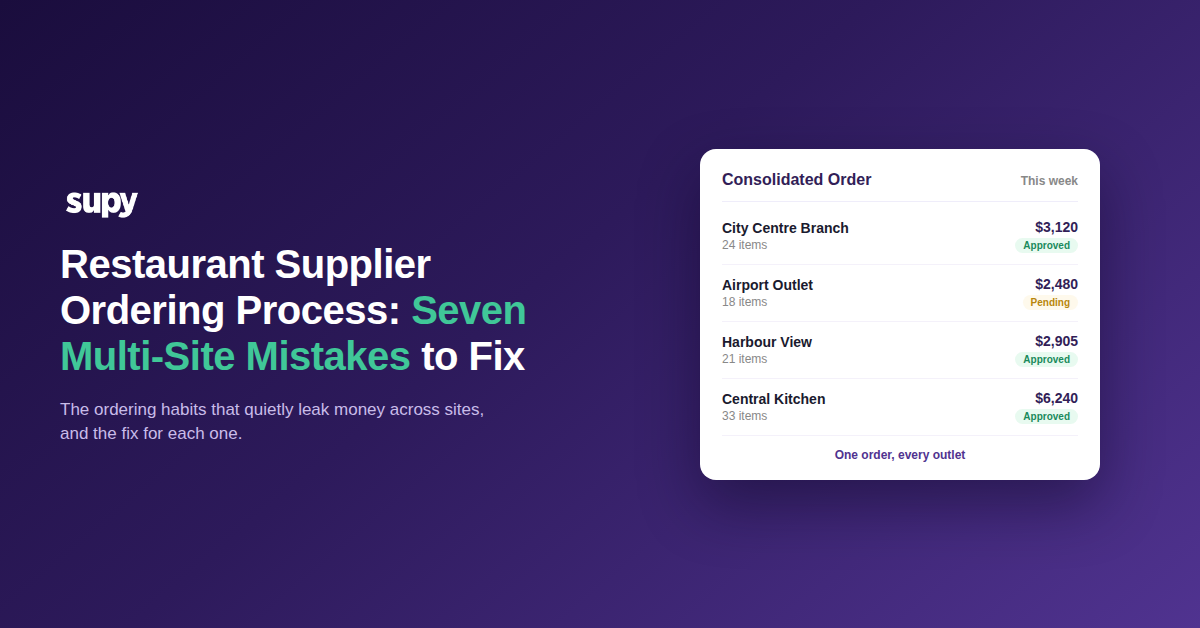
Seven multi-site restaurant supplier ordering mistakes and their fixes

Why Multi-Site Ordering Quietly Leaks Money

Restaurant supplier ordering rarely fails in one loud moment. Across a multi-site group it leaks money in small habits: an order re-keyed by hand, a wrong item picked from a vague name, a site that buys off-list because a supplier ran short. Each is cheap once and expensive every week. The fix is to name the mistake and close it with a specific control.

This list covers seven ordering mistakes we see most often across multi-site groups, and the concrete fix for each. Read it as a self-audit: mark the ones happening in your own operation, then start with the costliest.
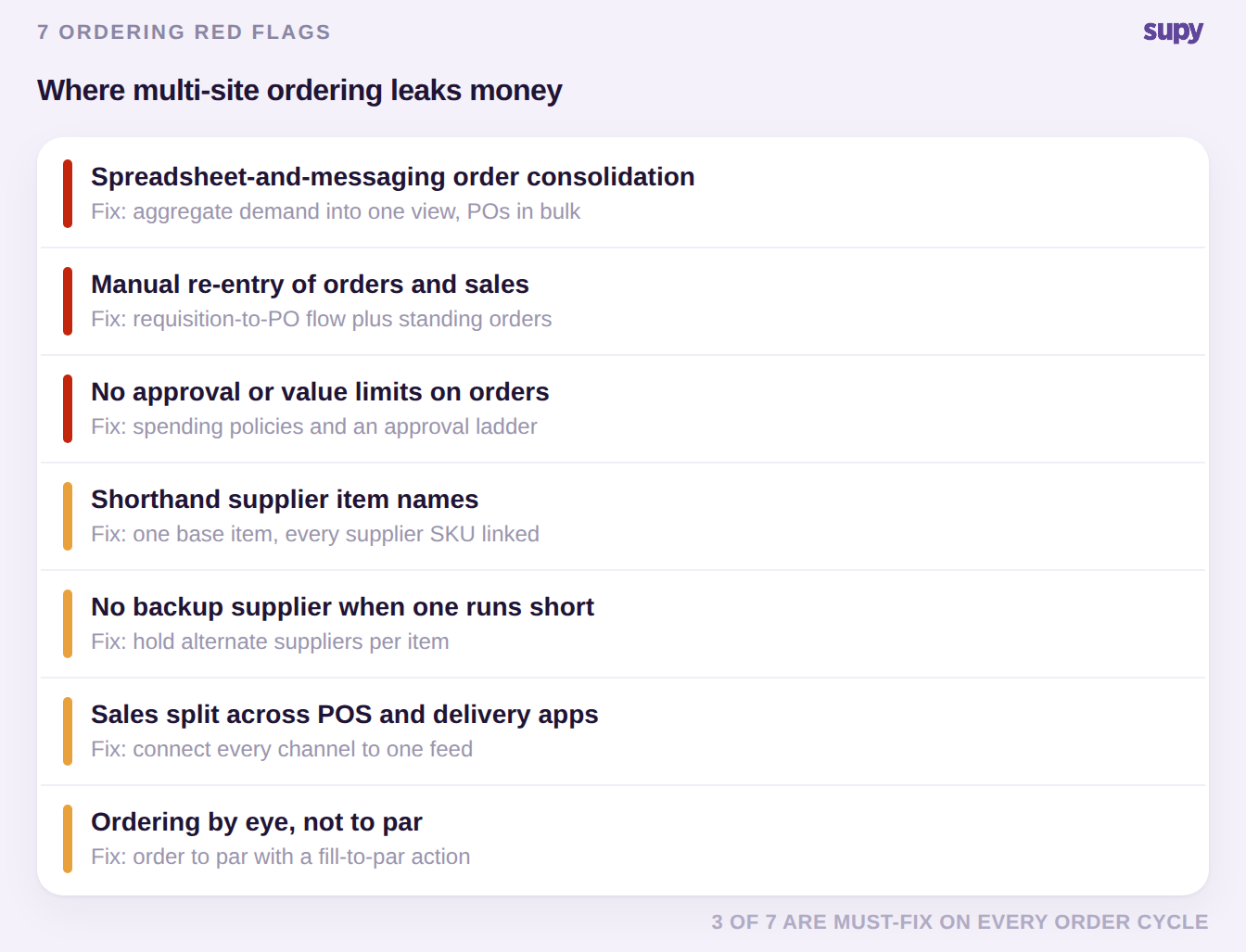
Scorecard of seven multi-site restaurant ordering mistakes with the fix for each, three marked must-fix

Here are the seven, worst offenders first.

  1. Consolidating orders by spreadsheet and messaging app. A site exports its order to a spreadsheet and sends it on a messaging app so head office can combine it with the rest. Every export and paste is a chance to send the wrong quantity to the wrong supplier, and it gets worse with every site you add. The fix is to aggregate pending demand from all outlets into one procurement view, then convert it to supplier purchase orders in bulk, with no site-by-site login.
  2. Re-keying orders and sales by hand. The team types orders or sales figures from one system into another. Manual re-entry is slow and drops digits, so purchase orders and stock steadily drift from reality. The fix is to let branch requisitions flow through an approval ladder into purchase orders grouped by supplier, and to put routine lines on standing orders that generate and submit themselves on schedule.
  3. Naming supplier items in shorthand. Items are stored under abbreviations, so staff cannot tell two similar products apart when several potato or butter variants exist. The wrong item gets ordered, and the error only surfaces at delivery or on the invoice. The fix is to keep one base item per ingredient with every supplier SKU and pack size linked, and to set a preferred supplier per item so the right line is obvious.
  4. Keeping no backup when a supplier cannot fulfil. Each item has one supplier and no plan for the day a staple runs short. A single disruption stalls ordering and forces last-minute, off-list buying at whatever price is going. The fix is to hold alternate suppliers per item alongside the preferred one, so a shortfall has an immediate fallback instead of a scramble.
  5. Leaving sales data split across the POS and delivery apps. Sales sit in the point-of-sale system and in several unconnected delivery platforms. Without one clean sales history, the ordering and forecasting built on it run on partial demand and under-buy your busiest channels. The fix is to connect the POS and every delivery channel so all sales feed one system.
  6. Ordering by eye instead of to par. Buyers set quantities from memory rather than from a par level, so the group swings between stockouts and overstock while cash sits in the walk-in. The fix is to order against current stock versus par, with a fill-to-par action that calculates the shortfall, then review the line before sending. If you'd rather not work par out by hand, the free par level calculator does it for every item on your sheet from your usage, delivery days and supplier lead times.
  7. Letting everyone order with no limits. Any user can raise and send an order with no approval step and no value ceiling. Maverick spend and duplicate orders then leak margin quietly across sites, and nobody notices until the invoices land. The fix is to set spending policies and a multi-level approval ladder with purchase-order value limits by supplier, branch and user, up to five approvers.

Where to Start When Every Site Orders Differently

You will not fix seven habits at once, so triage. Count how many of these are live in your group right now, then take the one that touches the most orders first, usually manual consolidation or unrestricted ordering. Fixing the highest-traffic mistake pays back fastest and makes the next one easier to see.
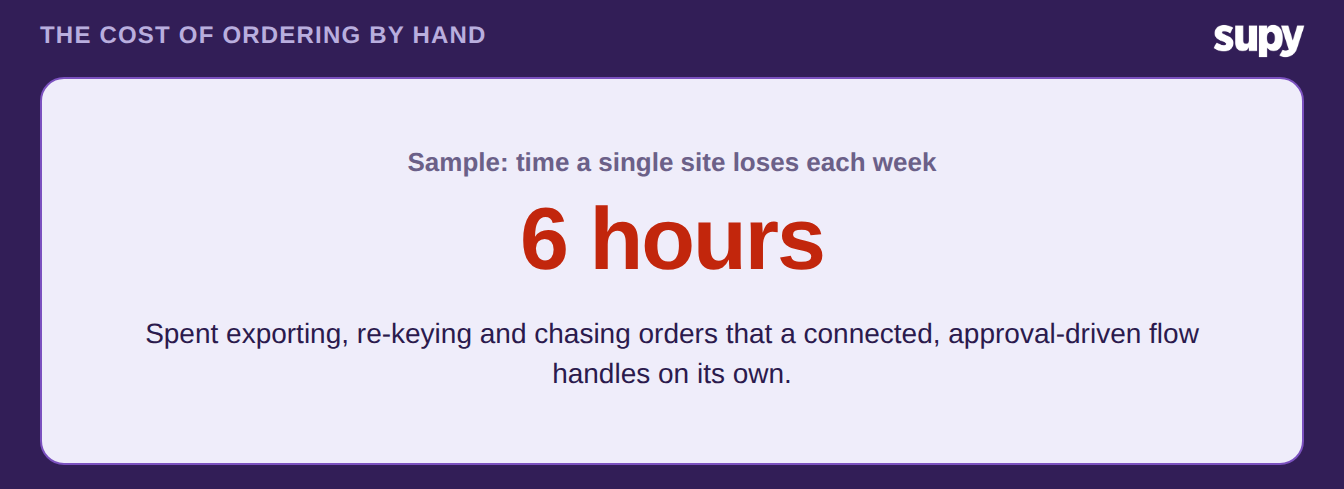
Sample stat: a single site loses about six hours a week to manual exporting, re-keying and chasing orders

Most of these mistakes share one root: work that a connected system should do is being done by hand, site by site. Closing them turns supplier ordering from a weekly scramble into a controlled, auditable flow. See how the pieces fit on Supy's restaurant procurement software, and how groups pull every branch into one order in this guide to consolidated purchase orders.


Book a Demo with Supy for restaurant supplier ordering

Ready to optimize your restaurant operations?

Blog

Our operational insights

No items found.

Your questions 
answered

Everything you need to know about Supy — from setup to integrations, pricing, and daily use. If it’s not covered here, just ask.

What are the most common supplier ordering mistakes in multi-site restaurants?
+

The recurring ones are structural, not careless. Sites consolidate orders by spreadsheet and messaging app, staff re-key orders and sales by hand between systems, supplier items are stored under vague names, and there is often no backup supplier when one runs short. Add sales data split across the POS and delivery apps, ordering by eye instead of to par, and no approval limits, and a group has seven distinct leaks. Each is minor on one order and expensive every week. The value of naming them is that each has a specific, different fix rather than a vague call to be more careful.

How do I consolidate orders across multiple sites without spreadsheets?
+

Stop exporting each site's order and stitching them together by hand. In Supy, a multi-site operator can aggregate pending demand from every outlet into one consolidated procurement view, then convert it to supplier purchase orders in bulk, with no site-by-site login. Branch requisitions can also travel through an approval ladder and become purchase orders grouped by supplier automatically. That removes the spreadsheet-and-messaging step that reintroduces manual work, and it scales as you add outlets, so a group of six behaves the same as a group of sixty rather than getting slower with every new site.

How can I stop staff ordering the wrong supplier item?
+

Wrong-item orders usually trace back to naming. When items are stored as shorthand, staff cannot tell two similar products apart and the error only shows up at delivery. The fix is a clean item structure: keep one base item per ingredient with every supplier SKU and pack size linked to it, and set a preferred supplier per item. Staff then pick a clear, single item rather than guessing between several look-alike lines. It also makes price comparison and substitution easier later, because every supplier option for that ingredient sits in one place instead of scattered across similar-looking entries.

How do I keep ordering when a supplier cannot fulfil?
+

Supply disruption hurts most when an item has one supplier and no plan B, because the team then buys off-list at whatever price is available. The practical fix is to keep alternate suppliers ready per item alongside the preferred one, so a shortfall has an immediate fallback rather than a scramble. Supplier management in Supy supports multiple contacts and a preferred supplier per item across branches, which is what lets you switch quickly. Set the alternates up before you need them, not during the disruption, so the fallback is a routine choice rather than an emergency.

How do I stop over- and under-ordering across branches?
+

Ordering from memory is what drives the swing between stockouts and overstock, with cash tied up in the walk-in. Order to par instead: compare each item's current stock against its par level and let a fill-to-par action calculate the shortfall, then review the line before sending. That keeps quantities tied to real need rather than habit, and it is consistent across every site. If you want to work out the right par levels first, the free par level calculator sizes them from your usage, delivery days and supplier lead times, so the numbers you order against are grounded rather than guessed.

How do I control who can place and approve orders across sites?
+

Unrestricted ordering is a quiet margin leak: when anyone can raise and send an order with no ceiling, maverick spend and duplicates build up unnoticed. The fix is to put controls in place before the order goes out. Supy lets you set spending policies and a multi-level approval ladder with purchase-order value limits by supplier, branch and user, up to five approvers. Requisitions then route to the right person, and every approval is tracked with a full audit trail. You get the record of who approved what and when, which is what makes multi-site spend defensible.

How do standing orders reduce manual re-entry?
+

Standing orders handle the routine, repeating lines that otherwise get re-keyed every cycle. Once set up, they generate and submit the purchase order automatically on their schedule, so routine replenishment needs no manual action on the day. If a standing order cannot be fulfilled, for example because no active items are available for that supplier, the system moves it to a blocked state and records the reason, so nothing fails silently. That removes a large share of repetitive typing while keeping visibility, and it frees the team to focus on the orders that genuinely need a human decision.

Ready to transform your operations?

Join 3500+ restaurant operators cutting costs, streamlining operations and making smarter decisions with Supy.