.jpg)


Best Accounting Software for Restaurants: How to Choose a Stack Your Food Cost Can Trust
What the Best Accounting Software for Restaurants Actually Needs to Do
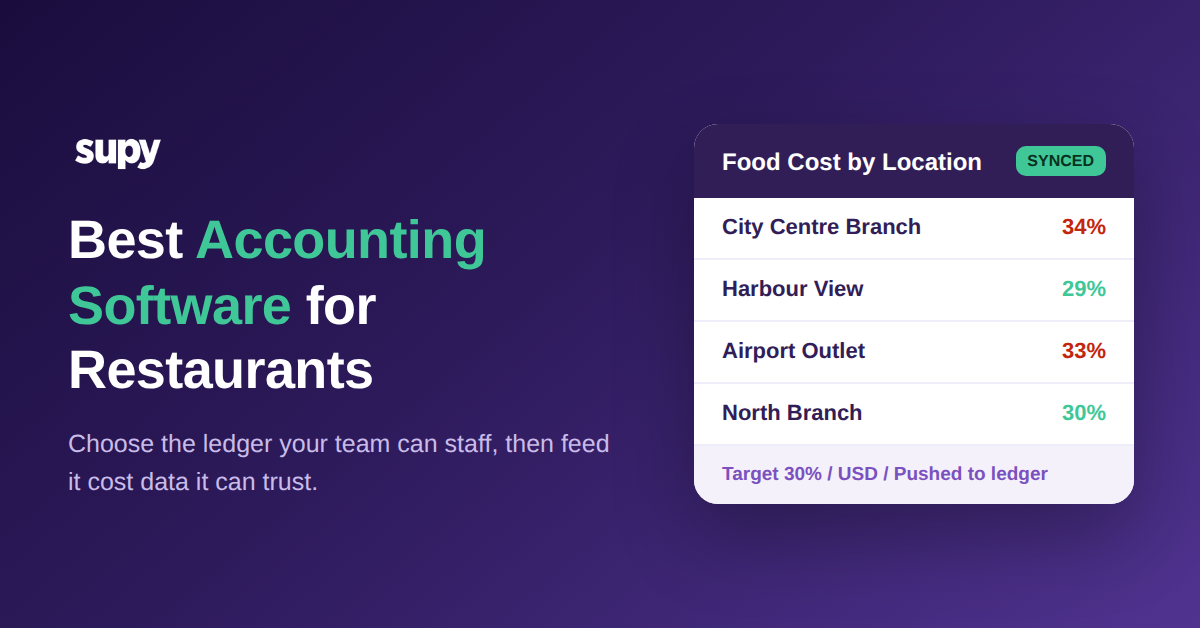
Search for the best accounting software for restaurants and you land on the same shortlist every time: QuickBooks, Xero, Zoho Books, Wafeq. They are all capable general ledgers, and any of them can run a restaurant's books. So the real decision is rarely which platform posts a journal entry more elegantly. It is which stack gives you numbers you can act on before the month closes. A restaurant's profit and loss statement is only as accurate as the supplier invoices, cost of goods and inventory movements feeding it, and that data almost never originates in the accounting platform itself. This guide compares the leading options, but it spends most of its time on the part that actually moves your margin: the data layer feeding whichever platform you pick.
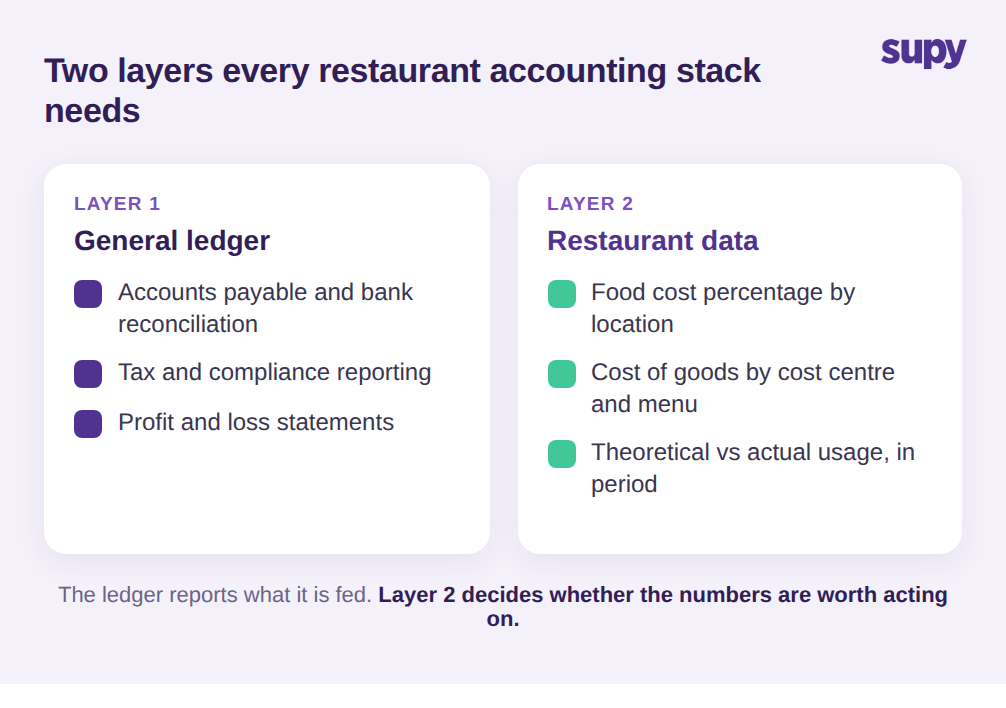
Every accounting platform handles the general ledger, accounts payable, bank reconciliation and tax. That is the baseline, and on the baseline the major tools are close enough that the choice comes down to price and familiarity. What separates general bookkeeping from software that actually runs a restaurant is the second layer: cost of goods sold, reported at the level a chef and a finance lead both care about. A restaurant operator needs food cost as a percentage of sales, broken down by location, cost centre and ideally menu category, because a 9-site group cannot fix margin by looking at one consolidated line.
And they need that number while the period is still open, not as a post-mortem. General accounting software was not built to calculate a plate cost or reconcile theoretical usage against what was actually counted on the shelf. It reports what you feed it, on the schedule you feed it. So the first thing to establish is not which platform, but where the restaurant-specific numbers come from before they ever reach the ledger, and how current they are when they get there. Get that layer wrong and the most respected accounting platform on the market will still hand you a profit and loss statement you cannot act on.
The Data Problem Behind Every Restaurant P&L
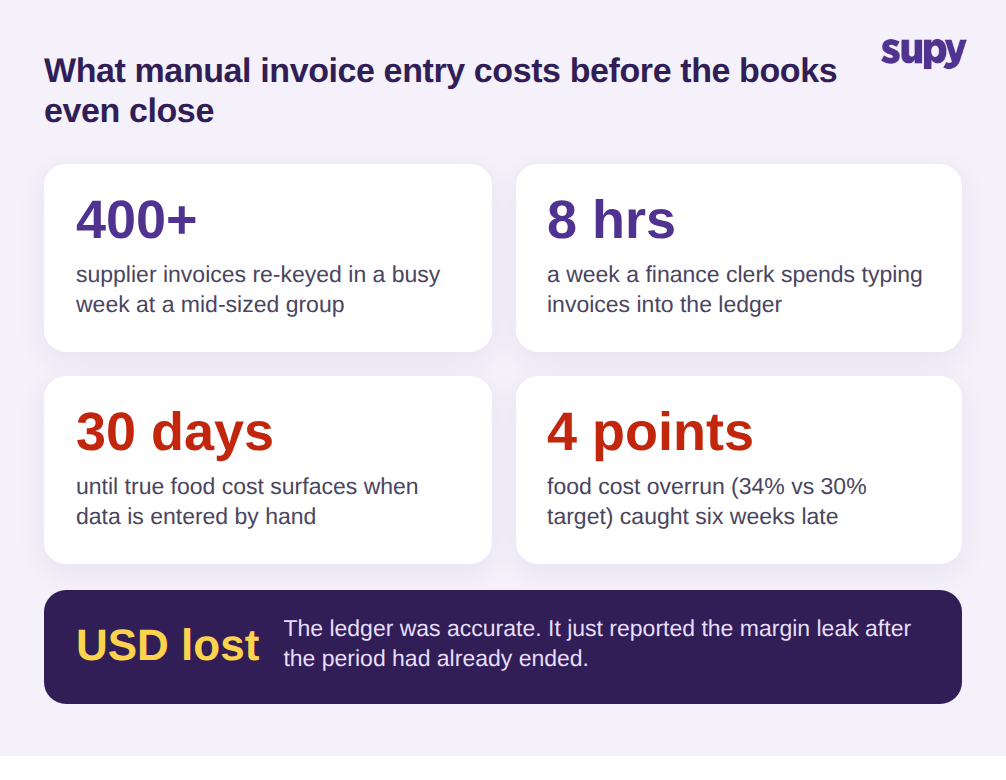
Here is the pattern that quietly undermines even the best-chosen accounting platform. Supplier invoices arrive as PDFs, emails and paper, sometimes 400 or more in a busy week for a mid-sized group. A finance clerk re-keys them by hand, often losing 8 hours a week to it, and every manual entry is a chance for a price change to slip through unnoticed. A procurement lead at one multi-site hospitality group described exactly this: hundreds of invoices a week, multi-step approvals that were error prone, and a standing wish for automated capture to end the re-keying for good.
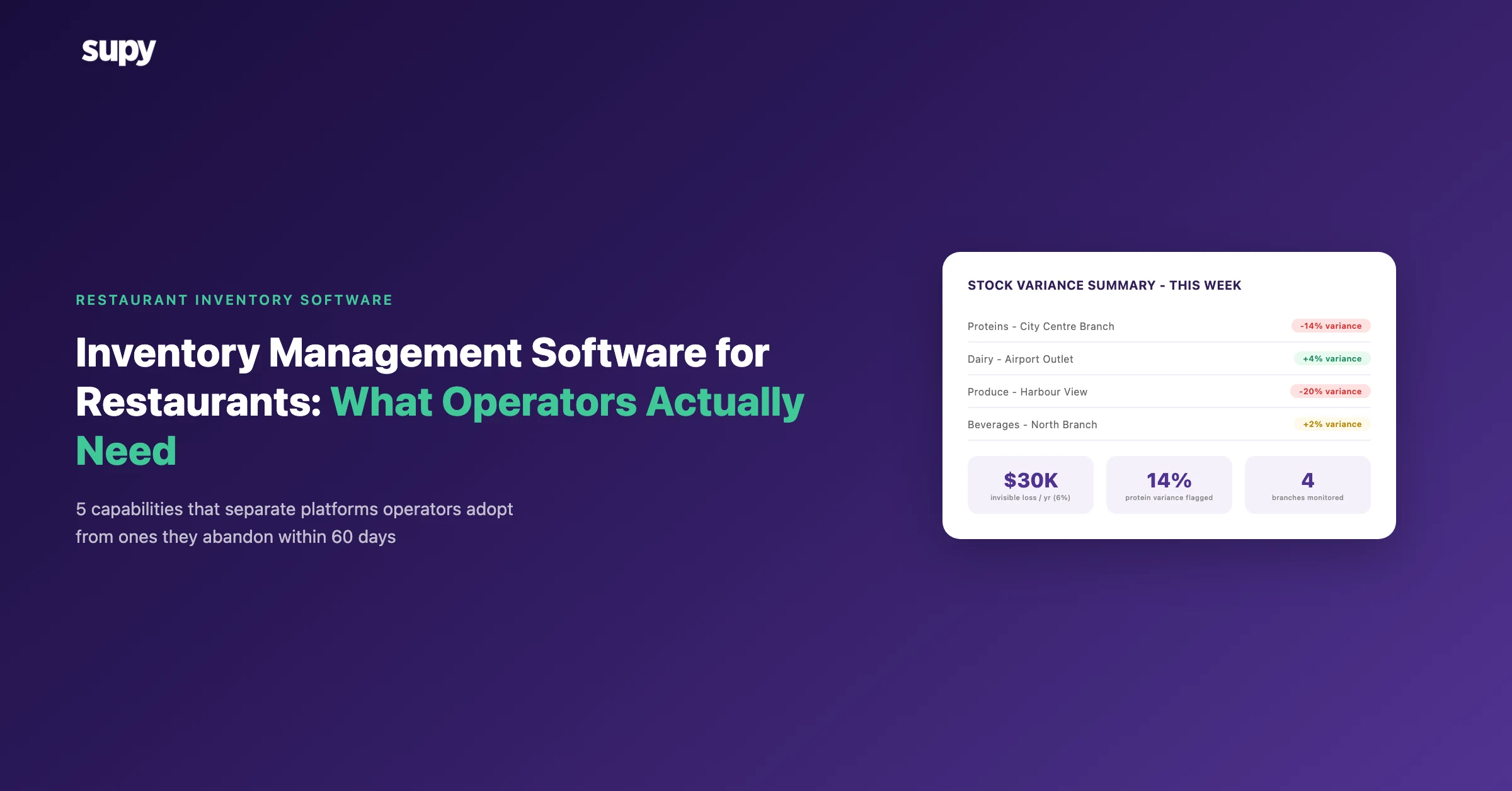
The result is a lag, and the lag is expensive. True food cost only surfaces when the books close, up to 30 days after the spend actually happened. One mid-sized group realised it had been running at 34% food cost against a 30% target, a gap of 4 points, for six weeks before a manual process caught it. By then the period was gone and so was the money. The accounting platform did its job perfectly and still reported the problem too late to do anything about it. If you want to catch supplier price drift and margin leaks in period, the fix is upstream of the accounting software, in how invoice and cost data is captured at the source. Our guide to restaurant invoice scanning software covers that capture layer in detail.
Comparing the Main Platforms: QuickBooks, Xero, Zoho Books and Wafeq
For most restaurant groups the honest comparison of the four leading platforms looks like this. QuickBooks is the most widely adopted, with the deepest bench of accountants who already know it and the broadest add-on marketplace, which makes it a safe default if your finance team or external accountant lives in it. Xero is strong on multi-entity structures and bank feeds, and operators running several legal entities across a group often find its consolidation cleaner. Zoho Books fits groups already standardised on other Zoho tools and tends to price well for smaller estates. Wafeq is built around regional tax compliance and is a natural fit where local e-invoicing and tax formats are a hard requirement rather than a nice-to-have.
Notice that none of these differences are really about restaurants. That is the point, and it is easy to miss when a vendor page name-drops hospitality. Choose the platform your finance team can staff and that meets your tax obligations, then treat the restaurant-specific question, how clean and how current the cost data is, as a separate decision with its own criteria. All four platforms integrate with the operational systems that produce that data, so the practical winner is usually the one that fits your accountants and your compliance regime, not the one with the most hospitality logos on its home page.
Comparing the leading accounting platforms for restaurants
| Platform | Best for | Restaurant fit |
|---|---|---|
| QuickBooks | Widest accountant pool and add-on marketplace | Safe default; food cost still comes from elsewhere |
| Xero | Multi-entity groups and clean bank feeds | Strong for groups with several legal entities |
| Zoho Books | Estates already standardised on Zoho | Prices well for smaller multi-site groups |
| Wafeq | Regional tax and e-invoicing compliance | Natural fit where local tax formats are required |
How the Best Accounting Software for Restaurants Depends on Its Integrations
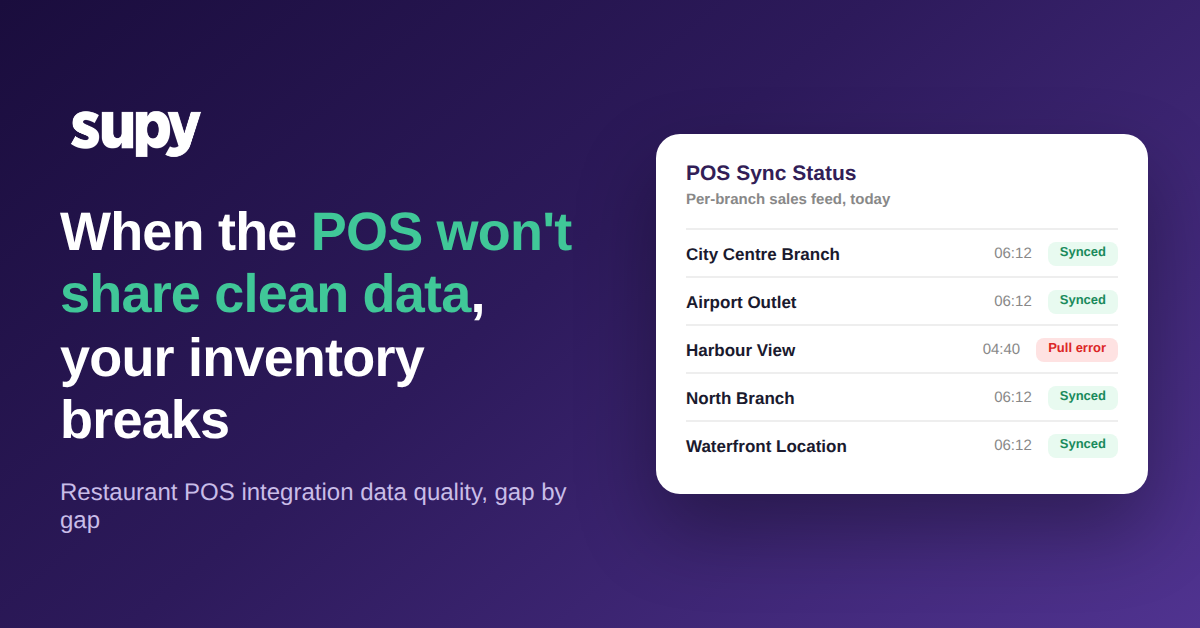
This is where deals go wrong. A finance manager at a casual dining group described accounting integration setup, supplier mapping, legacy tenant cleanup and general ledger preference mismatches, delaying go-live by up to 3 weeks. A finance director at another group flagged a harder line: profit figures and automated profit and loss outputs have to be self-serviceable, without calling the vendor every time a report is needed. If a routine report needs vendor help to run, that is a red flag, not a feature.
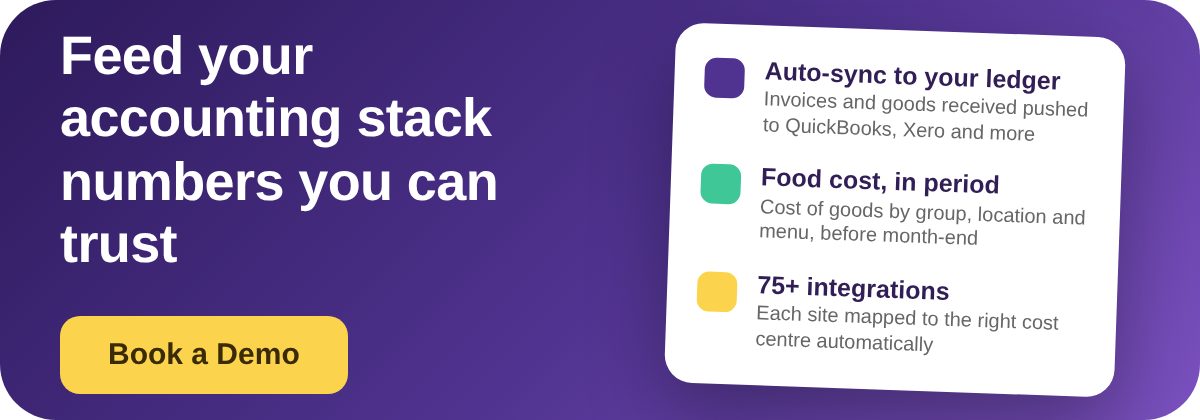
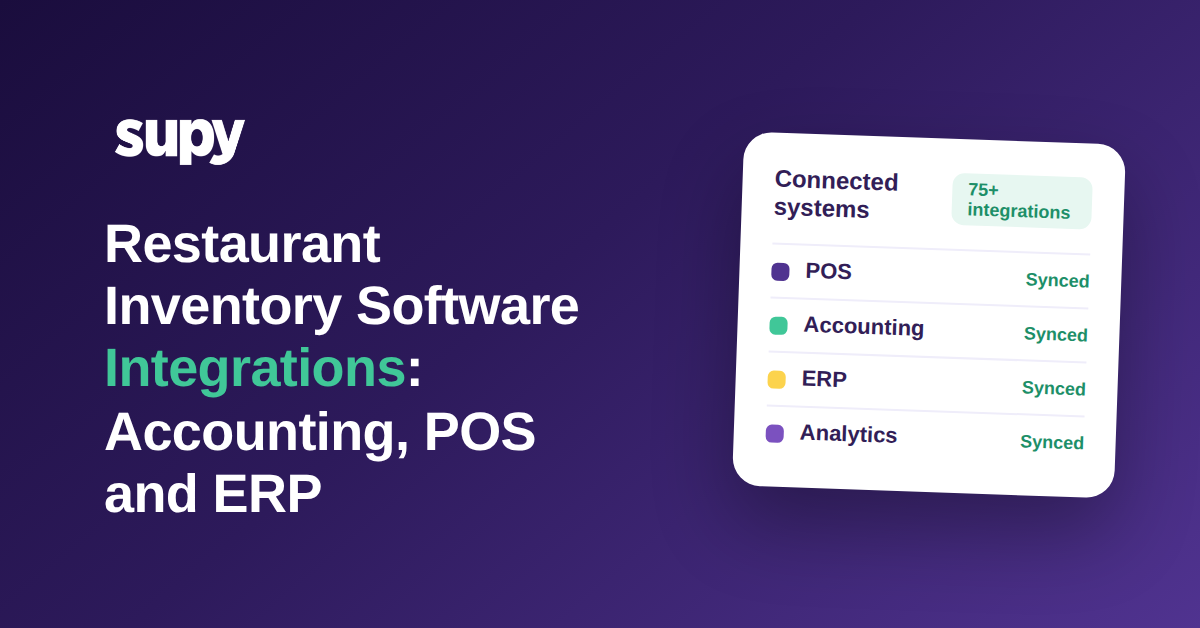
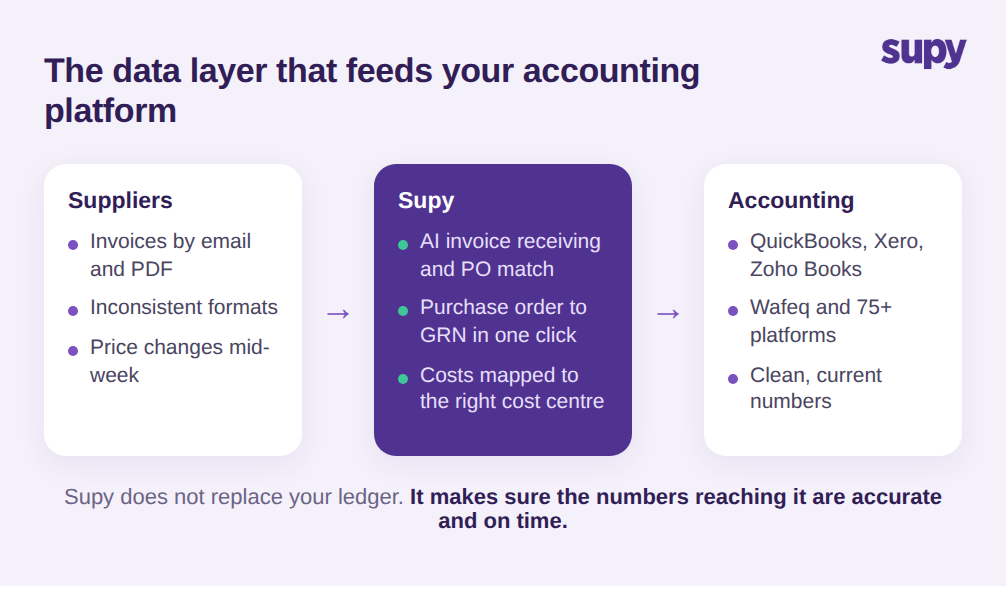
Both problems come down to the same thing. The accounting platform is a destination, and the quality of what arrives depends on the layer feeding it. This is the role an operational platform like Supy plays. Supy connects to QuickBooks, Xero, Zoho Books, Wafeq and 75+ platforms in total, and automatically pushes purchase invoices and goods received data into the accounting system, so operators stop re-entering supplier invoices by hand across every site. Each location maps to its corresponding branch in the accounting system, so costs land in the right cost centre with no manual routing. Supy's AI invoice receiving reads invoices emailed to a per-restaurant inbox, matches them to purchase orders, extracts line items and prices across inconsistent formats, and flags price and quantity conflicts before they ever reach your accounts. Turn a purchase order into a goods received note in one click, and the cost data is captured accurately at the source rather than re-keyed later. Our food cost management software guide goes deeper on how that cost layer works.
The point is not that Supy replaces your accountant's software. It feeds it. You still choose QuickBooks or Xero or Wafeq for the books; the operational layer makes sure the numbers reaching them are accurate and current, and that your team can pull sales and cost of goods reports at group, location and menu-category level without waiting on anyone. That is the difference between an integration that saves work and one that just moves the manual effort somewhere else.
How to Choose the Best Accounting Software for Your Restaurant Group
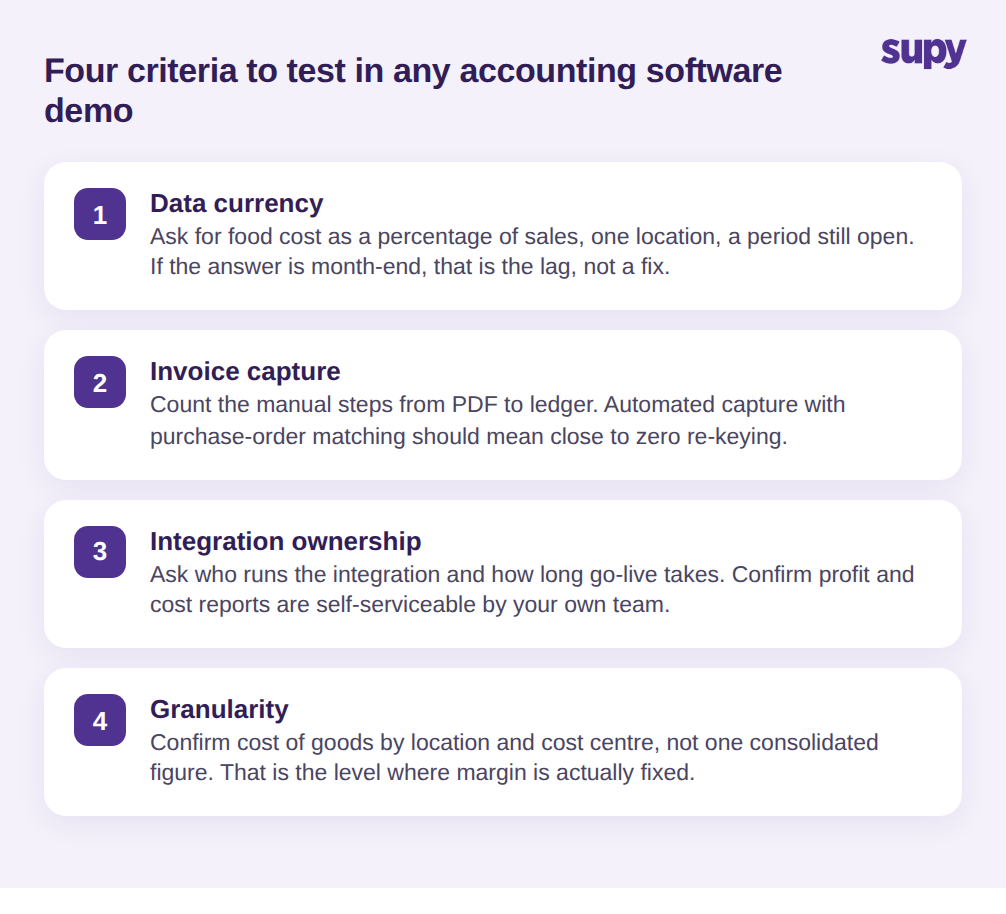
The platform comparison matters less than most buyer guides suggest, because the ledgers are close and the data feeding them is where accuracy is won or lost. Test these four criteria in any demo, and score each one honestly rather than taking the sales answer at face value.
First, data currency: ask to see food cost as a percentage of sales for a single location, for a period that is still open. If the answer is at month-end, that is the lag problem restated, not a solution to it. Second, invoice capture: ask how a supplier invoice gets from a PDF into the ledger, and count the manual steps out loud. Automated capture with purchase-order matching should mean close to zero re-keying. Third, integration ownership: ask who runs the accounting integration, how long go-live realistically takes, and confirm that profit and loss and cost reports are self-serviceable by your own team afterwards. A standing third-party dependency for routine reports is a recurring cost that never shows up on the quote. Fourth, granularity: confirm you can see cost of goods by location and by cost centre, not just one consolidated group figure, because that is the level at which a multi-site operator actually fixes margin.
Run those four questions and the decision usually makes itself. Choose the accounting platform your finance team can staff and that meets your tax rules. Then choose the operational layer that keeps its numbers honest and current. That is the decision behind the decision, and it is the one that determines whether your books tell you something in time to act on it, or simply confirm the money is already gone.