.jpg)


Bar Checklist: Opening, Closing and Stock Checks for a Restaurant Bar
The bar opening checklist
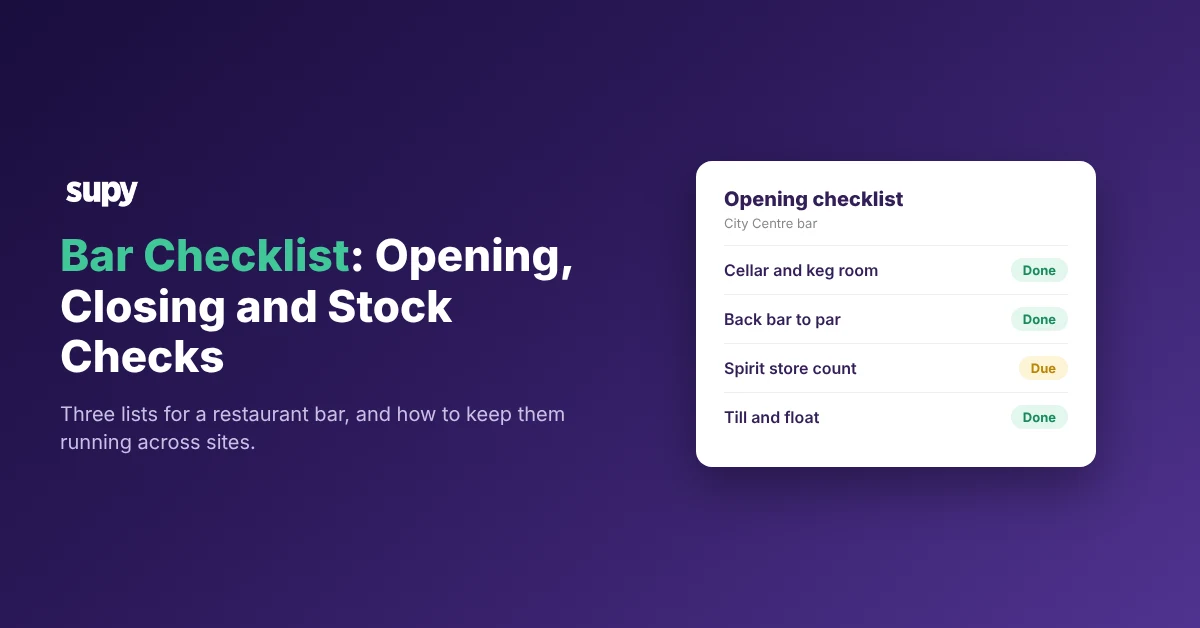
A bar checklist is three short lists your team works through: opening, closing, and a stock count organised by storage area. The opening list gets the bar ready to trade. It confirms nothing is flat, missing or out of date before the first order. This article gives all three lists as tables you can copy, then shows how to keep them running across several venues.
Work the opening list in a fixed order so a new starter can run it.
| Area | Opening check |
|---|---|
| Cellar or keg room | Connect the gas and CO2, turn the kegs on, check the lines pull clear |
| Back bar | Restock the spirits, mixers and garnishes to par |
| Cool room | Check beer, wine and soft drinks are at temperature and in date |
| Spirit store | Confirm the high-value bottles match last night's close |
| Service area | Clean the glassware, fill the ice wells, lay out the tools |
| Till and float | Count and agree the float, open the till, check prices are current |
The bar closing checklist
Close is when stock goes missing and counts slip, so the closing list protects both the cash and the stock. Work it in the same order every night, so a late finish never costs you a step.
| Area | Closing check |
|---|---|
| Cash and till | Run the Z-report, set the float aside, lock the takings away |
| High-value spirits | Count the premium bottles against the sheet |
| Cellar or keg room | Turn the gas off, clean or cap the lines, log the empties |
| Cool room | Shut the doors, log the temperature, leave nothing out to spoil |
| Waste | Write down the breakages and spillage by area |
| Security | Empty the tills, lock the back doors, set the alarm |
Bar stock checks by storage area
Count the bar by storage area, not as one long list, so each counter owns a space and no shelf gets missed. Counting by area also shows whether the back bar is back to par after a weekend. Give wine its own template, because a busy bar adds 10 to 20 new wine lines a month.
If you'd rather not work par out by hand, the free par level calculator does it for every item on your sheet from your usage, delivery days and supplier lead times.
| Storage area | What to count |
|---|---|
| Back bar | Open and sealed spirits, mixers, garnishes |
| Spirit store | Sealed premium bottles, by brand |
| Cellar or keg room | Kegs as full, part or empty, plus gas cylinders |
| Cool room | Beer, wine and soft drinks by line |
| Wine (own template) | Each wine line counted on its own |
For more on pulling a bar count together, see our guide to bar inventory software.
Why bar counts lapse, and how to keep them going
Bar counts lapse for two plain reasons, paper and a single scanner.
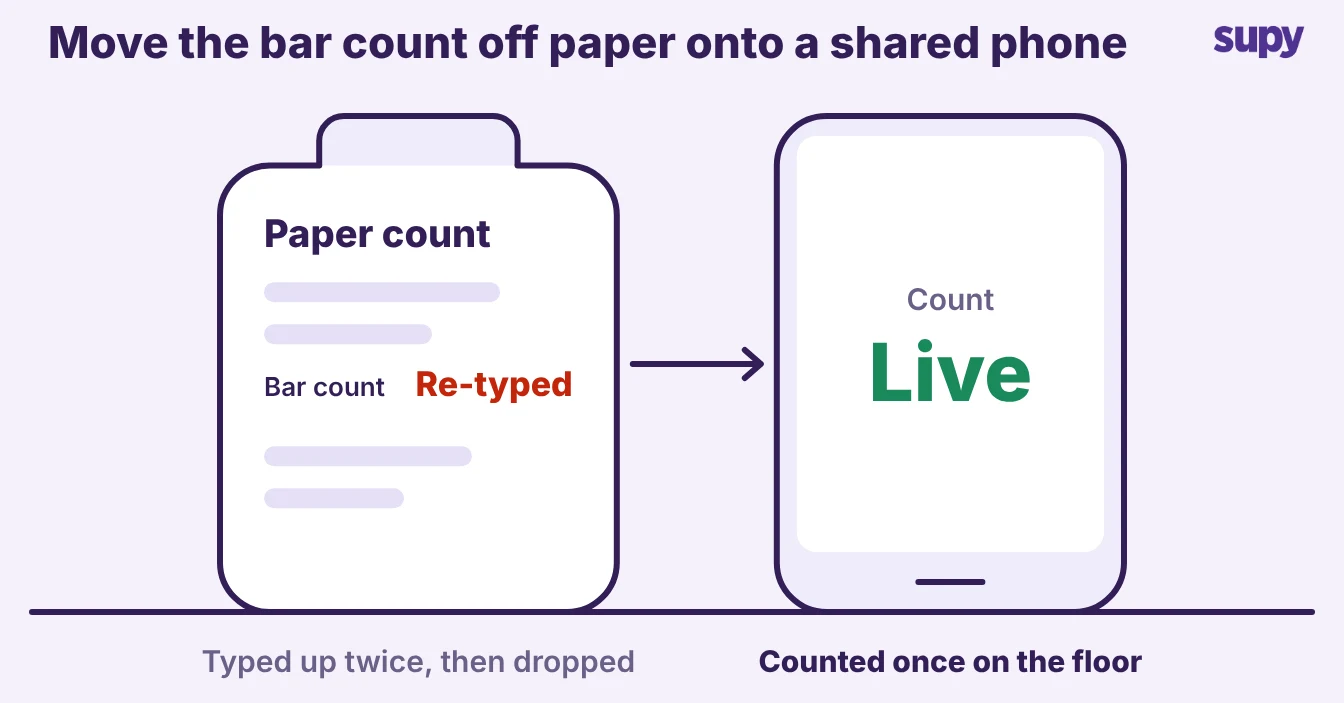
- Paper doubles the work. One pub and casual dining group wrote counts on paper, then typed them in again. That cost about 4 hours per bar and kitchen each cycle, so the count was the first job to drop on a busy week.
- One scanner is a single point of failure. Another pubs group stopped its weekly count the week its handheld scanner broke, and its daily wastage sheets went untracked across the bars, spirit room, cool room and keg room.
Counting more often keeps your records more accurate. Groups counting more than weekly keep records about 3x more accurate than those counting under 8 times a year, 76.2% against 24.5% on count day, in The Spread.
Keep counts going by making them short and shared:
- Count by area. Two or three people can then work at once, each owning a storage space.
- Count from a phone. A broken scanner cannot stop a count that runs on the devices people already carry.
- Check variance at close. Compare the count against the system the moment it closes, not days later.
Supy's stock counting follows shelf order and merges several counters into one count. It shows variance against the system straight away, which the vendor states cuts counting time by more than 50%.
Running bar checks across several venues
Across several venues the risk is not that checks are hard, it is that every bar ends up running its own version. Give each site one template per role and shift, so area managers can compare like with like.
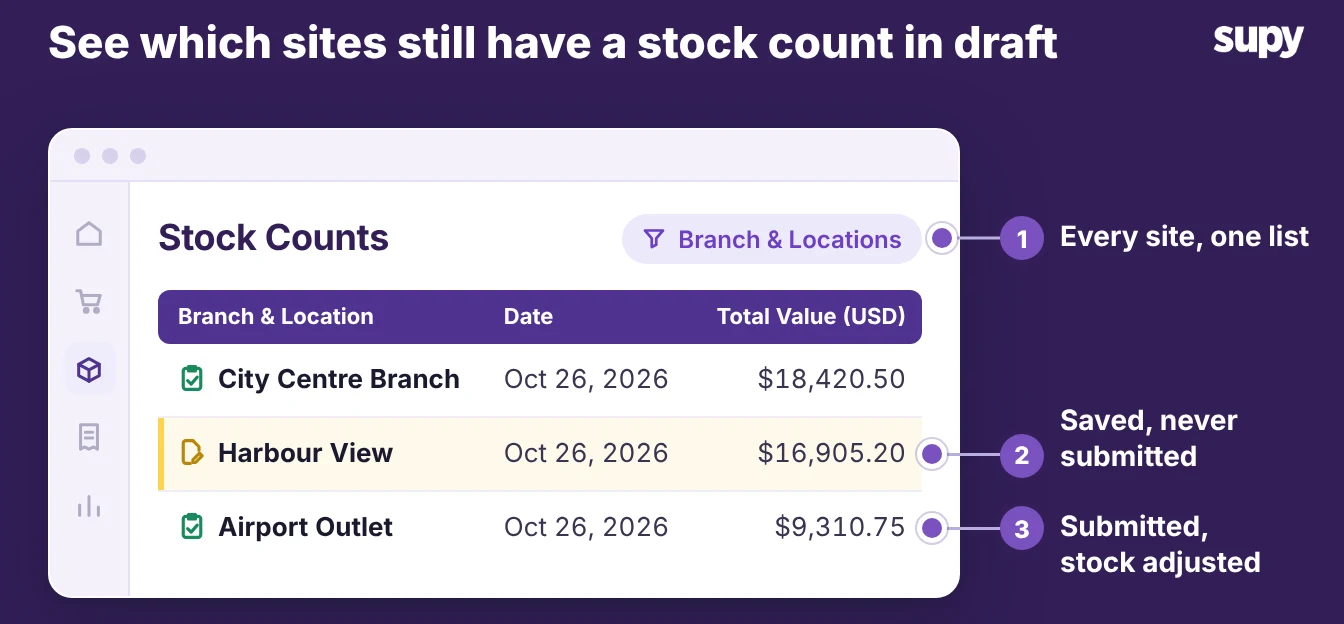
The part you can compare live today is the stock count. A count stays a draft until someone submits it, so an area manager can see which sites are still in draft and which have submitted. A bar that always counts late then shows up against the others, not at month end.
Pick which of the three lists your bar runs today. If closing is your weak spot, start there, because close is where stock and cash go missing.
Supy's Checklists product is coming soon. It will assign a list by role and flag a failed check for follow-up. Until then, run these tables on a shared tablet, and keep the stock count live.