




How to Choose a Restaurant Operations System for Multiple Sites

What a Restaurant Operations System Has to Do Across Several Sites
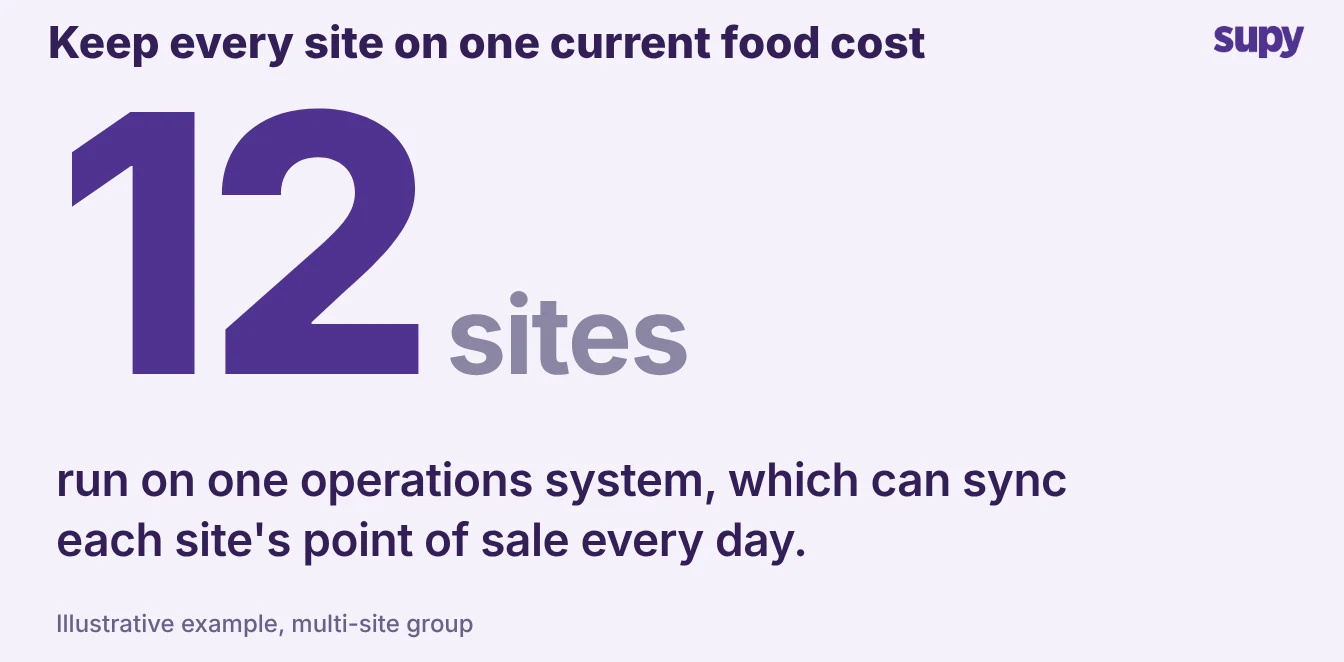
A restaurant operations system should keep every site's food cost current on its own. In a 12-site group, that means each branch's sales reach its cost reports the same day, synced around that branch's opening hours with no one pressing a button. Shortlists compare dashboards and feature counts, but that daily-sync question is what separates them.
Running one restaurant and running twelve are different jobs. This article shows what to check across visibility, daily cost, point-tool sprawl, and rollout.
A good operations system pulls the back of house into one place. It holds stock, ordering, receiving, recipes, and cost reporting, each aware of the others.
It is the layer that sits behind your restaurant operations and turns scattered spreadsheets and supplier apps into one record a group can run on. Judge it on four things, and judge each one the way you would in a live demo.
See Every Site From One View, Not Aggregated Toplines
Start with visibility, because it is where multi-site groups lose the most time. One hospitality group running company-owned and franchised sites could see only aggregated toplines for the franchised half.
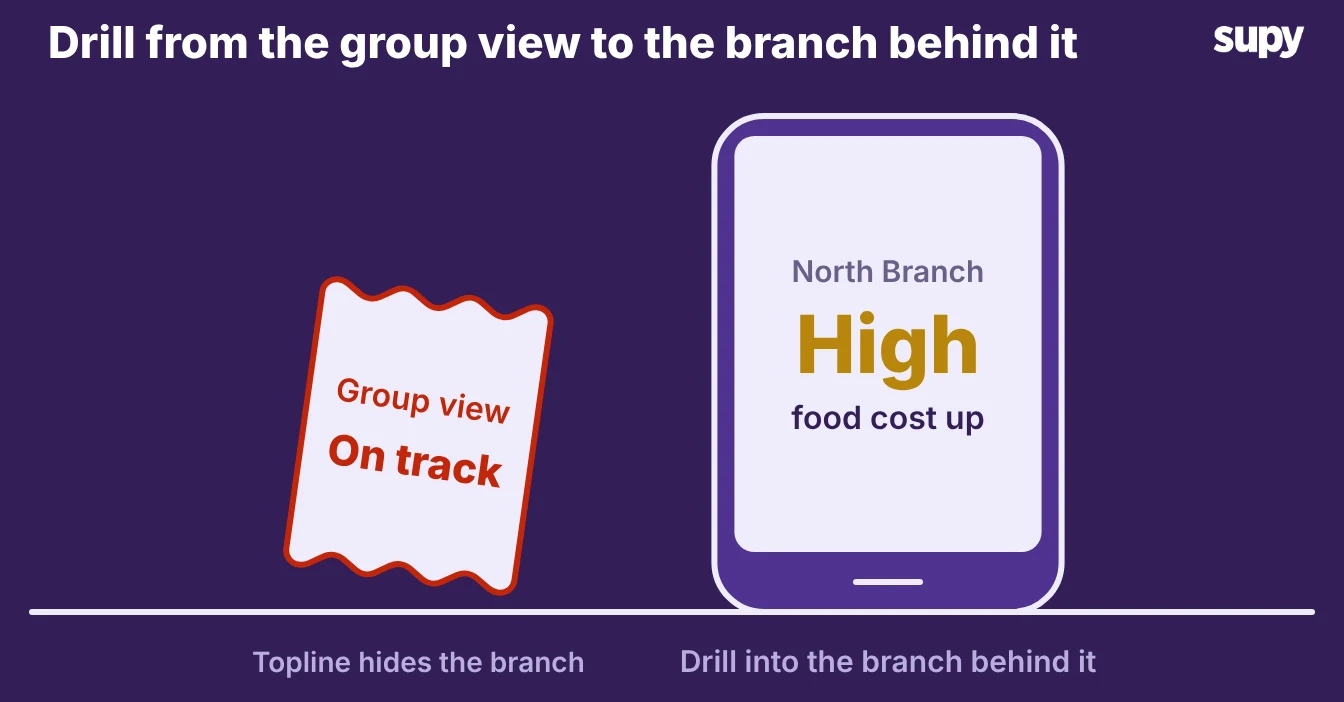
They had no direct view of their stock, ordering, or food cost. When a number looks wrong, a group average does not help: you need the one branch behind it.
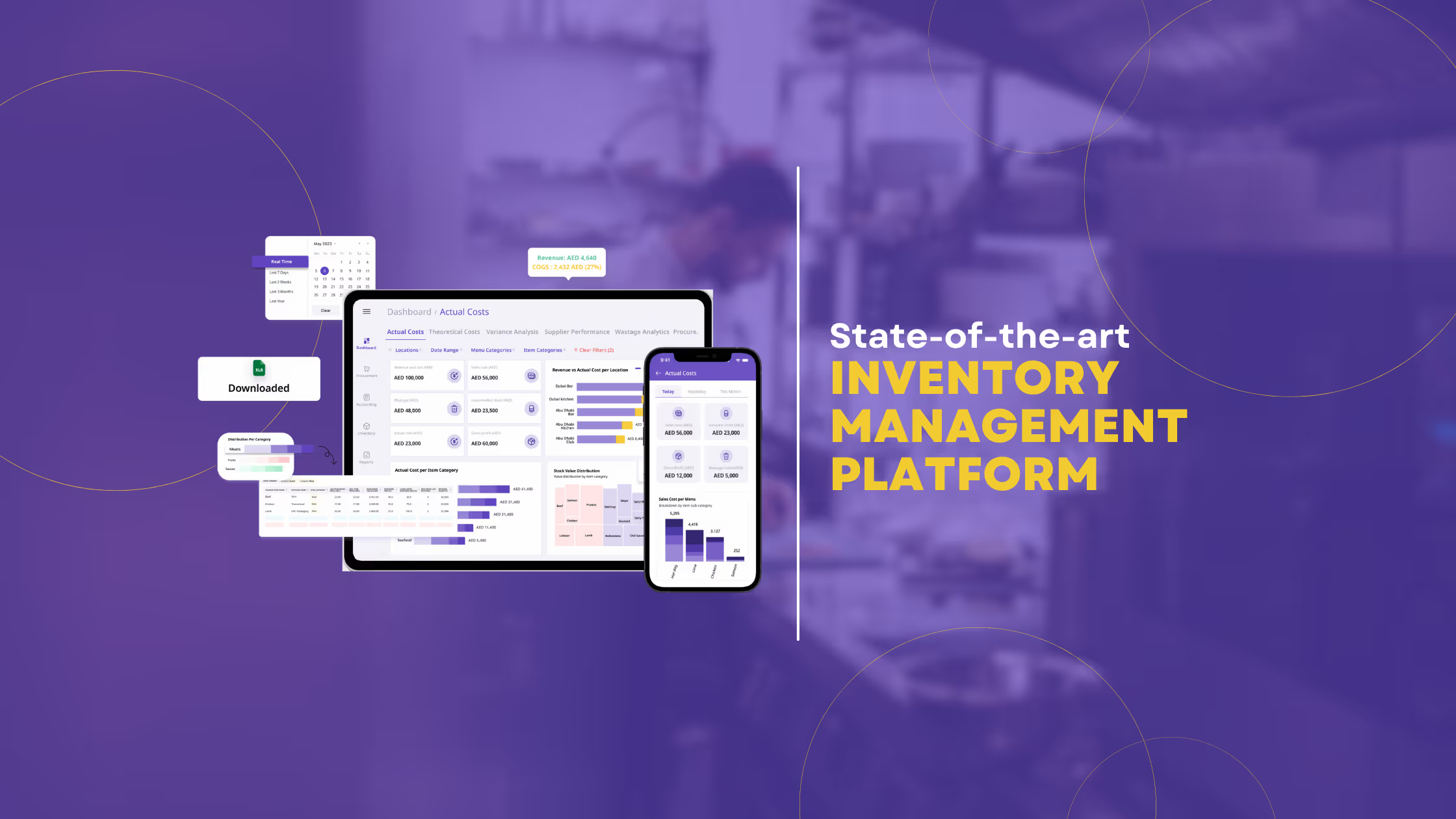
- Stock on hand. Ask to see the group view, then drill into a single site in the same screen. Supy's restaurant inventory management software shows real-time stock on hand by location, category, and storage unit. It flags items below minimum or above par per site. Par and minimum levels are visible across every location from one view. You see where each site sits without opening twelve separate accounts.
- Par calculator. If you'd rather not work par out by hand, the free par level calculator does it for every item on your sheet. It works from your usage, delivery days and supplier lead times.
- The demo test. The demo test is simple. Pick one site at random. Ask the salesperson to show you its live stock and its variance against theoretical usage, then ask for the same across the whole group. If the group view is just a sum with no way back to the branch, that is the aggregated-topline trap.
Keep Each Branch's Food Cost Current Without Manual Work
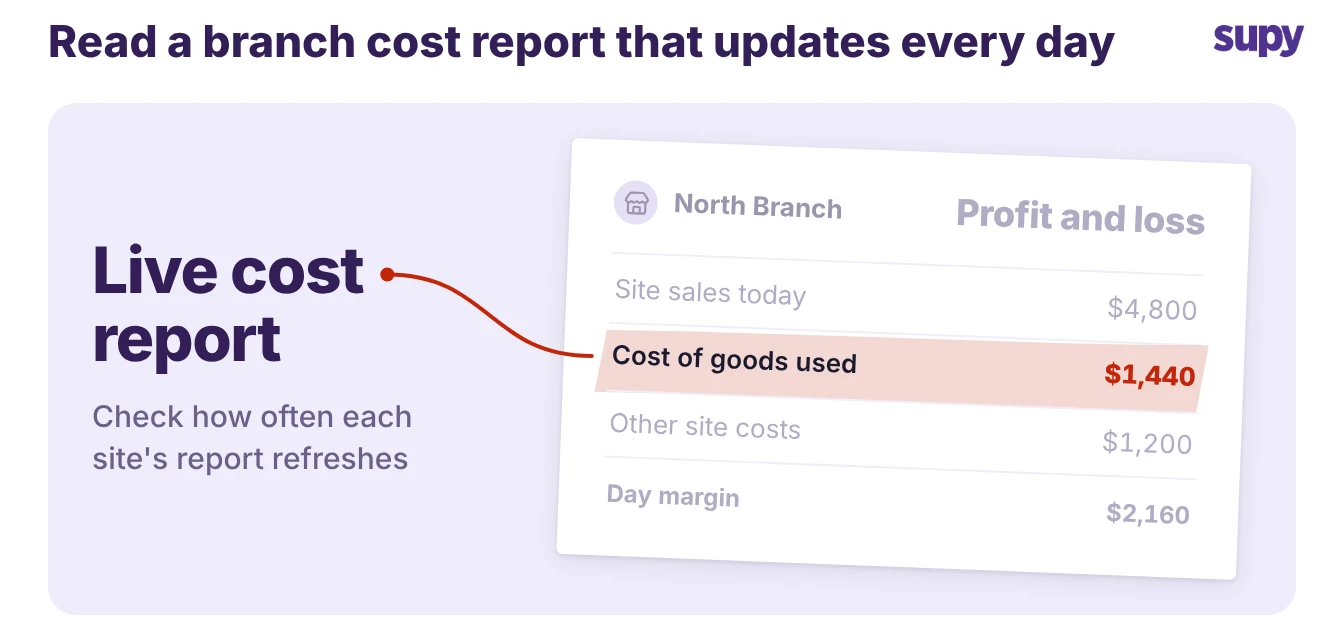
The daily cost number is where a system either saves your team hours or quietly adds them. Supy schedules the point-of-sale sync around each branch's own opening hours.
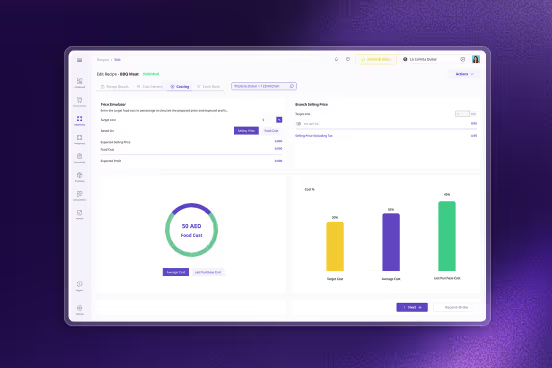
That site's sales then run through its recipes and land in its cost reports every day, with no manual trigger. The interactive dashboards show live cost of goods sold and food cost percentage at group, site, and menu-category level, with theoretical-versus-actual variance and drill-down.
- Why this matters. Why this matters at scale: a food cost figure that is a week old is one you cannot coach against. One operator put real money on it. Even a 3% improvement in food cost, they noted, is a meaningful gain across a group's revenue. You only capture that if the number is current for every site, not just head office.
- The failure mode. Watch for the failure mode too. Point-of-sale mapping is where multi-site rollouts stall. One group found the mapping took far longer than expected. Another mapped recipes to the wrong menu items, so sales tracked to zero on dishes that were selling.
- Recipe mapping. In the demo, ask how recipes link to point-of-sale items, who checks the mapping, and what happens when a new dish appears. A system that depletes the correct ingredients when a sale rings up is the one that keeps food cost honest. Supy's AI sales forecasting builds per-branch models and predicts daily sales for 14 days ahead. That works because the same daily sync keeps each site's data fresh.
One Restaurant Operations System or Several Point Tools
Most groups do not start with one operations system. They start with a point tool for ordering, another for stock, a spreadsheet for cost, and the point of sale on its own. Then they stitch them together with data feeds.
- Feeds break. One operations lead was wary of adding another integration at all, because past feeds had broken and taken daily operations down. At one or two sites the stitching holds. At ten, the feeds break often enough to wreck your month-end.
- The honest case. The table below is the comparison to run in your own head before any demo. It is also the honest case for consolidating, which is the decision this guide exists to help you make.
| Criterion | Point tools stitched together | One operations system |
|---|---|---|
| Food cost timing | As fresh as the last manual export | Live per site from the daily point-of-sale sync |
| Cost and revenue by area | Rebuilt by hand per report | Cost of goods sold and profit by site, category, and dish |
| Approvals and spend control | Set per tool, if at all | Sequential approvals up to 5 and 200+ permissions in one place |
| Audit trail | Scattered across tools | One tamper-proof log tied to user, branch, and action |
| Supplier reach | One connector per tool | 75+ integrations across point of sale, accounting, and ERP |
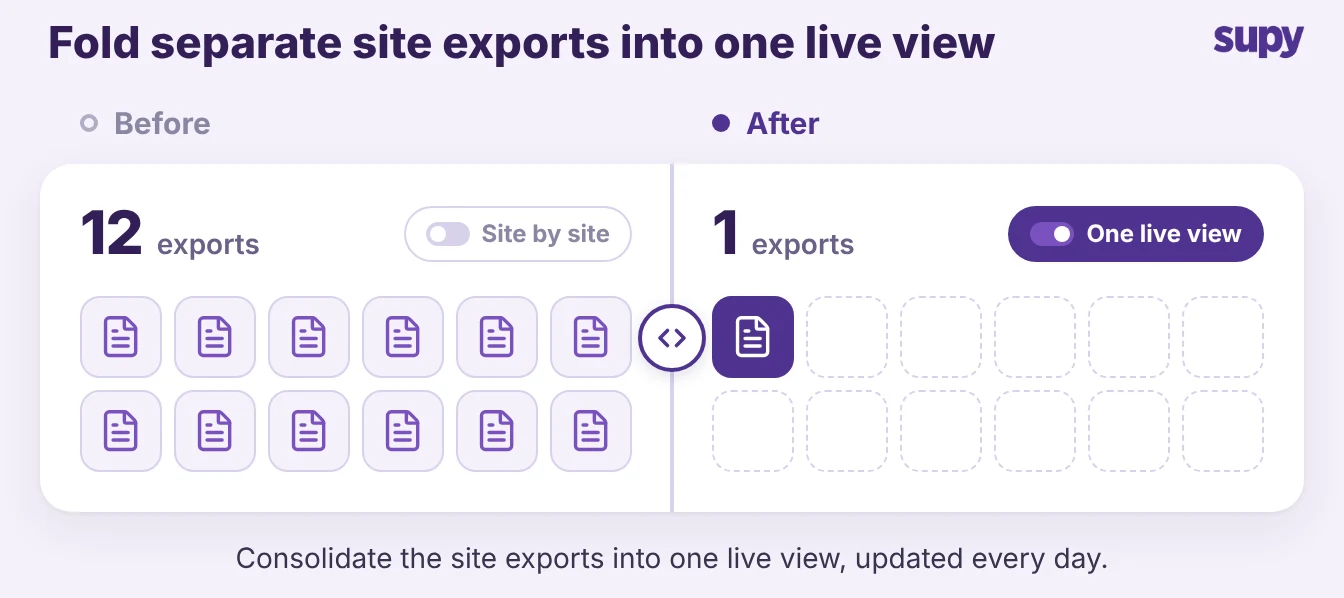
Consolidating does not mean ripping everything out on day one. It means the system you choose can hold procurement, receiving, stock, recipes, and reporting itself. Then the feeds you keep are the ones you choose, not the ones you are trapped with.
- Spending policies. Two controls show the point. Spending policies can be scoped to locations, regions, and individuals.
- Central kitchen. A central kitchen can order on behalf of any branch. Both work only when one system holds the data.
Four Things to Check Before You Commit
Turn the guide into a short demo checklist, and judge each item on what you see rather than what you are told.
- Visibility. Ask for the group view and a drill-down to one random site in the same screen. If you cannot get from the group number back to the branch, the rest does not matter.
- Daily food cost. Ask how often each site's cost updates and whether the point-of-sale sync runs on its own. A number you have to export by hand is one your managers will not read.
- Rollout and data integrity. Ask how recipes map to point-of-sale items and how tax and item setup are checked before go-live. One group went live with over a thousand items carrying blank tax rates, which corrupted cost reports on day one. Stock counting that cuts counting time by over 50% only helps if the data underneath it is clean.
- Consolidation. Ask what the system does itself versus what it leans on other tools for. The fewer fragile feeds between you and your food cost, the fewer month-ends that go sideways.
Pick the system that answers all four in the demo, not the one with the longest feature list. The right operations system keeps every site's numbers current, from the first day to the twentieth location. That is the one that pays for itself.