





How to Choose a QSR System for a Multi-Brand Operation

What a QSR System Has to Handle Across Several Brands
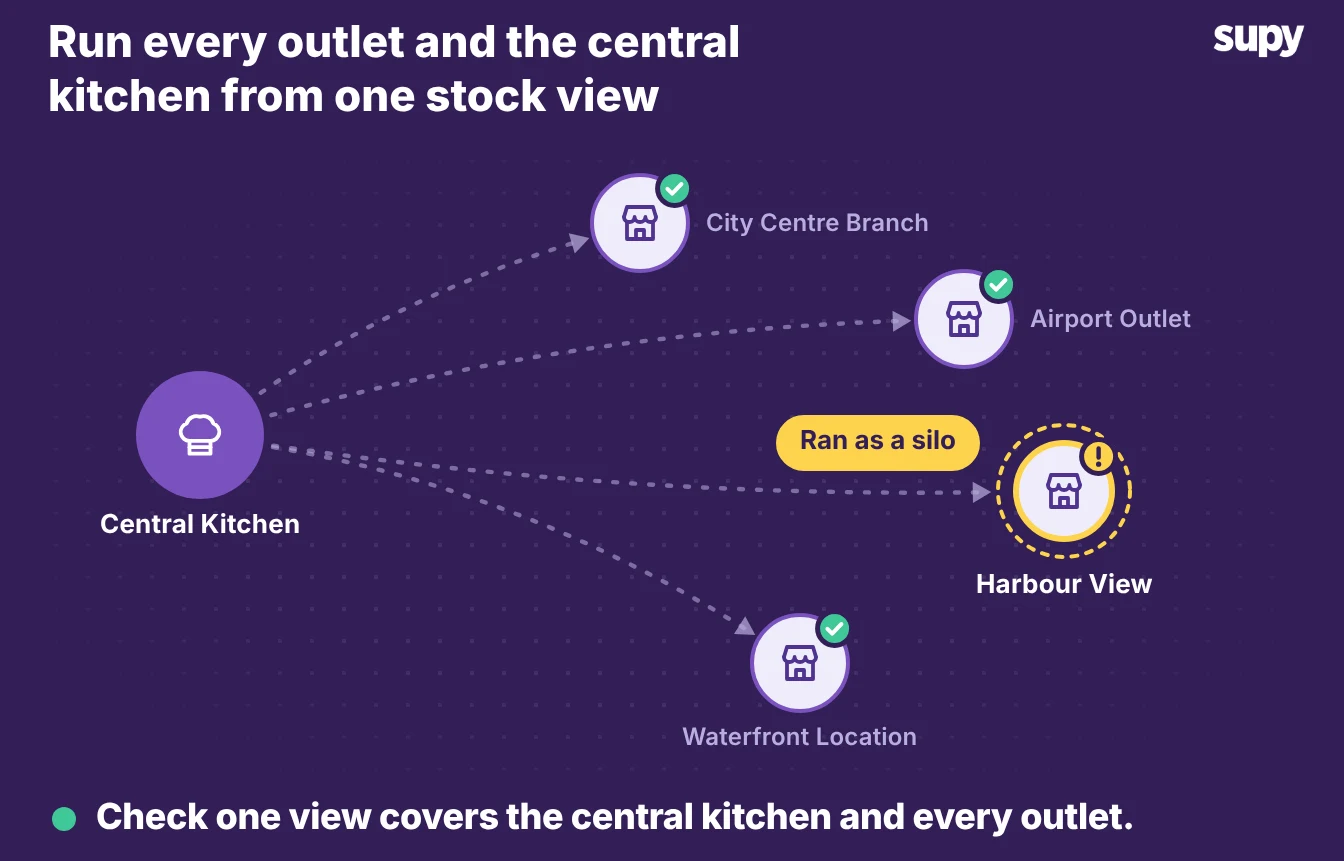
The right QSR system gives head office one live view of stock and cost across every outlet and central kitchen. Most multi-brand operators do not have that yet. One QSR and bakery group ran five central kitchens as separate inventory silos, so head office had no real-time view across its outlets and moved stock between them by hand.
- Jobs to judge. A single-site point of sale is not the decision to get right here. Running several brands adds jobs a basic setup never has to do. The system has to hold one real-time picture across outlets and central kitchens, and move stock from a central kitchen to outlets without losing the cost. It also has to control spend the way each brand buys and feed sales back into food cost per brand. Judge a QSR system on those four jobs, because the pages that rank for this search cover point of sale and ordering and skip them.
- What this shows. This article shows the jobs a multi-brand QSR system has to do, what to ask to see in a demo, and where each job is solved.
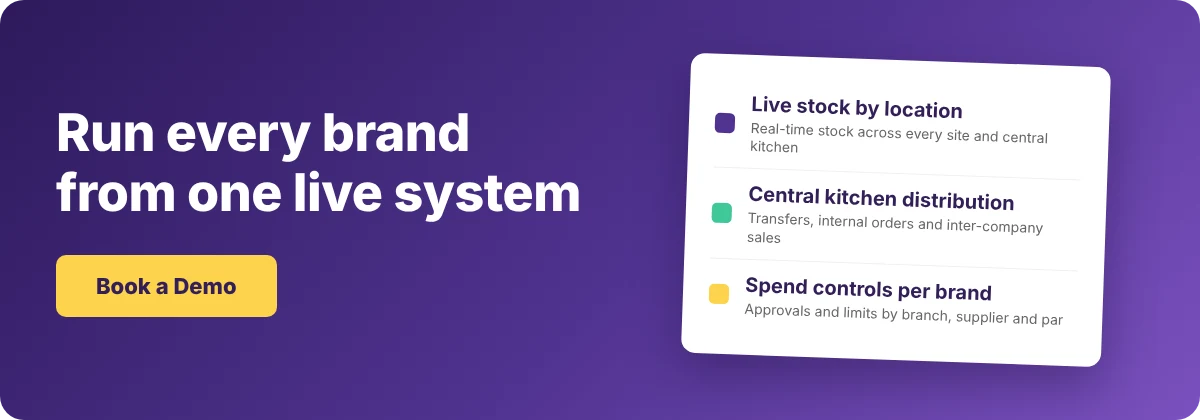
See Every Outlet and Central Kitchen in One Live View
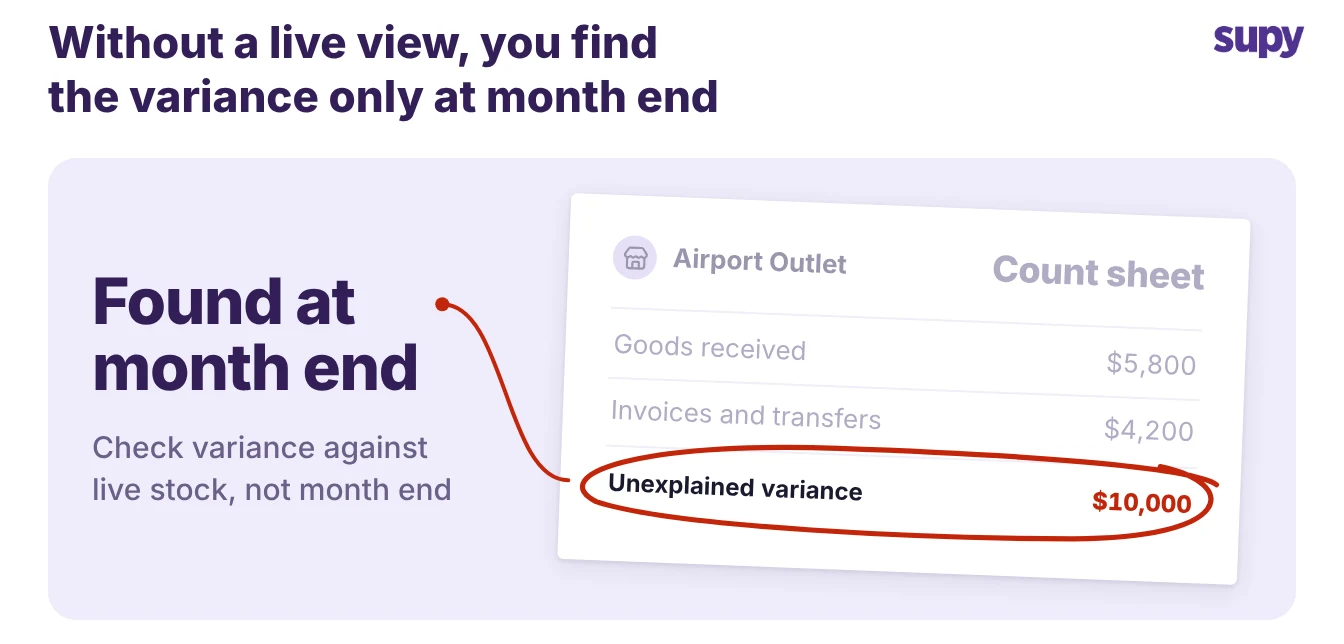
A multi-brand QSR system does its main job when head office can open one screen and see current stock for every outlet and central kitchen. When each site keeps its own silo, nobody can act on a shortage in another brand, and the group finds variance only at month end.
One finance team found roughly $10,000 a month in unexplained stock variance across goods received, invoices and transfers, because no live picture let anyone catch it sooner.
- Stock by location. Ask to see stock on hand by location and by storage area, with items flagged below minimum and above par. The view should update as your team receives deliveries and the system deducts recipe usage, not from a nightly manual sync. Supy's restaurant inventory management software shows real-time stock by location and category. It flags items below minimum or above par, and updates from goods received notes and recipe usage without a manual step.
- The demo test. The test in a demo is simple. Open two brands at once and ask the vendor to show a single item's stock across both, live. If the answer is a report that runs overnight, the system cannot give head office a real-time view, whatever the sales pages say.
Move Stock From the Central Kitchen to Your Outlets
Distribution from a central kitchen to outlets is where multi-brand stock control gets messy, because the same movement can be a transfer, an internal order or an inter-company sale. A buyer should test each path, since the right one depends on whether brands charge each other and whether every site runs on one legal entity.
Supy covers all three.
- Branch purchase orders. Branches send purchase orders to the central kitchen, which confirms, ships and delivers them with delivery notes.
- Order on behalf. It can also order on behalf of any branch and bill other entities with pro forma and tax invoices.
- Inter-branch transfers. Inter-branch transfers need the receiving site to accept before stock updates, allow partial accept or reject, and keep a full audit trail on both ends.
The table below shows which path fits which movement.
| Movement | What it is | Use it when | What it updates |
|---|---|---|---|
| Inventory transfer | Stock moves between two sites you own | Both sites sit on one entity and no money changes hands | Stock at both ends, after the receiver accepts |
| Internal order to the central kitchen | An outlet orders from your central kitchen | The central kitchen makes or holds stock for the brands | A purchase order, then a delivery note and stock |
| Inter-company sale | The central kitchen bills another entity it supplies | Brands or companies charge each other for stock | An invoice and the stock ledger on both entities |
Set Spend Controls That Match How Your Brands Buy
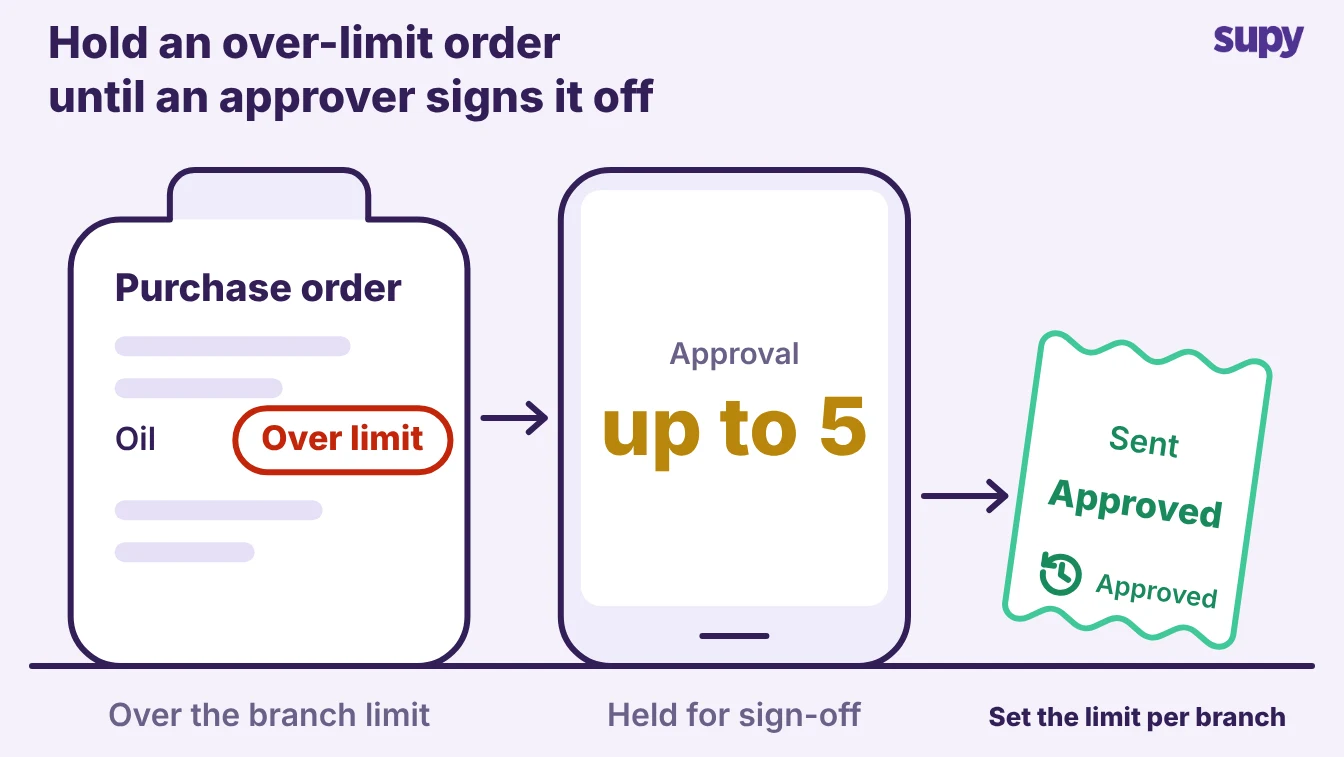
Spend control is the job where a general QSR system most often falls short for a multi-brand operator, because each brand buys on its own rules. A buyer guide should push hard on this: ask to build a real approval rule in the demo and watch it block an order that breaks it.
- Controls and permissions. Supy applies controls by value, supplier, branch, category, user and par position, with sequential approvals of up to 5 approvers triggered by the branch and the order value. It ships 200+ customisable permissions, with separate policies for supply orders, central-kitchen orders, invoices and requisitions. So a brand that does not charge its outlets for central-kitchen stock can still cap what each site pulls. Much of the day-to-day control runs off par. Fill to PAR sets order quantities from current stock against the par level, so a site reorders to a number head office agreed rather than a guess.
- The par calculator. If you'd rather not work par out by hand, the free par level calculator does it for every item on your sheet from your usage, delivery days and supplier lead times.
- Caps by quantity. Controls that cap by value are common, but caps by quantity are not. If your model limits sites by units rather than money, ask the vendor to show that exact rule working. The same demo is the place to decide how to automate routine QSR jobs such as recurring orders, so the controls hold without someone policing every purchase.
Turn Prep, Production and Sales Into Live Food Cost
A QSR system pays for itself when the day's sales reach food cost on their own, per brand. Two flows make that happen.
Production has to deplete stock as it runs, and point-of-sale sales have to deplete the right ingredients. Ask to trace one sold item from the till back to the stock it used, and one prep batch from the recipe to the ledger.
- Linked recipes. Supy links recipes and prep recipes to point-of-sale menu items, including modifiers, so a sale depletes the ingredients it actually used.
- Production runs. Your team records production runs on the web or mobile app, and they post to the stock ledger when the batch is submitted.
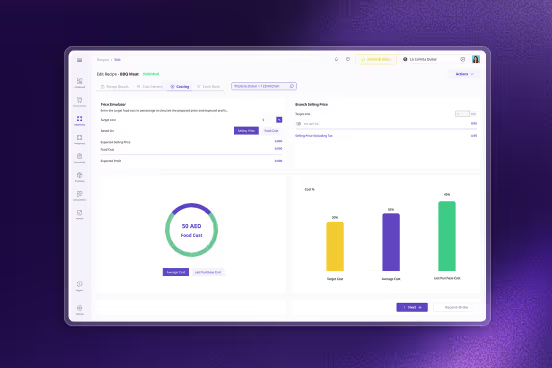
- Sales sync. Sales sync from the point of sale each day per branch, around each site's opening hours. They flow into live cost of goods sold and food-cost percentage by site and menu category, with theoretical-versus-actual variance to show where the two diverge.
Two things are worth testing before you commit:
- Sync frequency. Ask how often the point-of-sale integration syncs and whether it carries modifiers, voids and refunds, because sales that sync only once a day cannot answer an hourly question.
- Accountability. Ask who is accountable when an integration breaks, because operators who have paid for a failed integration with no resolution path learn to ask this first.
Supy connects to 75+ systems across point of sale, accounting and ERP, including the point of sale you already run.
| Flow | What it depends on | Check in the demo |
|---|---|---|
| Production to stock | A batch posts to the stock ledger when it is submitted | Trace one prep batch from the recipe to the ledger |
| Sales to ingredients | Recipes map to point-of-sale items, modifiers included | Trace one sold item back to the stock it used |
| Sales to live cost | The point-of-sale integration syncs often enough | Ask the sync frequency and whether it carries voids and refunds |
How to Judge a QSR System in a Demo
Pick the system on the four jobs above, not on a feature list. Walk into each demo with the same brief and make the vendor show the job working across two brands, live, with your kind of data. The table below turns each job into one thing to ask and one good sign to watch for.
| Job | Ask to see | A good sign |
|---|---|---|
| One live view | A single item's stock across two brands, right now | It updates from deliveries and recipes, not a nightly sync |
| Central-kitchen distribution | A transfer, an internal order and an inter-company sale | The receiver accepts before stock moves, with an audit trail |
| Spend control | A real approval rule blocking an order that breaks it | Caps by value, par and quantity, with sequential approvers |
| Sales to cost | One sold item traced back to the stock it used | Live cost of goods sold by brand, with theoretical-versus-actual variance |
Score each vendor against the job that hurts most in your operation today, then the other three. A system that does one live view and central-kitchen distribution well, and syncs sales into cost each day, scales across brands. One with a longer feature list but no real-time picture does not.
Book the demo with that brief in hand, and ask for reference clients who run the same number of brands and central kitchens you do.