





How to Choose a HACCP App for a Multi-Site Restaurant Group

What a HACCP App Has to Do Across Every Site
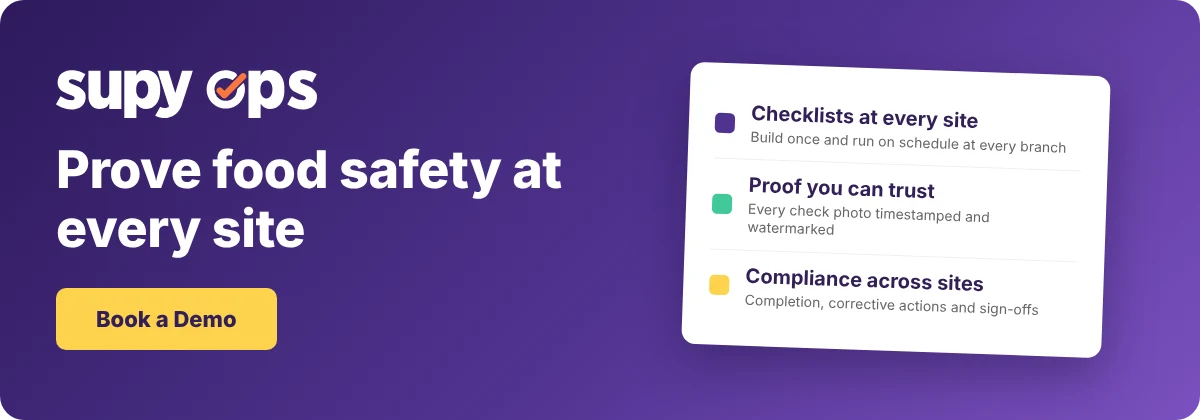
The right HACCP app lets head office build a check once and run it the same way at every site, then proves it was done. The proof is the hard part. The best apps timestamp and watermark every compliance photo, so a staff member cannot photograph a colleague's phone and pass off a fake check.
A HACCP app is more than a digital version of a paper checklist. Running several sites adds four jobs a single kitchen never faces, and those four jobs are what to judge an app on. The pages that rank for this search explain the seven HACCP principles and stop there.
| The job | What it means across sites |
|---|---|
| Run the same checks everywhere | One checklist, built once and scheduled at every branch |
| Make the record impossible to fake | Every compliance photo timestamped and watermarked |
| Turn a failed check into a fix | A corrective action with a manager sign-off |
| Prove due diligence across sites | One compliance report for the whole group |
This article shows what a multi-site HACCP app has to do, what to ask to see in a demo, and where each job is solved.
Run the Same Checks at Every Site, on Schedule
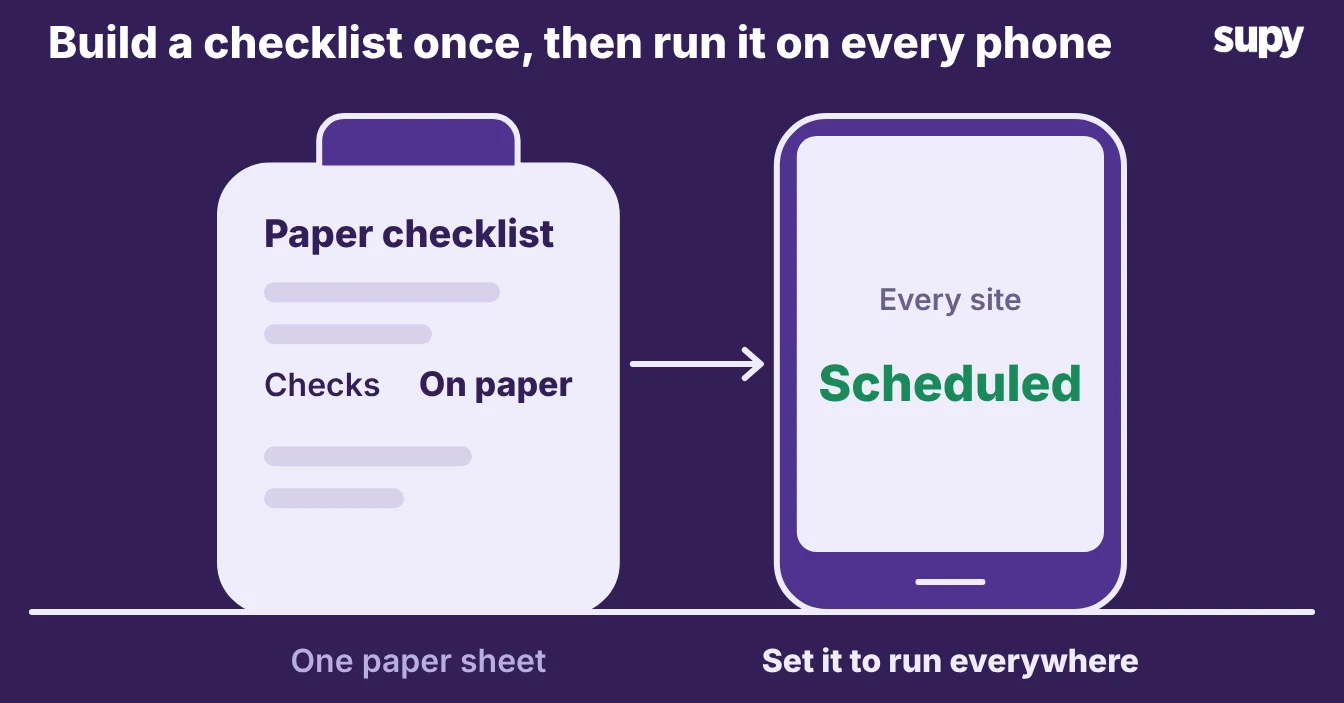
The first job is consistency. A check written on one site's clipboard does not help head office, and a procedure nobody runs is not a control. A good HACCP app lets you build a checklist once and schedule it at every branch, so opening checks, closing checks and temperature logs happen the same way everywhere.
- Checklist software. Check out Supy Ops, Supy's checklist software, to build a checklist once and run it on schedule at every branch. Staff open the steps on their phones, and you build each checklist once from your current paper sheet. Temperature checks and logs sit in the same place, by site.
- Single standard. In a demo, ask to build one checklist and push it to two sites, then change one step and watch it update everywhere. If each site keeps its own version, the group has no single standard to inspect against.
Make the Record Impossible to Fake
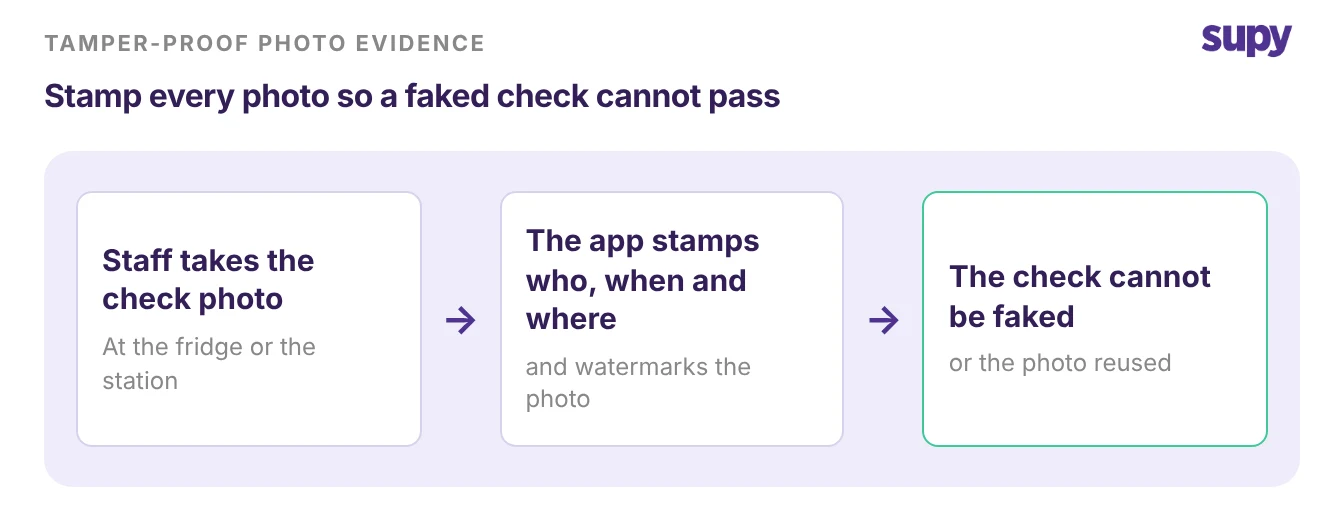
A record only protects you if it is true. Staff under time pressure find shortcuts, and the most common one is to photograph a colleague's phone and submit that picture as their own check. The record then looks complete while the check never happened.
- Stamped photos. A HACCP app stops this by stamping every photo with who took it, when, and where. Supy Ops timestamps and watermarks every compliance photo, so a check cannot be forged after the fact. The record carries the real time and place of each check, which is what an inspector, or your own head office, needs before they trust it.
- Faked photo. In a demo, ask what stops a staff member from faking a photo. If the answer is nothing, the app records activity but does not prove it, and the record will not hold up when you need it most.
Turn a Failed Check Into a Fix, Not Just a Flag
A check that only records a number does half the job. The value is in what happens when a check fails.
- Not the end. A fridge reading that is too high is not the end of the task. Staff then need to check the temperature of the ingredients inside it, move stock if they have to, and record what they did.
- Raises a fix. A good HACCP app branches on the result. When a step fails, it tells staff the next action, raises a corrective action, and holds it open until a manager signs it off. Supy Ops does this: a failed step raises a fix with a named owner, and a manager confirms it before it closes. The table below shows the difference between a flag and a fix.
| When a check fails | A flag-only app | A HACCP app that fixes it |
|---|---|---|
| A fridge reads too high | Logs the reading and moves on | Tells staff to check the ingredients inside, then raises a corrective action |
| A cleaning step is skipped | Leaves a blank on the sheet | Holds the task open until someone completes it |
| A corrective action is raised | No follow-up | Assigns it to a person and needs a manager sign-off to close |
Prove Due Diligence Across Every Site
The real reason operators care about any of this is to avoid blame when something goes wrong. A HACCP record is your due diligence defence: it shows you had procedures in place and that staff followed them.
- Legally required. In most markets, food businesses are legally required to run food safety management procedures based on the seven HACCP principles, so the record is not optional.
- Proof across sites. Across a group, you need that proof for every site at once, not one clipboard at a time. Supy's food safety compliance reporting shows completion across sites. The audit log groups each change by the action and the person who made it, so head office can see what changed and who changed it. This is the same evidence an SOP software for multi-location restaurants rollout depends on, where documented procedures only count if you can prove they were run. The table below maps what an inspection asks for to what a multi-site app should show.
| What an inspection asks for | What a multi-site app should show |
|---|---|
| Were the checks done? | Completion by site, against the schedule |
| Who did them and when? | A timestamped, watermarked record for each check |
| What happened when one failed? | The corrective action and its manager sign-off |
| Can you prove it across the group? | One report for every site, with a full audit log |
Confirm the exact records your inspections require with your local food safety authority before you rely on any app, because the rules differ by country.
How to Judge a HACCP App in a Demo
Pick the app on the four jobs above, not on the length of its template library. Walk into each demo with the same test.
Build one check, run it at two sites, fail it on purpose, and pull the report. The table below turns each job into one thing to ask and one good sign.
| Job | Ask to see | A good sign |
|---|---|---|
| Same checks everywhere | Build one checklist and push it to two sites | One change updates every site at once |
| A record you can trust | What stops a faked photo | Every photo is timestamped and watermarked |
| A fix, not just a flag | Fail a check on purpose | It raises a corrective action and needs a sign-off |
| Proof across sites | The compliance report for the whole group | Completion by site, with an audit log of who did what |
Score each app against the job your group is weakest on today, then the other three. An app that runs the same checks everywhere and proves they were done will stand up to an inspection better than one with a bigger template library and no way to trust the record. Book the demo with that test in hand.