Restaurant Audit Checklist: What Area Managers Should Check on a Visit
What a Restaurant Audit Should Cover
A restaurant audit should check more than how the kitchen looks on the day. It scores food safety, stock accuracy, cash handling, equipment and whether staff follow the group's standard. An area manager sees one shift, so the records between visits matter as much as the walk-round. This article shows what to check, how to score every site the same way, and how to tell when a clean score hides a problem.
Most groups audit the five areas below. Each needs a check an area manager can do in minutes and a way to record what they found.
| Audit area | What to check | How it is scored |
|---|---|---|
| Food safety | Temperature logs, allergen labels, use-by dates signed off | Pass or fail per check |
| Stock accuracy | Last count matches the shelf, high-value items spot-counted | Variance against expected |
| Cash and till | Float counted, voids and refunds have a recorded reason | Pass or fail |
| Process | Opening and closing checklists completed on time | Percent completed |
| Equipment | Fridges holding temperature, scanner and scales working | Pass or fail |
The score on the day is not the point. The point is whether the site runs to standard when nobody is visiting.
Scoring Every Site the Same Way
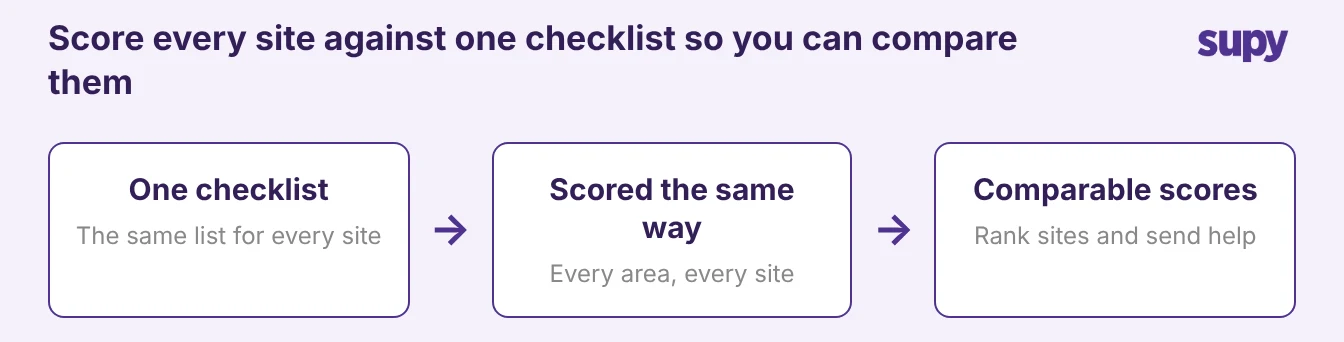
Comparable scores need one checklist, used the same way at every site. When each area manager audits from their own list, a 94% at one site and a 94% at another measure different things, so the group cannot tell which site needs help first.
Build one checklist, assign it by role and shift, and score each area the same way everywhere.
- Rank completion across sites. One list lets a regional manager rank completion across sites and send help where the score is lowest.
- Short enough to finish. Keep it short enough to finish in a single visit, because a list nobody completes tells the group nothing.
The aim is not a longer checklist. The aim is the same checklist, scored the same way, at every site.
Why Audit Scores Look Fine When the Site Is Not
You can score high on the audit and still have real unexplained variance.
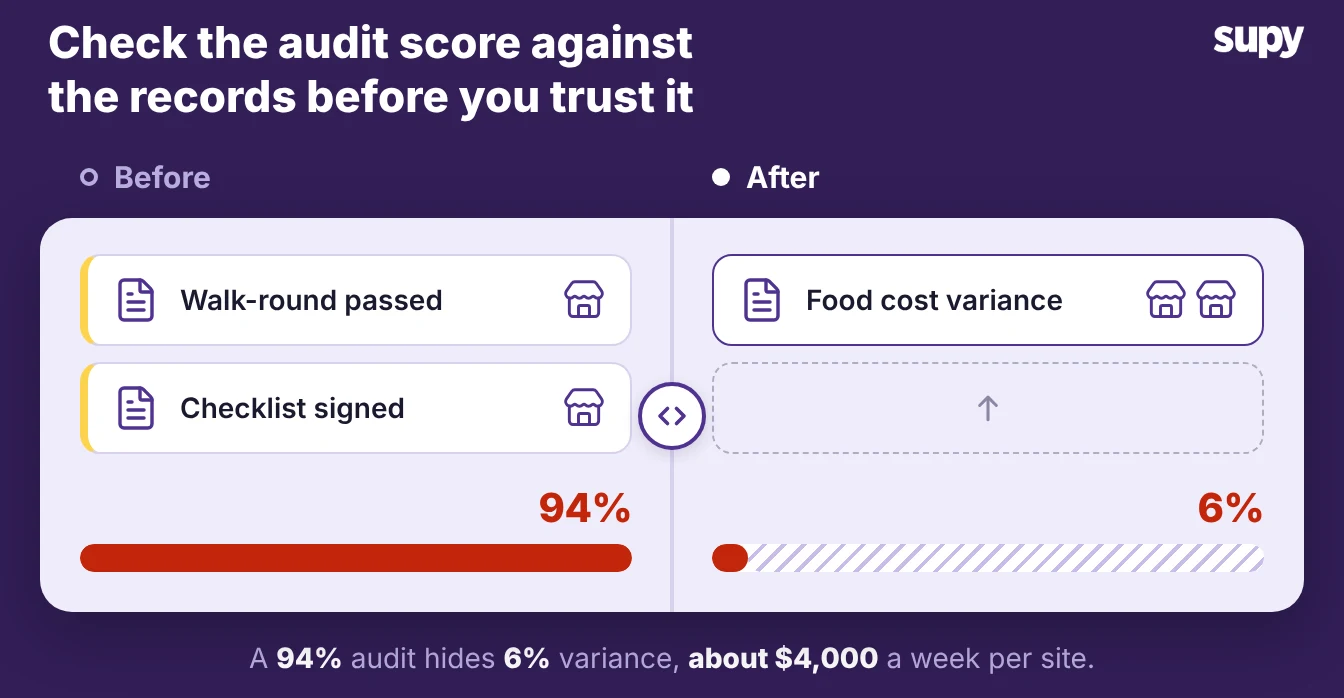
- Variance builds between visits. A site can post a 94% on the visit and still run 6% food cost variance between visits, because the audit scores the day and the variance builds every other day.
- Rushed or skipped counts. The area manager sees a tidy walk-in on the visit, not the counts that were rushed or skipped after they left.
Two patterns cause most of this gap:
- Inconsistent counting. One group running 12 sites found that manual, spreadsheet stock counts were easy for staff to work around. The counts looked complete, but the group kept losing stock the figures never showed. Another group saw about $4,000 a week per site in uncontrolled inventory cost, most of it from counting that was not done the same way twice.
- Checks done for the audit, not for the operation. When a check exists only to pass the visit, it gets done well on the day and ignored the rest of the week. The score rewards the performance, not the habit.
So judge the audit against the data the site produces between visits, not on its own. If the audit says a site is clean but the variance says it is losing stock, the audit is measuring the wrong thing.
Using Records Between Visits
The records a site generates every day are the real audit. Stock counts, goods received notes (GRNs) and a log of who changed what show whether the standard held after the area manager left. They do it without a second visit.
Three records carry most of the weight:
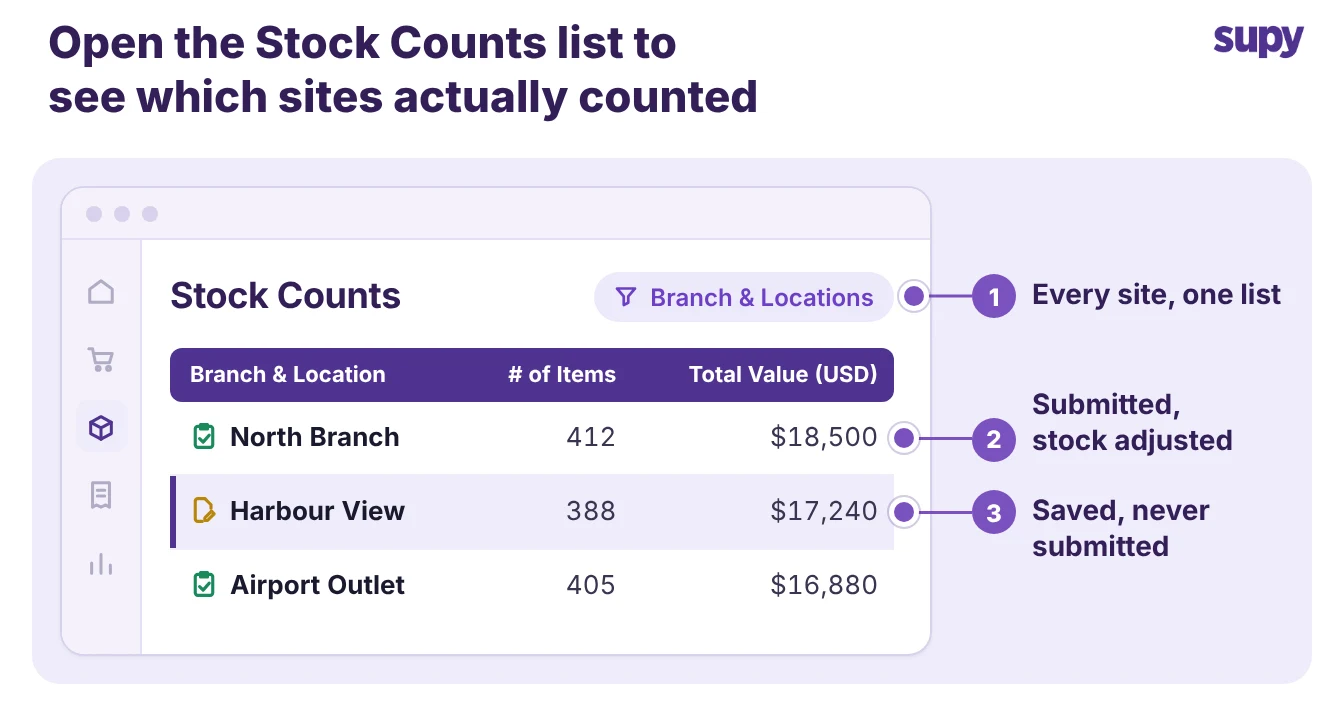
- Stock counts. Supy's Stock Counts list shows every branch's counts in one list, so a regional manager sees which sites counted and which did not. A count stays a draft until someone submits it, and only a submitted count adjusts stock, so a count left in draft is a count nobody finished.
- Goods received notes. A GRN checked against the order shows whether short or wrong deliveries are being caught at the door.
- An action log. A record of every inventory action, tied to a named user and a time, shows who changed a count or a cost and when.
Supy keeps that action log for you. It records every inventory action with the user, the time and the before and after value. The log is exportable, and staff cannot edit or delete it, so an inspector or an auditor gets the proof they ask for.
You can read how that trail works in our guide to the restaurant inventory audit trail, and set up the counts behind it with stock counting. Inspectors and auditors do not just want the kitchen to look right. They want proof the check was done.
Following Up Failed Audit Items
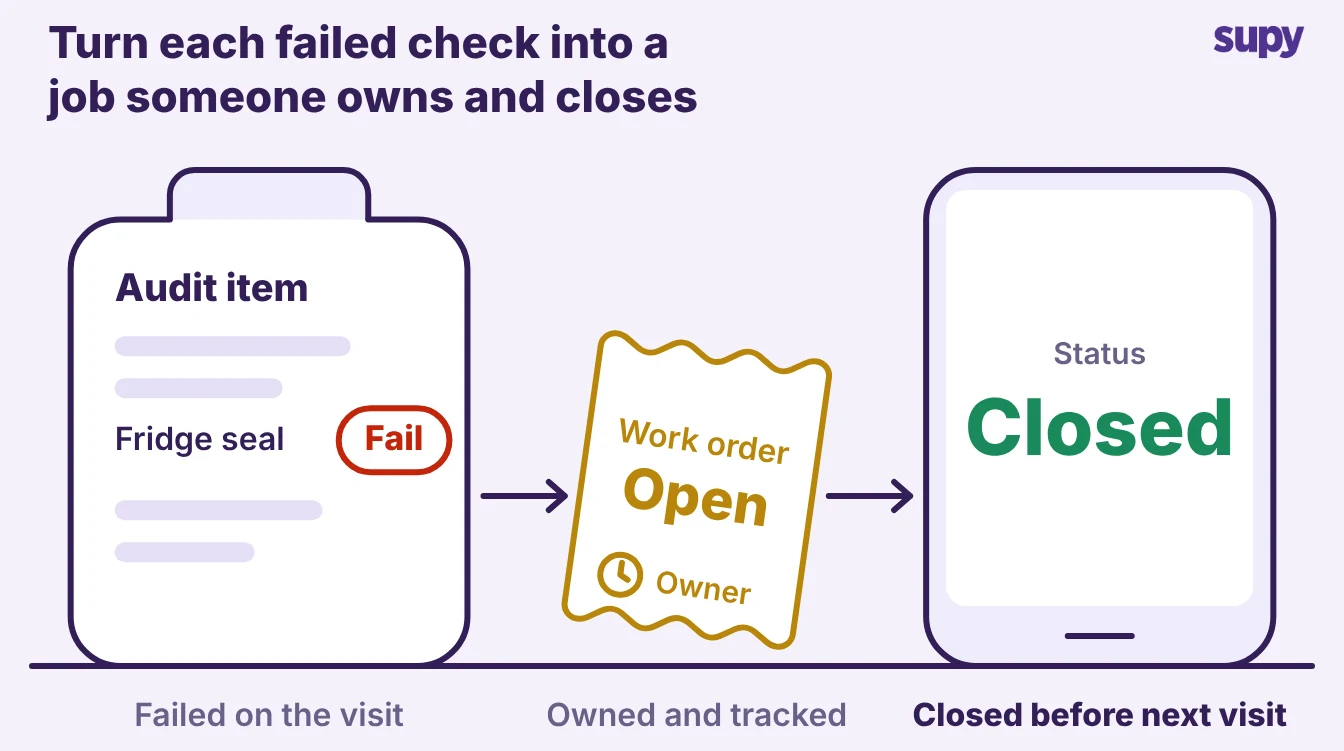
An audit only changes anything when a failed item becomes a job someone owns. A list of failures with no owner and no date is the same as no audit, because the next visit finds the same faults.
Turn every failed item into a tracked action:
- Name an owner. One person is responsible for fixing each failed item, not the team in general.
- Set a date. The fix has a deadline before the next visit, not whenever there is time.
- Require proof to close. The action closes on a note and, where it helps, a photo, so nobody marks a fault fixed that is still open.
- Re-check it first next time. The next audit opens on the last visit's failures, so a recurring fault shows up as a pattern, not a surprise.
Put your last audit score next to the site's actual food cost variance for the same period. If the audit reads above 90% while variance runs above your own target, the audit is scoring the day, not the operation.
The first move is to add two things to the checklist: a live stock count during the visit, and a two-minute review of the action log since the last audit. Both take the audit from what the site looks like to what the records prove, which is the only version of the score worth comparing across sites.