




Choosing Bakery Production Planning Software for a Central Kitchen
What Bakery Production Planning Software Should Do for a Central Kitchen
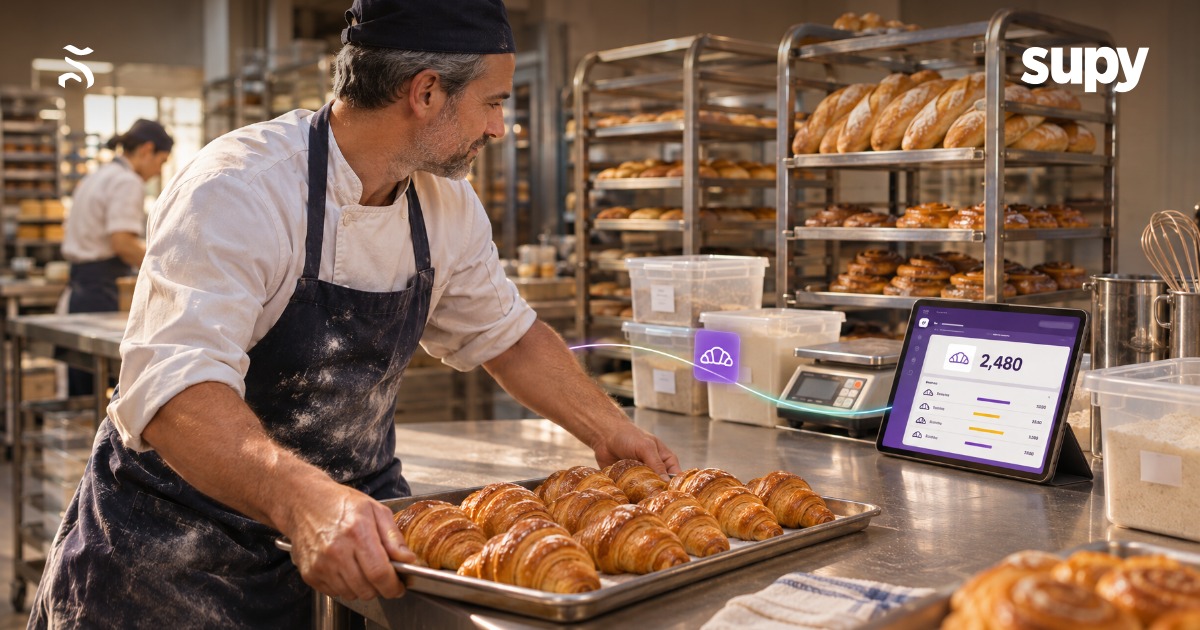
For a central kitchen, the right bakery production planning software ties each outlet's order to what the hub bakes, so you produce to real demand. Most groups that buy it want to cut the wastage and over-ordering that come from outlets guessing, not a factory scheduling tool. This article shows the four criteria that decide that, and what to check in a demo before you buy.
Search the term and you mostly find bakery manufacturing software.
- Factory scheduling
- Batch sheets
- Shop-floor control
That suits a wholesale bakery selling to supermarkets. A multi-site group baking in one kitchen and serving its own outlets has a different problem. The production plan is only as good as the orders feeding it, so the software has to start with how each outlet asks the hub for stock.
The table below sets a bakery manufacturing tool against what a central kitchen actually needs, on each of the four criteria that follow.
| Criterion | Bakery manufacturing tool | Central kitchen planning software |
|---|---|---|
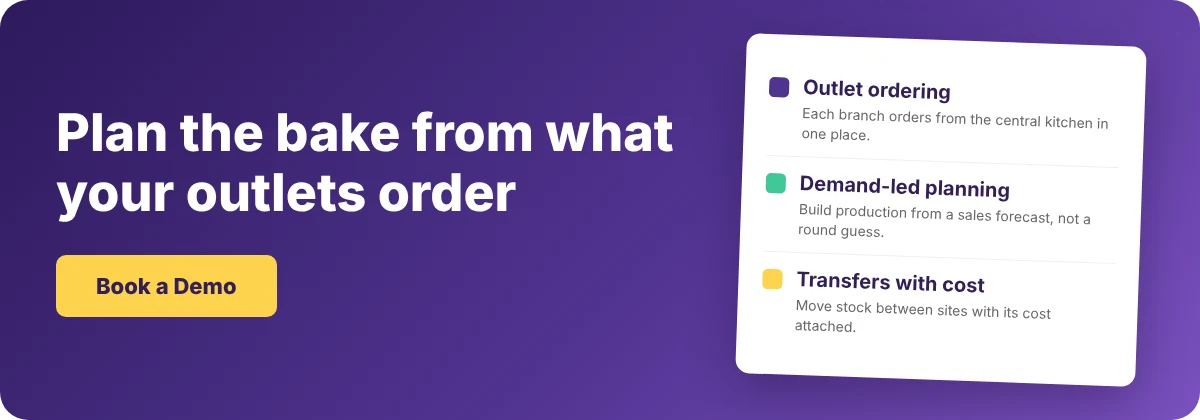
| Where ordering starts | A production schedule you key in | Each outlet's order flows to the hub and sets the plan |
| Planning the bake | Fixed runs and batch sheets | Production built from real outlet demand and forecast |
| Moving stock between sites | Not its job | Transfers that carry the stock and its cost to each outlet |
| Specials and change-over | Locked to the standing recipe list | Room for seasonal items and a clean switch from spreadsheets |
Does Ordering Flow From Each Outlet to the Central Kitchen?
The first criterion is whether each outlet can order from the hub inside the same system that plans the bake. This is where a manufacturing tool stops and a central kitchen tool starts. If outlets email or message their orders, someone retypes them, and the production plan is built on yesterday's guess.
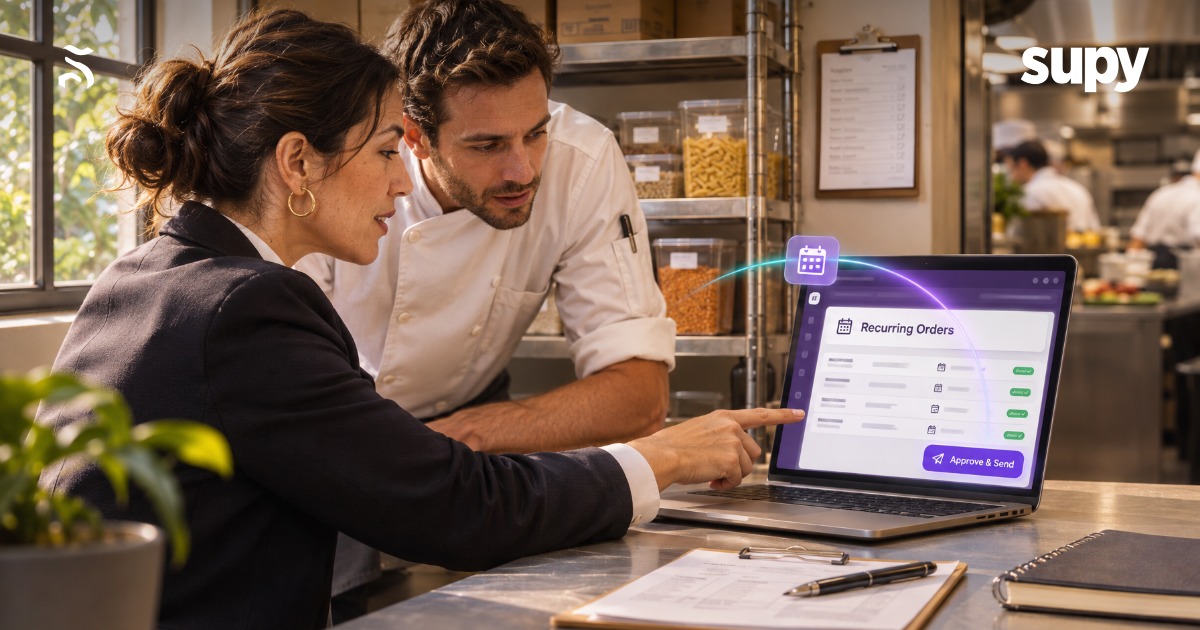
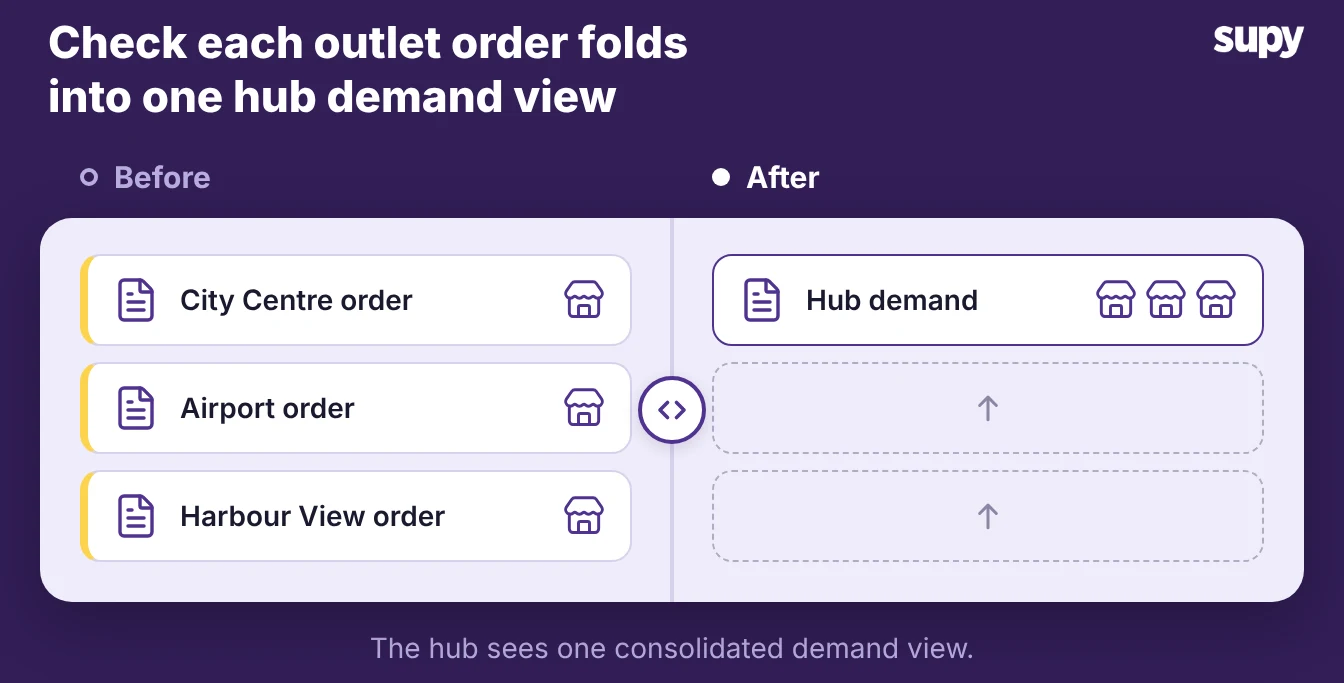
- Consolidated demand. Look for ordering that starts at the outlet and reaches the hub as real demand. With Supy's central kitchen ordering, each branch sends its order to the hub. The hub sees consolidated demand per item across every branch, then confirms, ships and delivers against those orders. One person can also order on behalf of a branch that forgets. The plan then reflects what outlets actually asked for, not a number typed in once a week.
- Demo order. In a demo, place an order as an outlet and watch it arrive at the hub. Ask whether the hub sees every branch's demand for an item in one view, because that total is what you bake to.
Is Production Planned From Real Demand, Not a Guess?
The second criterion is how the plan itself is built. A good tool turns orders and a sales forecast into a production quantity, so the hub bakes close to what the outlets will sell. Bake too much and it goes in the bin; too little and outlets run out by mid-service.
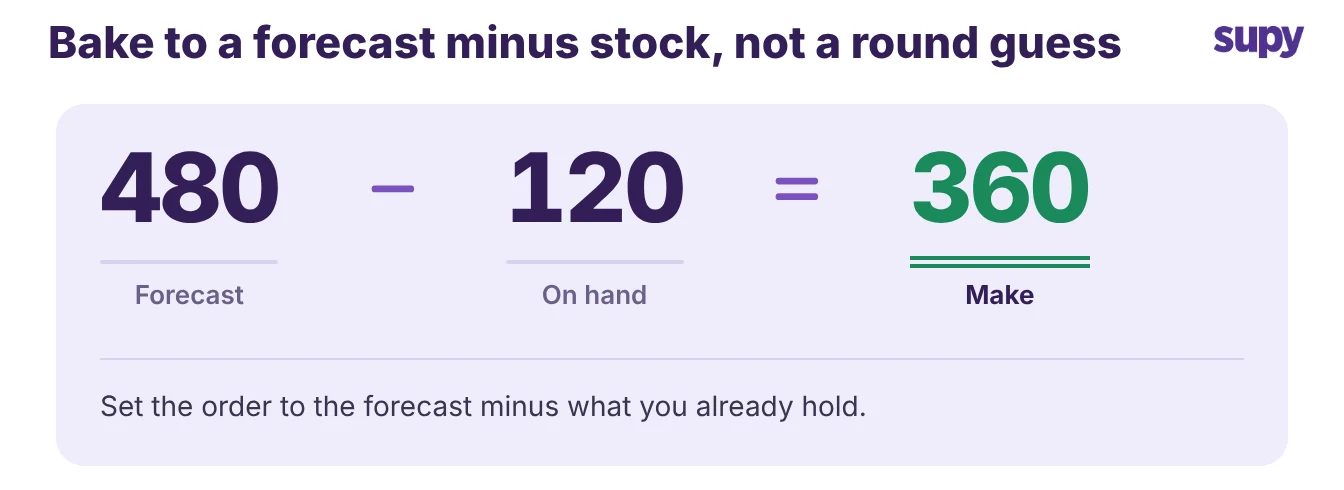
- Predictive ordering. Supy builds this from the data you already hold. Its AI predictive ordering runs a sales forecast through your recipes, subtracts current stock, and proposes order quantities a person reviews before anything is sent. A forecast of 480 croissants across the outlets, minus 120 already on hand, suggests an order of 360, not a round number someone guessed. Fill to PAR does the simpler version, topping each item back up to its par level from current stock. Both tie what you make to what you need, rather than a standing number. If you want the groundwork first, our guide on the central kitchen production plan covers how to structure one.
- Par level calculator. Want the numbers for your own kitchen? The free par level calculator works out a par for every item from your usage, delivery days and supplier lead times.
- Demo check. In a demo, ask to see a production suggestion built from a forecast, and check that a person signs it off before it runs. Nothing should auto-bake.
Do Transfers Between Sites Carry the Right Cost?
The third criterion matters the moment stock moves between the hub and an outlet, or between two outlets. The dispatch has to update stock at both ends and carry the cost with it. If it does not, each outlet's food cost and the hub's figures stop agreeing.
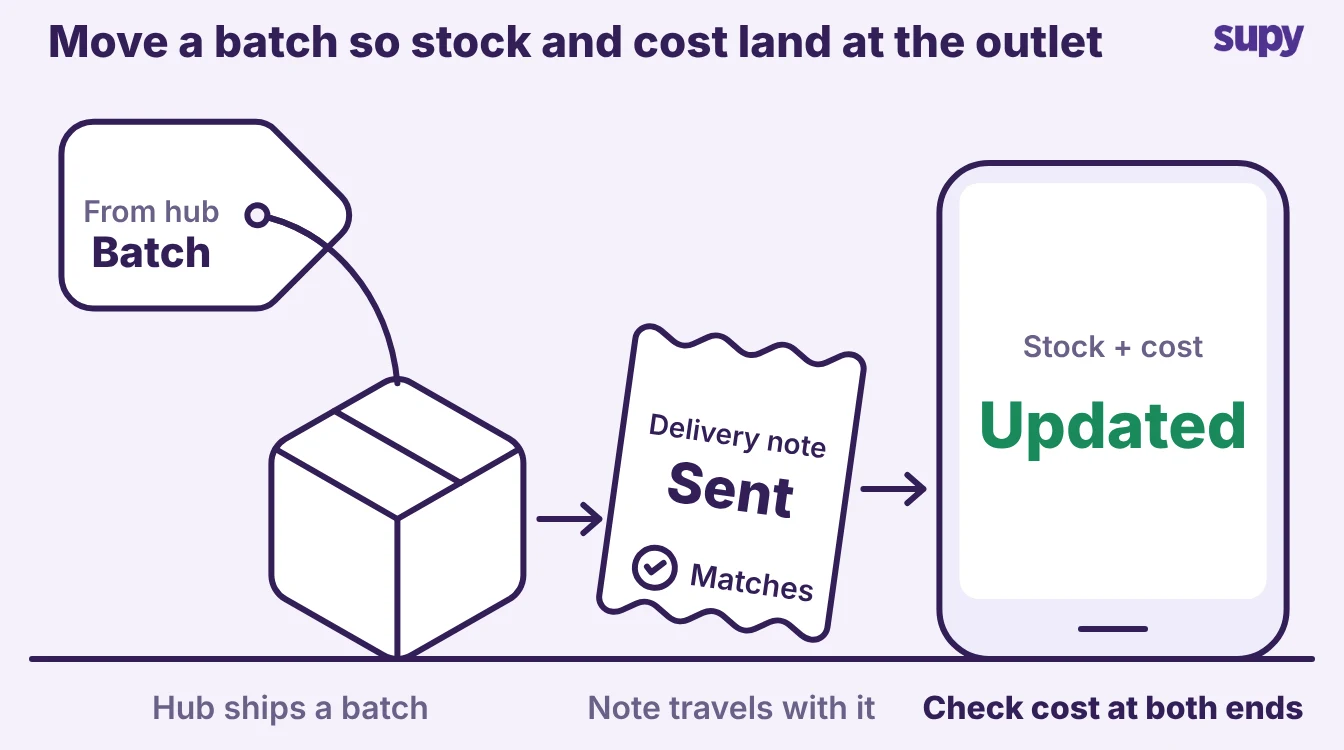
- Cost travels. Supy handles this as a transfer the receiver has to accept. The hub ships, the outlet confirms what arrived, and stock adjusts at both sites on acceptance, with partial accept or reject when a delivery is short. An operator can also download a formatted delivery note for any order straight from the web app, so the paperwork matches the dispatch. The point for a buyer is that the cost travels with the stock, which keeps each outlet's cost of goods honest.
- Demo check. In a demo, move a batch from the hub to an outlet and check both stock counts and both cost figures afterwards. Ask what happens when the outlet receives less than was sent.
Can It Handle Seasonal Specials and a Clean Switch-Over?
The fourth criterion is the one buyers find out about too late: flexibility and migration. A bakery runs seasonal specials and one-off items, so a tool that only reorders a fixed list will not fit. And turning on internal ordering across entities can break the links between items if the data is not mapped carefully.
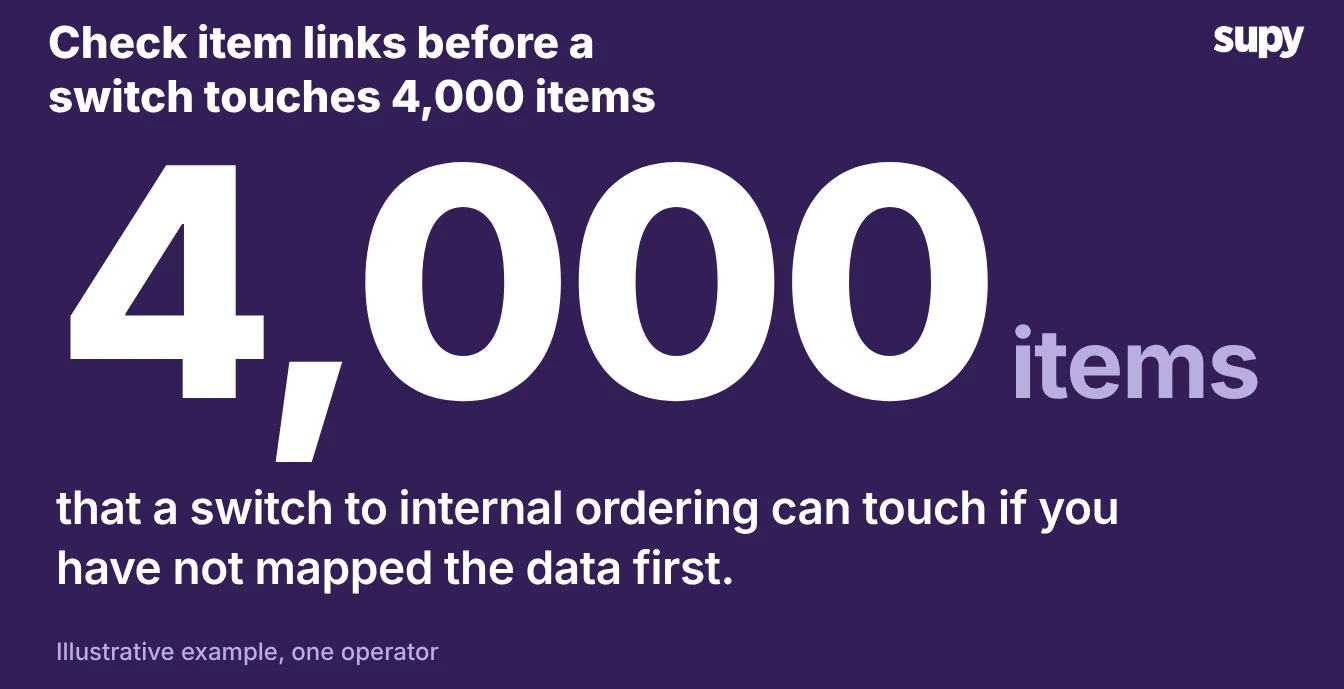
- Flexibility and migration. On flexibility, check that you can raise an order for a new or seasonal item without being forced into an existing template. Supy's requisitions let a branch add items on web or mobile, and templates prefill the regular order rather than cap it. On migration, one multi-site operator found that switching two sites to internal invoicing risked breaking item links across roughly 4,000 items. That is not a reason to avoid it; it is a reason to test it. Ask the vendor how item links are kept intact when you turn internal ordering on, and ask to see it done on a sample of your own items.
- Demo switch-over. In a demo, add a seasonal special as a one-off order, then ask to walk through the switch-over plan for your item list.
How to Judge Bakery Production Planning Software in a Demo
The decision usually needs two people to agree. Operations live with the ordering, and finance own the cost. Give each of them a criterion they can check, and test all four with your own data rather than the vendor's sample bakery.
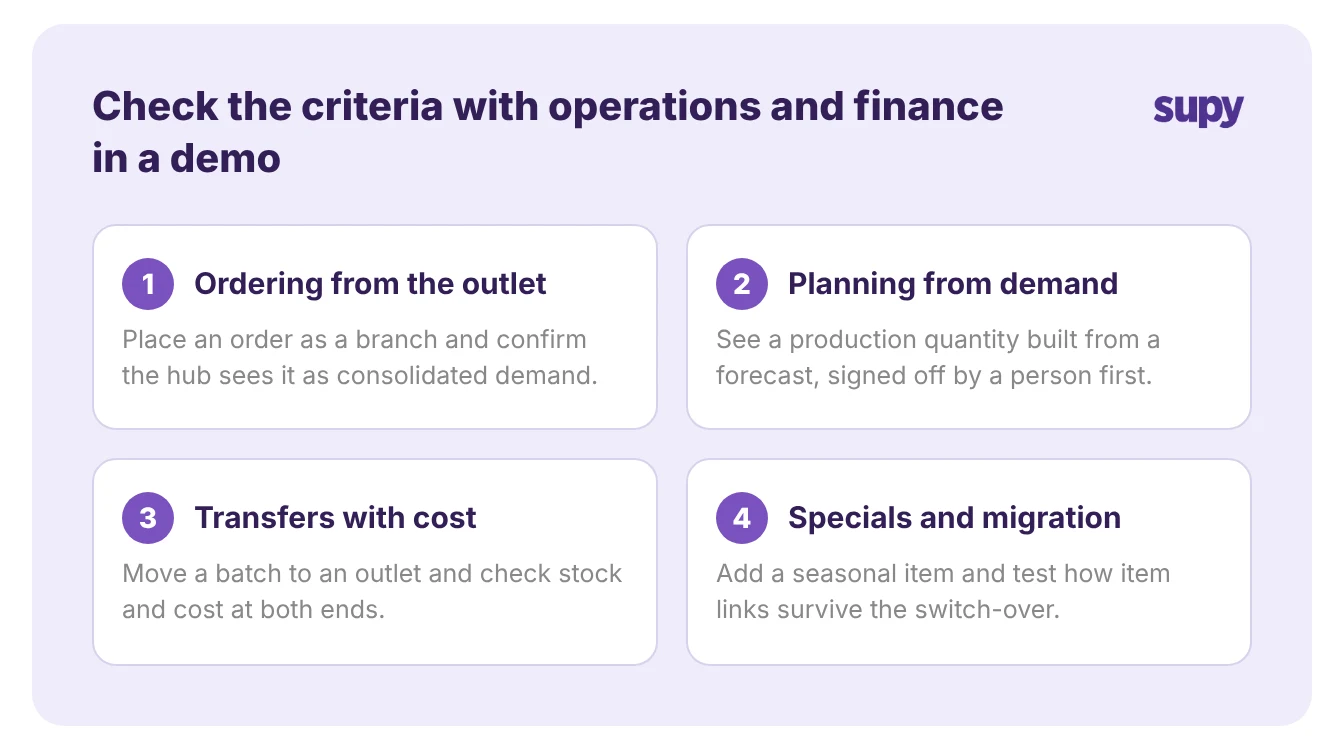
- Ordering from the outlet. Place an order as a branch and confirm the hub sees it as demand, in one consolidated view.
- Planning from demand. Ask to see a production quantity built from a forecast, with a person signing it off before it runs.
- Transfers with cost. Move a batch to an outlet and check stock and cost at both ends, including a short delivery.
- Specials and migration. Add a one-off seasonal item, then walk through how item links survive the switch to internal ordering.
A tool that passes all four plans the bake from what outlets actually order, moves stock with its cost, and bends to a bakery's specials. One that only schedules factory runs will leave your outlets guessing and your hub baking to a number nobody chose.