Accounting Software for the Hospitality Industry: Does It Integrate?
What Accounting Software Handles for a Hospitality Group, and Where It Stops
Accounting software for the hospitality industry records your accounts, but it often cannot integrate directly with the procurement and inventory platforms that create those numbers. Finance teams then fall back on a manual workaround, re-keying invoices and stock counts by hand. So the package that fits a multi-site group is the one that pulls clean, coded data from operations, not the one with the longest feature list.
- The wrong question. Most buyer guides rank the packages on features and price. For a group running several branches, that is the wrong first question. The accounts will record payroll, VAT and the month-end numbers whichever product you pick. What varies is whether the system reads your supplier invoices, your stock and your sales without someone typing them in twice. That difference costs your team hours.
- What this covers. This article shows what the accounts cover, where they stop, what to ask a vendor, and where an operations platform fits.
Why Integration Decides the Purchase, Not the Feature List
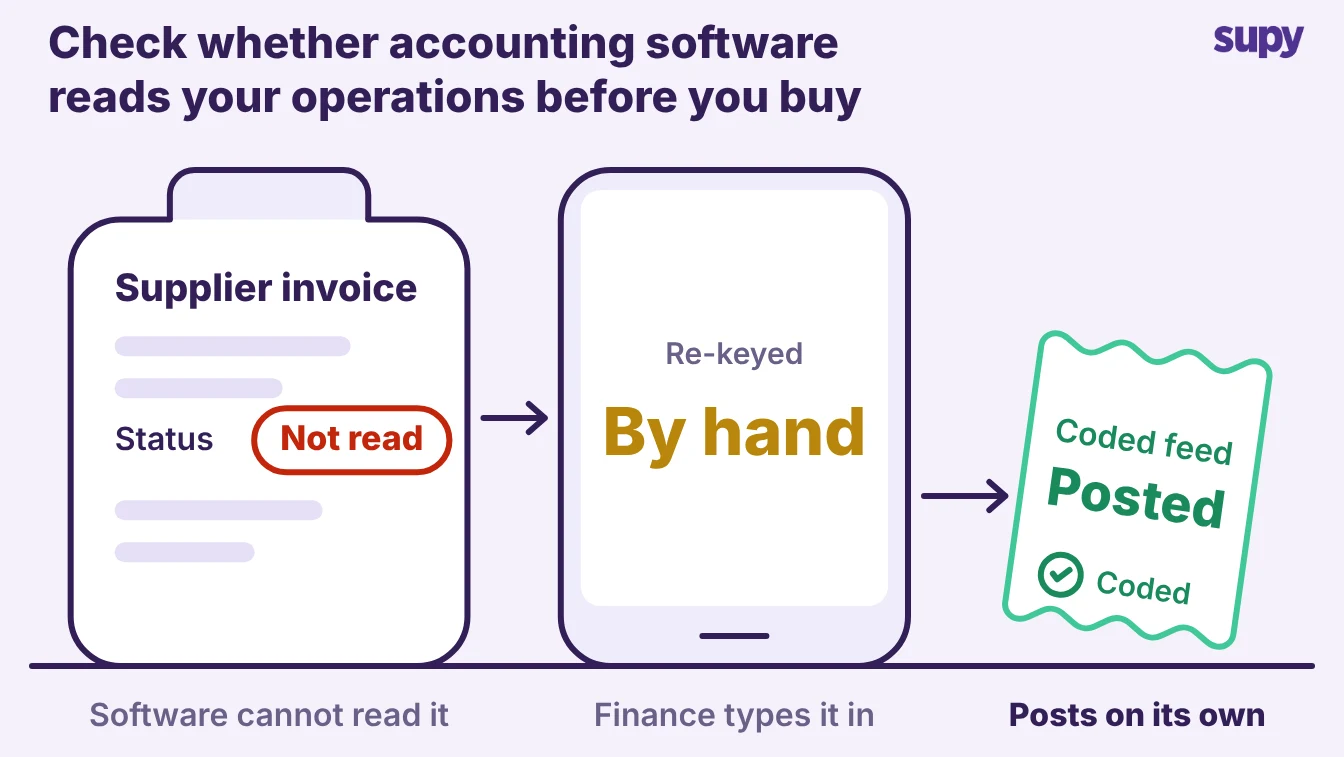
Your accounts are only as good as the data reaching them. A package can run a clean set of books and still leave your team coding every supplier invoice by hand. It never sees the order, the delivery or the price you agreed.
The gap is not in the accounting software. It is in the connection between the accounts and the operations that feed them.
| Area | The accounts record | What they need a feed to see |
|---|---|---|
| Purchases | Invoice totals, once posted | Agreed line prices, and any line invoiced over them |
| Stock | The closing stock value you type | Live stock, branch transfers, wastage |
| Cost of goods sold | The figure you enter | Recipe cost per dish, theoretical against actual |
| Approvals | The payment, once released | The person who ordered, received and approved it |
When that feed is missing, the work does not disappear. It moves to a person. In one multi-site group, the finance team spent days each month coding invoices to nominal codes and reconciling supplier data before the accounts could close.
Another operator found their accounting system could not open an interface to the procurement platform. The team fell back on a manual export and import, and unposted bills piled up. Neither problem shows on a feature list.
The Questions to Ask Before You Commit to Accounting Software
Test the join, not the demo dashboard. A product can show a tidy profit and loss screen in a sales call and still need manual entry for every figure behind it. Ask the vendor to prove each feed below, with one of your own suppliers.
| Criterion | What to check | Why it matters |
|---|---|---|
| Sales feed | Does it pull item sales from your point of sale on its own | Hand-keyed sales break daily margin and arrive late |
| Procurement and receiving | Can it take purchase orders, goods received notes and invoices | Where most manual re-keying hides |
| Inventory and cost of goods sold | Does it read closing stock and recipe cost | A typed stock value is the figure every auditor queries |
| Tax and e-invoicing | Does it cover the tax rules in each country you run | One VAT setup cannot serve several countries |
| Nominal and tax-code mapping | Can each supplier and category map to a code once | Without it, your team codes every invoice by hand |
| Multi-site consolidation | Does it roll coded figures up across branches and companies | A group reports by location and by entity, not as one return |
The answers sort the market faster than any price comparison. A package that automates the sales feed but still needs manual procurement entry leaves your heaviest monthly job untouched.
Where an Operations Platform Fits Alongside Accounting Software
The accounting software keeps the books. An operations platform feeds it.
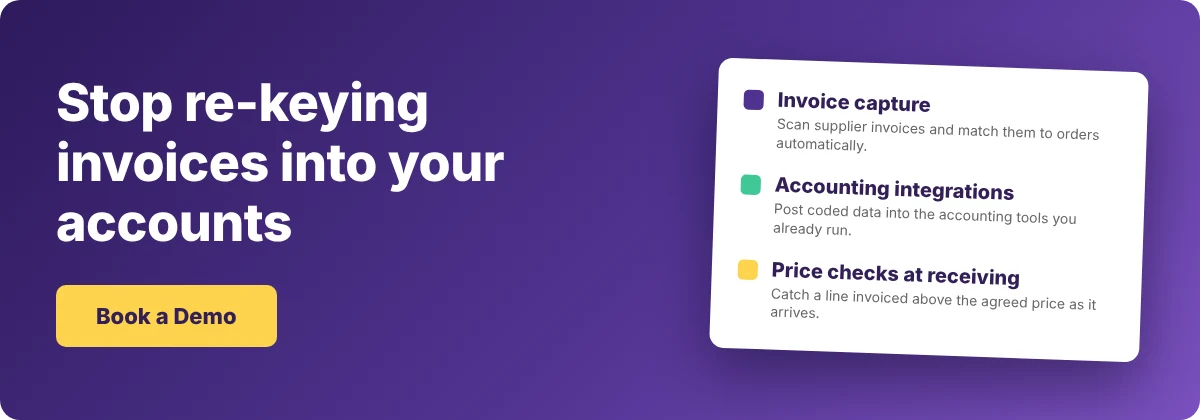
- Captures each invoice. Supy sits in procurement, receiving and inventory, and captures each supplier invoice and goods received note. It maps every supplier, category and transaction to the right nominal code and tax code, so invoices and goods received notes post already classified.
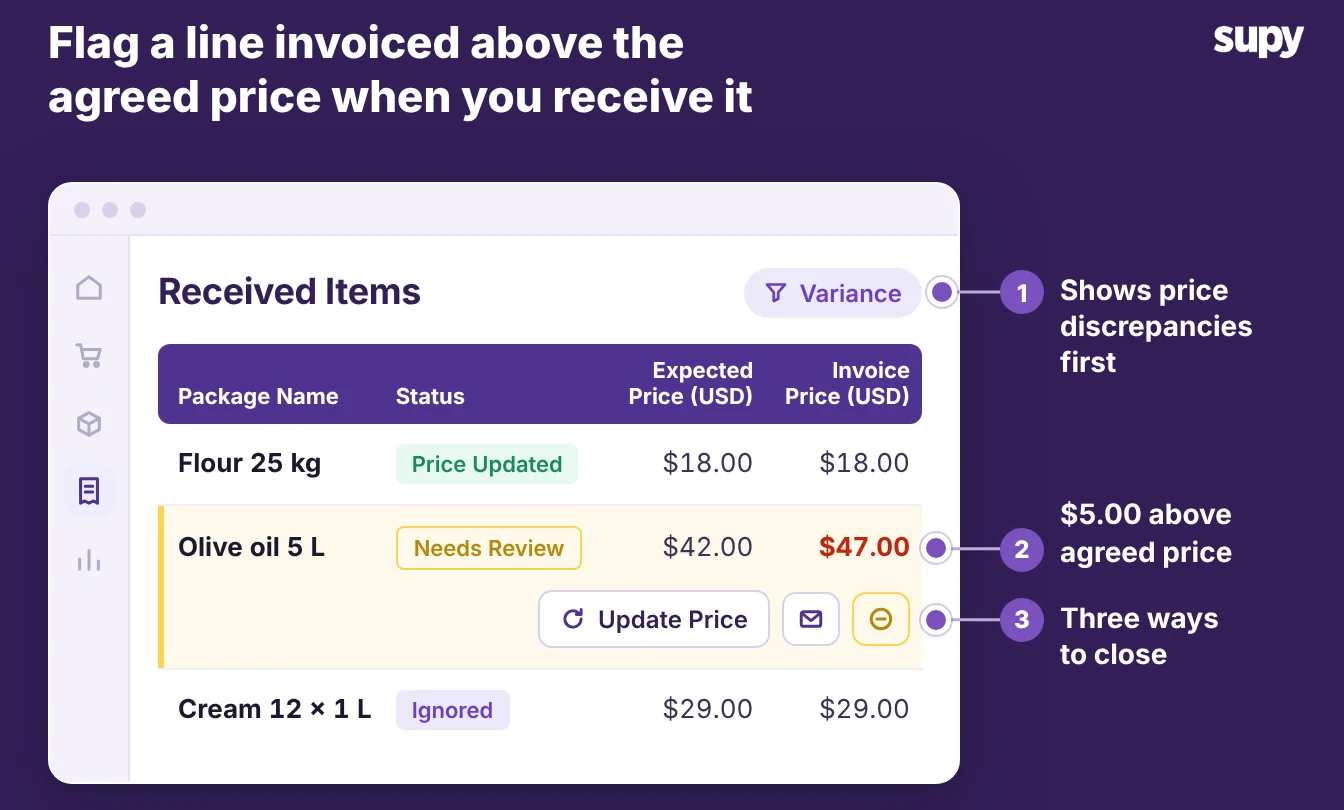
- Flags price discrepancy. As your team receives each delivery, the received items list shows any price discrepancy and flags any line invoiced above the agreed price. You catch and correct the overcharge before it reaches the accounts.
Supy connects to 75+ systems, including accounting tools such as QuickBooks, Xero and Zoho Books. It posts the coded data into the accounting software you already run, not a new one.
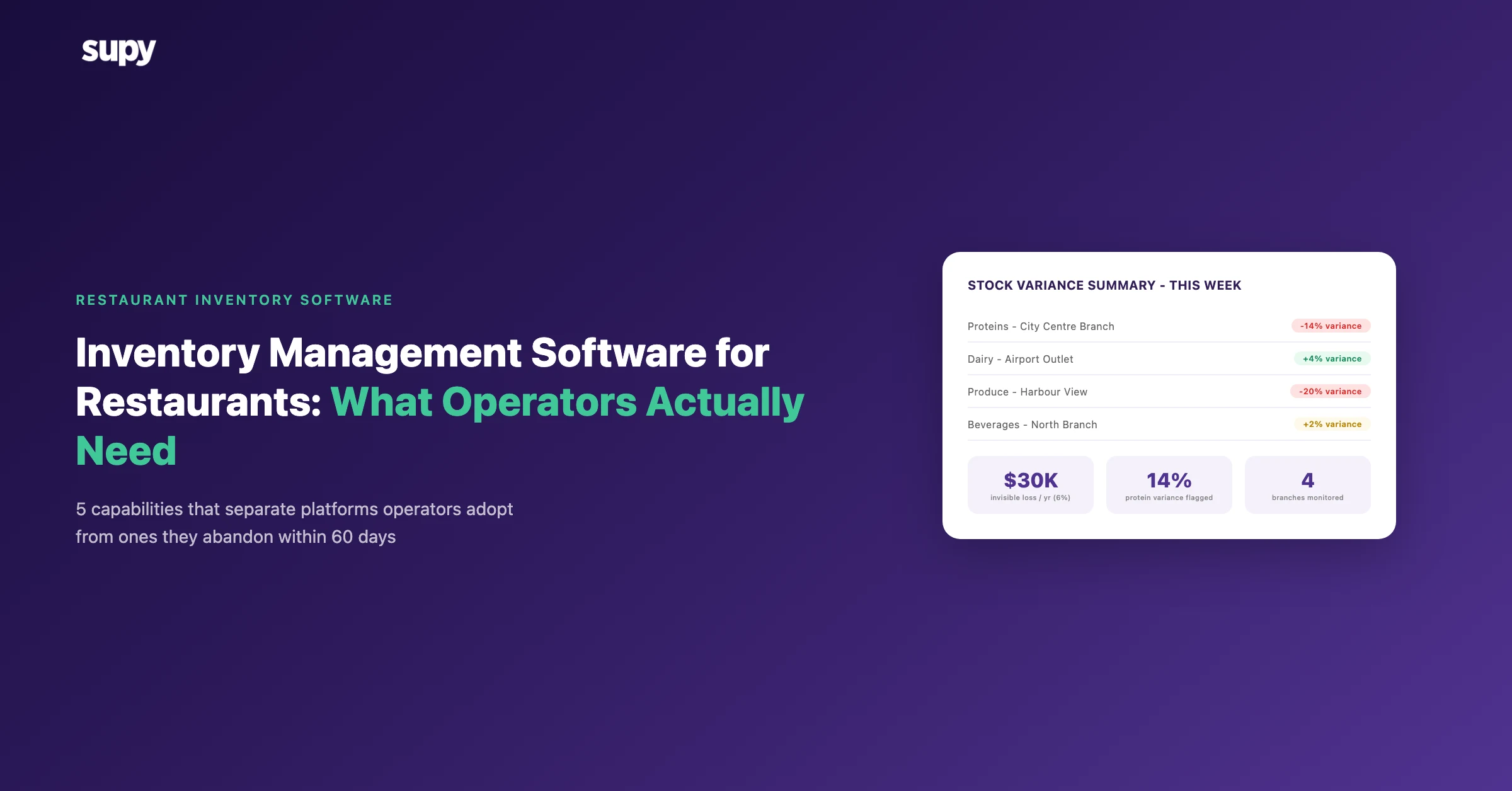
- Rolls up figures. Clean operational figures also roll up into your restaurant reporting, by location and by entity. A group then sees margin before month end, not weeks after it.
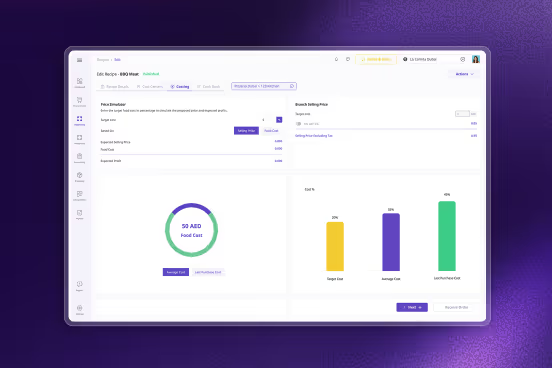
- Keeps inventory accurate. The same feed keeps your inventory and cost of goods sold accurate, the number the accounts depend on.
So judge the integration, not the interface. Four checks separate a package that saves your team time from one that only looks the part:
- Ask for the feed, not the dashboard. Have the vendor post a supplier invoice into the accounts from your own data, with no manual entry.
- Bring one real supplier invoice. Watch it map to the right nominal and tax code, and check the agreed price against what was invoiced.
- Check the mapping is set once. Confirm that suppliers and categories map to codes once, not on every invoice.
- Test the consolidation. Ask to see coded figures roll up across two branches and two companies, the way your group actually reports.
Pick the accounting software on how well it reads your operations, and feed it with a system that already codes the data. That is what stops the month-end re-keying, not a longer feature list.