.jpg)


Restaurant Prep List Template: Prep for Tomorrow's Covers, Not Habit
What a restaurant prep list should include
A restaurant prep list template is the ordered sheet a kitchen works through before service: every item to make, how much of it, who makes it, and by when. The quantity column is the one that earns or wastes money. Set it from tomorrow's expected covers and the sheet pays for itself. Copy last week's numbers and it quietly overproduces.
The template below is the whole thing. Three columns, and the quantity row is where most kitchens leave money on the pass.
| Column | What it captures | How to set it |
|---|---|---|
| Item and station | Every prep and batch item, grouped by station | List your mise en place and batch items once, then reuse the sheet |
| Quantity to prep | How much to make for tomorrow | Tomorrow's forecast covers times the item's share of the sales mix, not last week's number |
| Carried-over stock | What is already prepped and still in date | Subtract it from the quantity so you top up rather than double up |
| Prepped by and checked | Who makes it and who signs it off | Name a cook per station so a missed item has an owner |
| Use-by | When the batch expires | Date every container as it is made |
| Priority and notes | What to prep first, and anything that changed | Flag a booked event, an allergen swap or a low stock item for the opening shift |
Keep the columns stable and the sheet becomes muscle memory. The only number that should move day to day is the quantity, because that is the number tied to what the kitchen will actually sell.
Setting prep quantities from expected covers
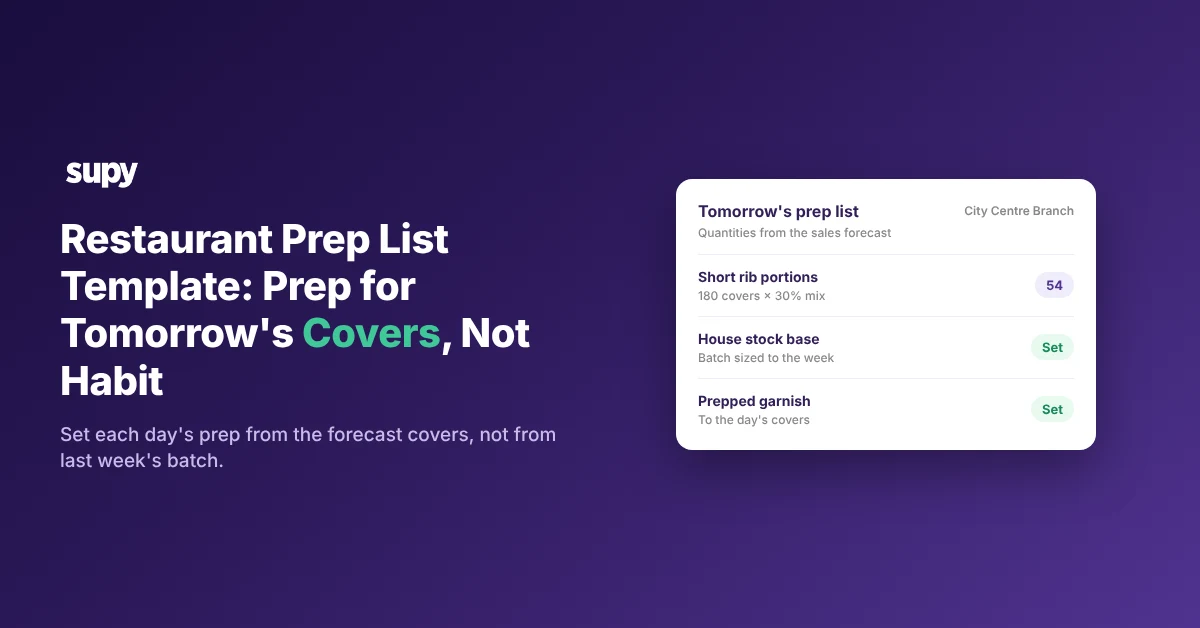
Tomorrow's prep quantity is a calculation, not a memory. Read the day's forecast covers, multiply each dish by its share of the sales mix, and prep to that number. Supy forecasts daily sales by branch for 14 days out and down to the menu item, so the covers and the mix are already there to read before the kitchen starts.
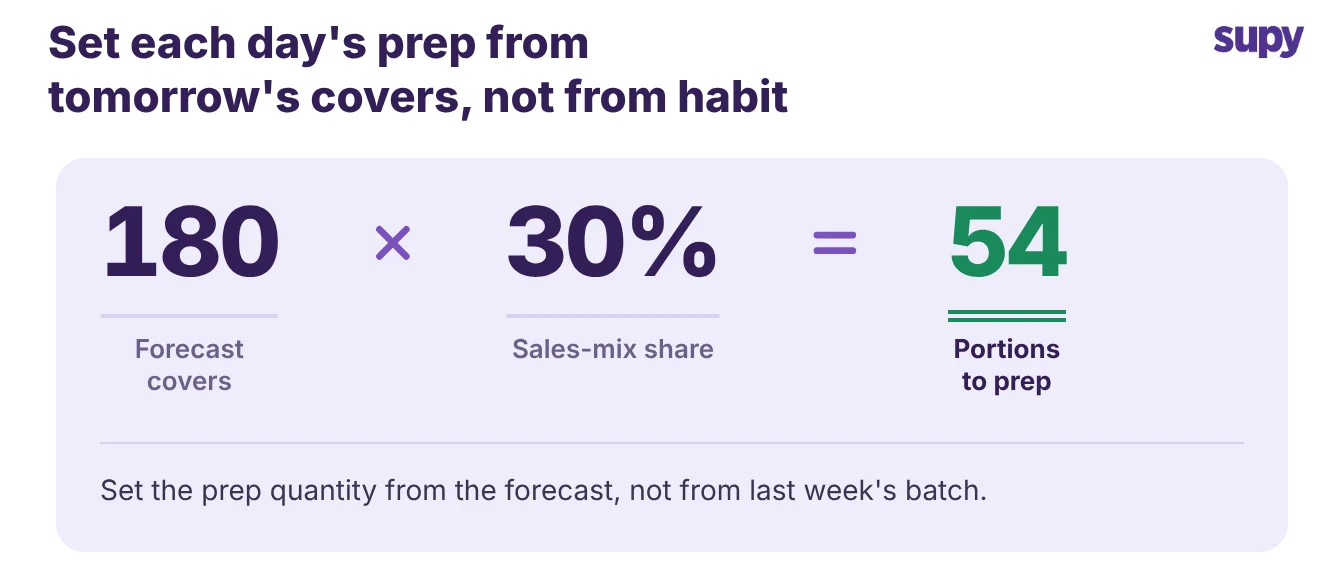
Say the forecast shows 180 covers tomorrow and the short rib takes about 30% of them. You prep 54 portions, not the 70 the kitchen made last Tuesday because it always makes 70. The forecast covers the next 14 days, so you can size a sauce batch or a slow braise two or three days ahead with the same method.
If you'd rather not work par out by hand, the free par level calculator does it for every item on your sheet from your usage, delivery days and supplier lead times.
Par levels still work well for shelf-stable items that do not move with covers, such as dry goods, packaging and cleaning stock. For proteins and fresh produce, a fixed par is the number that breaks the week a site's demand swings. That is why the quantity column should read from the forecast, not from a par that was set once and never revisited. The same forecast that sizes prep is the one you can override by hand when you know something the model does not, like a booked private party.
Why prep lists built on habit create waste
Habit is what turns a prep list into a wastage report. When the quantity column never changes, the kitchen makes the same batch every week regardless of what sells, and the surplus goes in the bin on a slow night. The cost hides because nobody records the gap between what was made and what was needed.
Habit waste shows up in three places a paper sheet never catches:
- The recurring batch. A sauce or a protein made to the same number every week, unsold by midweek, thrown out without a second look.
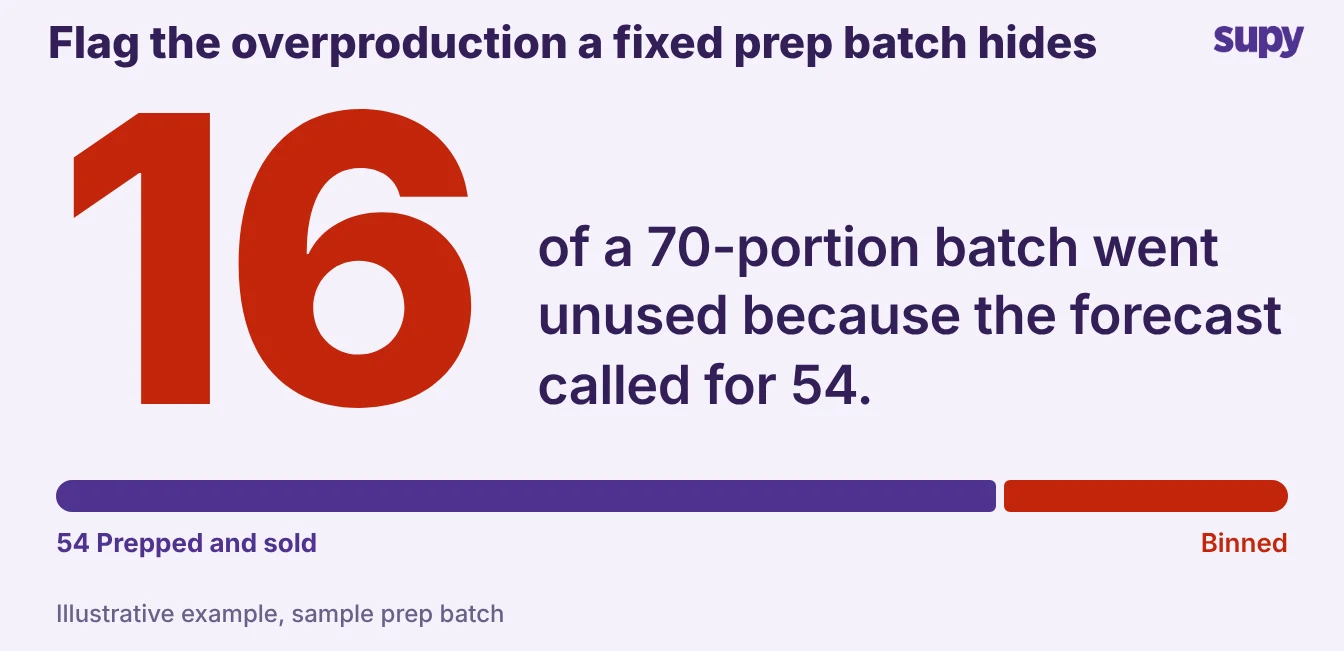
- The quiet overproduction. Of the 70 portions you prepped, 16 went unused because the forecast called for 54. Nothing recorded the difference, so nobody saw it.
- The missing reason code. Prep overproduction, fridge wastage and customer returns all land in one bucket, so you cannot tell which process is actually broken.
Recording the batch is what makes the wastage visible. In Supy, prep items are recipes. You log each production run and the actual batch size is captured, so overproduction becomes a tracked number with its own reason code, not a habit nobody questions. Separate those reasons and the prep list stops being a guess. For the full method of pinning each loss to a cause, see how to track restaurant food wastage.
Prep lists for a central kitchen supplying several sites
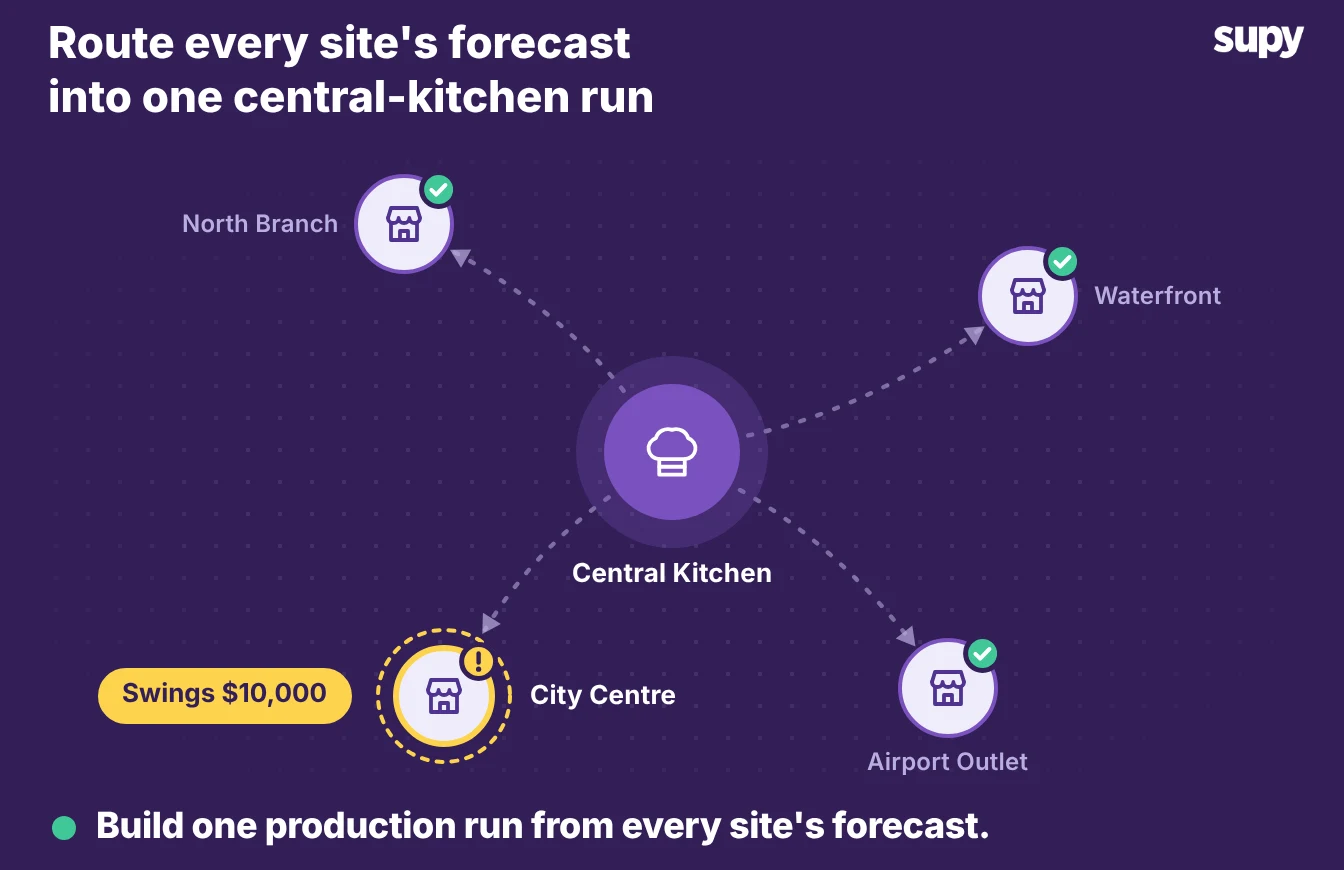
A central kitchen's prep list should be built from the venues' orders, not from one kitchen's memory. Each site's forecast says what it will sell, so sum those forecasts into the production run for the day. Prep the group's demand once, in one place, instead of rebuilding it from text messages on the morning of service.
The swing is the whole problem. In one six-site group, weekly demand at a single site could move by roughly $10,000 in a week, which is enough to make a fixed production number wrong for half the group most weeks. A prep list that runs on last week's batch cannot absorb that.
Supy forecasts each of the 6 branches separately and turns those forecasts into order suggestions through the recipes, minus what each site already holds. A prep recipe can be restricted to central-kitchen production, so the batch is logged once at the kitchen and the finished items transfer out to the sites that ordered them. The result is one production run built from six real forecasts instead of six guesses. The full build is in the central kitchen production plan.
Moving the prep list off paper
Paper is fine until the number needs to change. A printed or laminated sheet cannot read tomorrow's forecast, cannot capture what was actually produced, and cannot show a head office what six kitchens prepped this morning. A connected prep list does all three, which is the entire reason to move it.
| Capability | Paper or laminated | Spreadsheet | Connected system |
|---|---|---|---|
| Sets quantity from tomorrow's forecast | No | Manual re-entry each day | Yes, from the sales mix |
| Captures the batch actually made | No | Only if someone types it in | Yes, logged as a prep recipe |
| Visible across sites in real time | No | No | Yes, every kitchen in one view |
| Flags overproduction as its own wastage reason | No | No | Yes, with a reason code |
The move off paper is not about a nicer sheet. It is about the quantity column reading from the same forecast that drives ordering, and the produced amount flowing back so next week's number is better than this week's. Supy's recipes and prep recipes hold the batch sizes, yields and prep wastage that make that loop work.
Start with tomorrow. Pull your forecast covers for one service, take your biggest movers, and set their prep from the sales mix instead of the standard batch. If one of them shows up unused day after day, cut that recurring batch first. It is the clearest sign your prep list has been running on habit, not on what the kitchen will sell.