.jpg)


Restaurant Back Office Software: Stop Losing Money After the Delivery
What back office software covers that the POS does not
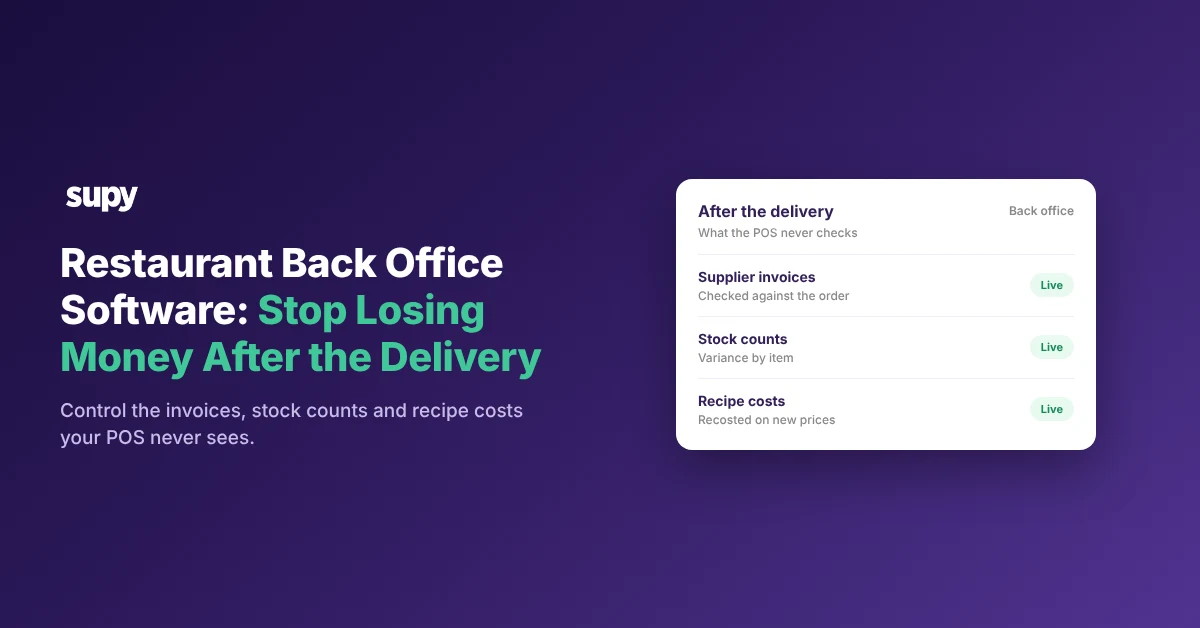
Restaurant back office software manages what happens to your money after the delivery arrives: supplier invoices, stock counts and recipe costs. A point-of-sale system records your sales, not any of those, so most of what a restaurant loses never reaches the till. The Spread finds 46.8% of the lines invoiced above the agreed price run 20% or more over it. Your point-of-sale system sees none of them. This article shows what back office software covers, where you lose the money, and what to test before you buy.
The split is clean. A point-of-sale system is built to take orders and payments. Back office software is built to control cost: it reads invoices, checks them against what you ordered, counts stock, and keeps recipe costs current as supplier prices move. Where the two overlap, the point-of-sale version is usually a thin add-on that operators try once and abandon.
The table below sets the two side by side.
| Capability | Point-of-sale back office | Dedicated back office software |
|---|---|---|
| Supplier invoices | Manual entry, if at all | Captured and matched to the order |
| Credit notes | Rarely tracked | Raised from the price discrepancy |
| Stock counts | Basic or none | Counted by item, with variance |
| Recipe costs | Entered once, then static | Recosted as prices move |
| Gross profit | From sales only | From real cost against sales |
The point-of-sale system tells you what you sold. Back office software tells you what it cost you, and what it cost you between the delivery door and the plate.
Where you lose money between delivery and plate
You lose money in three places your point-of-sale system never looks: the invoice, the count and the recipe.
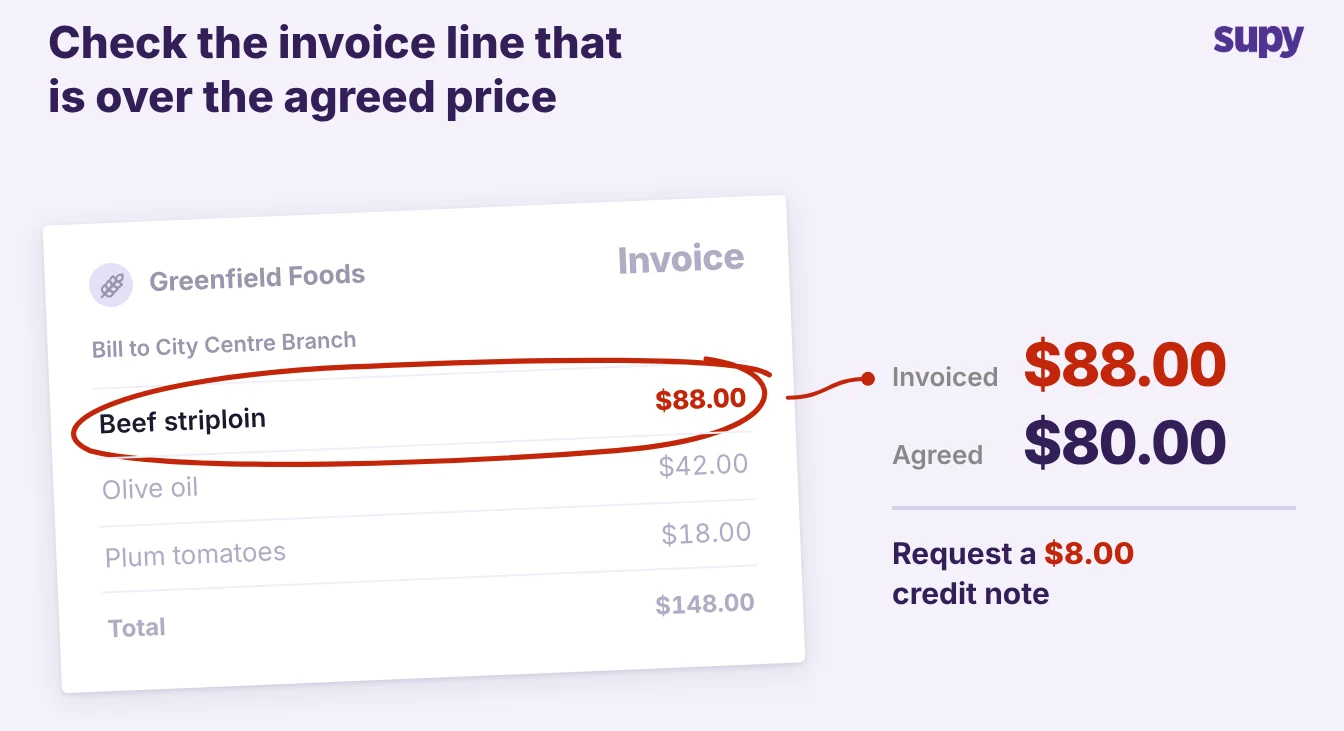
- The invoice. Suppliers bill above the agreed price often enough to matter. Of the invoice lines that come in over the agreed price, The Spread puts 46.8% at 20% or more above it, across a sample of 6.43 million lines. A divergence is not proof of error, but every line above the agreed price is money you pay unless someone checks it. Back office software reads each invoice and raises the credit note from the price discrepancy.
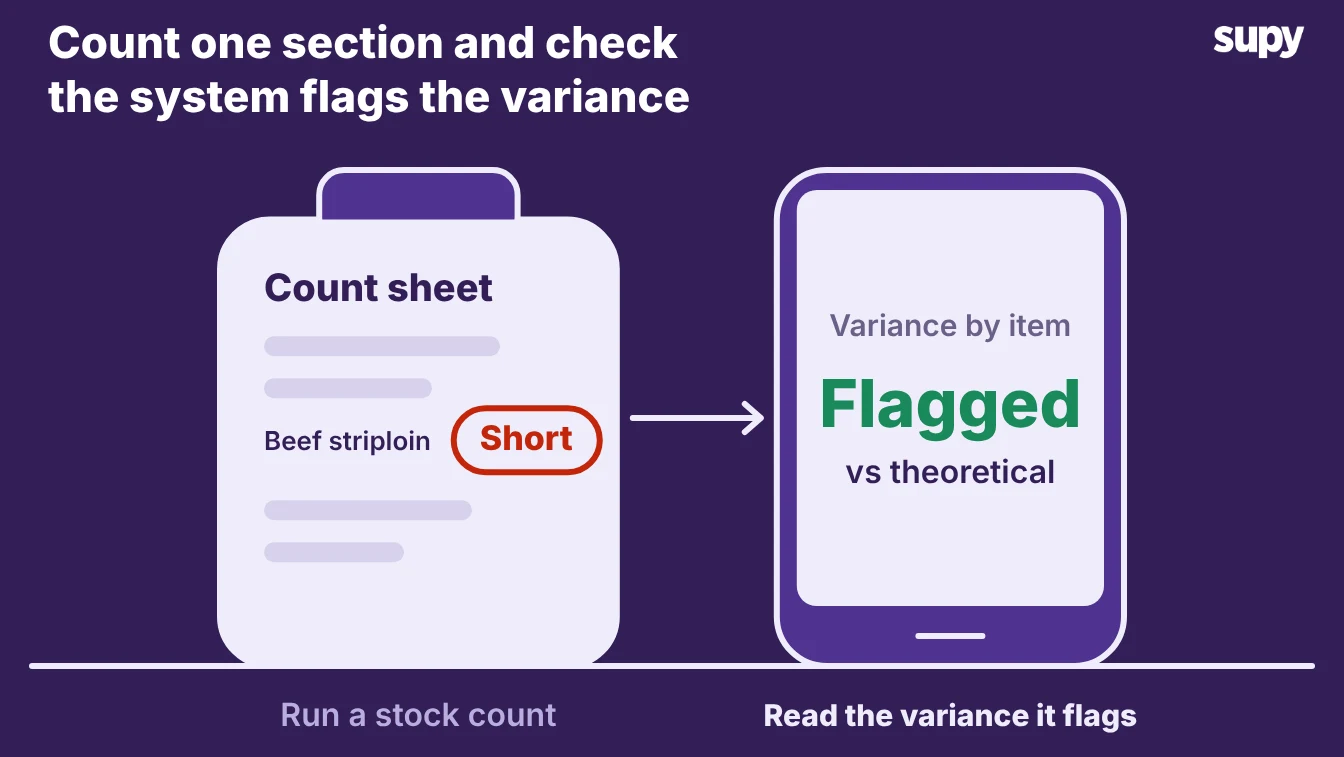
- The count. Stock you never counted is stock you cannot trust. When counts are skipped or kept in a notebook, variance builds with no cause attached, and it only appears at the month-end close. Back office software counts by item and shows the variance while you can still act on it.
- The recipe. A recipe costed once is wrong within weeks. Supplier prices move, but the recipe keeps its launch-day cost, so your gross profit on paper no longer matches the real figure. Back office software recosts each recipe as new invoices land.
A point-of-sale system records none of these, because it stops at the sale.
What to test in a demo
Test whether the software actually fixes all three, not whether the dashboard looks good. Take three real documents from last week into the demo and watch the system handle them.
- Scan a real invoice. Hand it a supplier invoice and watch it capture the lines, match them to the order, and flag anything above the agreed price. If capture is manual, you keep paying the overcharge.
- Run a count. Count one high-value section and check that the system shows variance by item against theoretical stock, not one total for the store.
- Change a supplier price. Raise the price of one ingredient and confirm every recipe that uses it recosts, and that the new gross profit shows at once.
Ask who enters the data and how long each task takes per week. A system that only works with a full-time back office hire is a different decision from one a site manager runs in an hour.
Connecting the back office to the POS and accounts
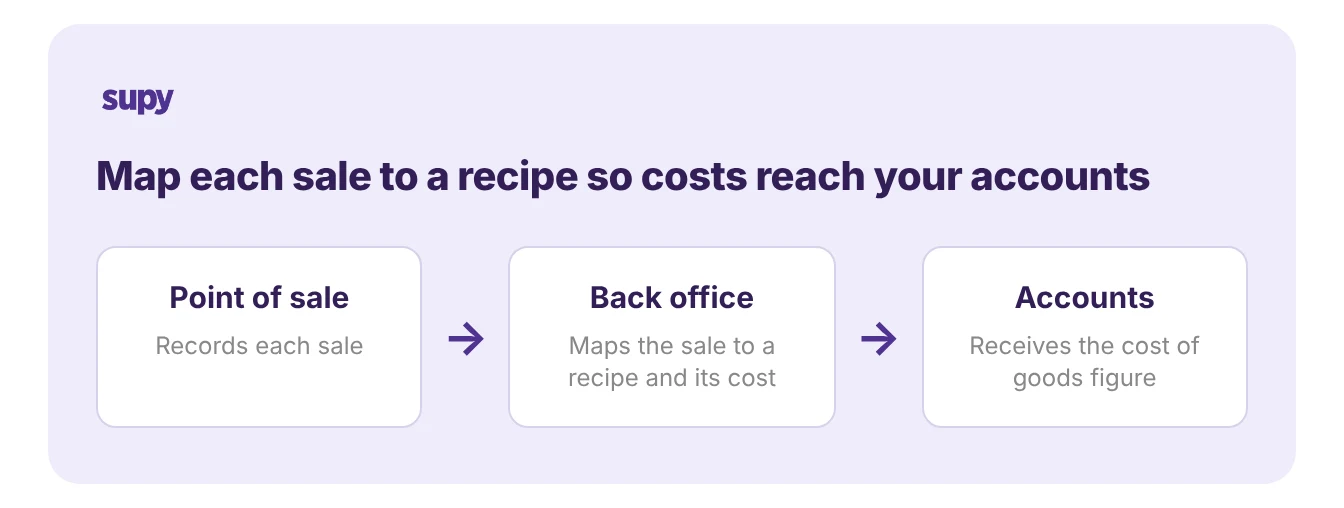
Back office software sits between your point-of-sale system and your accounting system, reading sales from one and posting costs to the other. That place in the middle is what lets it turn sales into a real cost of goods figure, so the connection is the first thing to get right.
Two links matter. The first is the sales import: the back office reads each day's sales from the point-of-sale system and maps every menu item to a recipe, so a sold dish draws down its ingredients. The second is the accounts export: it posts invoices, credit notes and stock movements to your accounting system, so finance works from one set of numbers. Confirm both links cover your actual point-of-sale system and accounting package before you buy, because a missing connector turns the whole thing into manual entry.
Rolling it out across sites
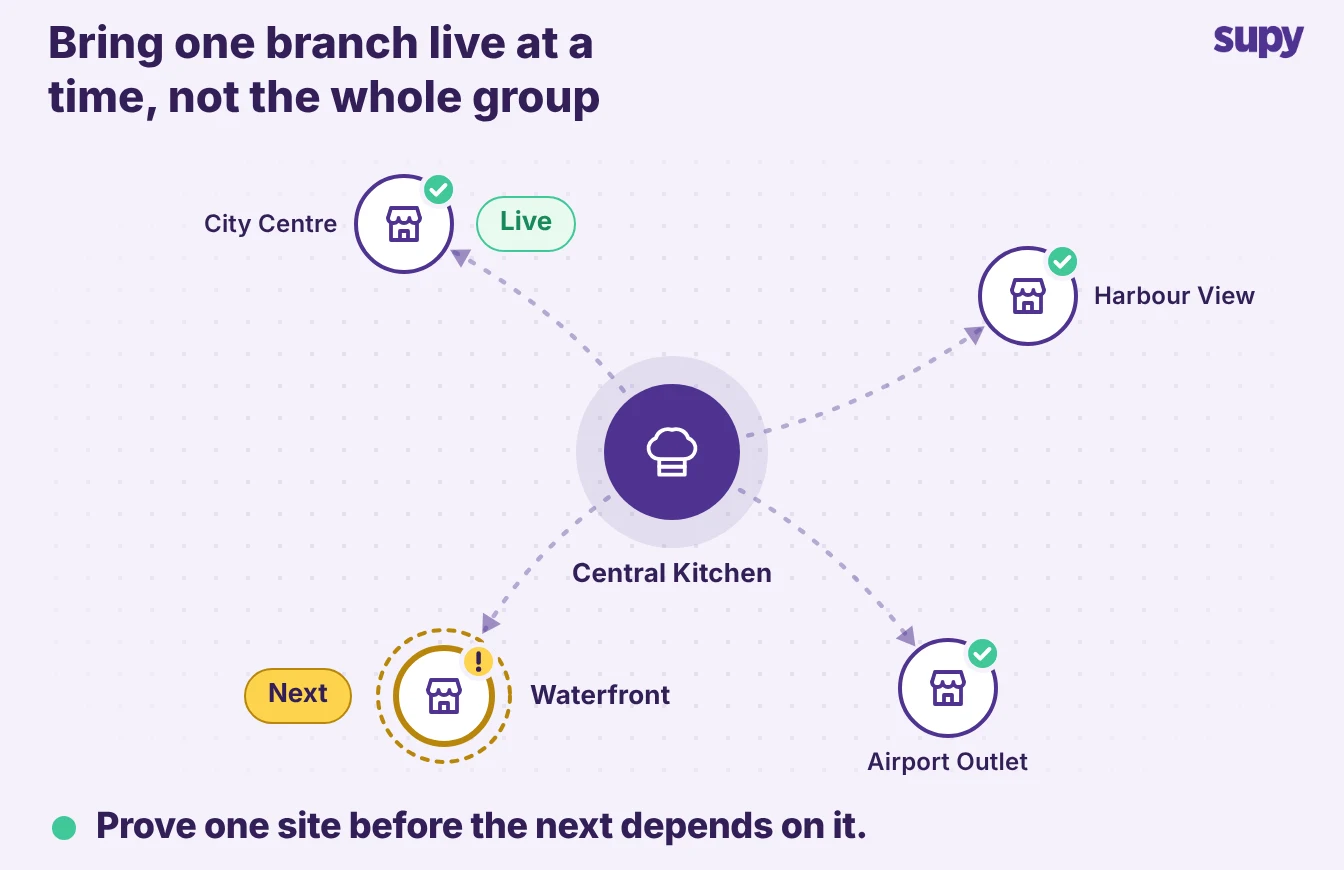
Roll it out one site at a time, starting with your busiest, so the back office team learns the workflow before every branch depends on it. A multi-site rollout fails when it goes live everywhere at once and nobody owns the data.
Three things keep the rollout on track:
- Name an owner for item data. Someone has to set how each item is packed and priced from real supplier invoices, because a wrong pack size or unit quietly breaks every count and cost that follows.
- Build a weekly routine at the first site. Count the expensive sections, check flagged invoices and clear unmapped recipes, until the site runs clean on its own.
- Clone the clean setup to the next site. Only once the first site runs clean do you repeat it, so each branch starts from a proven workflow.
You can read how the wider stack fits together in our guide to restaurant inventory software.
Keep your point-of-sale system where it is strong, at the till. Add back office software when your team cannot keep invoices entered, counts current and recipe costs fresh, which is most multi-site groups. The point-of-sale system shows you the sale; the back office shows you what you kept.