





How to Choose a Recipe Cost Calculator App for a Restaurant Group

What a Recipe Cost Calculator App Has to Get Right
Choose a recipe cost calculator app on whether it keeps every recipe current as supplier prices move, not on its longest feature list. Many groups still keep recipe cards by hand and re-cost them twice a year, so a card is wrong the moment a supplier changes a price. This article shows the four criteria that decide accuracy, and what to check in a demo before you buy.
- What goes wrong. Most "best recipe costing app" lists rate tools on their features and their price. They rarely say what actually goes wrong: a recipe card is only right on the day someone updates it, and supplier prices do not wait for that day. A calculator app is worth buying when it keeps the plate cost you see today equal to the plate cost you are really paying today.
- The table below. The table below sets a manual recipe card against what a calculator app should do on each of the four criteria that follow.
| Criterion | Manual recipe card | Recipe cost calculator app |
|---|---|---|
| Keeping costs current | Re-costed by hand, often twice a year | Updates a recipe cost when the ingredient price changes on a delivery |
| Re-costing the library | One recipe opened at a time | Re-costs every recipe at once from one bulk edit |
| Pack size and units | Easy to enter a wrong case or pack size | Links each supplier pack to one base ingredient so units convert correctly |
| Costing across venues | A separate sheet per site, soon out of step | Holds one recipe cost across every outlet |
Does It Keep Recipe Costs Current When Prices Move?
The first criterion is whether the app re-costs a recipe on its own when an ingredient price changes. This is the failure most buyers miss.
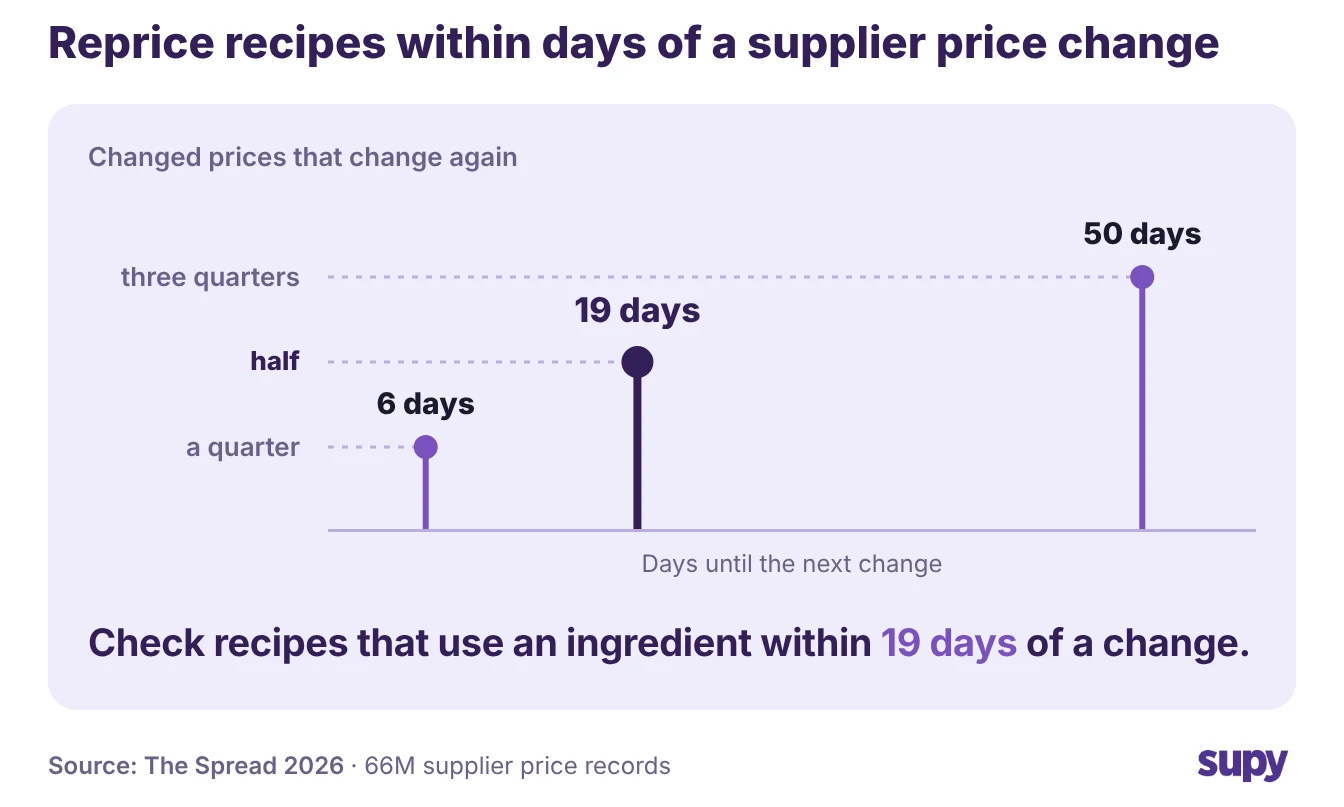
In The Spread, built on 66 million supplier price records, half the time a supplier list price changes it changes again within 19 days. A card you re-cost twice a year is wrong for most of the year, and you cannot see by how much.
- Card fell behind. Picture a dish you costed at 28% when you last updated the card. After a few of its ingredients move, it really runs 34%, and the menu still prices it as if nothing changed. Nobody decided to sell it thinner. The card simply fell behind.
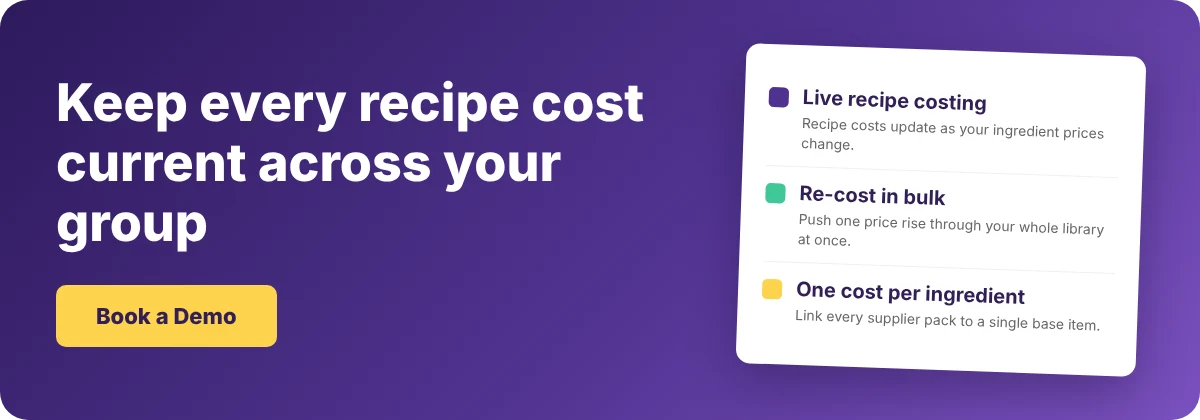
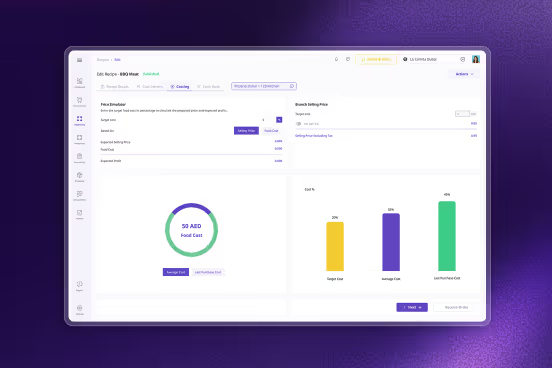
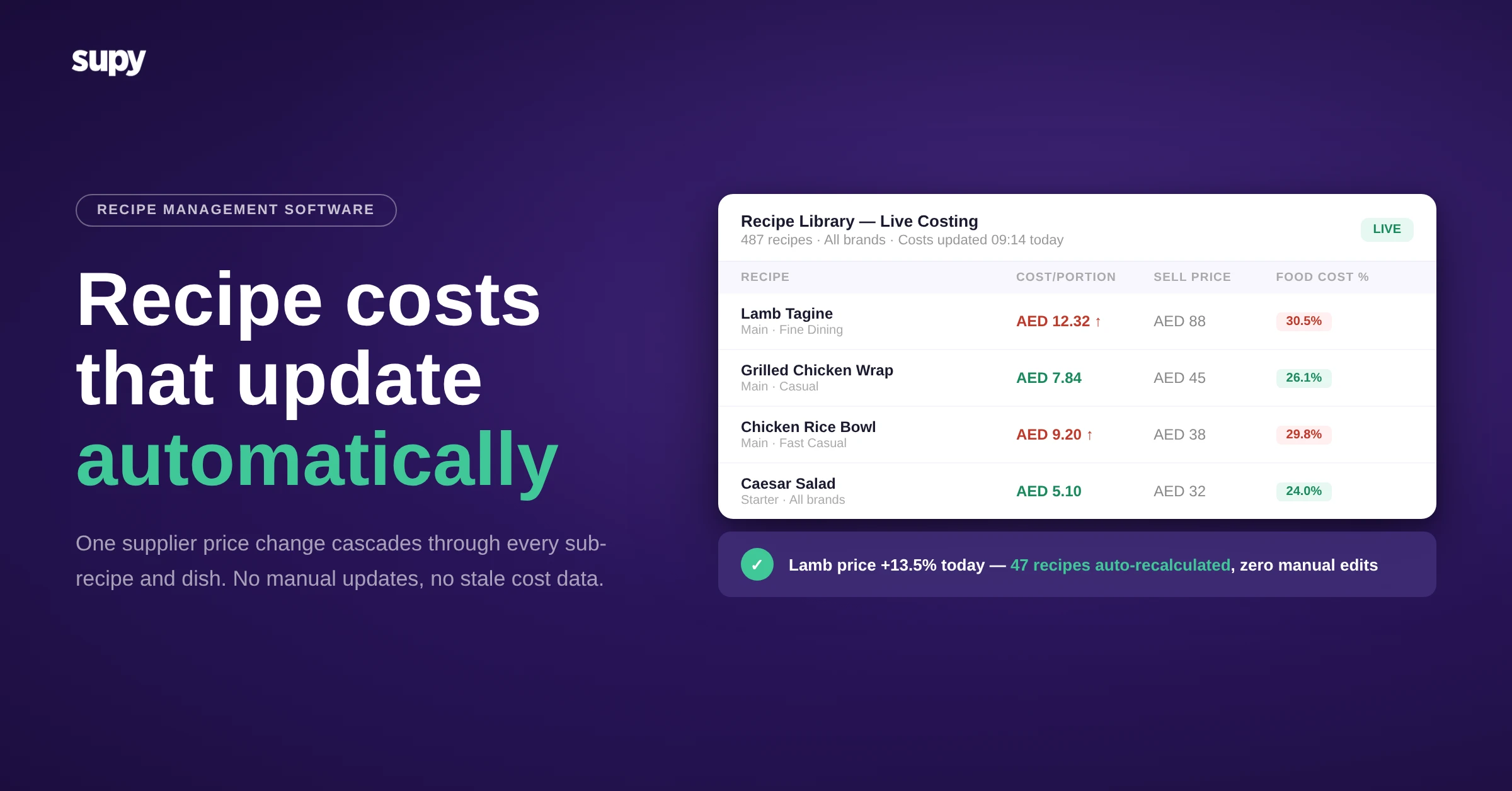
- Tied to purchasing. A calculator app tied to your purchasing fixes this. When an ingredient's price updates from a delivery or an invoice, every recipe that uses it re-costs straight away, so the card never goes stale between manual reviews. In a demo, ask to see a recipe's cost change after an ingredient price is edited, and watch whether it updates without anyone reopening the recipe. Supy's recipe costing works this way, linking each dish to its ingredients and to the prices you actually pay.
Can You Re-Cost the Whole Library at Once?
The second criterion is bulk re-costing. A restaurant group does not hold ten recipes. It holds hundreds, and when a staple ingredient jumps, the cost has to flow through every dish that uses it.
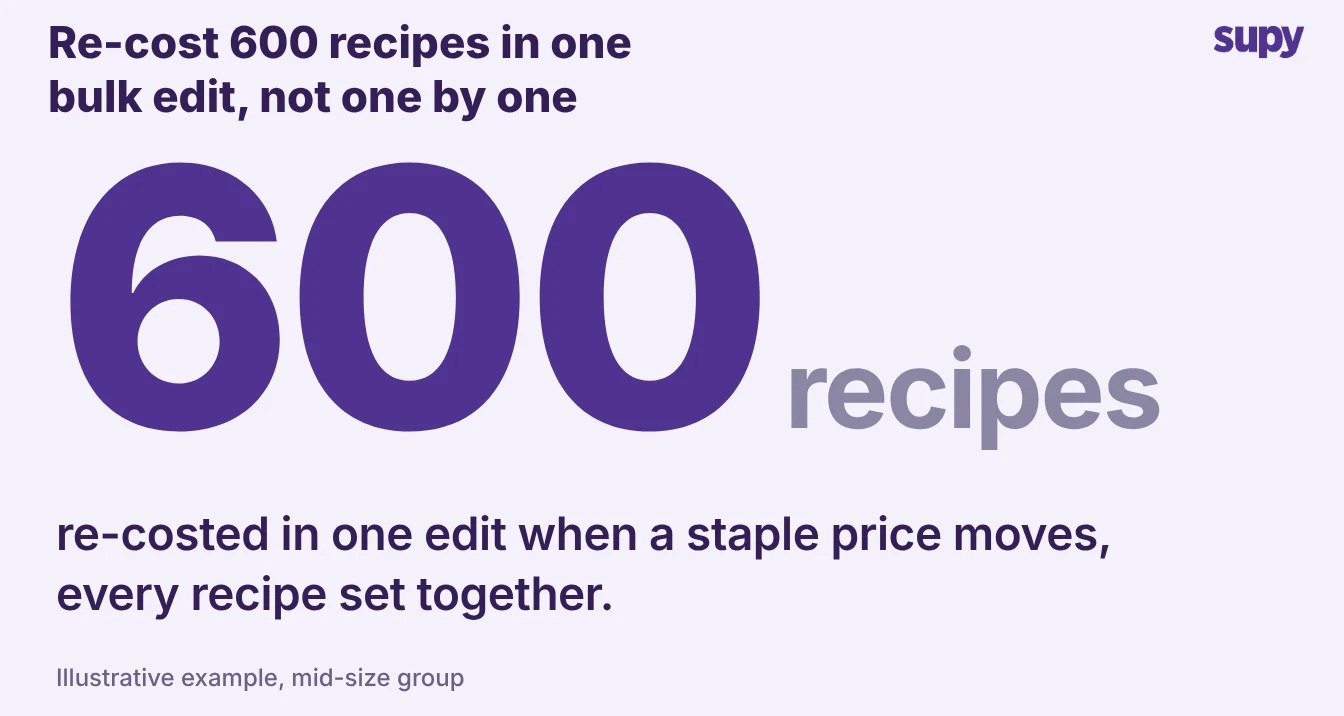
Opening 600 recipes one by one is why manual cards get updated twice a year rather than twice a month.
- Re-cost the library. A good app lets you re-cost the whole library from one place. Supy, for example, exports every recipe price to a spreadsheet. You edit them together, re-import, and the new costs apply across the library at once. That turns a week of recipe-by-recipe work into a single pass. If you want the underlying method before you compare tools, our guide on how to calculate food cost walks through the formula a calculator automates.
- Count the clicks. In a demo, bring a real price rise. Ask how you would push a new ingredient cost through every affected recipe, and count the clicks. If the answer is "open each recipe", you will update them one at a time, exactly as you do in a spreadsheet.
Is the Pack-Size and Unit-of-Measure Setup Right?
A calculator is only as good as the setup underneath it. Pack size and unit of measure are where it breaks.
You buy oil by the case, use it by the millilitre, and the app has to convert between them. Get that conversion wrong and the cost is not slightly off, it is nonsense.
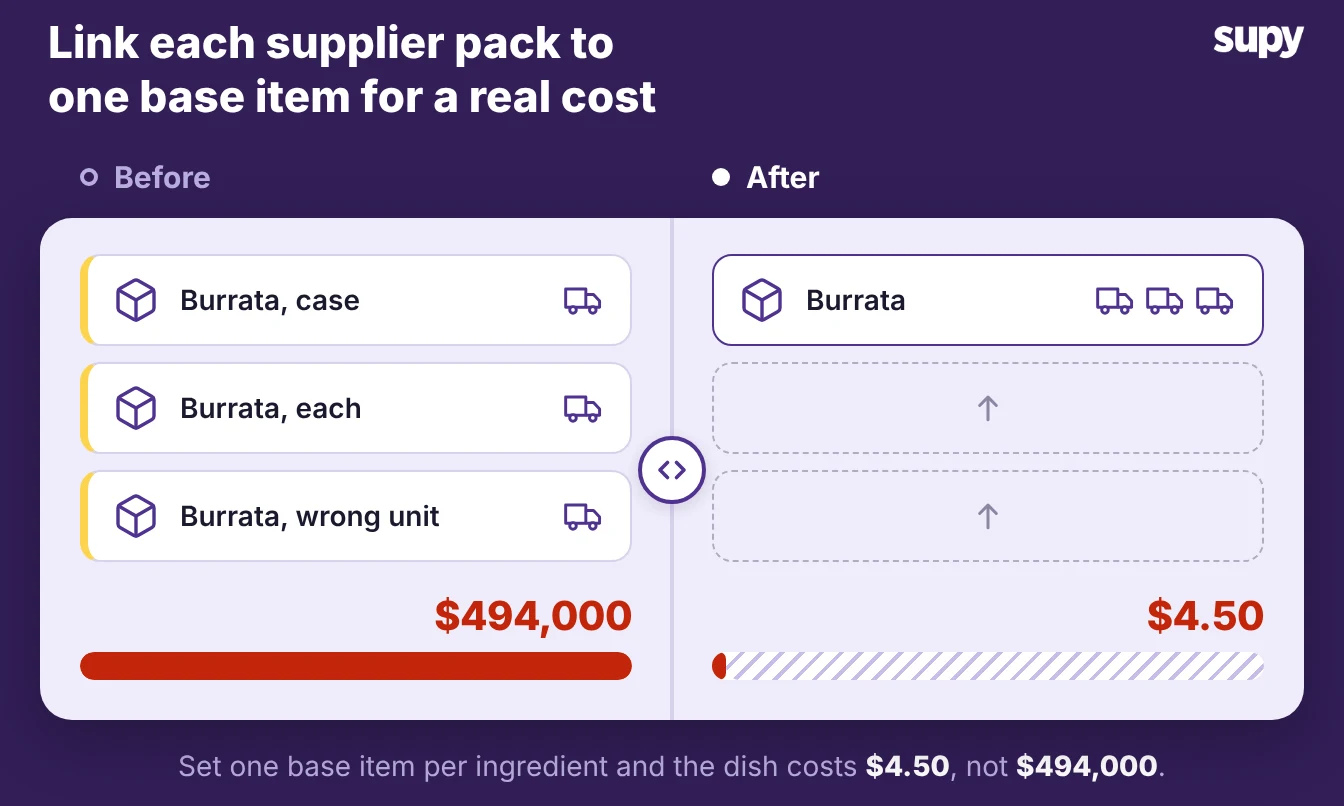
- Pack size wrong. One operator's broken setup priced a single plated dish at $494,000, and showed 1,985 units of an ingredient expected against 36 actually counted. The formula was fine. The pack size feeding it was not. A number that wrong at least gets noticed. A pack size that is off by a factor of two does not, and it quietly misprices every dish that uses the ingredient.
- Fix is structural. The fix is structural. Supy keeps one base ingredient for each item, with every supplier pack and size linked to it. A case, a kilogram and a single piece then resolve to the same unit cost. When you swap a supplier or a pack, every recipe that uses it updates together. In a demo, add an ingredient that comes in an awkward pack. Build a recipe with it, then check the plate cost by hand. If you cannot reconcile the app's number with your own, the setup is too easy to get wrong.
Does the Same Recipe Cost Hold Across Every Venue?
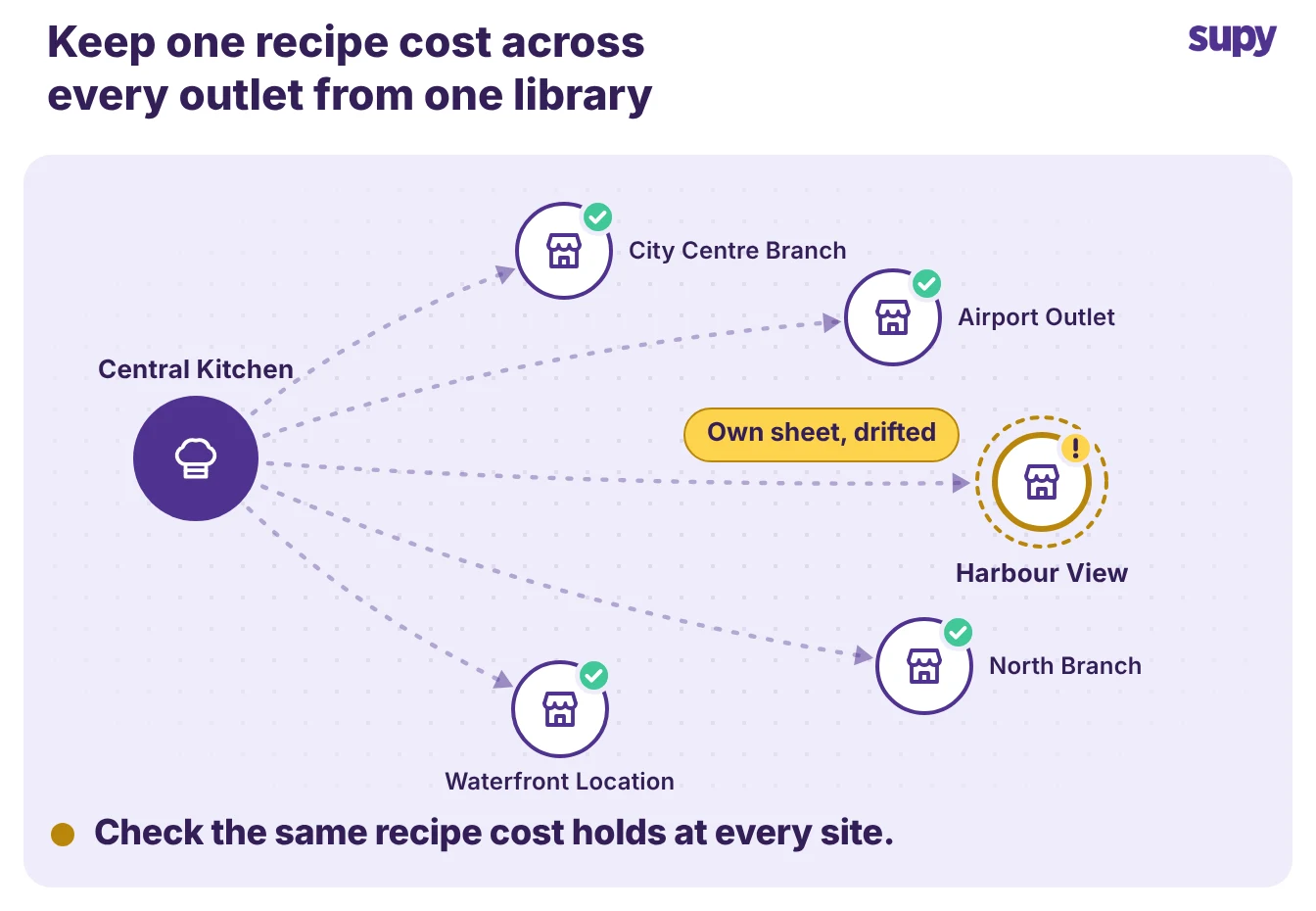
The fourth criterion matters only for a group, and it is the one single-site tools never solve. The same dish should cost the same across every outlet that serves it, give or take genuine local supplier differences.
When each site keeps its own sheet, the same dish ends up costed differently at each one, and group-level food cost reporting stops meaning anything.
- Groups get stuck. Many groups get stuck here. One casual-dining group spent two months and could not build a costing flow that held between its venues. Another enterprise operator found one brand's costing data so broken that it needed a full recipe-by-recipe rebuild before the group could trust it. In both cases the problem was consistency, not a missing formula.
- Syncs across outlets. Look for one recipe library that syncs across every outlet, so a change made once holds group-wide. Supy keeps recipe costs consistent across sites from a single library, and reports costing at both group and site level. For a group running 12 sites, that is the difference between one number you can act on and twelve you have to reconcile first. In a demo, ask to change a recipe at the group level and see it land in two sites at once.
How to Judge a Recipe Cost Calculator App in a Demo
Accurate recipe costing protects the margin on every dish, and the margin is thinner than most menus assume. In The Spread, 1 dish in 7 runs a theoretical food cost of 40% or more, and 1 in 40 is sold at a theoretical loss.
- Only the floor. That is the floor, not the full plate cost, so the real figure is worse. A tool that re-costs only twice a year hides exactly these dishes from you.
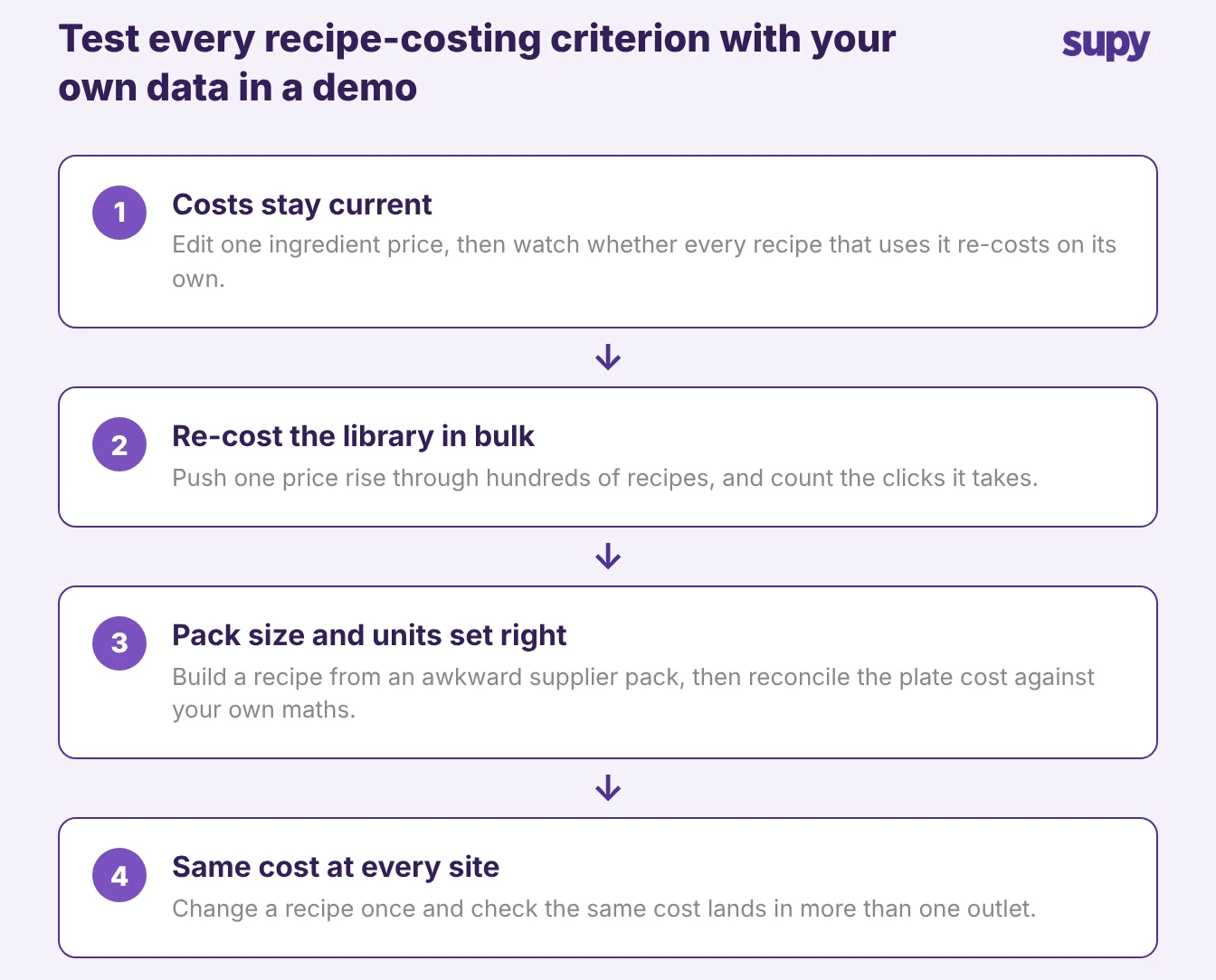
- Your own data. Take the four criteria into any demo and test each one with your own data, not the vendor's sample menu.
- Keeping costs current. Edit an ingredient price and watch whether every recipe that uses it re-costs without being reopened.
- Re-costing the library. Push one price rise through hundreds of recipes, and count the clicks it takes.
- Pack-size and unit setup. Build a recipe from an awkward supplier pack, then reconcile the plate cost against your own maths.
- Costing across venues. Change a recipe once and check you see the same cost at more than one site.
A tool that passes all four keeps your recipe costs honest as prices move. One that fails any of them quietly returns you to the twice-a-year card you are trying to leave behind. You find out at month end, when the margin is already gone.