.jpg)


Receiving Restaurant Goods Without a Purchase Order: Keep Stock Right
What to Do the Moment Goods Arrive Without a Purchase Order
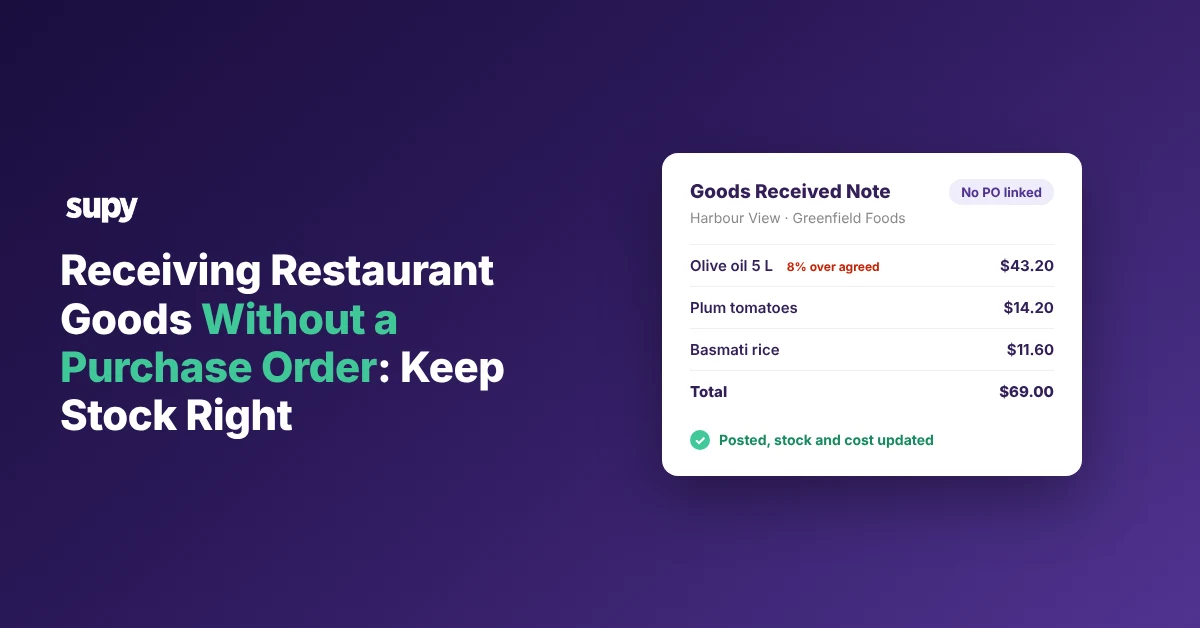
When you are receiving goods at a restaurant with no purchase order (PO) to match, record the delivery the same day. A receive-without-order goods received note (GRN) or an AI invoice scan updates stock and cost at the site, and you link the note to a PO later if one exists. The price check catches a delivery billed 8% over the agreed price. This article shows the three no-PO situations and the one fix for each.
Deliveries turn up without a PO all the time, from a direct call to a supplier to a cash run at the cash-and-carry. Leave one unrecorded and the branch shows stock it does not have and a cost that never moved. Three situations cover almost every no-PO delivery, and each has one fix you start at the receiving door.
| Situation | What you do at the door |
|---|---|
| Order placed outside the system (phone, message, cash) | Open a receive-without-order GRN and upload the invoice, then link a PO later if one appears |
| Invoice has no PO number to match | Receive it manually and set a variance threshold so a wrong price stops for sign-off |
| Delivered item is not in your catalogue | Add it to that site first, then receive, so it carries a real cost |
When the Order Was Placed Outside the System
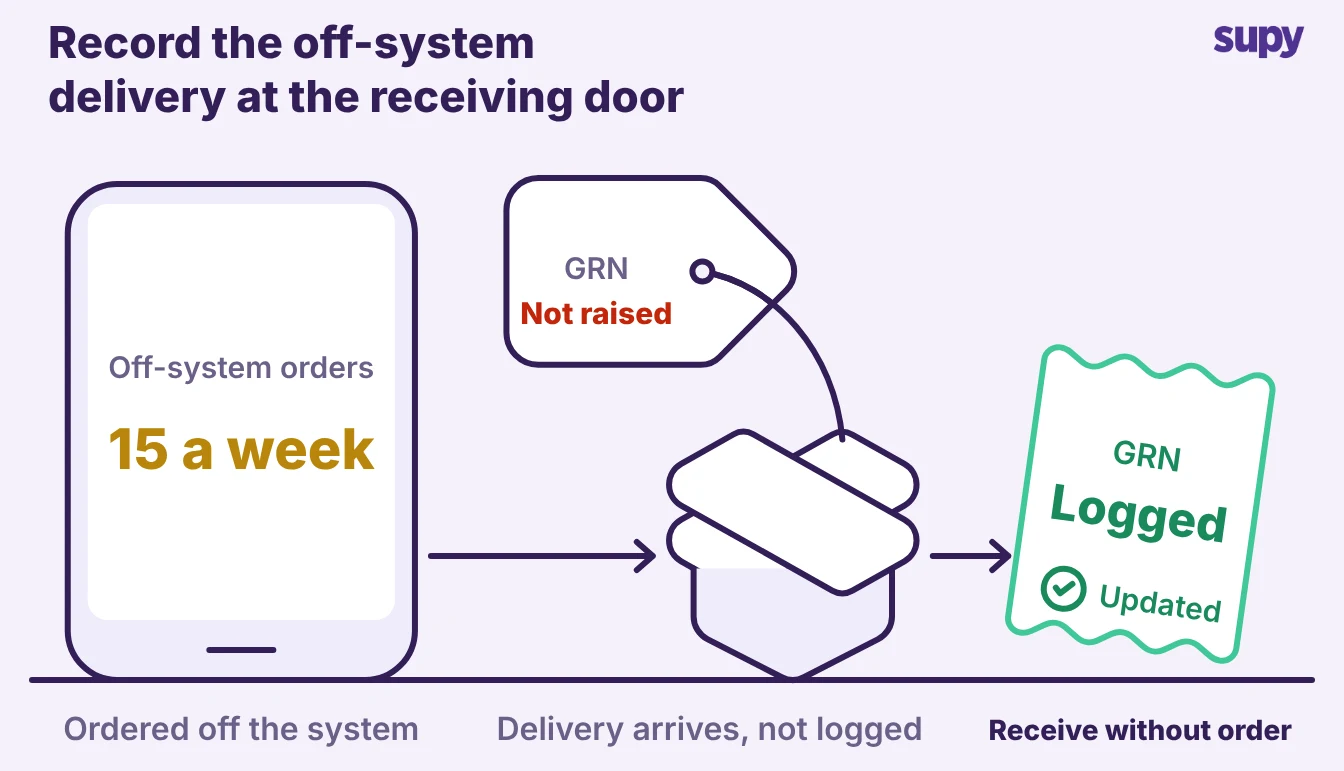
Plenty of orders never start as a PO. A manager phones or messages the supplier during a busy service, or buys cash from a cash-and-carry, so the goods arrive before anyone raises paperwork. A multi-site group can take 15 of these a week without noticing.
- Record it with Receive Without Order. Open a receive-without-order GRN at the location that got the delivery, add the items and quantities, and upload a photo of the supplier invoice or the till receipt. Posting the GRN updates stock on hand and the item's average cost straight away. The next count and the next cost of goods sold (COGS) figure then include the delivery.
- Link it back to a PO later if one gets raised. If someone raises a PO for that order later, link the GRN to it on the web app or the phone. This works even though the GRN was created with no PO reference. The link ties the delivery to its originating order, so the full chain reconciles and nobody double-counts the same goods. Supy's procurement tools keep that link whether the PO came first or last, and our guide to a purchase order management system covers how the two tie together.
When the Invoice Has No Purchase Order Number to Match
AI invoice scanning reads a supplier invoice and pulls out the supplier, the line items, the quantities and the prices. It then auto-matches the invoice to the right PO.
That match needs a PO number on the invoice. A supplier might leave the number off, or there was no PO to begin with. Either way the invoice cannot match itself, so you receive it manually.
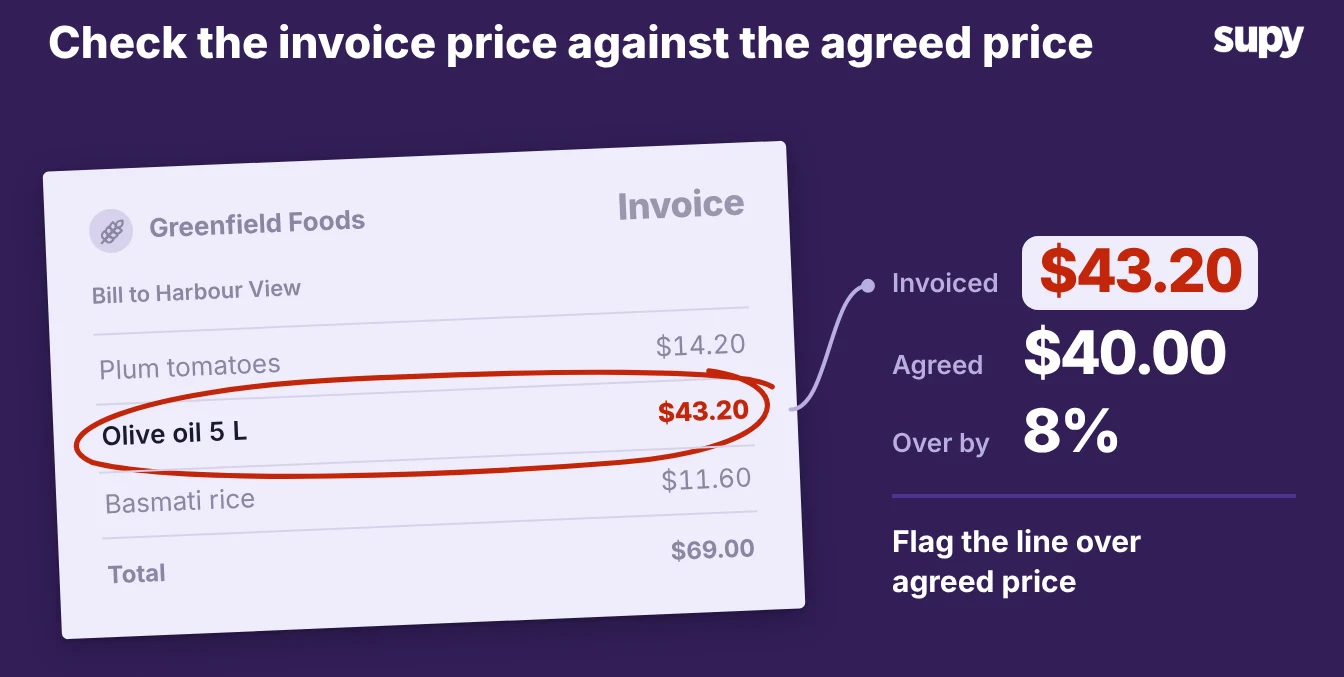
- Receive without order, then let the price check do its job. Create the GRN against the supplier and the outlet, and let the scan fill in the lines. Supy checks each received price against the agreed price for that supplier and item. Supy flags a line billed 8% over the agreed price as a variance before anything posts to your accounts. The same check runs on a no-PO delivery as on a matched one, so an off-system order leaves no gap in your price control.
- Send the big ones for sign-off. Set a variance threshold so a flagged line stops for approval. Permissions route it through up to five approvers, chosen by the branch and the order value, before the GRN posts. The site team still receives the goods and keeps service moving, and the finance side decides whether to accept the new price or raise a credit note with the supplier.
When a Delivered Item Is Not in Your Catalogue
Sometimes the problem is not the PO at all. A driver leaves a product the site has never bought before, so there is nothing in the catalogue to receive it against. Ranking advice tells you to park it aside and email purchasing, which records nothing and leaves the item master incomplete.
- Resolve it at the point of receipt. Add the item to that location's catalogue, then receive it, or link the delivered line to an item you already hold under a different supplier code. Supy checks that every item on a GRN is available at the receiving location before it lets you post. A new product has to be set up for that site first. That check is what stops a one-off delivery from posting against the wrong item and quietly corrupting a recipe cost.
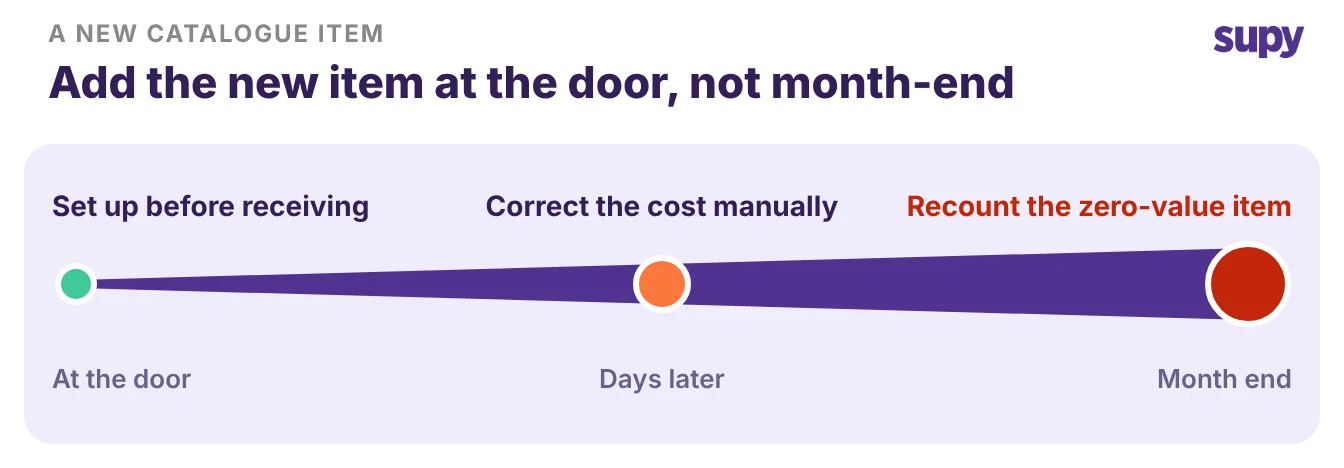
- Keep the master clean as you go. Fixing the catalogue line at the door, rather than after month-end, means the item carries a real cost from its first delivery. Leave it unresolved and that ingredient sits at zero value, so any recipe that uses it reads cheaper than it is until the next clean count.
Receiving Against the Right Site and Cost Centre
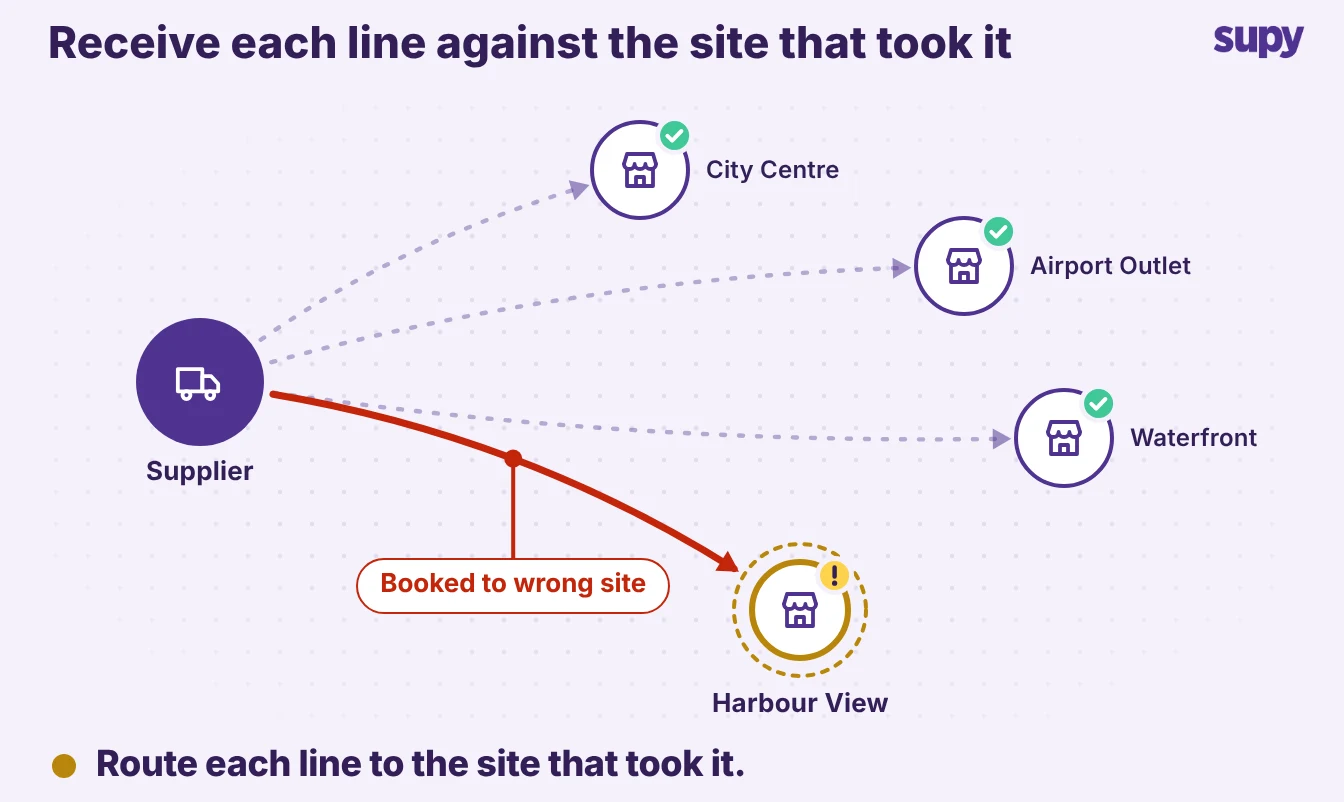
A no-PO delivery is easy to receive against the wrong place, because there is no order pointing it at a site. On a combined delivery for several venues, whoever receives it can book the whole lot to one venue by mistake. That venue then pays for stock the others took, and a posted GRN cannot simply be deleted.
- Check the site before you post. Supy validates that every line is available at the receiving location, which catches stock heading for a venue that does not carry it. On a multi-site GRN you can reassign individual lines to a different cost centre, with a real-time availability check, so each venue is charged for what it actually took.
- Post once and move on. Because a posted GRN posts to your stock and accounts and cannot be deleted, the time to get the site and the price right is at receipt, not after close. Recording the delivery the same day is what keeps live stock and the average cost correct across every site. A delivery scanned on the phone but never saved as a GRN leaves no purchase data at all. That is a common cause of a large stock count variance nobody can explain a week later.
No matter which situation you are in, the first move is the same. Record the delivery the same day it arrives, with a PO or without one. Each case has one fix, and all of them happen at the receiving door, not at month-end.
Get that habit right and the count, the cost and the margin stay honest at every site, whether or not a purchase order ever catches up with the goods.