.jpg)


Shelf-to-Sheet Inventory: How to Count Restaurant Stock Faster
Shelf-to-Sheet Counting, and Why It Finishes Faster
Shelf-to-sheet counting means your team counts each item where it sits, in the order it sits on the shelf. They write down what they count, then compare the total to what the system expected. It finishes faster because nobody walks the store twice hunting for the next line, and fewer items get missed. This article shows how to build the sheet in shelf order, keep one per site, and act on the variance it produces.
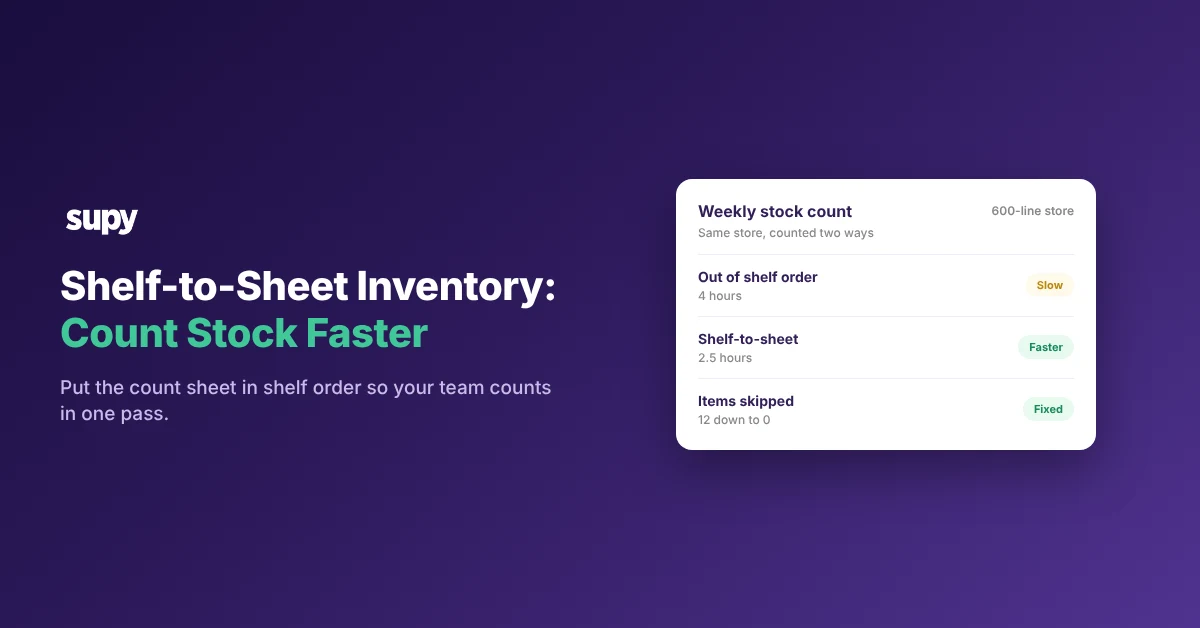
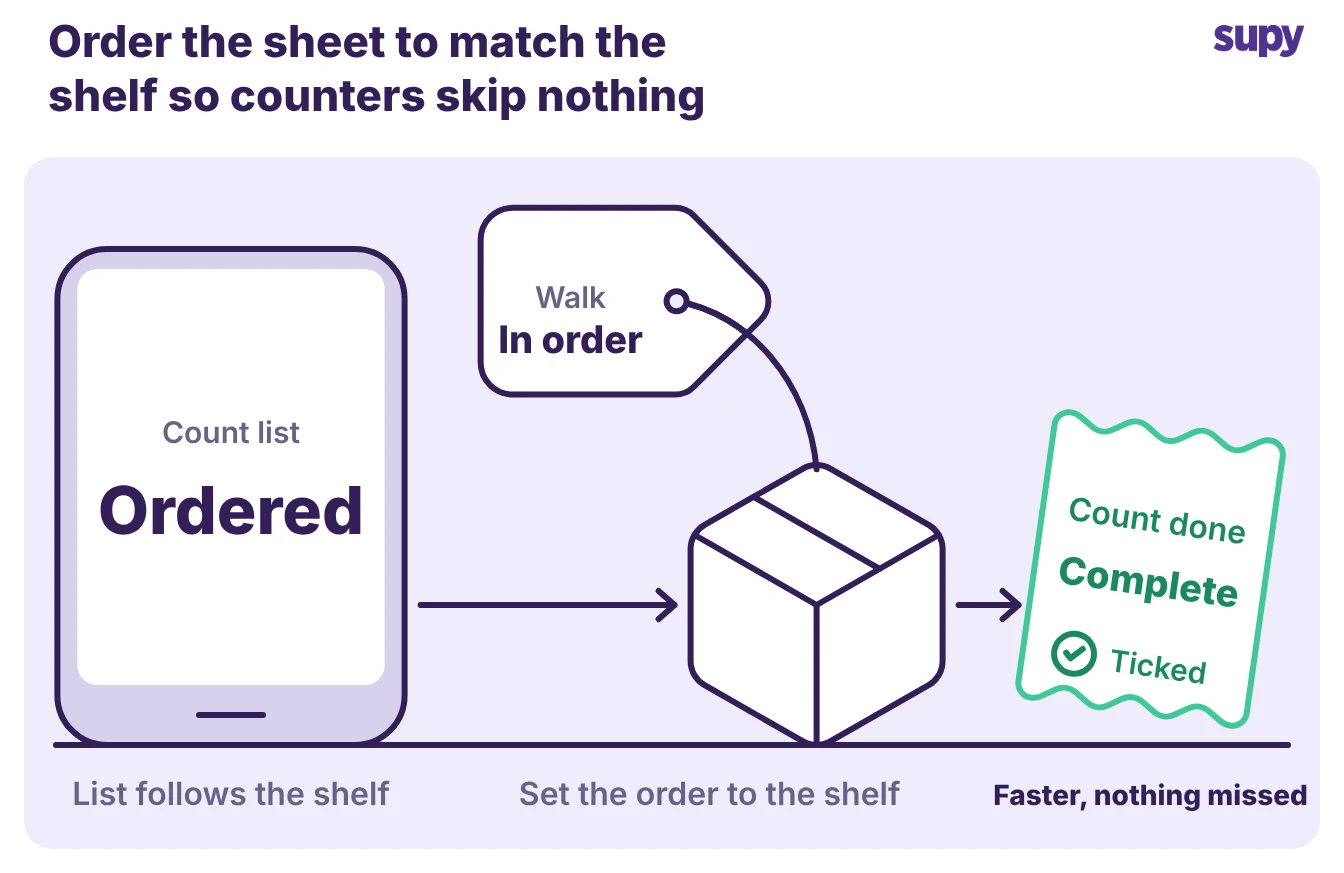
When the count sheet lists items in a different order from the shelves, a counter walks the store twice. They go round once to find each line, then back again for the items they passed. On a 600-line list, that backtracking is where a weekly count stretches to most of a morning. Put the sheet in shelf order and the counter works one shelf at a time, top to bottom, and ticks each line as they reach it. The count that ran close to four hours drops toward two and a half, and the dozen items that used to get skipped stay on the sheet.
The order matters more than the tool. A tidy spreadsheet in the wrong order still sends the counter back and forth, and an app does too if its list does not match the room. The table below shows what changes when the sheet follows the shelves.
| How you count | Out of shelf order | Shelf-to-sheet |
|---|---|---|
| Walking the store | Round twice, once to find, once to backtrack | One pass, shelf by shelf |
| Items missed on a 600-line count | About 12 | Close to none |
| Weekly count time | Near 4 hours | Around 2.5 hours |
| Comparing sites | Hard, lists differ | Easy, same items each site |
Build the Count Sheet in Shelf Order
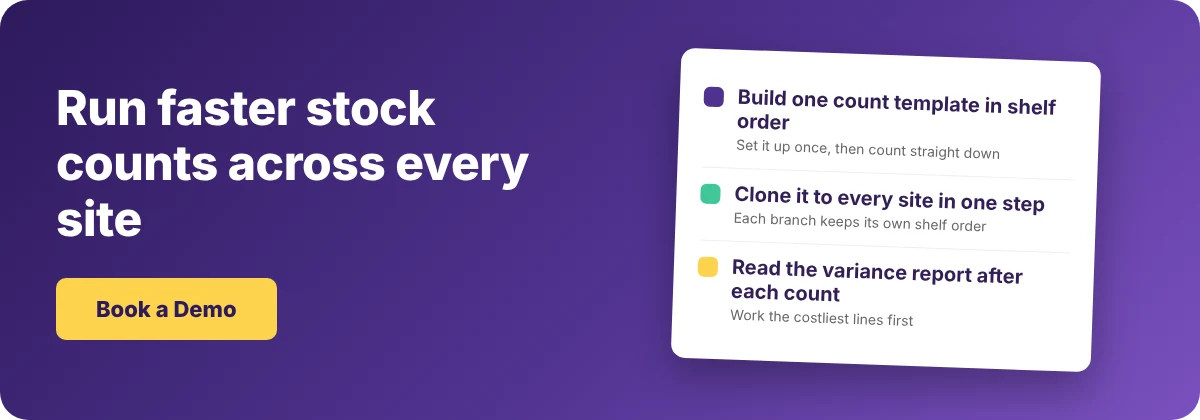
A shelf-to-sheet count needs one thing first: a sheet whose order matches the shelves. In Supy you build a reusable stock count template for each location that groups the exact items and prep recipes to count. You save it in the order a counter walks the room. Set it up once, in shelf order, and every count after that follows the same path, so nobody rebuilds the list each week.
Walk the room with a phone and set the order the way the team actually moves. Dry store first, then the walk-in, then the line, then the bar. The template opens on mobile, so the floor team counts straight down the same ordered list with no re-entry. That removes the printable blank sheet operators keep asking for, because the ordered sheet is already on the phone in their hand.
Three rules keep the order clean:
- Group each line by where it lives, not by category. The counter should never hold "all the dairy" in their head while standing at the dry store.
- Put each prep recipe next to the station that makes it. Count a sauce at the line and nobody forgets it.
- Name each line the way the shelf label reads. When the sheet and the label match word for word, the counter confirms the item at a glance instead of guessing.
Keep One Ordered Sheet Per Site So Counts Stay Comparable
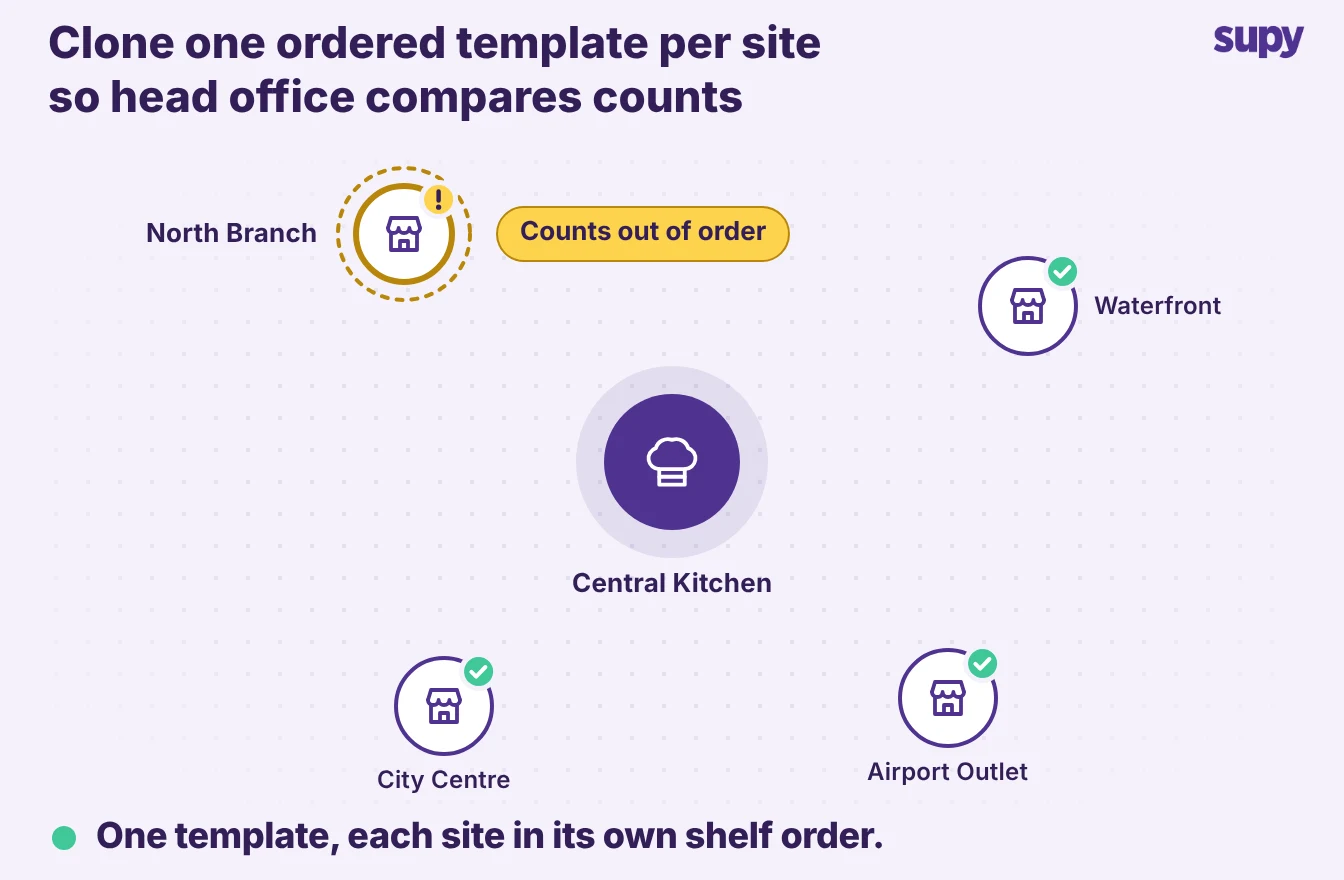
Two sites never have the same shelves, so one shared list forces half your team to count out of order. Clone the template to each location instead. Supy copies a template to every branch in one operation, and each site keeps its own version in its own shelf order. A new site duplicates an existing template rather than building one from scratch. That cuts setup time and holds the format steady across the group.
The reward is comparability. When every outlet counts the same items, each in its own shelf order, head office can read one site against another and know a gap is real stock. A stack of ad hoc spreadsheets never gets there, because a spreadsheet built by each site is easy to shorten, reorder or quietly skip. A shared template that each manager counts the same way is what makes speeding up your stock counts hold up as you add outlets.
Counts also get more accurate the more often you run them. The longer the gap between counts, the more your stock records say one thing while the shelf says another.
A count that takes half the time is a count the team will actually run every week, which is the real reason to put the sheet in shelf order. Supy's stock counting keeps that ordered template in one place for every site.
Turn the Finished Count Into a Variance You Can Act On
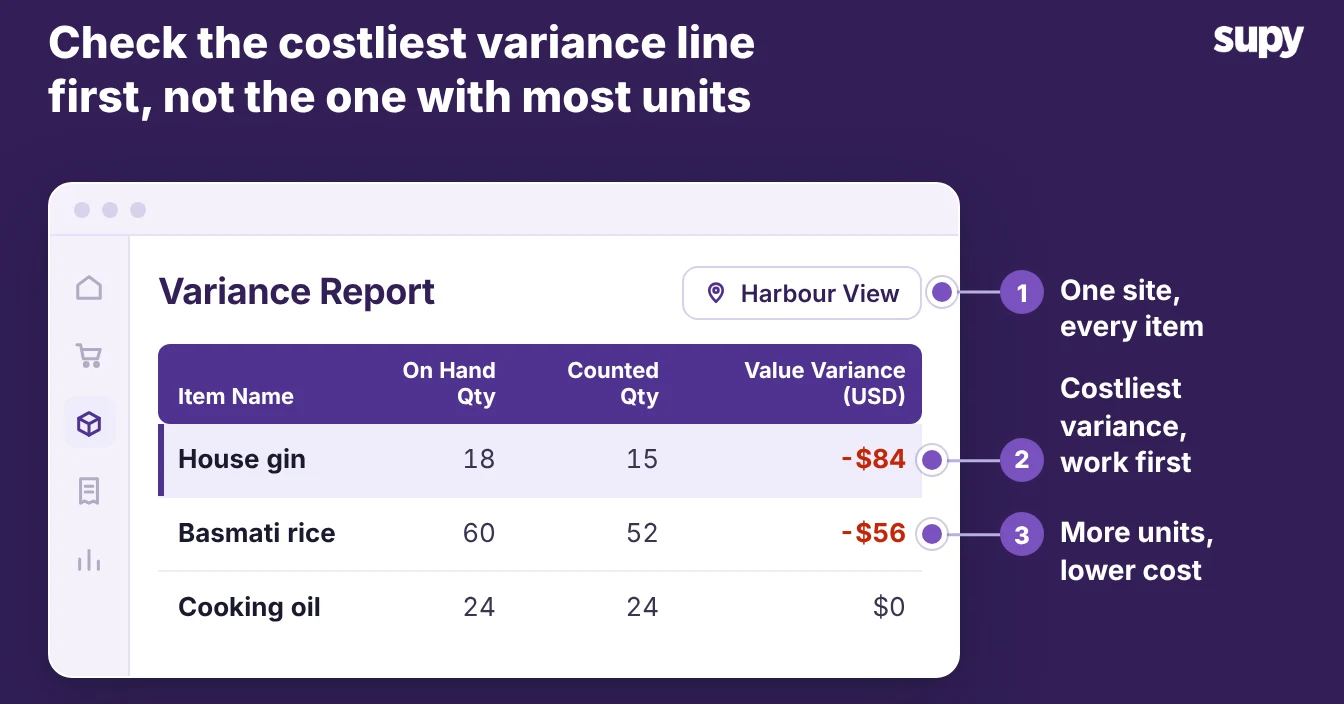
A fast count is only worth running if the result tells you something. Once a count is submitted, Supy produces a variance report showing every item's difference between the count your team submitted and the quantity the system expected.
Read it from the largest gap in money down, not the longest list of small ones. The lines with the most money moved are where someone used stock without logging it, where it was wasted, or where it was received wrong. Work the top few lines each week and leave the rest, so the same lines stop appearing as the team fixes the cause rather than recounting the symptom.
Count one site in shelf order this week and time it against your last unordered count. If the ordered count finishes under three hours on a 600-line store, and the variance report shows fewer unexplained lines, roll the template out to the rest of the group.
If the count still drags, the order is wrong somewhere. Watch where the counter backtracks, and move those lines to match the walk.