.jpg)


Restaurant Stock Counts Offline: How the Count Survives a Dead Zone
How a count survives when the signal drops
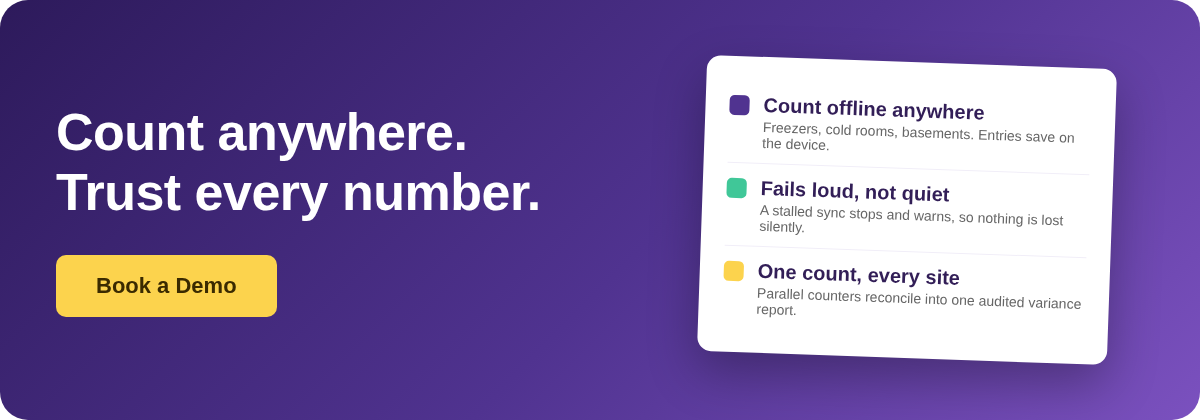
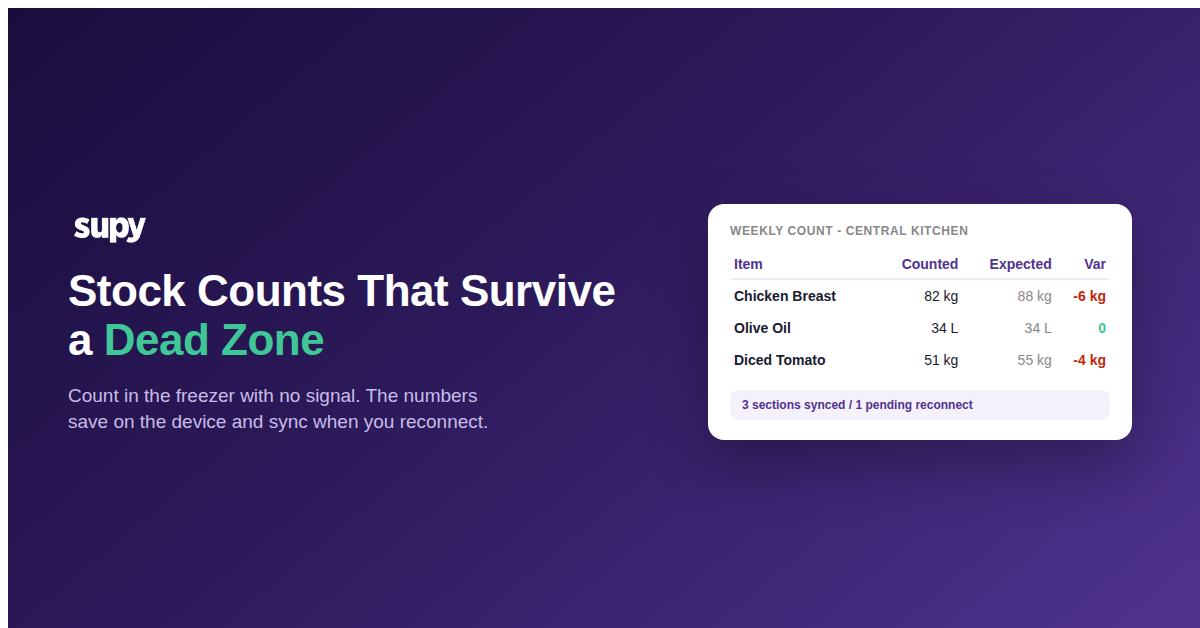
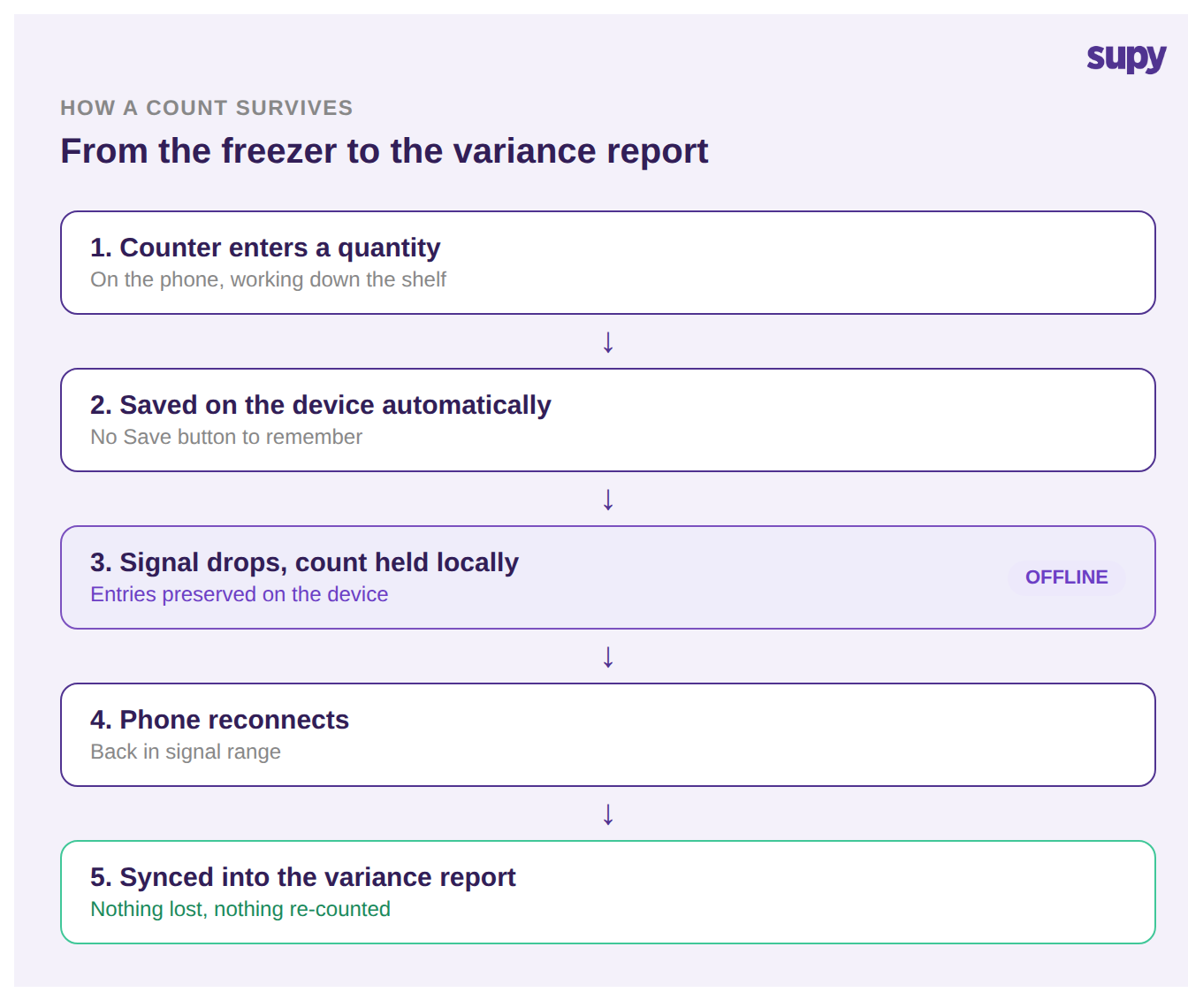
Offline stock counting means every quantity a counter enters is written to the device straight away, kept there while the connection is down, and pushed to the server the moment the phone reconnects. The count is never held only in a live network request, so a dropped signal in a freezer, a basement store, or the far end of a loading bay stops nothing and loses nothing.
In Supy, this happens without a Save button. As the counter works down the shelf, each quantity is saved in the background on the device. If connectivity drops partway through a section, the entries already made are preserved locally and the app keeps accepting new ones. When the phone reconnects, everything captured offline is synced back to the server and folded into the count. The counter never has to notice the network at all, which is the point: the storeroom is exactly where you cannot ask someone to babysit a connection.
The moment a count is most exposed is the handful of minutes it lives only on the device. A tool that treats that window as normal, rather than as an error to recover from, is what lets a counter walk out of a freezer with the numbers intact.
The save that fails without telling you
Most serious inventory tools now capture counts offline and sync on reconnect, so that part is close to table stakes. Where they split is the failure mode. Offline capture on its own has a quiet one: if the connection does not just dip but stays down, a basic offline mode can keep accepting entries the whole time and give the counter no sign that nothing is landing. The count looks finished on the screen, the counter moves on, and the data never made it anywhere. You find out at reconciliation, when a whole section reads as uncounted or wildly off.
Supy handles the persistent case differently. If an auto-save fails because of a lasting network problem, it pauses further background saves rather than continuing silently, so the counter is not unknowingly working without a live connection to the server. The tool fails loud instead of failing quiet. That single behaviour is the real line between an offline feature you tick on a comparison sheet and one you can hand to a team that counts in dead zones every week, whether they are moving from paper sheets and spreadsheets or from a tool that only looks like it saved.
The table below is the distinction to look for when you evaluate any tool that claims to work offline.
| When this happens | Basic offline mode | Supy |
|---|---|---|
| Signal drops mid-count | Entries in that window may be lost | Entries saved on the device |
| Sync keeps failing | Keeps accepting entries silently | Pauses and warns the counter |
| Does the counter find out? | Not until reconciliation | During the count |
| What reaches the report | Gaps and re-counts | The count you actually took |
One reconciled count across every site
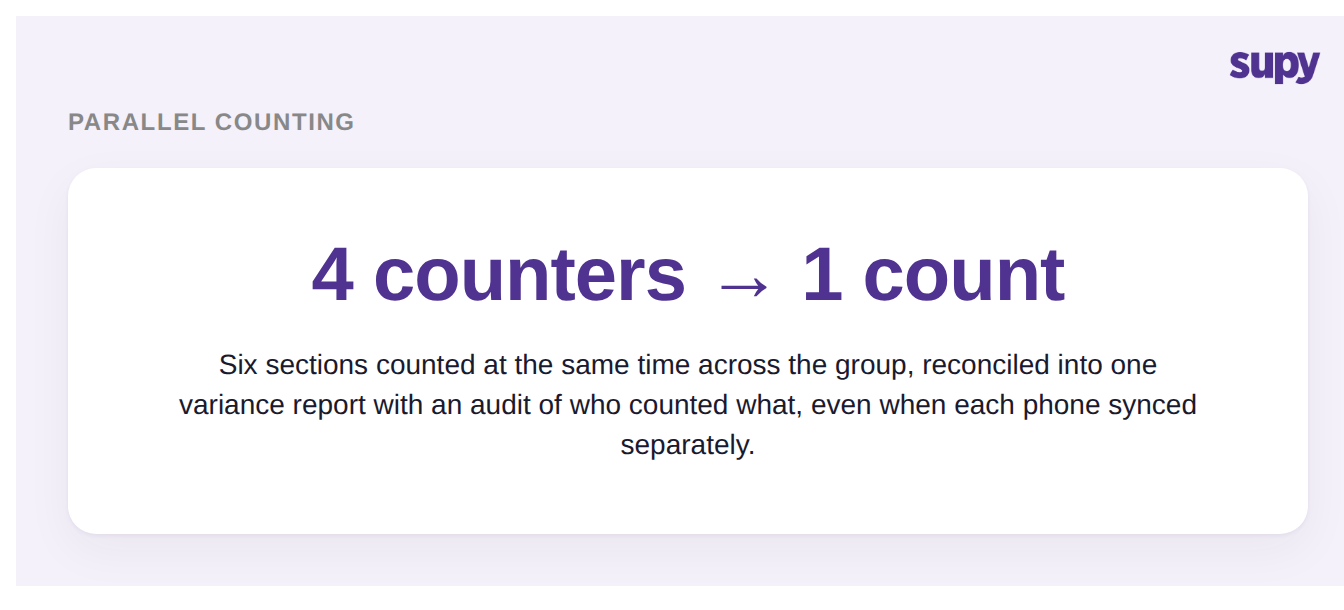
A single phone counting a single room is the easy case. A restaurant group counts many rooms at once, often with several people on the floor at the same time, and offline resilience has to hold across all of them, not just one device.
Supy lets multiple team members count different sections at the same time, each in their own sub-count, and reconciles them into one count for the location. Each sub-count carries its own audit log of who created it and when, which matters most precisely when entries were captured offline and synced later and someone needs to see where a number came from. Once the count is submitted, a variance report shows the difference between counted and expected for every item, so the count that offline mode protected feeds straight into the number you actually manage the business on. You can see how Supy stock counting ties parallel counts, offline capture, and variance together across a group.
Before you trust a count done offline
Offline is on almost every feature list now, so the useful question is not whether a tool has it but whether its version holds up in the room where you count. Before you rely on one across your locations, put it through three checks, using the list below as a quick self-audit.
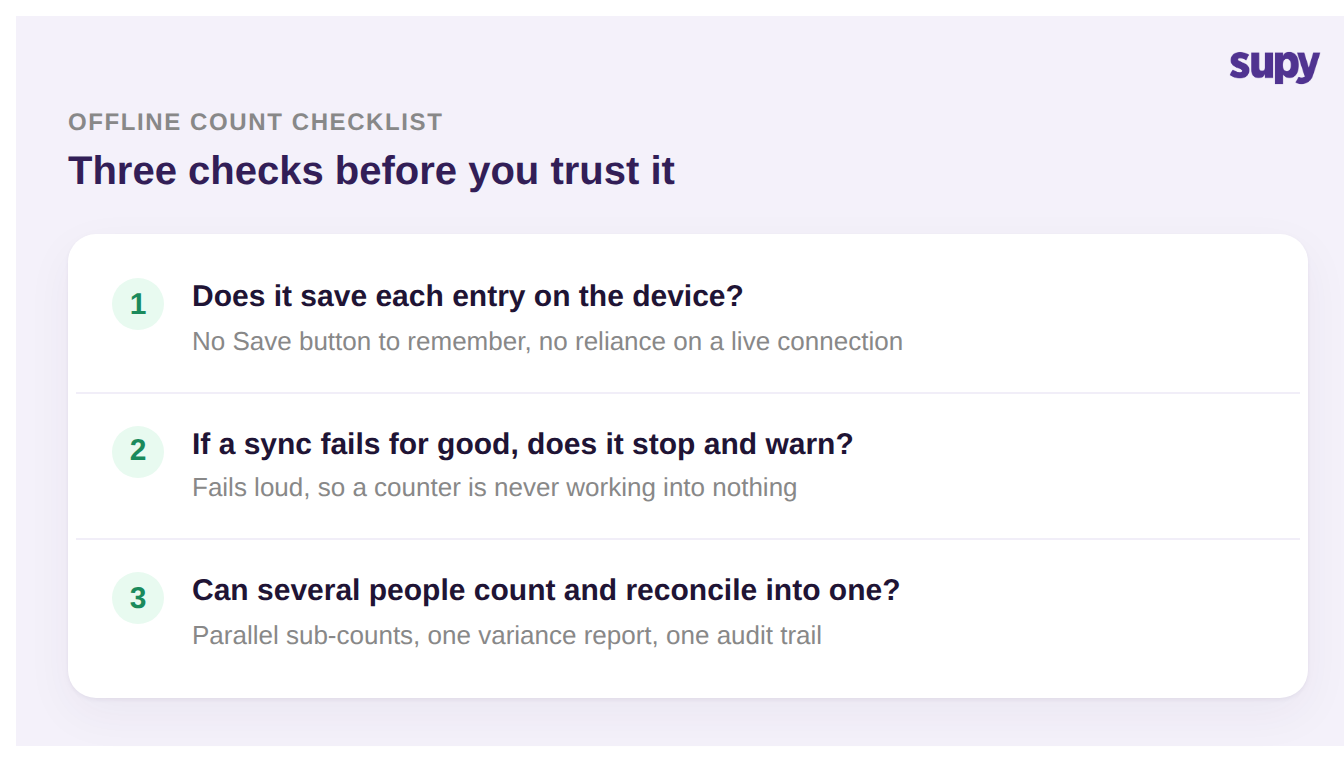
Run a real count in your worst dead zone, pull the device off the network mid-section, and watch what happens. If entries persist and sync cleanly on reconnect, if the tool stops and warns you when a sync truly fails, and if several counters can work in parallel and reconcile into one audited count, the offline mode is doing its job. If any of the three is missing, the count is one bad signal away from being lost, and you will not know until reconciliation. Start with the failure test, because a tool that fails quiet is the one that costs you a whole location count without warning. If you are still comparing options, our guide to restaurant stock count software covers what else to weigh.
Offline counting is not a headline feature so much as a reliability guarantee: the count you take in the freezer is the count that reaches your report. If you want to see how parallel counting, offline capture, and variance fit together across a group, that is worth a walk through on your own storerooms.