.jpg)


Restaurant Par Stock: How to Set Levels That Stop Dead Stock

Set Every Par From Real Usage and Lead Time
Set a par stock level and a minimum for every item in your restaurant, and ordering stops being a chef's guess. A par level is how much you want on hand when a delivery arrives, say 42 kg of chicken; the minimum, 26 kg, is the point where you reorder. Build both from real usage and your delivery days, and a slow week no longer leaves cash sitting on a shelf. This article shows how to set par and minimum, find the dead stock a par never covered, and handle demand that swings by day.
Two numbers set a par, and you work both from last month's usage, not a feeling for how fast something moves:
- Par level. Average daily usage times the days between deliveries, plus a safety-stock buffer.
- Minimum, or reorder point. Average daily usage times your supplier's lead time, plus the same buffer.
Take chicken breast at one outlet. It uses about 8 kg a day, deliveries come 4 days apart, and you hold 10 kg of safety stock.
That puts the par at 42 kg and the minimum at 26 kg, on a 2 day lead time. When stock drops to 26 kg, you reorder up to 42 kg.
- Free calculator. Want the numbers for your own kitchen? The free par level calculator works par out for every item on your sheet from your usage, delivery days and supplier lead times.
- Per site. Set the same two numbers per site, because a small branch and a large branch never use stock at the same rate. Supy holds a par and a minimum per item per site. One group view shows every site's position against par, so a regional manager sees where each kitchen sits without ringing round. For how par fits a full stock system, see par level inventory management.
| Item | Daily use | Par level | Minimum |
|---|---|---|---|
| Chicken breast | 8 kg | 42 kg | 26 kg |
| Olive oil | 2 L | 17 L | 7 L |
| To-go containers | 150 | 1,250 | 500 |
Set a Par for Slow Movers, or Dead Stock Builds Where Nobody Looks
Fast movers get a par because they run out and someone notices. Slow movers rarely do.
- Slow movers. Packaging, cleaning chemicals, long-life dry goods and specials ingredients sit for weeks. Nobody sets a par on them, and nobody checks whether too much was bought.
- Dead stock. That is where dead stock hides. One outlet found $3,400 tied up in lines that had no par at all.
- The list. The list ran to a case of a discontinued sauce, spare boxes of branded cups, a chemical someone double-ordered. None of it showed up as a problem, because a par is what makes "too much" visible.
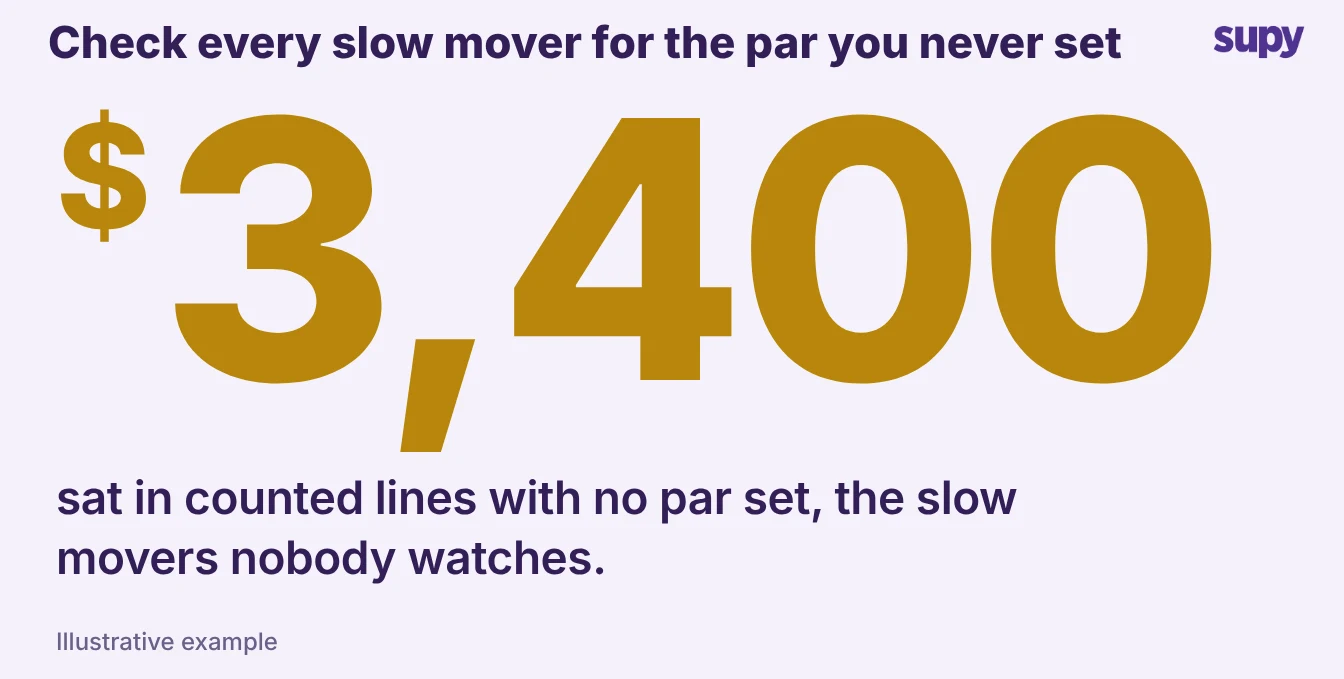
Set a par and a minimum for every counted item, not only the ones that run out. A slow mover's par can be small, but the number still caps what you reorder. The quickest win on a first pass is to par every line you count, then watch which ones never move.
Order to Par Against Live Stock on Hand
A par only stops over-ordering when the person placing the order can see it. On paper, a chef orders from memory and tops up what looks low, so two people can order the same case in the same week.
Supy's ordering screen shows each item's stock on hand next to its par, and a fill-to-par action works out the shortfall for every line. The chef reviews the quantities and adjusts before the order sends, so a routine top-up is a one tap job instead of a calculation. Restaurant inventory management software keeps that stock figure live from counts and receipts.
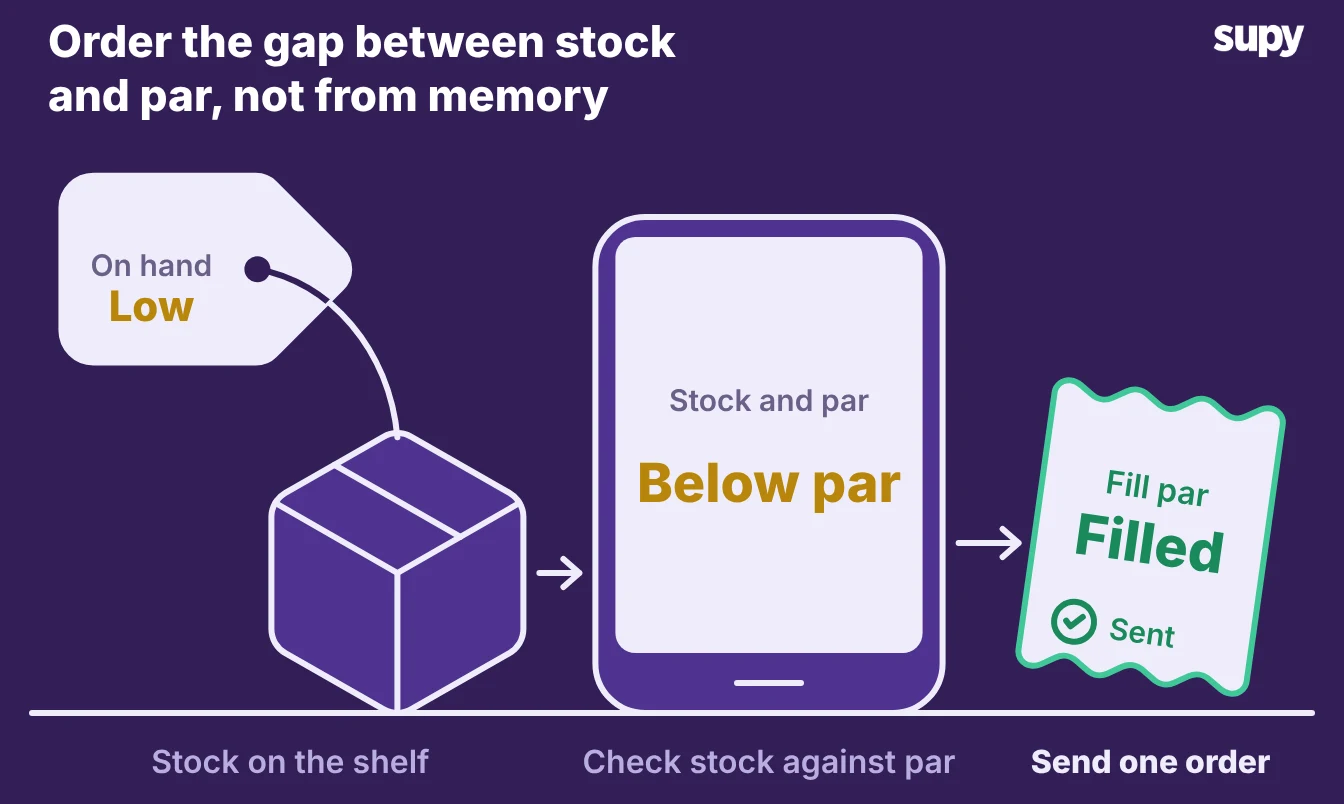
Because the stock number updates from goods received notes and recipe usage, the par you fill to is measured against what is really on the shelf, not last week's count. The chef orders the gap between stock and par, and no more.
Check Theoretical Against Actual to Catch a Par Set Too High
A par can be wrong by being set too high. Set it above real usage and nothing runs out, so nothing flags. The extra sits as stock you paid for and will not use before it turns.
Two checks catch it:
- An above-par alert. It fires when stock on hand climbs past the par, so you know the par is too high or an order doubled up.
- A theoretical-versus-actual report. It compares what your recipes and sales say you should have used against what you actually used, item by item.
Read the two together. If chicken shows 238 kg used against a theoretical 220 kg, that 18 kg variance comes from over-portioning, waste or a miscount. If olive oil used 52 L against a theoretical 55 L and still sits near par, the par is set too high for how the kitchen really cooks.
| Item | Theoretical use | Actual use | Variance |
|---|---|---|---|
| Chicken breast | 220 kg | 238 kg | 18 kg over |
| Olive oil | 55 L | 52 L | 3 L under |
When Demand Swings by Day, Forecast It Instead of Rewriting Par
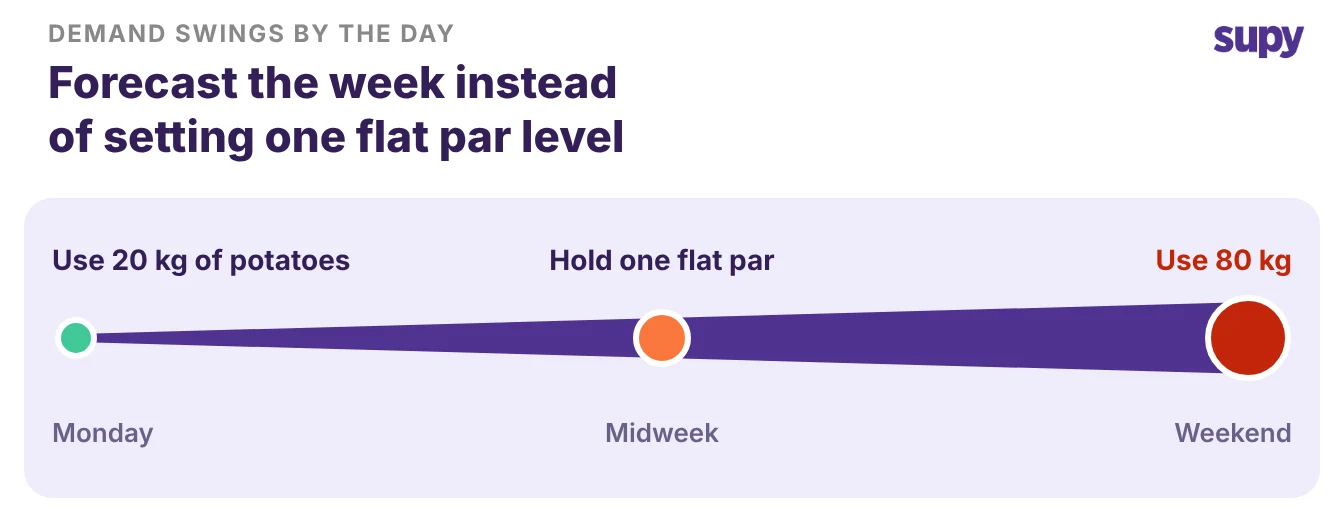
Some items do not sit still across the week. A site might use 20 kg of potatoes on a Monday and 80 kg across a weekend, so a single par is either too high midweek or too low on Saturday.
- Static par. A static par cannot solve the swing on its own. Supy holds one par per item, not a separate par for each day. For demand that swings this hard, a forecast does the job a per-day par would.
- Sales forecast. Supy's sales forecast predicts daily sales by branch for 14 days ahead, down to the menu item. It shows the forecast against the branch's 8 week average, so the order follows the week the kitchen is about to have.
- Keep and review. Keep par for the steady lines and lean on the forecast for the swingers. Review par when the menu changes or a season turns, because the number that fit in winter rarely fits in summer.
- Highest spend. Start with your highest-spend items. Set a par and a minimum for each from last month's usage, then add the slow movers you have never parred.
Each month, pull the above-par list and the theoretical-versus-actual report: the first names the dead stock, the second names the par you set too high. Work those two lists and a par stops being a sheet on a clipboard and starts cutting what you order.