.jpg)


Restaurant Inventory Form: Lay It Out in Shelf Order and Count Faster
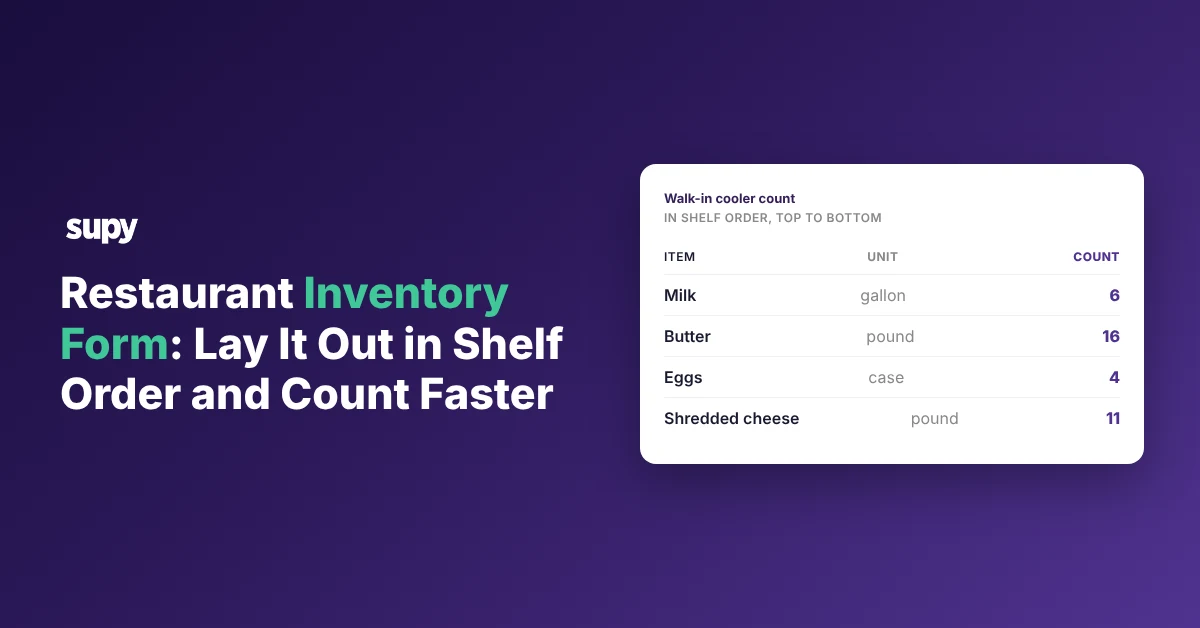
The restaurant inventory form, laid out in shelf order
Lay your restaurant inventory form out in shelf order, not by supplier, and your team counts it in one walk down the storeroom. A supplier-ordered form sends them back and forth, which is slower and causes miscounts. This article gives you the shelf-order form, the columns it needs, and how to use it across sites.
A walk-in cooler form runs top to bottom, so counting it means working straight down the shelves.
| Item | Unit | Count |
|---|---|---|
| Milk | gallon | 6 |
| Butter | pound | 16 |
| Eggs | case | 4 |
| Shredded cheese | pound | 11 |
| Chicken breast | pound | 22 |
The counts in this one are an example. A new starter can run it without knowing where anything lives, because the form lists the items in the order you reach them on the shelf.
Why a form ordered by supplier slows every count
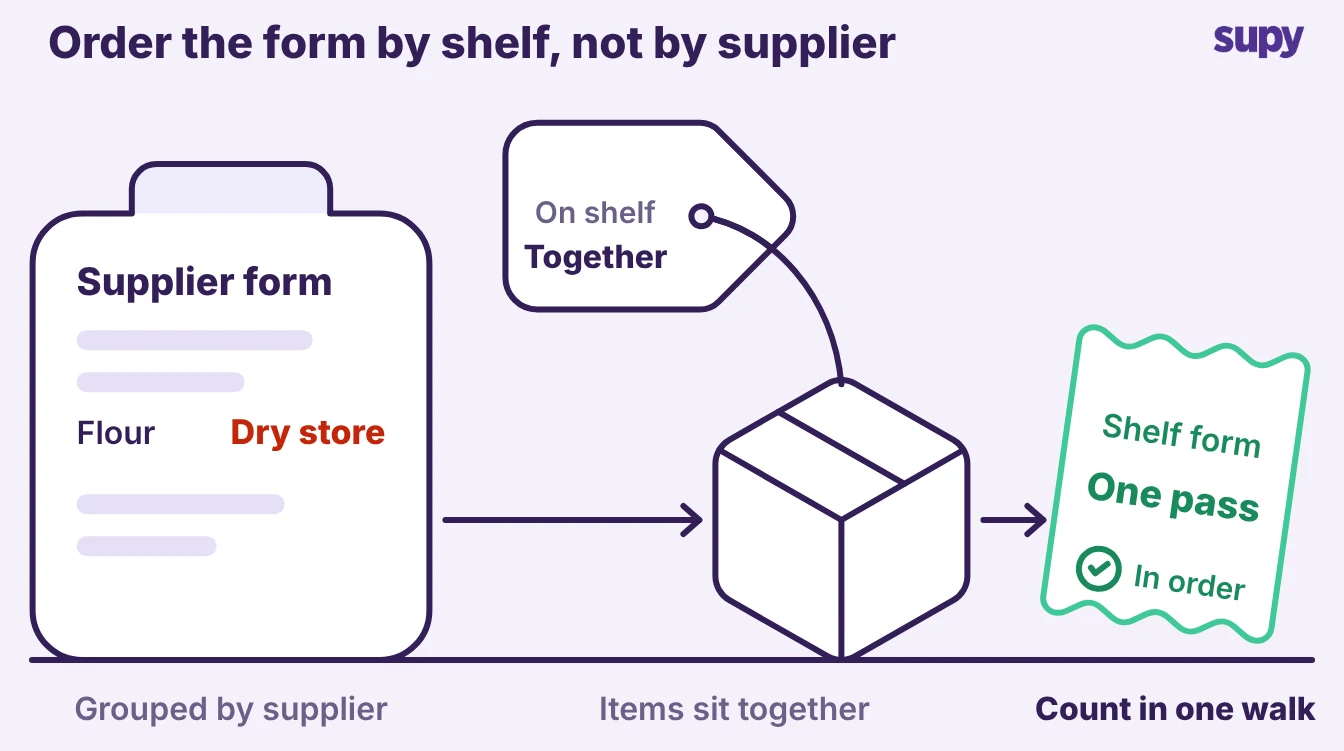
A form grouped by supplier reads well on the ordering screen and badly on the floor. You buy flour from one supplier and oil from another, but on the shelf they sit side by side. Count by supplier and you walk to one corner for a line, then back across the room for the next.
The walking is the slow part of a count, not the counting. Order the form by shelf and your team stops crossing the room.
- Single pass. they make one pass.
- Top down. top to bottom.
- Write immediately. write as they go.
A form built from recent invoices has a second gap. Anything you have not bought in the last few months, like slow-moving top-shelf bar stock, never shows up on an invoice-populated list, so the count is short before it starts. A shelf-order form lists what is on the shelf, bought this month or not.
The columns every inventory form needs
A usable form needs four columns and no more.
| Column | What it holds | Example |
|---|---|---|
| Item | The item name, in shelf order | Shredded cheese |
| Unit | The unit you count in | pound, case or gallon |
| Count | The number your team writes on the floor | what you counted |
| Storage area | One area per form, named at the top | Walk-in cooler |
Keep it to those four. Extra columns give your team more to do on the floor and more places to put a number in the wrong row. The unit column matters more than it looks.
- Unit unclear. without it, a count of "4" could mean four cases or four cans.
- Value wrong. your value is wrong either way.
Stopping the double entry from paper to spreadsheet
Counting on paper and then typing it into a spreadsheet is two counts, not one.
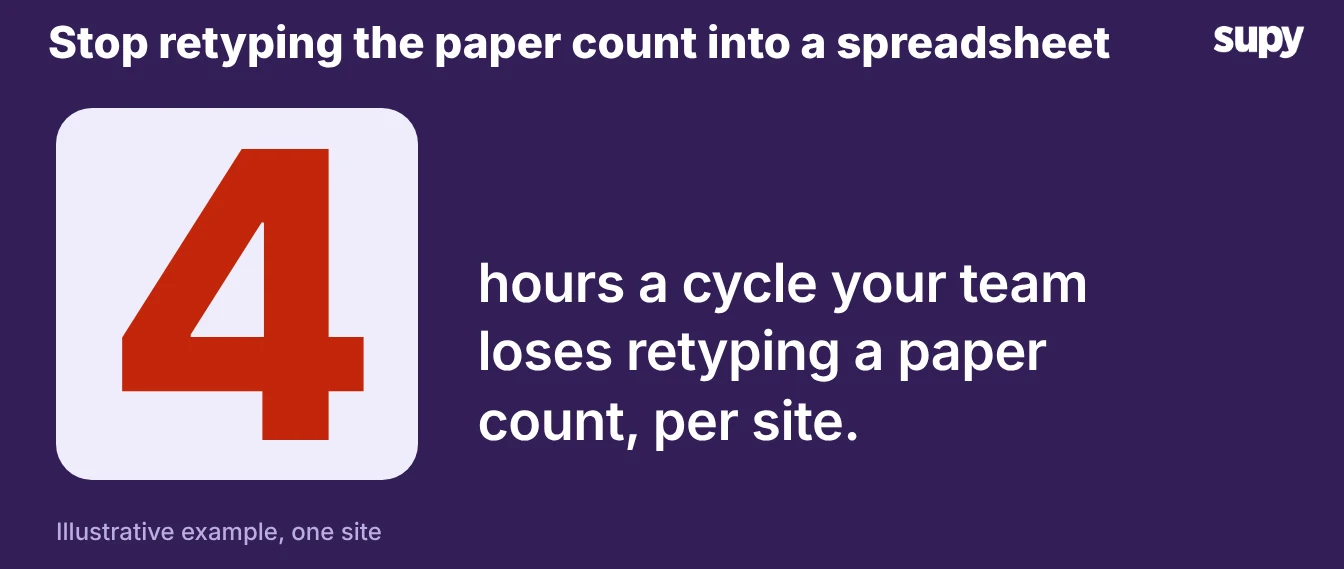
One pub and casual-dining group spent about 4 hours per bar and kitchen each cycle on the retyping alone, before anyone looked at a variance. Every figure typed twice is a figure that can change between the floor and the file, so a count that was right on paper turns into a wrong number in the system.
A form on a tablet removes the second step. Your team counts into it once, several people count different areas at the same time and their counts merge, and the variance against the system shows straight away. Supy's count templates work this way, with a stated cut of over 50% in count time.
A count that is quick gets done more often, and that is what protects the number. Counting more than weekly keeps your records about three times as accurate as counting a few times a year, according to The Spread.
Keeping one form per storage area across sites
Build one form per storage area, then run the same forms at every site. One four-site operator's ops manager tracked counts across disconnected spreadsheets, which cost 1 to 2 days a week. The fix was one shared set of forms, not a sheet per person.
Clone the walk-in form, the dry-store form and the bar form to each location so every site counts the same items in the same order. In Supy, the counts for every branch and location sit in one list, and one count can be split so several people count different sections at once.
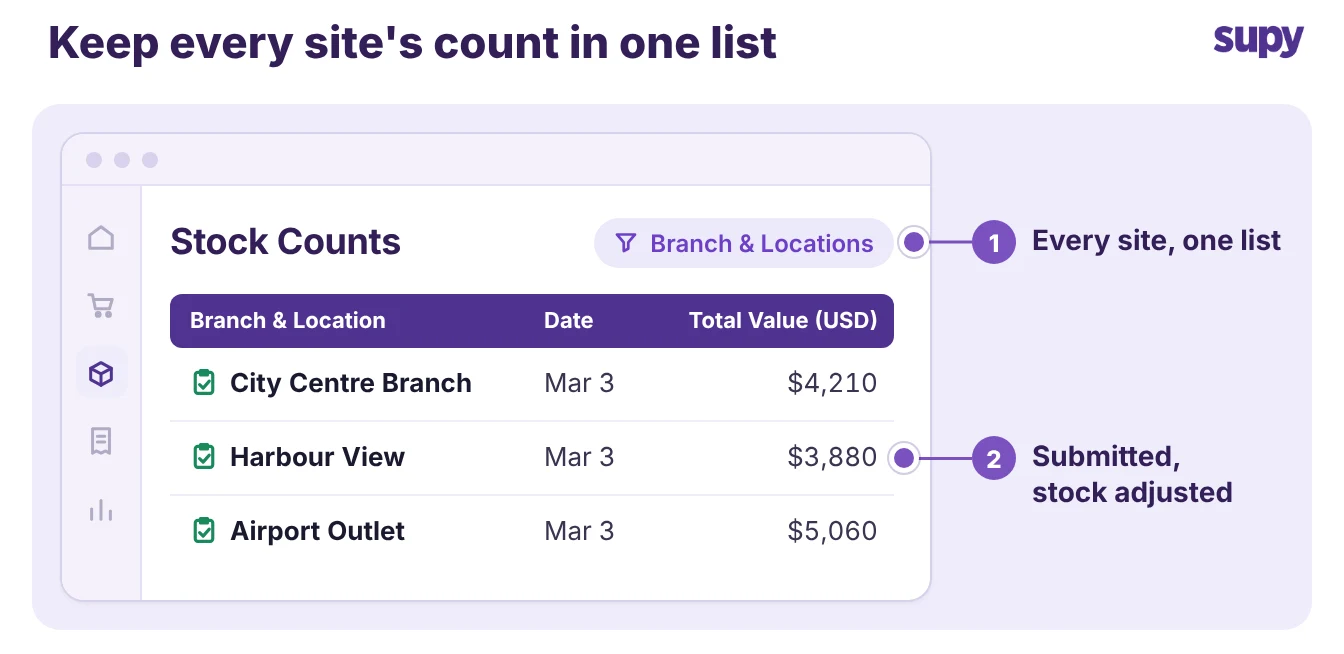
Counts then line up, and you can compare one site against another without rebuilding anything. A good inventory routine depends on forms that match from site to site.
Start with one storage area. Walk it, write down each item in the order you meet it, and that list is your form. Add the unit and a count column, clone it to your other areas and sites, and move it onto a tablet so nobody retypes it. Count weekly, and the stock numbers behind your ordering and your cost of sales finally hold.