.jpg)


Restaurant Food Waste Sheet: What to Log So Waste Adds Up

What Belongs on a Restaurant Food Waste Sheet
A food waste sheet works when every line records four things: the item, the quantity in the unit you buy it in, the reason, and the stage it happened at. Miss one and the line cannot deduct from stock, so the waste never reaches your food cost. This article shows what to put in each column, and how to tie the sheet to stock so the totals add up.
Most kitchens already keep a sheet of some kind, so the problem is rarely a missing column. It is that the sheet sits on its own, and the numbers never meet the stock they came out of. Start from this layout and every line stays useful:
| Item | Quantity (purchase unit) | Reason | Stage |
|---|---|---|---|
| Cooking oil | 4 L | Fryer oil change | Prep |
| Chicken breast | 3 kg | Spoiled in the walk-in | Storage |
| Fries | 2 portions | Overcooked batch | Service |
| Milk | 4 L | Split in delivery | Delivery |
| Tomatoes | 3 kg | Soft, unusable | Storage |
Four fields carry the weight, and each one earns its place:
- Item. The ingredient as it appears in your stock list, not the dish it was going into.
- Quantity. How much went, in the unit you buy the item in.
- Reason. Why it was wasted, chosen from a short fixed list.
- Stage. Where it happened, from delivery through to service.
Add a date and the name of whoever logged each line as well, because they let a manager trace an entry back to a shift. Keep every cell this short. A cell is a label, not a sentence.
Log the Quantity in the Unit You Buy, Not the Piece You Toss
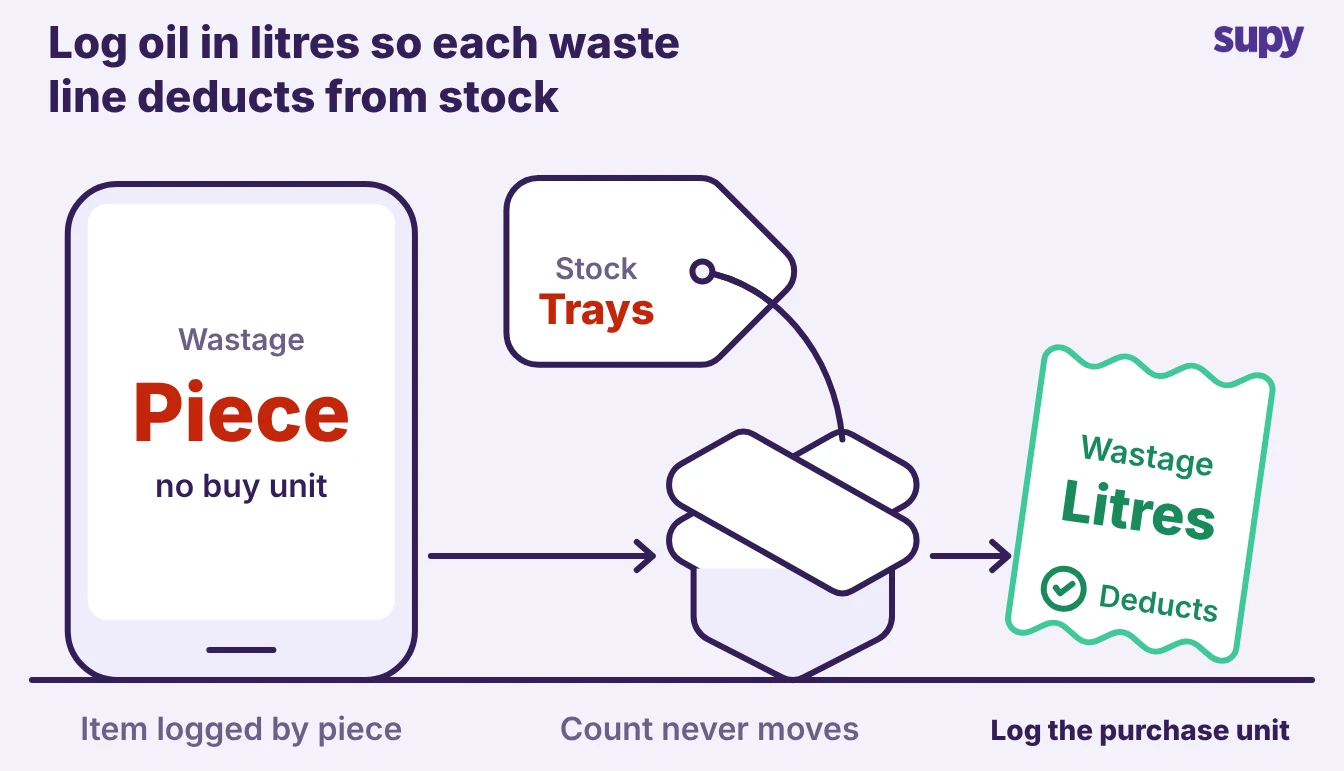
Record each quantity in the unit you purchase the item in. If you buy oil by the litre, log litres. If you buy chicken by the kilogram, log kilograms.
- Unit mismatch. One kitchen logged waste by the piece while the system counted the same stock by the tray. A team member then had to convert every entry by hand before it meant anything.
- Report visibility. The unit also decides whether the number shows up in your reports. A line logged as "half a tray" cannot deduct from a stock count held in bottles, so it never reaches the variance report. Pick one unit per item, the one on your supplier invoice, and hold the whole sheet to it.
- Trim weight. Weight items need one more rule: log what you threw away, not what you started with. If a brisket loses weight to trim and cooking, the trim is the waste line, not the raw joint. Logging the raw weight counts stock twice, because the cooked meat is still on the plate.
Make the Reason a Required Field
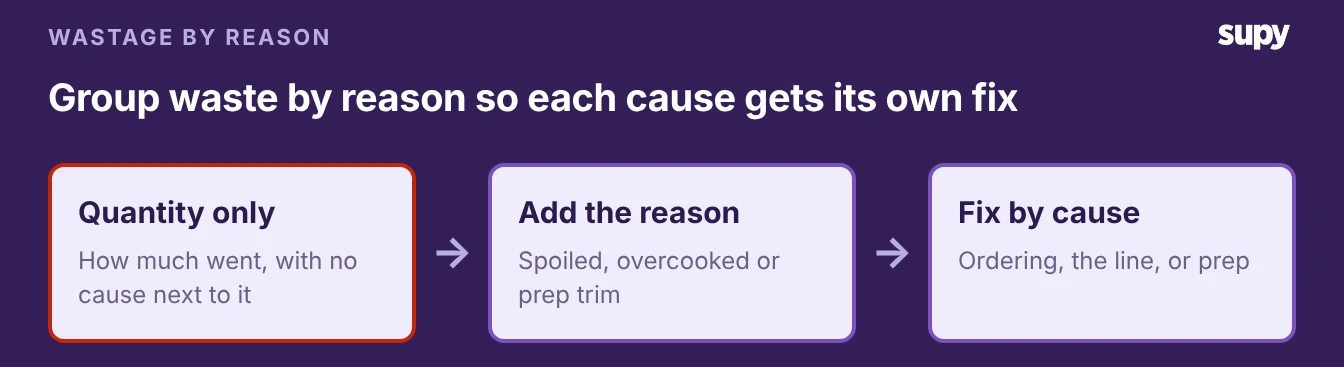
A quantity tells you how much went; the reason tells you what to change. Without a reason, a manager reading the sheet on a day off sees two portions of fries in the bin and cannot tell why. Make the reason field mandatory, and give the team a short fixed list rather than a free text box:
- Spoiled. Went off before anyone could use it.
- Over portioned. Plated heavier than the recipe.
- Overcooked. Burnt or ruined on the line.
- Dropped. Spilled or dropped on the floor.
- Prep trim. The normal loss from cutting and cleaning.
- Expired. Past its use-by date in storage.
A fixed list beats a free text box. It keeps entries fast, and it lets you add up waste by cause at the end of the week.
- Repeat causes. "Spoiled in the walk-in" logged again and again is a storage or ordering problem. "Overcooked" again and again is a line problem. Same total, two different fixes, and the reason column is the only thing that separates them.
- Odd entries. Attach a photo or a one line note to the odd entry that needs it. A missing tray of burgers with no explanation is the entry a manager most wants to ask about, and the hardest to trace once the shift is over.
Tie the Sheet to Your Stock So the Numbers Add Up
A sheet that lives apart from your stock count is the main reason waste does not add up. Log a line on paper or in a standalone spreadsheet and your stock figure does not move. The month-end count is then short by that waste, and nothing on the sheet explains the gap.
The fix is to log waste inside the restaurant inventory system that already holds your stock, so each line deducts from stock as you enter it.
- It deducts from stock. That is what Supy's wastage recording does. A team member logs the item, quantity and reason on a phone in seconds, picks from your own categories, and the entry comes off stock straight away. The cost of that waste then shows up by branch, period and category, so head office can compare sites without collecting a sheet from each one.
- It ends double entry. Logging in one place stops the double entry that makes teams give up. One operator was typing dozens of wasted items into a sheet every day, then typing the same items again to correct stock. One entry should do both jobs.
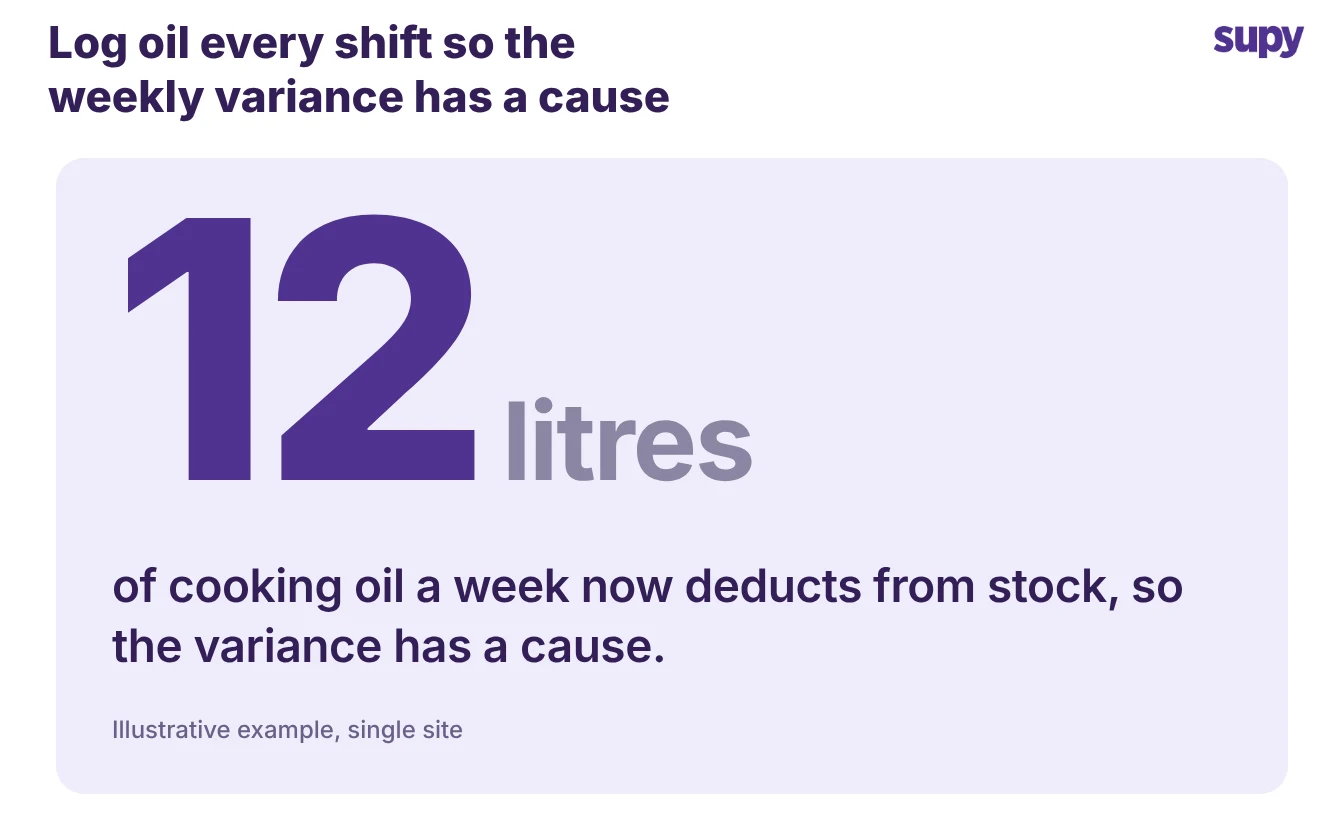
- It gives a variance you can read. Say a kitchen logs cooking oil waste every shift. Across a week that is 12 litres the system has already taken off stock. The oil gap that used to sit unexplained on the month-end report now has a cause next to it.
Once the sheet feeds stock, you can track where your waste goes over time and see whether a fix held.
Three checks tell you whether your sheet is pulling its weight:
- Unit. Every quantity is in the unit you buy the item in.
- Reason. Every line carries a reason from a fixed list.
- Deducts. The logged waste comes off your stock, rather than stopping at the sheet.
If it stops at the sheet, fix that one first, because that is what keeps the waste out of your food cost. Start from the layout above this week, hold the team to the four columns, and read the totals by cause every Friday.