.jpg)


Commissary Model: How a Restaurant Group Runs One Central Kitchen
How the commissary model works for a restaurant group
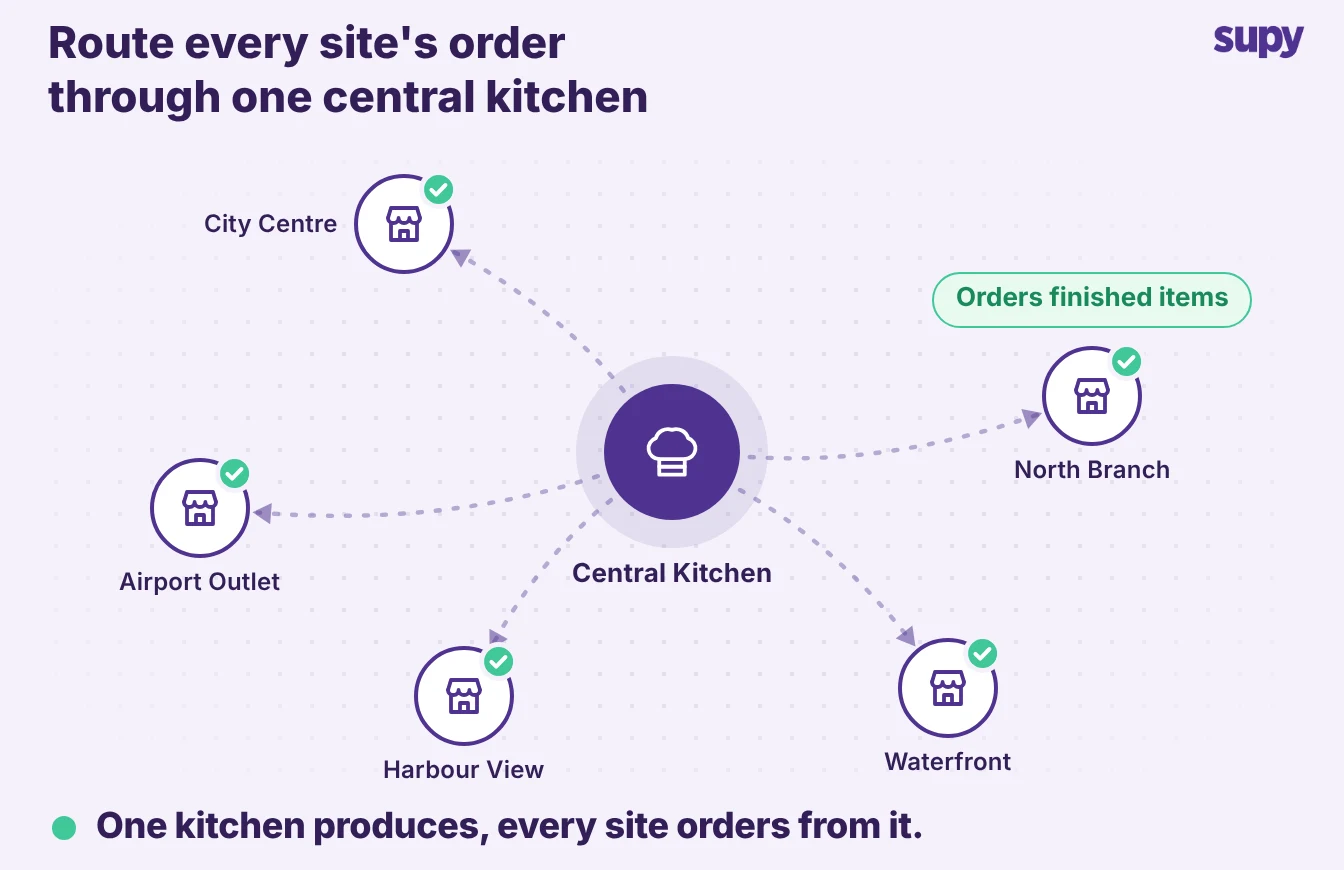
In a commissary model, one central kitchen produces for every site in a restaurant group, and each site orders from it like a supplier. It works when the kitchen prices what it ships and stock moves only on a transfer the receiving site accepts, so raw and finished goods stop getting mixed up. This article shows how to set the model up, price what the kitchen ships, and track stock between the kitchen and the sites.
Most groups grow into a central kitchen without changing how they track stock. One group's central kitchen produced around 135 packaged products with no central-kitchen tooling.
To move stock off the books, the ops lead pushed it through the till as fake branch sales. Raw and finished goods sat in one muddled view, and stock went missing on paper between the kitchen and the sites.
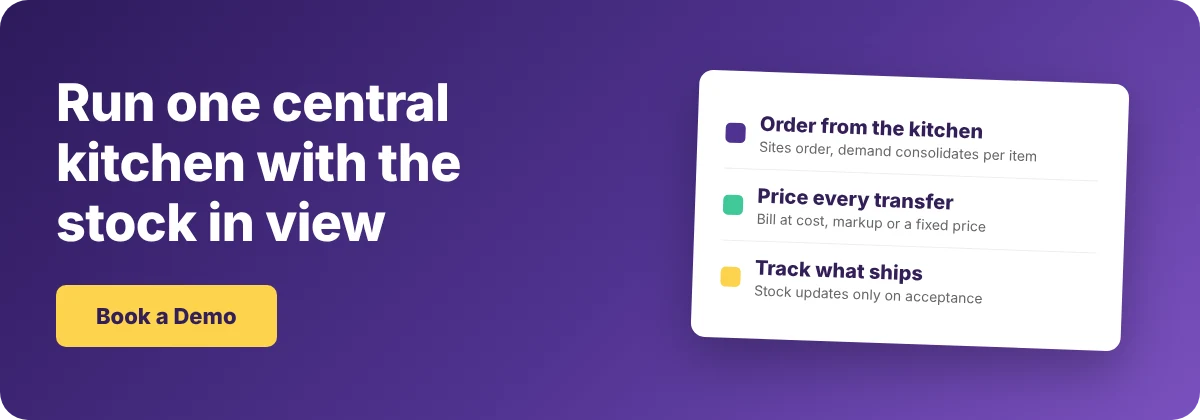
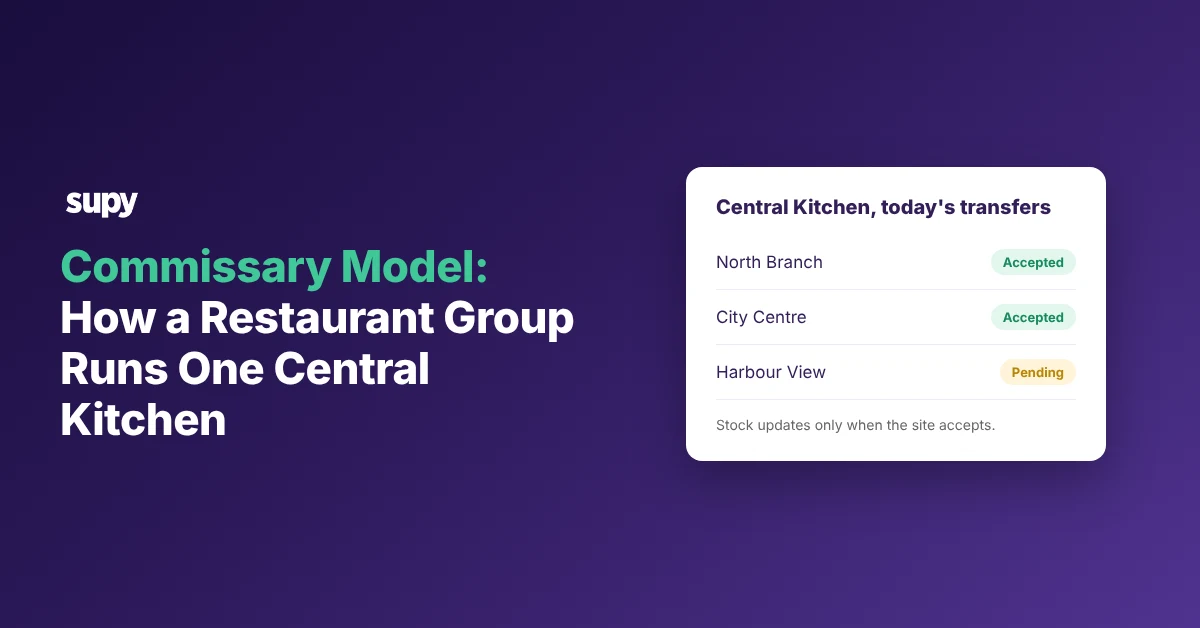
The fix is to run the central kitchen as an internal supplier. Sites send it purchase orders, the kitchen consolidates demand across branches per item, and it bills each site with a delivery note and a statement of account. A transfer updates stock only when the receiving site accepts it, so both sides work from the same record.
How sites order from the central kitchen
Sites order from the central kitchen the same way they order from any supplier, so demand drives production instead of the kitchen guessing. Each site raises a purchase order for the finished items it needs. Supy's restaurant procurement software consolidates that demand across every branch per item, so the kitchen makes to real orders.
One casual dining group overproduced for months because the kitchen could not see outlet sales, and three separate tills made the numbers hard to trust. Linking orders to sales fixes that at the source.
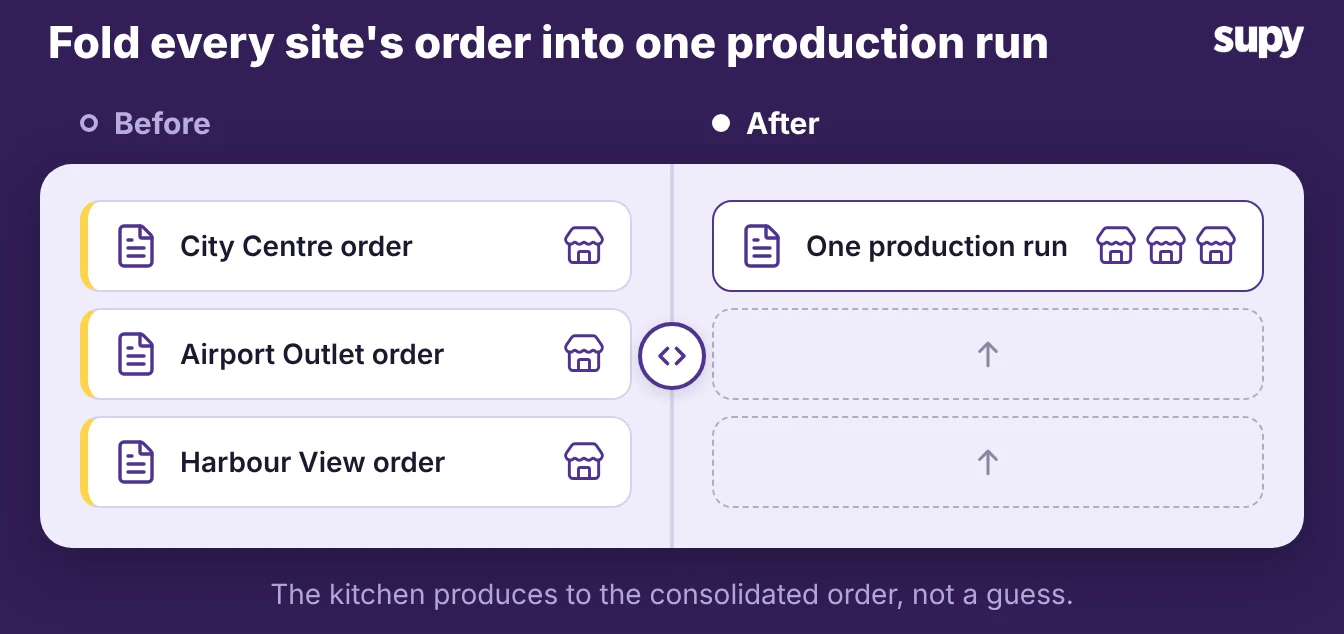
The flow has four steps:
- Order. Each site raises a purchase order to the central kitchen for finished items.
- Consolidate. Supy totals demand per item across branches, so the kitchen produces once.
- Ship. The kitchen confirms, produces, and sends a delivery note with the goods.
- Receive. The site accepts the delivery, which updates stock on both sides.
Set a cut-off time and a delivery day per site, so orders arrive in time to produce against.
Pricing what the commissary ships: cost, markup or a fixed price
A commissary has to put a price on what it ships. When the kitchen ships at no charge, each site's food cost then includes the commissary's cost, so you cannot see what the commissary itself spends.
Supy bills internal transfers at cost, at cost plus a markup, or at a fixed price. Each answers a different question about who carries the margin.
| Pricing method | What the site pays | Best when | What to watch |
|---|---|---|---|
| At cost | The commissary's own cost | You want site food cost to reflect true input cost | The commissary shows no margin, so its efficiency is invisible |
| Cost plus markup | Cost plus a set percentage | You run the commissary as its own cost centre | Sites carry the markup, so compare it against buying direct |
| Fixed price | A set price per unit | You want stable menu costing across sites | A fixed price can hide a rising commissary cost |
Here is how that plays out on one item. If a tray of sauce costs the commissary $4.00 to produce, cost-plus at 12% bills the site $4.48.
At cost, the site pays $4.00 and the commissary shows no margin of its own. A fixed price holds steady when input costs move, which protects the site's menu costing but can hide a rising commissary cost.
Where stock goes missing between the kitchen and the sites
Stock goes missing between the kitchen and the sites when the transfer is tracked by hand. The kitchen says it sent ten trays, the site says it got eight, and the count a week later cannot say which number was wrong. Daily stock counts do not help, because counting tells you what is on the shelf, not what moved.
Three failures cause most of it:
- Separate silos. Each central kitchen and site runs its own stock with no consolidated view, so head office cannot see stock in transit.
- No shared acceptance. Without a transfer record both sides have signed off on, you cannot explain the variance.
- Unit mismatches. The kitchen buys raw materials by weight and ships finished items by unit, so each transfer needs a conversion the manual process keeps getting wrong.
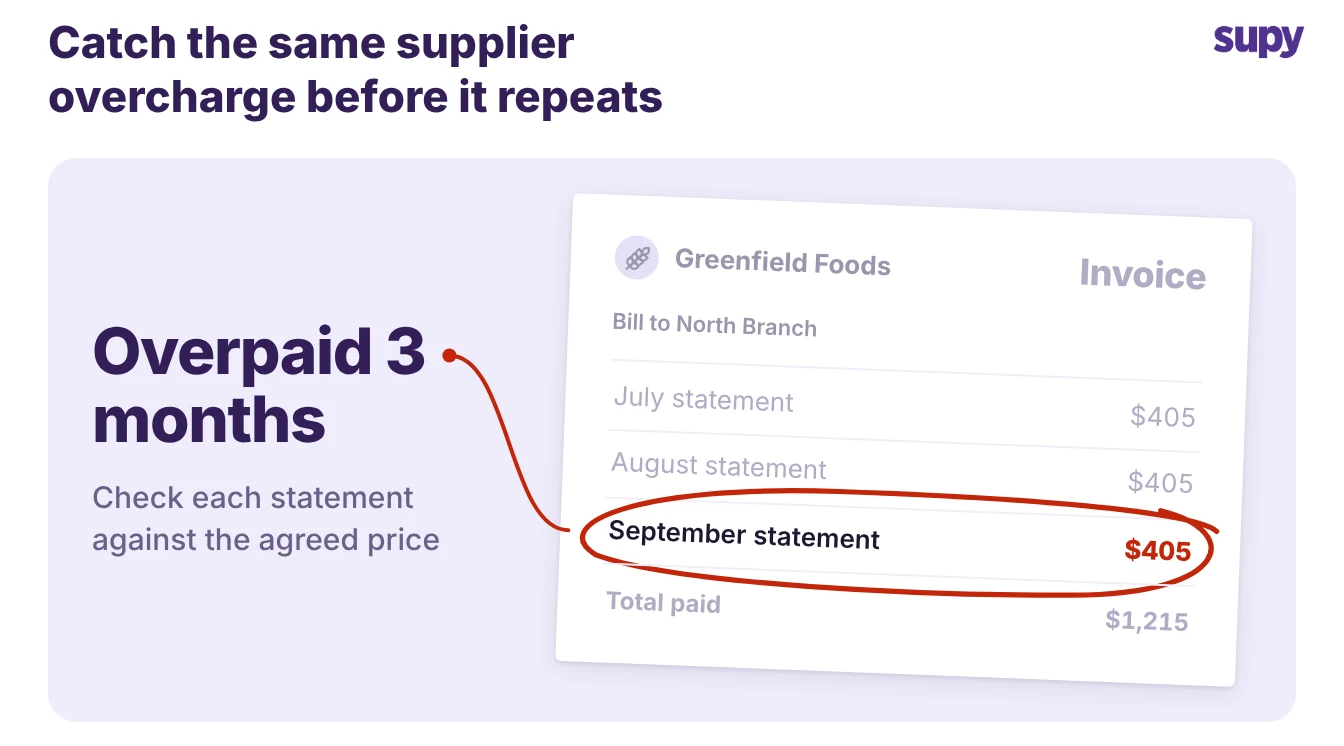
One group counting stock on paper and in Excel overpaid a supplier for 3 months before anyone noticed. A transfer that updates stock only when the receiving site accepts it makes both sides' records match.
It records what left, what arrived, and what the site rejected. It shows up in variance and usage, so a gap has a cause instead of going unexplained.
When a restaurant group is ready for the commissary model
A commissary is worth opening when the same prep happens in more than one kitchen. Centralising it cuts duplicated labour and tightens recipe consistency, but only if you can track what the kitchen ships. Use these signals to tell which situation you are in.
- You prep the same items at several sites. Centralise that prep first, and keep each site ordering the finished item from the kitchen.
- One kitchen already feeds others informally. Put it on purchase orders and transfers now, before the volume hides the cost.
- You cannot explain your variance. Fix the transfer record before you add a commissary, or you will scale the gap.
Count before you grow. One bakery with a central kitchen counted stock once a year, the legal minimum, so it had no way to see what the kitchen was losing. If you are still buying separately at each site, read how a restaurant group runs procurement across sites first.
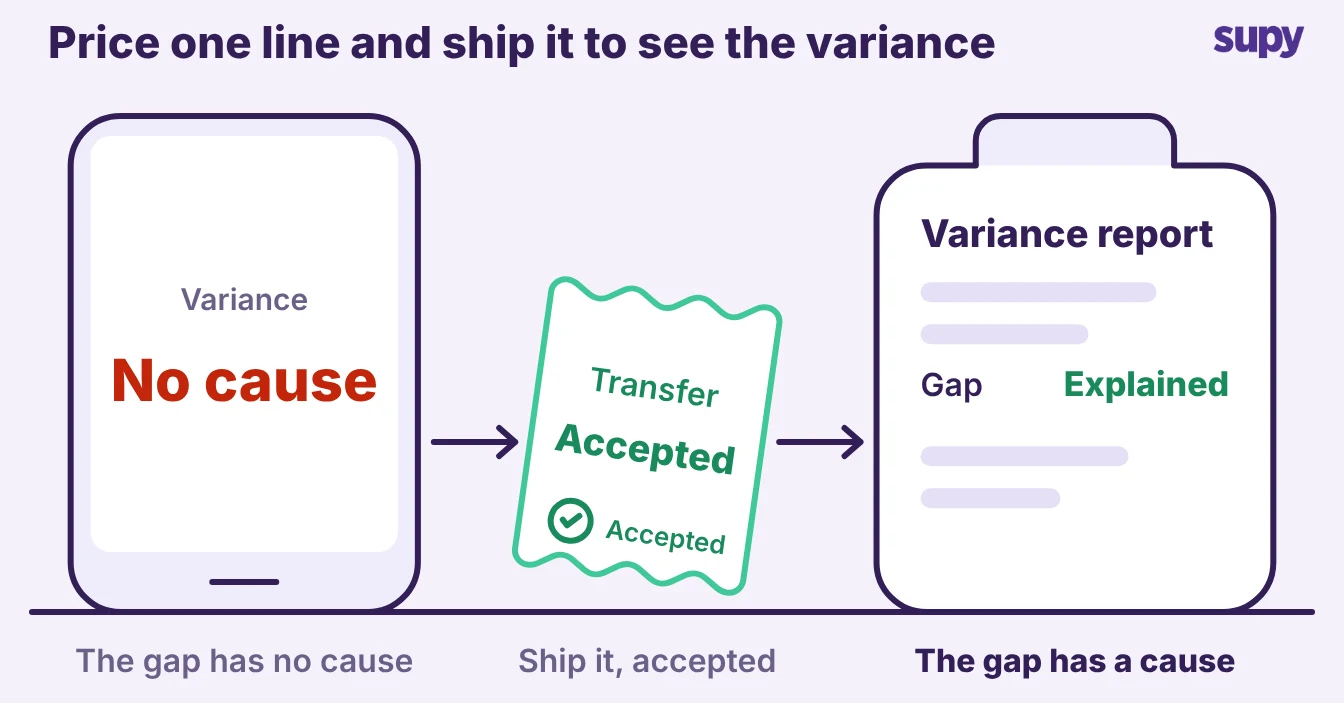
The first move is the same in every case. Price one product line, ship it on an accepted transfer, and read the variance it produces. That one loop tells you whether the model is ready to carry the rest of your menu.