.jpg)


Restaurant Food Waste Log: The Fields Worth Acting On at Every Site
What a Restaurant Food Waste Log Should Capture
A restaurant food waste log is the running record of what your kitchens throw away, entered as the loss happens. A useful one captures far more than a quantity. It records the item, its cost, the reason, the outlet, and the moment. Those entries roll up into one number a group can act on, not a pile of per-site notes.
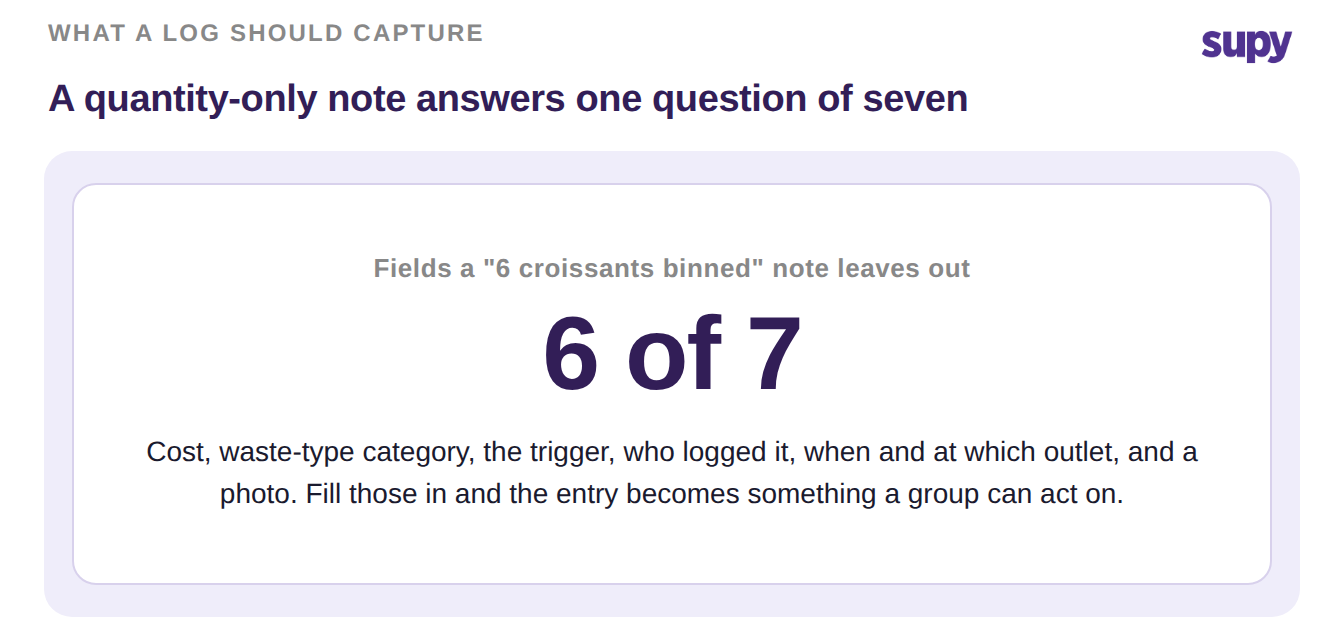
Most logs stop at "6 croissants binned." That answers one question and leaves six unanswered. A field-complete entry names which item, what it cost, why it went, where, when, and on whose shift. Capture those and waste stops being a line you accept. It becomes a number you can move.
The Seven Fields Every Food Waste Log Should Capture
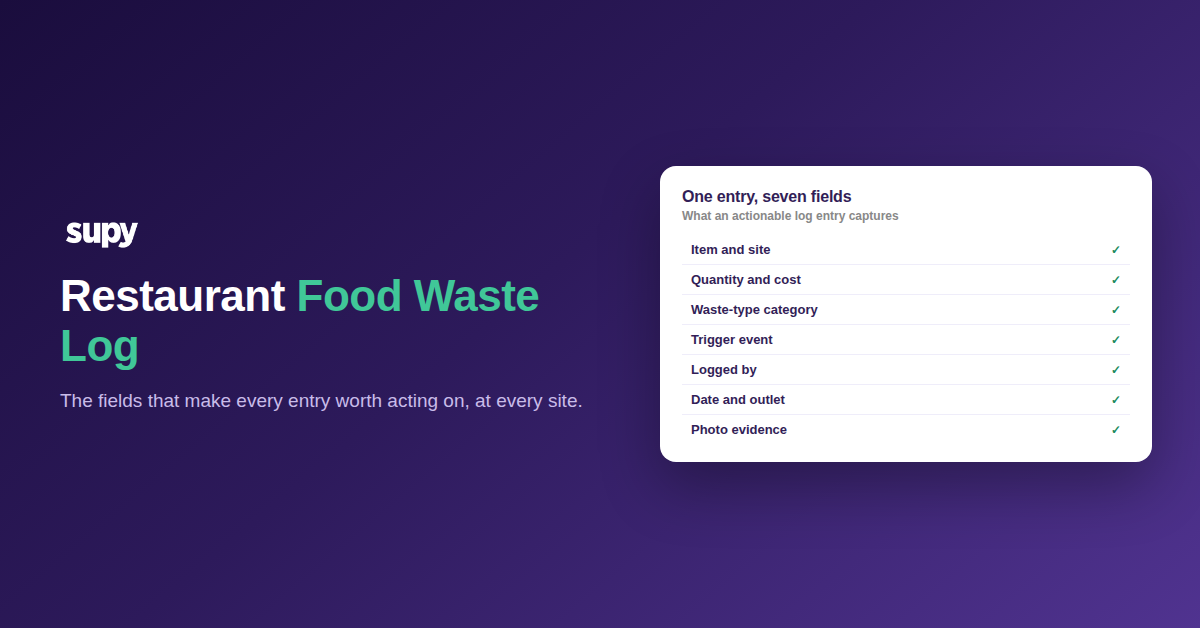
Here is the field set a multi-site food waste log needs to be worth acting on. Work down it when you build your own template, or when you audit the one you already run.
- The exact item, picked from what that site actually stocks. Free-text guesses cannot be costed or counted. Supy scopes each wastage record to one outlet on one date, and you pick the item from that site's real stock list. The entry ties to a priced ingredient, not a phrase.
- The quantity and the cost it represents. A quantity alone tells you volume, not money. Supy calculates the cost of every line for you, using the right unit cost for a raw ingredient versus a finished or semi-finished dish. The same line also deducts from stock, so your counts stay honest.
- A waste-type category you can configure. Fixed category lists never match how a real kitchen loses stock. Supy lets you create custom wastage categories in settings, so spoilage, over-production, trim, and handling damage each become their own tag. Categories are what let you see where the money actually goes.
- The trigger event, including the ones that fire on their own. Manual entries miss the losses no one stops to record. When a POS order is cancelled, Supy creates a wastage entry automatically at the branch where it happened. Voided sales flow into the food-cost picture instead of quietly vanishing.
- Who logged it. A log people trust names the person behind each entry. It settles questions without blame and shows the team that the record is read, not filed. Accountability on the record is the field multi-site operators ask for most.
- When it happened, and at which outlet. Date and outlet are what make a group log more than a stack of separate ones. Because every Supy record carries its own outlet and date, entries line up for a like-for-like comparison across sites and periods. That is how a head office spots the branch, and the week, that needs a look.
- A photo taken at the point of capture. Some losses need evidence, not a number. Supy wastage records accept photo attachments on both mobile and the web, so a team can shoot the spoiled case before it hits the bin. The image stays on the entry for whoever reviews it later.
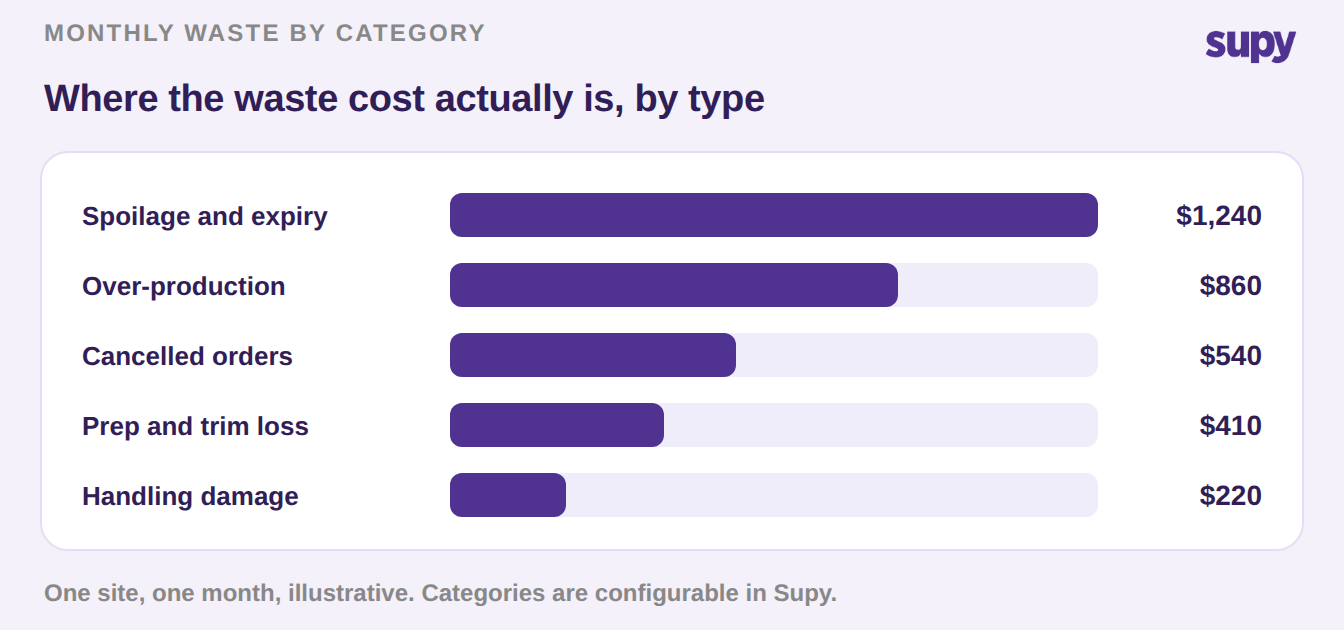
How to Turn the Log Into Fewer Wasted Dollars
A complete log is the input, not the win. The win is acting on what it shows. Start with a two-week baseline: log every loss against the seven fields above, then read the total by category and by outlet.
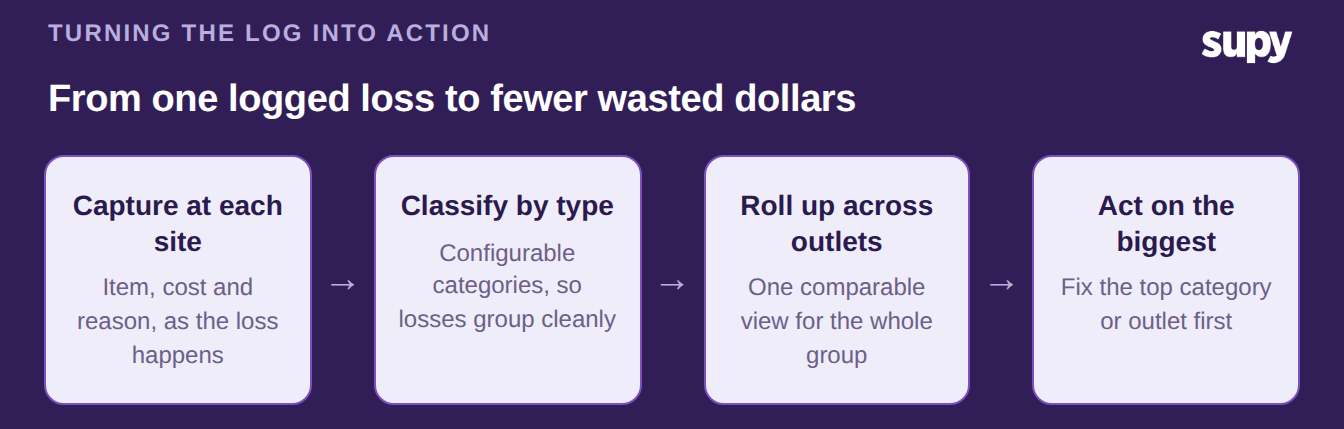
Look for the category that costs the most, and the outlet that runs above its peers. Those two answers point straight at your first fix, whether that is a prep sheet, a par level, or a supplier conversation. Because Supy totals waste cost by branch, by period, and by category, a short weekly review is enough to catch a rising category before it compounds into a month of loss. For losses that repeat, like daily trim or seasonal spoilage, clone a record to a new date or another site instead of re-keying the same lines. Feed the totals into a food cost calculator to see what the waste is doing to your margin, and pair the log with broader restaurant food waste tracking once the habit sticks.
Waste you can name is waste you can cut. A log built on these seven fields turns a bin into a report, and a report into a smaller bin next month. Supy's restaurant inventory management software captures each field at the point of loss. It rolls every site into one view, so the numbers are ready the moment you open them.