.jpg)


Restaurant Accounting Integration: How Invoices and Goods-Received Notes Post With the Right GL and Tax Codes
What Restaurant Accounting Integration Actually Posts to Your Books
Connect your inventory and procurement system to your accounting software correctly, and every goods-received note and supplier invoice posts to the ledger as a fully coded journal entry on its own, with no re-keying at period end. That is what restaurant accounting integration delivers: you map each item category, supplier, and transaction type to a general ledger account and tax code once during setup, and every document after that carries the right classification automatically.
That is the whole point of connecting the two systems, and it is the part most "best accounting software" comparisons skip. Choosing the tool is the easy decision. The work that actually saves a finance team its month-end is the posting mechanism: when a branch receives a delivery and the goods-received note (GRN) is confirmed, or a supplier invoice lands, that document should already know which GL account it belongs in and which tax code applies, and it should move into the accounts without a person reclassifying it by hand.
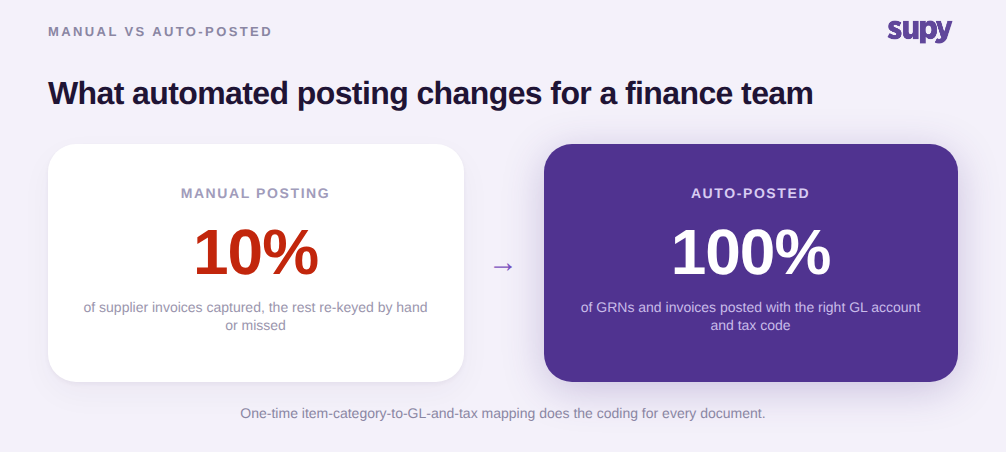
With Supy connected to your accounting system, revenue and cost data flows to the general ledger with the right account codes, and manual re-keying at period end is eliminated. The one-time setup maps the financial objects a restaurant actually manages, GL accounts, tax rates, sales types, and units of measure, to their equivalents in the connected system. After that, the GRN and the invoice do the coding for you.
How One-Time Category Mapping Ends Manual Reclassification
The mechanism that makes this work is a saved mapping. Instead of a person deciding, document by document, that this meat delivery is cost of goods and standard-rated tax while that cleaning order is an overhead line, you configure those rules once. Each item category, each supplier, and each transaction type points at the correct GL account, tax code, and payment method. From then on, a GRN or invoice inherits its classification from the mapping the moment it is created.
This is the difference between an integration that moves numbers and one that posts them correctly. A raw data feed still leaves someone to decide where each figure belongs. A saved mapping removes that decision entirely: the produce line hits the produce cost account at the zero-rated code, the packaging order hits the packaging overhead at the standard code, and neither needs a human to say so again. When a new supplier or a new category is added, you map it once and the rule holds for every future document.
Because the mapping lives at the category and supplier level rather than on individual line items, it scales the way a growing group needs it to. Add a location, and it uses the same chart of accounts and the same tax logic as every other branch. That consistency is what lets a multi-site finance team trust that a report rolled up across locations is comparing like with like, rather than one branch's hand-coded guesswork against another's. If you are still weighing which system to standardise on, our guide to choosing accounting software for a restaurant group covers that decision; this article is about what happens after it is connected.
How each item category maps to a GL account and tax code
| Item category | GL account | Tax code |
|---|---|---|
| Meat and poultry | 5010 · Food - Meat | Standard-rated |
| Fresh produce | 5020 · Food - Produce | Zero-rated |
| Cleaning and chemicals | 6300 · Cleaning supplies | Standard-rated |
| Packaging | 6100 · Packaging | Standard-rated |
How Low Invoice Capture Quietly Splits Food Cost Across Sites
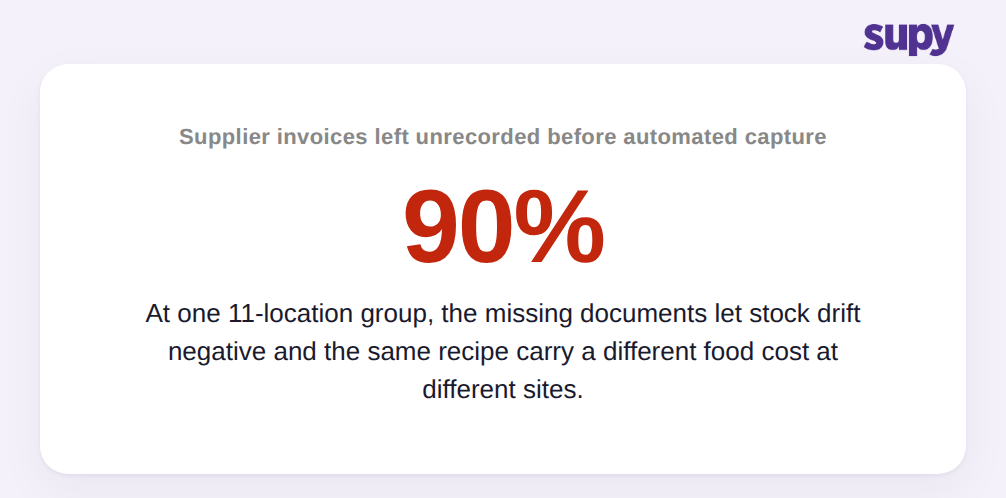
The cost of not having this is easy to underestimate, because it does not show up as an error. It shows up as drift. One 11-location casual dining group, before it moved to automated invoice capture, had only around 10% of its supplier invoices actually entered into its system. The other 90% went unrecorded. Stock on hand drifted negative, and the same recipe carried a different food cost at different sites, because any branch that had not bought an ingredient through the system was still costed off a stale price.
That is the real damage of manual, low-capture accounting: not a wrong number you can find and fix, but a slow divergence you cannot see. When most documents never post, the ledger and the stock file both describe a restaurant that does not exist. Food cost percentages look fine at one site and wrong at another for reasons no report can explain, because the underlying invoices were never captured in the first place.
Operators feel this before they can name it. Across several markets, the single most immediate admin burden operators report is manually processing high daily volumes of supplier and tax invoices. In one working session an operator prioritised automated invoice capture over more advanced predictive features, precisely because manual invoice handling was the daily pain. Getting invoices captured and posted correctly is not a back-office nicety. It is the foundation every downstream number depends on. Capture usually starts at the front door, with a shared supplier invoice inbox that pulls documents in before they can go missing.
Posting to Your Accounting System Without Doing It One Document at a Time
At multi-site volume, correct coding is only half the problem. The other half is throughput. A finance team posting a month of documents one at a time will always be behind, no matter how good the mapping is. Supy lets operators post multiple goods-received notes in a single bulk action, which consolidates the linked invoices, closes any linked credit notes, generates the PDFs, and syncs every selected document to the connected accounting system at once. You are not posting to the accounts document by document; you are clearing a queue in one move.
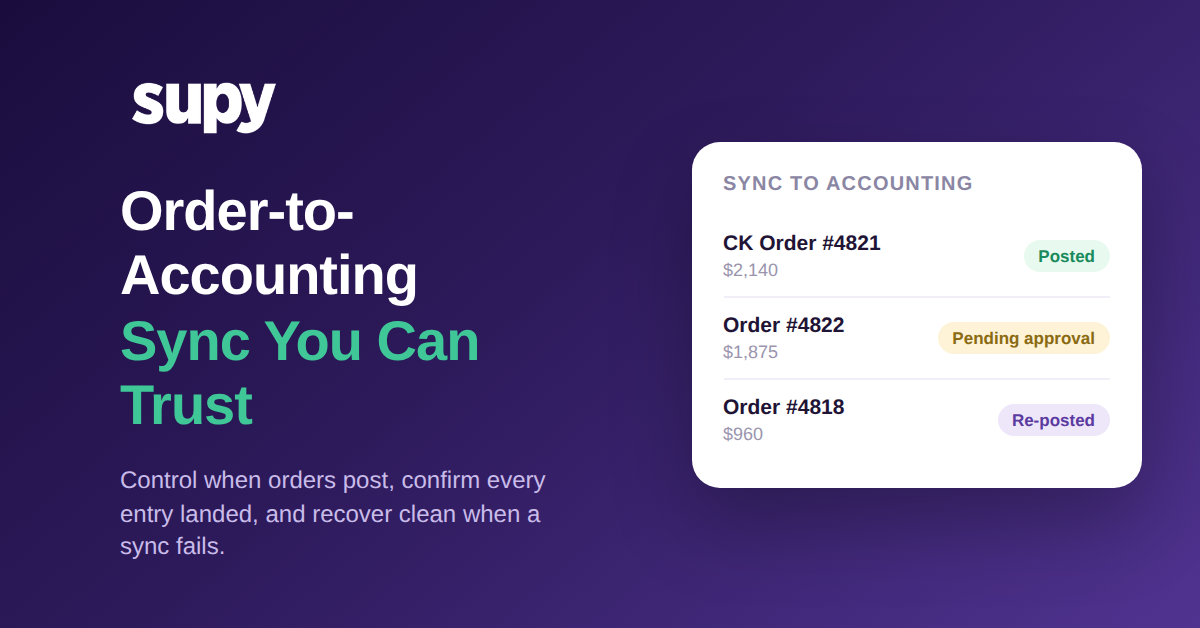
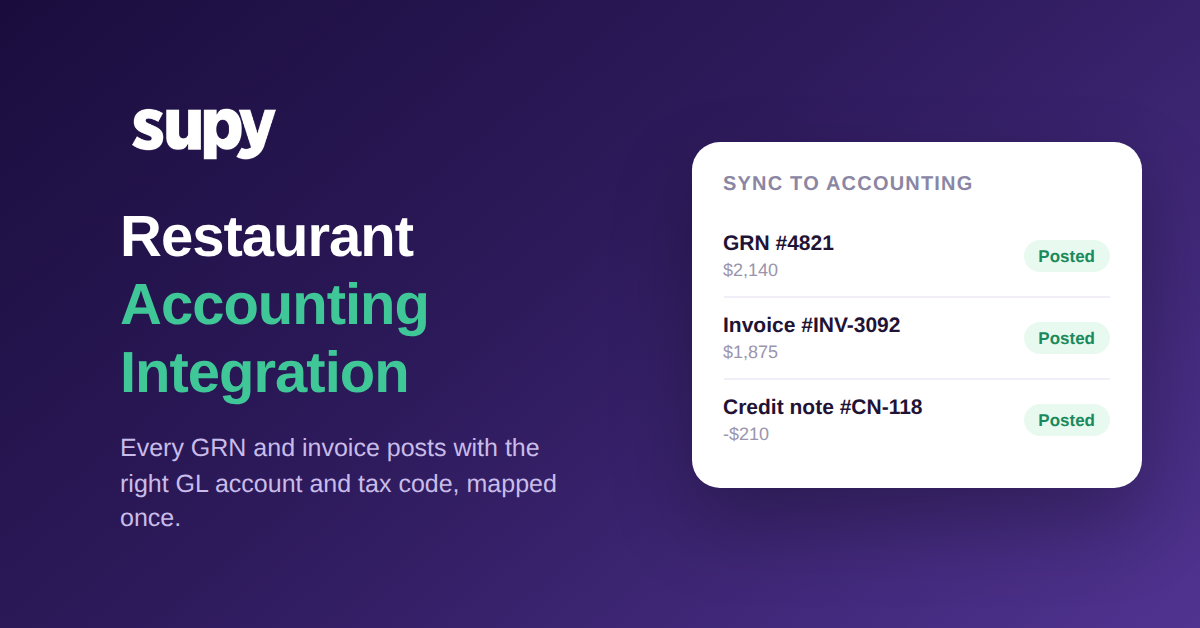
The second thing a finance team needs is proof it worked. Supy shows live sync status from connected accounting systems directly on the GRN, supplier return, credit note, and order records, so an operator can see at a glance whether each document has posted to the accounts. That answers the question every finance team actually asks, which is not "can this integrate" but "did this specific invoice post, yes or no." The recognised systems this connects to include QuickBooks, Xero, Zoho Books, MYOB, Oracle NetSuite, Odoo, MS Dynamics, and Wafeq, part of Supy's 75+ accounting, POS, and ERP integrations. If you also need the raw data in a warehouse or an ERP alongside the accounting post, the procurement API and ERP path covers that route.
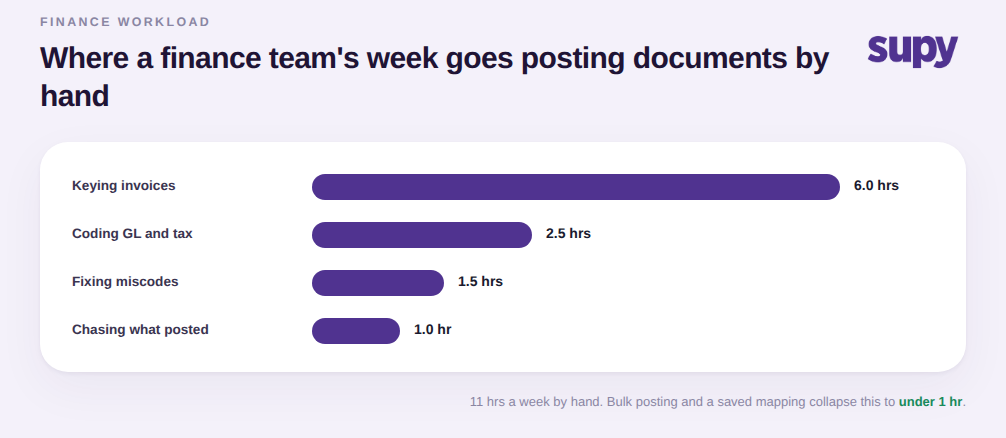
If you want this outcome, do not begin with the integration switch. Begin with the mapping. Before you connect anything, list your item categories and the GL account and tax code each one should post to, and note which suppliers or transaction types are exceptions to those defaults. That list is the setup. An integration connected without it will move numbers into an unclassified holding account and hand your team the same reclassification work in a new place.
When you evaluate a system, ask to see three things live: a GRN posting to the correct GL account and tax code from a saved mapping, a bulk post clearing several documents at once, and the sync-status indicator confirming a specific document landed in the accounts. If a vendor can show all three on real records rather than a slide, the month-end re-keying that finance dreads is genuinely gone, not just moved.