.jpg)


Production Run Tracking: Keeping Multi-Site Kitchens Auditable
Keeping Every Production Run Controlled and Auditable
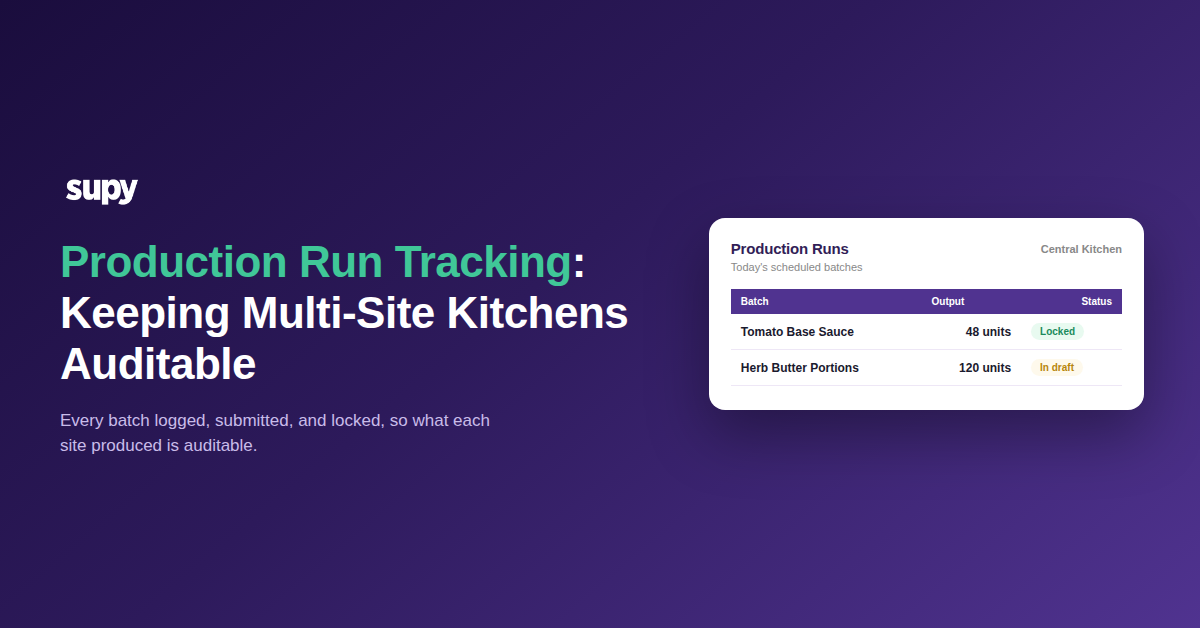
Production run tracking across multiple sites works when each batch leaves a record no one can quietly edit after the fact: the team schedules a run, produces against a live recipe, submits the output, and the number locks. That single habit, applied at every kitchen, is what turns "we think we made about that much" into an auditable account of what each site actually produced.
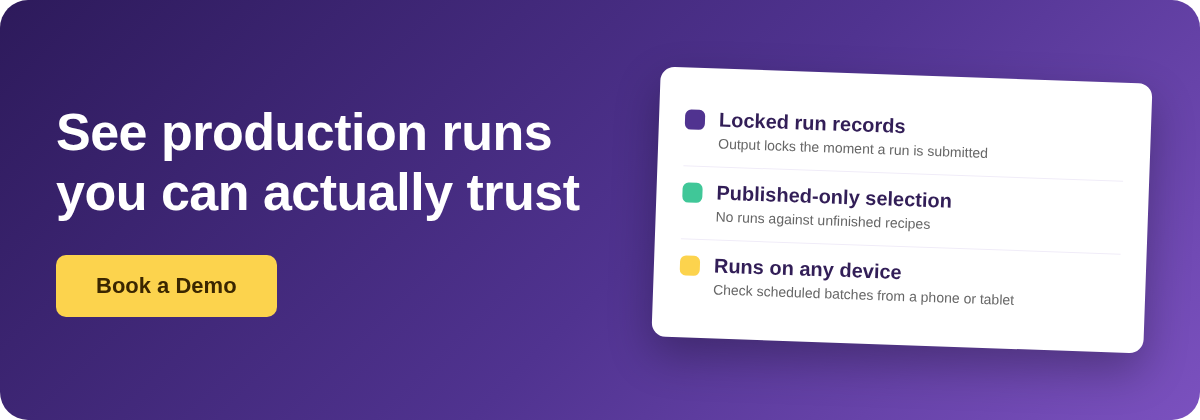
Most groups do not get there by adding paperwork. They get there by making the system itself carry the control. A run stays open and editable while it is in draft, so the person on the line can correct the output as they go. The moment it is submitted, the record locks and feeds live stock and variance. Managers can pull up the list of scheduled runs and drill into any individual batch from a phone or tablet, so visibility does not depend on being sat at the back-office terminal.
The friction this replaces is familiar to anyone running production across sites. When every batch is on full automation and nothing is logged deliberately, production becomes impossible to trace and stock counts turn into guesswork. Note that this is a separate job from deciding what to produce and when, which is production planning; the concern here is tracking the runs themselves. The fix is not more automation. It is a run record that is easy to create, hard to tamper with, and consistent from the smallest outlet to the central kitchen.
Why a Submitted Run Should Not Be Editable
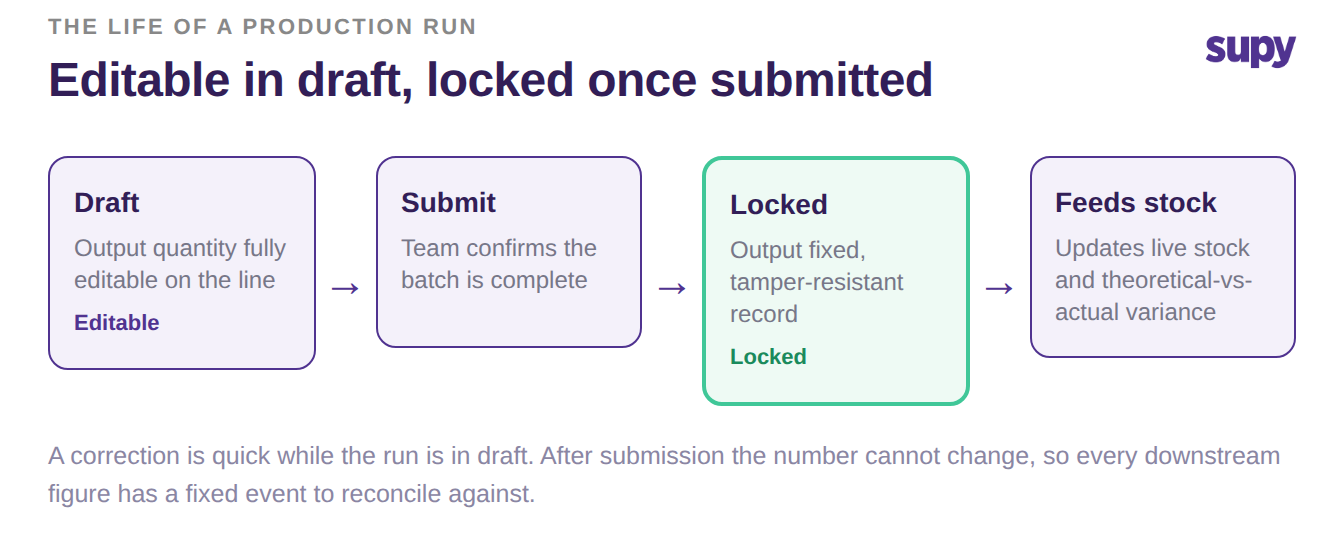
The strongest control in production tracking is the one that removes a choice: once a run is submitted, its output quantity can no longer be changed. While the run is still in draft, output is fully editable, so a genuine correction on the line is quick. After submission the figure is fixed, and that is what makes the record trustworthy when it feeds stock on hand and theoretical-versus-actual variance.
Without that lock, every production number is negotiable. A figure that can be edited days later cannot be reconciled against anything, because there is no moment it was ever true. With the lock in place, a submitted run is a fact: the batch produced this much, on this date, at this site. When a variance shows up next week, you are investigating a real event, not arguing about whether the number was changed.
This matters most across sites, where the person reviewing variance is rarely the person who ran the batch. A locked submission gives the reviewer a fixed reference to work from, so a query about one outlet's output is a five-minute check rather than a back-and-forth about who edited what.
Selecting the Right Recipe, on Any Device, in Any Language
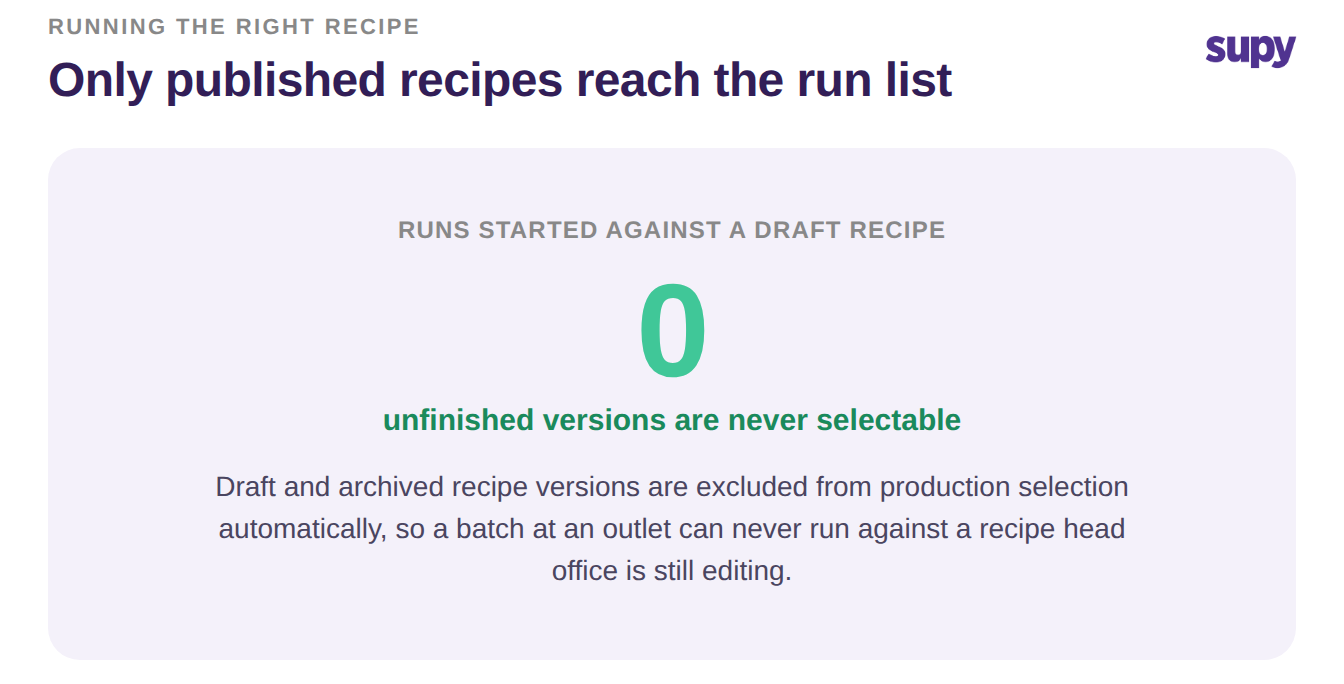
A controlled run starts with the team running the right thing in the first place. Only published recipes and prep recipes appear when someone starts a production run; drafts and archived versions are excluded automatically, so a batch can never be started against an unfinished or discontinued recipe. Across a group, that means a half-built recipe someone is still editing at head office cannot leak into a live run at an outlet.
Selection also has to work for the people actually on the floor. When a team picks an item for a run, the search looks across English names, Arabic names, and item codes at the same time, so a mixed-language kitchen finds the right prep item however each person refers to it. Combined with mobile access to the scheduled runs, a supervisor can set up and check production from wherever they are standing, not only from a fixed screen.
These guardrails are quiet but decisive, and the clearest way to see them working is what stops happening: runs started against a recipe that was never meant to be live drop to none, because the unfinished versions simply are not on the list.
When to Automate a Batch and When to Log It by Hand
Full automation is not the goal, and treating it as one is where traceability breaks. Auto-production works well for simple, single-step batches, where producing the item cleanly consumes its inputs. For complex, multi-step recipes with branching sub-preps, automating everything makes the flow impossible to follow, which is exactly when a team should log those runs by hand and keep the automatic path for the straightforward items.
| Consideration | Auto-production | Manual logging |
|---|---|---|
| Best for | Simple, single-step batches | Complex, multi-step recipes |
| Traceability | Clean when inputs deplete cleanly | Full, every run logged deliberately |
| Main risk | Left off, so stock never depletes | A skipped run leaves a gap |
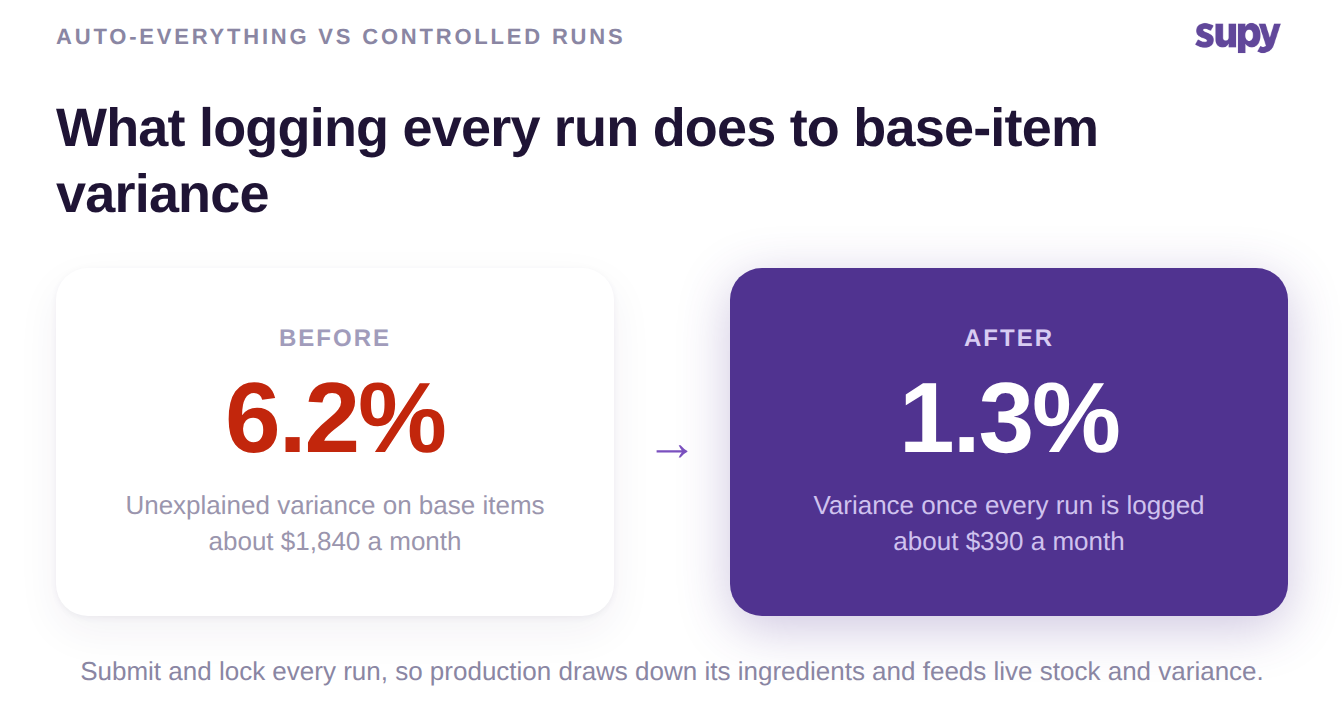
There is a second trap worth naming. If auto-production is never switched on for a stockable semi-finished item, producing the batch never draws down its ingredients, so raw materials never deplete and a steady, unexplained drift builds on your base items. In one central-kitchen scenario, a semi-finished base sauce drifted 6.2% against theoretical each month, roughly $1,840 in base-item value no one could explain, purely because those runs were never being recorded as production; if you want to size that kind of drift in money, a food cost calculator turns it into a monthly figure. Once every run was submitted and logged, that drift settled to 1.3%. One more expectation to set: production records cannot be backdated, so turning tracking on fixes the numbers from the next count forward, not retroactively.
So your first move is a two-part check. Run one test at your busiest site: submit a real production run, then try to change its output. If the figure locks and shows up in that site's variance, you have a trail; if you can still edit it after the fact, that is the gap to close first, because every downstream number depends on it. Then list your stockable semi-finished items and confirm each one is captured on production, automatically for the simple batches and by hand for the complex ones. Getting those two things right is what keeps multi-site production run tracking honest.