.jpg)


Restaurant Inventory Visibility: Knowing Which Site Holds Stock
Seeing Where Every Item Sits, Without Asking Anyone
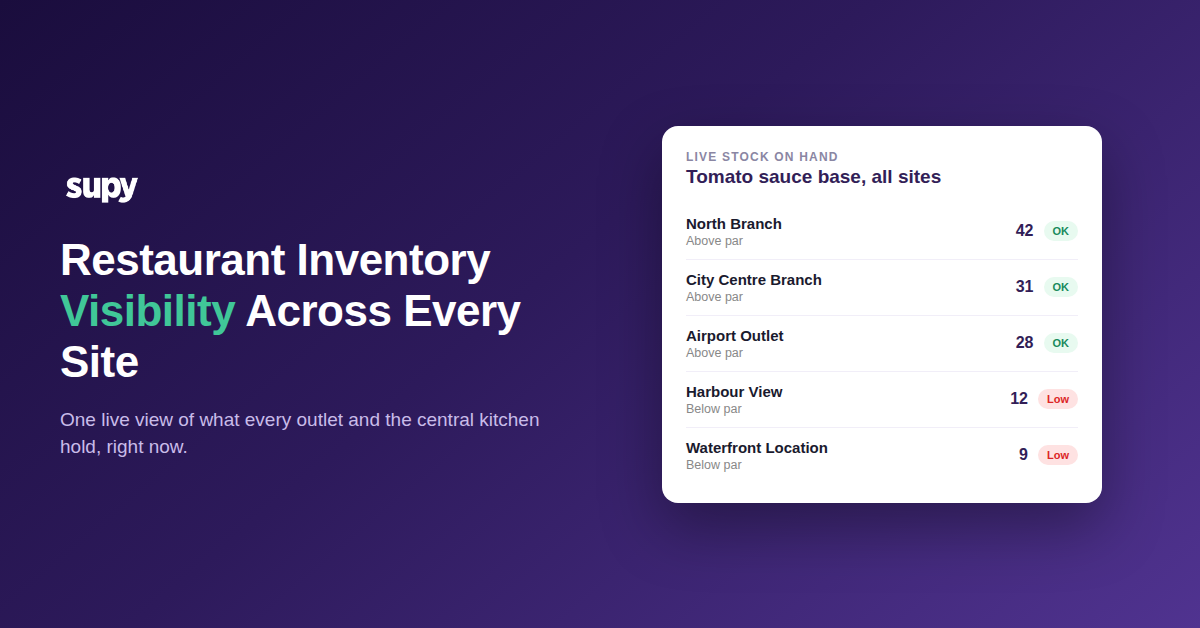
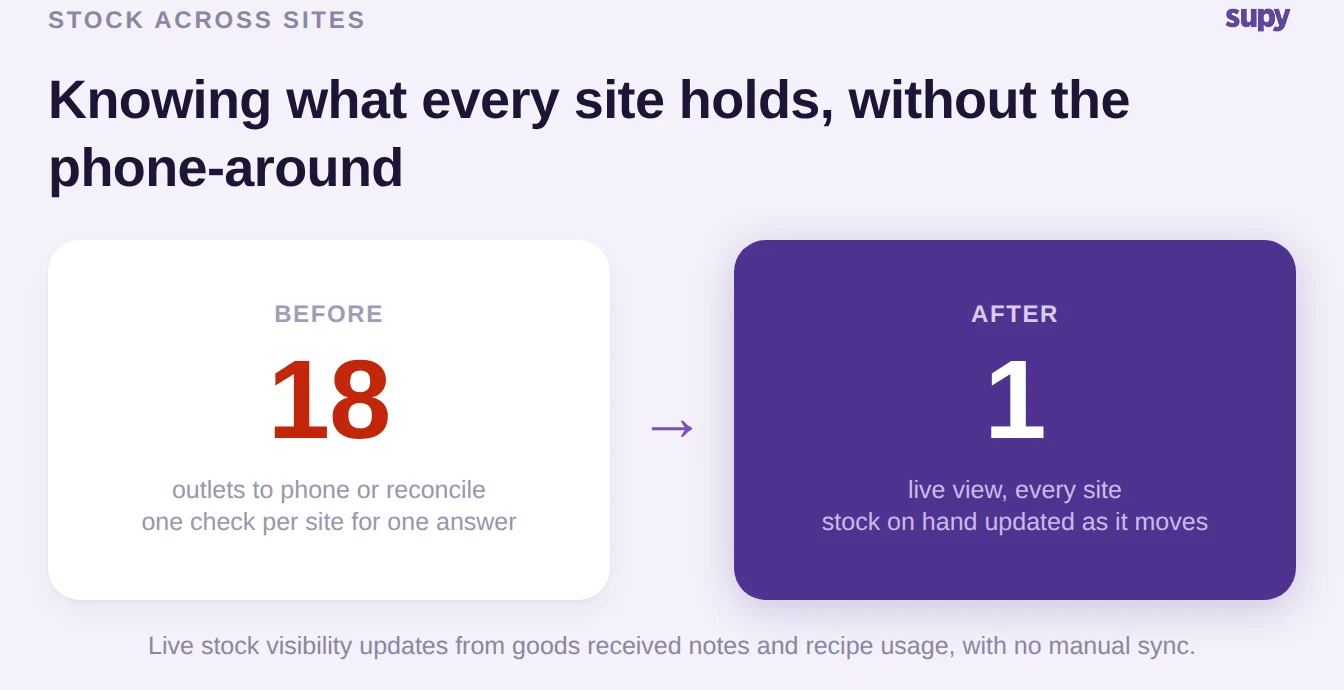
Cross-site inventory visibility is a live, single view of how much of every item sits in each outlet and in the central kitchen, updated automatically as stock moves. It lets a multi-site operator answer one question at any moment, for any location: what is on hand right now, and is it enough. No calls to branch managers, no waiting for the weekly count.
A shared spreadsheet cannot give you this, and it is not a matter of discipline. A spreadsheet is a snapshot the moment it is saved and stale the moment stock moves, and in a group, stock moves constantly. Live stock visibility instead shows stock on hand by location, category and storage unit, and it updates from the events that actually change stock: goods received notes when deliveries land, and recipe usage when items are prepped or sold. Nobody re-keys a number, so the view is current whether you open it at open or at close.
Because the same view carries theoretical-versus-actual usage and flags anything below its minimum or above its par, a head office can see a developing shortage at one outlet before that outlet has noticed it. You stop hearing about a stockout from an angry chef and start seeing it as a number trending down. That is what real inventory visibility across sites buys you: the group runs on live numbers instead of last week's guesses.
Where Stock Goes Missing Between the Central Kitchen and Outlets
The moment stock leaves one site for another, it is exposed. If a central kitchen ships 24 kg of tomato sauce base to an outlet and both sides adjust their own numbers by hand, any mismatch becomes a phantom adjustment: stock that one system thinks exists and the other does not. Across a group, those small gaps compound into a variance nobody can explain.
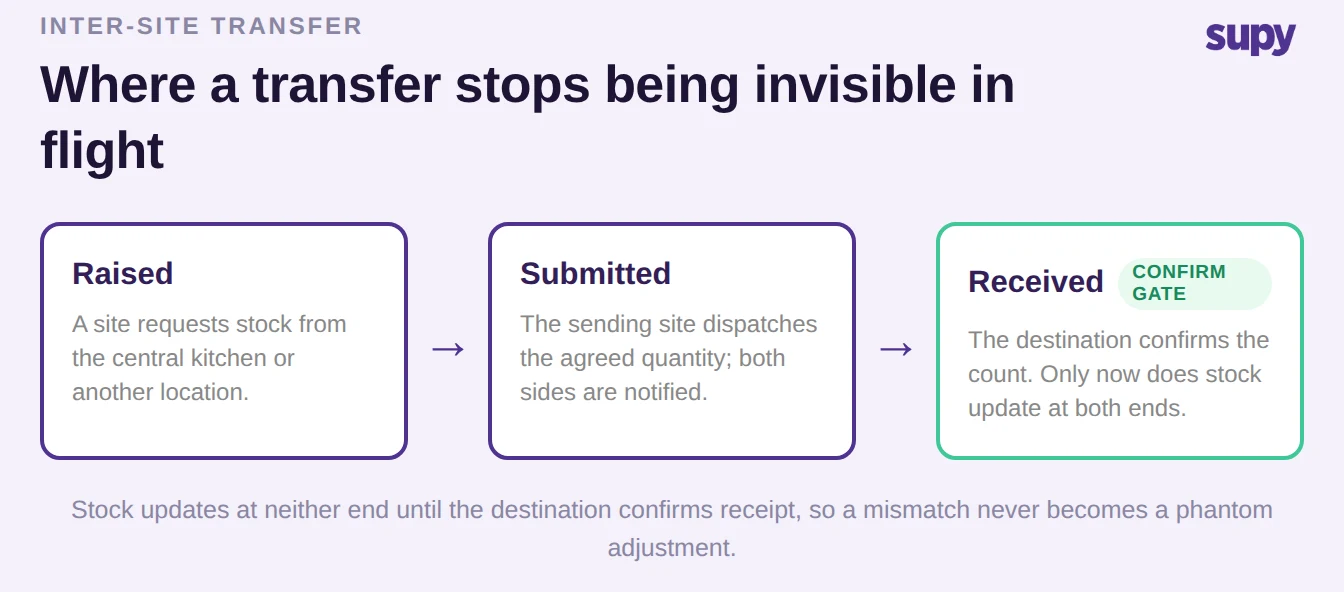
The fix is to make a transfer a single tracked event with a confirmation gate, not two separate manual edits. An inter-location transfer moves through three stages, raised, submitted and received, and stock does not update at either end until the destination confirms what actually arrived. Both the sending location and the receiving location get status notifications at every stage, so neither side is left guessing whether a shipment is on its way or already counted. The receiver can accept in full, or partially accept and reject the rest when a delivery is short, and the adjustment lands on both sides at once. For running these moves at scale, see our guide to central kitchen to outlet stock transfer tracking.
The practical result is that the transfer is never invisible in flight. Warehouse and floor staff can pull up the full details of any transfer, including items, quantities and current status, from the mobile app, so the person on the receiving dock confirms the count without needing a desk.
How to Prove Who Received What, and When
Visibility is only worth something if it is accountable. Knowing where stock sits is the start; being able to show who moved it, who received it and when is what settles the arguments that eat a group's month-end. Every transfer leaves a full audit trail, and each confirmed receipt appears in that site's variance, usage and live stock figures automatically, so the record and the numbers never drift apart.
This is about physical traceability, not an ownership accounting model. Knowing which site is holding stock right now is a different question from deciding which entity should own stock that is co-mingled in a shared warehouse. If that structural question is the one you are wrestling with, our guide on per-outlet ownership versus a shared central warehouse covers that decision directly. What follows here is the operational record: a live log of what left, what arrived and what is still in transit.
A confirmed-receipt log turns a disputed transfer into a timestamped fact. Each line is one movement, its route, its quantity and whether the destination has confirmed it yet.
| Item | Route | Quantity | Status |
|---|---|---|---|
| Tomato sauce base | Central Kitchen to Airport Outlet | 24 kg | Received 08:14 |
| Beef patties (120 g) | Central Kitchen to City Centre Branch | 300 units | Received 09:02 |
| Burger buns | Central Kitchen to Harbour View | 20 trays | Pending receipt |
Because the same accurate stock numbers feed usage and cost, keeping this record clean is also what keeps your cost reporting honest. If you want to see how tighter stock accuracy flows through to margin, our food cost calculator shows the effect on a single item.
Seeing Which Sites Are About to Run Short, From One View
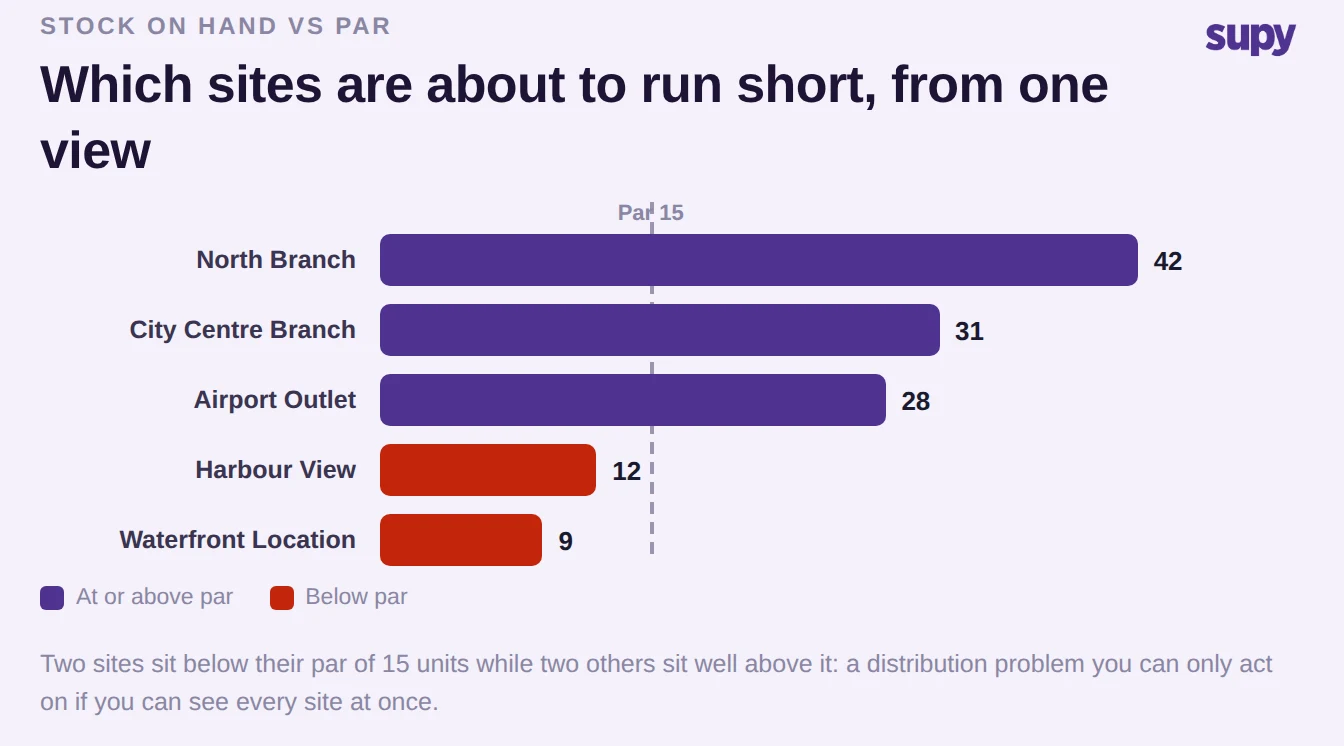
Par and minimum levels are usually set per site and then checked per site, which means head office only learns a location is short when that location raises the alarm. Group-level par visibility flips that around: par and minimum thresholds can be viewed across every location at once, so an operator sees where each site sits against its own par position from a single view, not by opening eighteen separate screens.
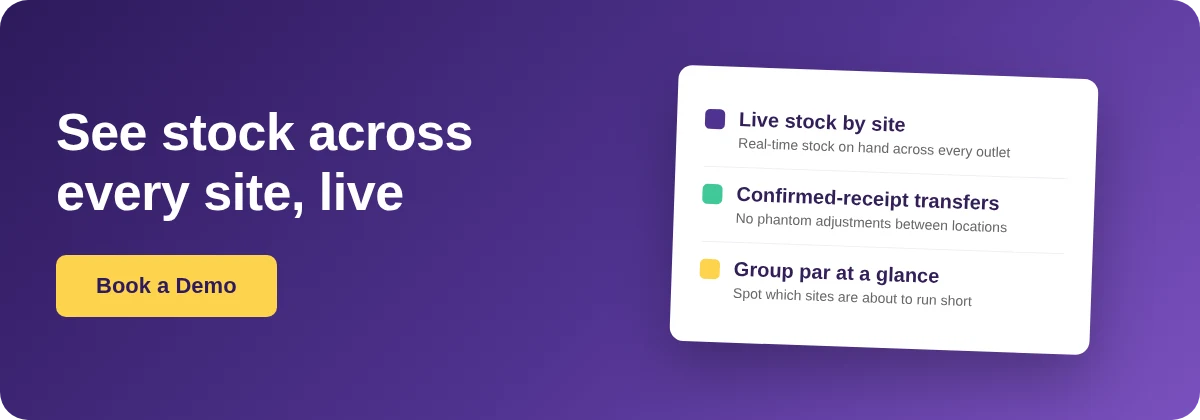
That one view is what makes a group proactive instead of reactive. Two outlets sitting well above par and two sitting below it is not a supply problem, it is a distribution one, and you can only act on it if you can see both at the same time. Paired with live stock and confirmed transfers, group par turns "who is about to run out" from a phone-around into something you read off a chart. Supy's live stock visibility brings these three views together in one place.
Turning This On: What to Check First
If you are moving off spreadsheets and phone calls, the fastest way to get cross-site visibility working is to put three things in place, in order. First, set a par and minimum for each item at each site, because the below-par flags and the group par view are only as useful as the thresholds behind them. Second, route every inter-site movement through a transfer with a confirmed receipt, rather than letting sites adjust their own numbers, so the live view stays trustworthy. Third, confirm that your deliveries and prep flow into stock automatically from goods received notes and recipe usage, so nobody is re-keying counts.
When you evaluate any inventory tool for a group, put one question to it in a demo: show me, in one view, live stock on hand for the same item across five sites, and show me a transfer that will not update either site's numbers until the receiving site confirms it. If a tool cannot do both of those in front of you, it cannot give you real visibility across sites, whatever the feature list says.