.jpg)


Overriding Your Restaurant's AI Sales Forecast: When to Trust It
A good sales forecast does one thing for a multi-site operator: it tells each branch how much to order before the order goes out. The version worth having is the one your managers actually order against - a number they can adjust when they know something the model does not, then check afterwards to see whether the adjustment helped.
That is the difference between a forecast that sits on a dashboard and one that runs your purchasing. This guide covers when to trust the AI sales forecast, when to override it, and how to override it cleanly across menu items, dates and branches - without managers quietly overwriting each other.
Start With the Forecast's Track Record, Not Your Gut
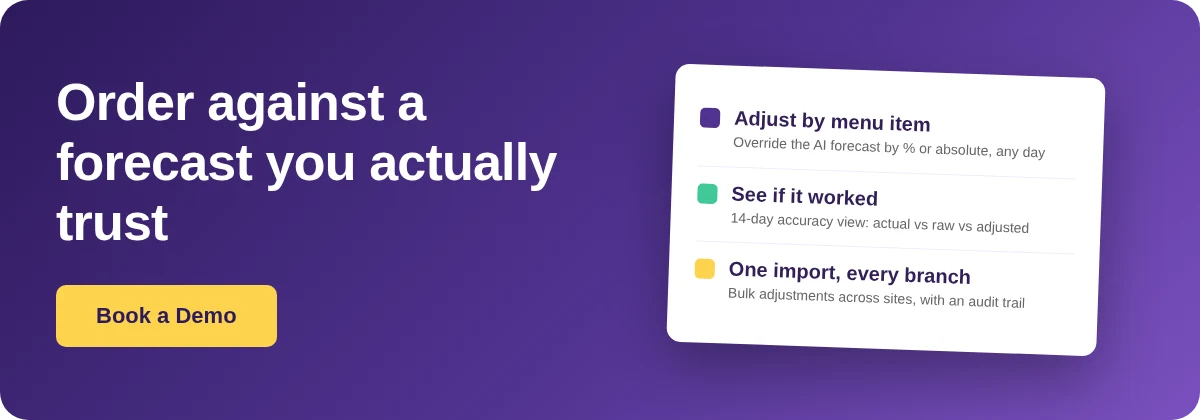
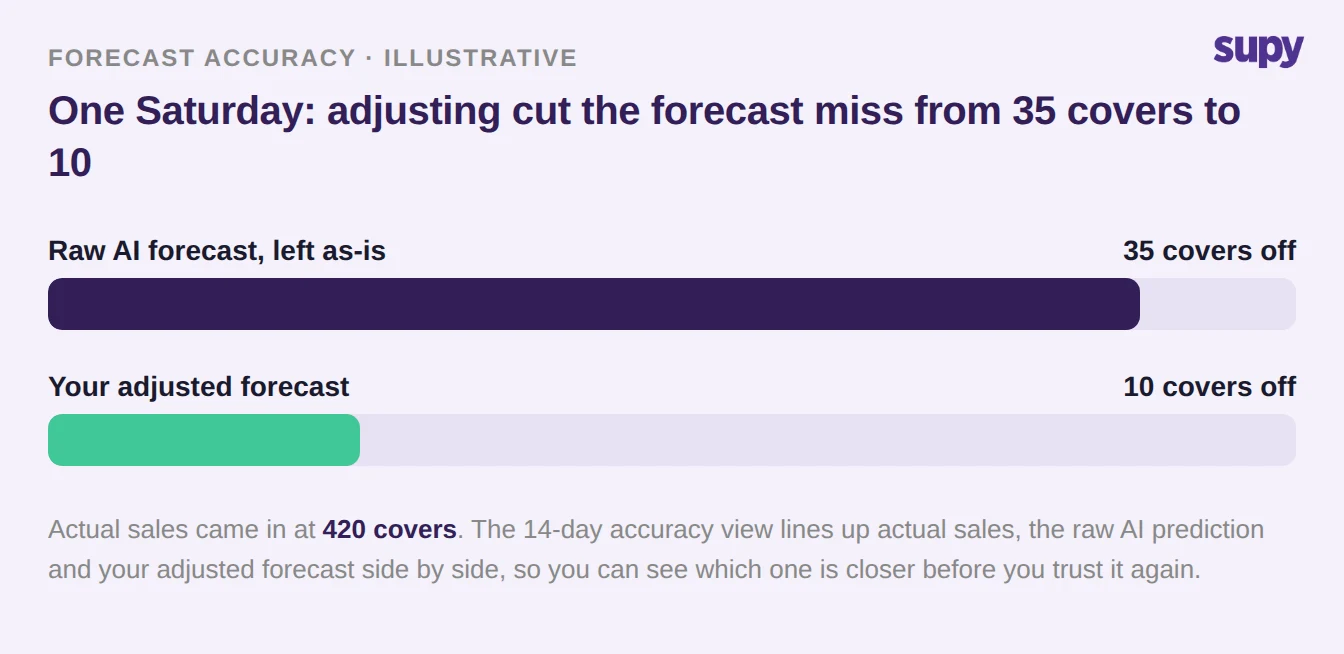
Before you override anything, read the forecast's recent track record. Supy's forecasting dashboard shows a 14-day accuracy view that lines up actual sales, the AI's raw prediction and any manager-adjusted forecast side by side. That one view tells you whether the model is already reliable for an item, and whether your past overrides actually improved accuracy or just added noise.
The instinct, when a forecast feels wrong, is to reach for gut feel. The better first move is evidence. If the accuracy view shows the raw model tracking close to actual all week, the number is doing its job and does not need your help. If it keeps missing in the same direction - always a little high on quiet weekdays, always low on Saturdays - that is a pattern worth correcting.
It also closes the loop on your own decisions. An override is only worth making if it beats the raw model, and looking back at the adjusted line against actual is the only way to know whether yours did.
When to Trust the Number, and When to Change It
Trust the AI forecast when the accuracy view shows it tracking close to actual sales and nothing unusual is scheduled: a normal trading week, a steady-selling item, and no information you hold that the model does not. Override it when you can name the specific thing the model cannot see - a holiday, a local event, a menu change, or a one-off that will distort a single day.
The table below is the quick version managers can run through before every ordering cycle.
| Trust the forecast when... | Override it when... |
|---|---|
| The 14-day accuracy view shows the model tracking close to actual | A holiday, local event or weather swing is coming that the model cannot see |
| It is a normal trading week with nothing unusual booked | You have changed the menu or price, or launched a promotion the model has not seen |
| The item sells at a steady daily rate | A one-off, such as a large booking or a nearby closure, will distort a single day |
| You hold no information the model does not already have | The accuracy view shows the raw model missing in the same direction repeatedly |
Overriding by Menu Item, Not Just the Branch Total
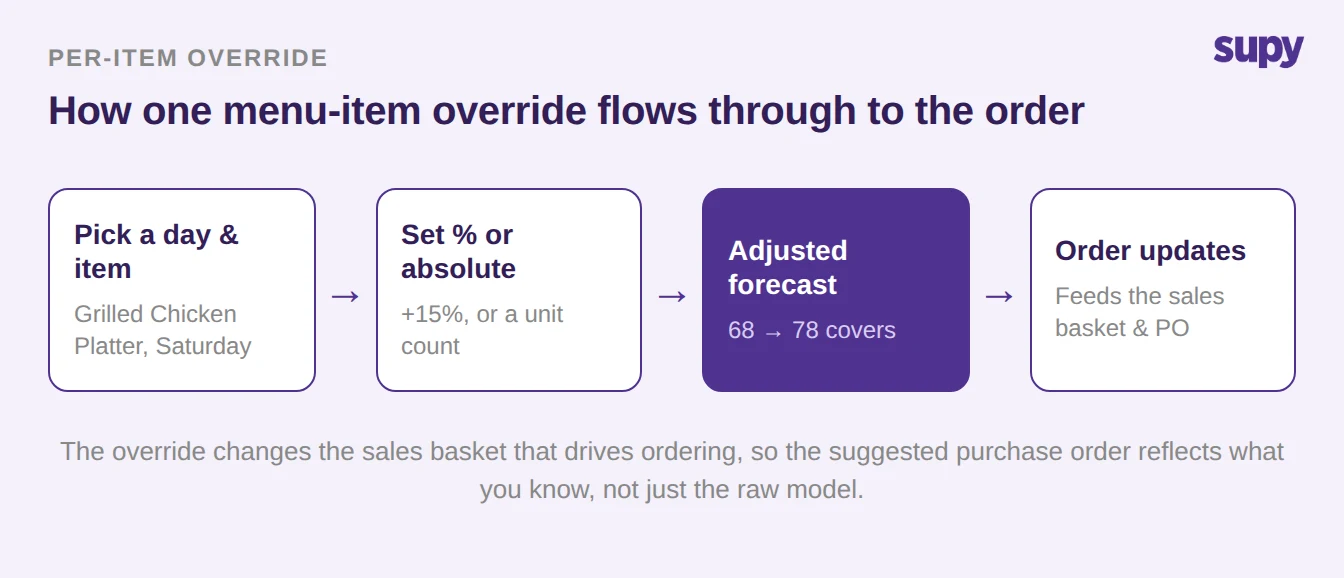
When you do override, do it where it counts. Supy lets you adjust the forecast at the per-menu-item level for any day, by a percentage or an absolute unit value, not just the branch total. So if you know Saturday's local match will empty the kitchen of wings but leave dessert flat, you lift the wings and leave the rest alone.
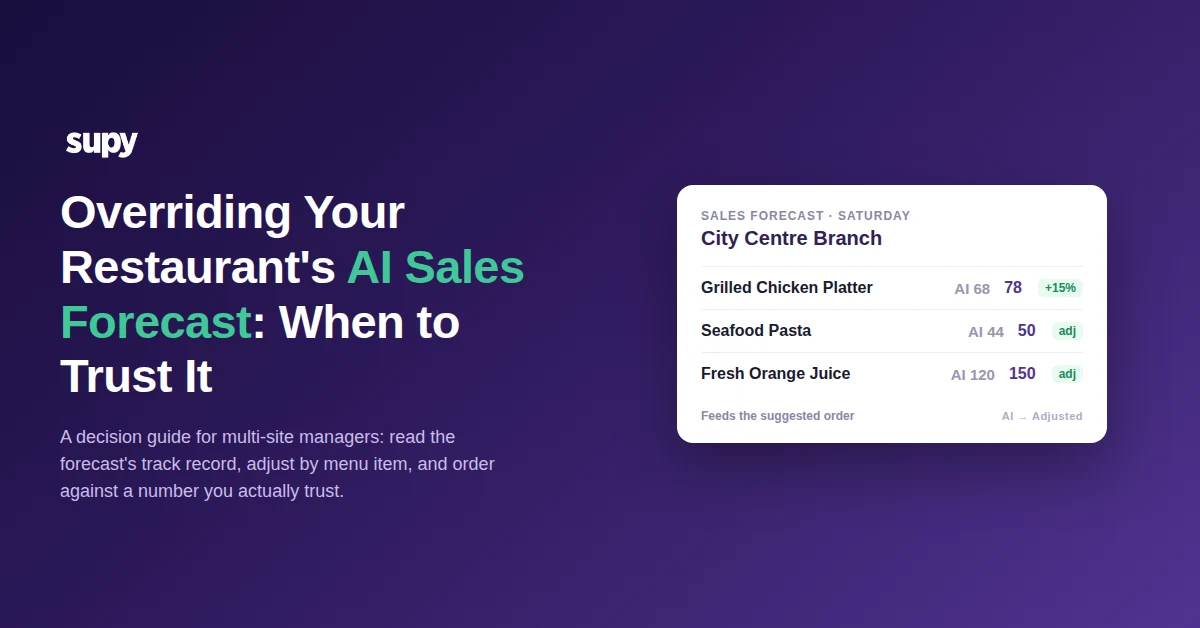
Use a percentage when you expect a proportional swing - a promotion you think will lift a dish by 15 percent takes it from an AI forecast of 68 covers to 78. Use an absolute value when you know the count outright: a confirmed large booking is a fixed number of covers, not a fraction of a normal day. Either way, the adjusted figure flows straight into the sales basket that drives ordering, so the suggested purchase order reflects what you know.
Adjusting at Scale: Date Ranges, Weekdays and Whole Branches
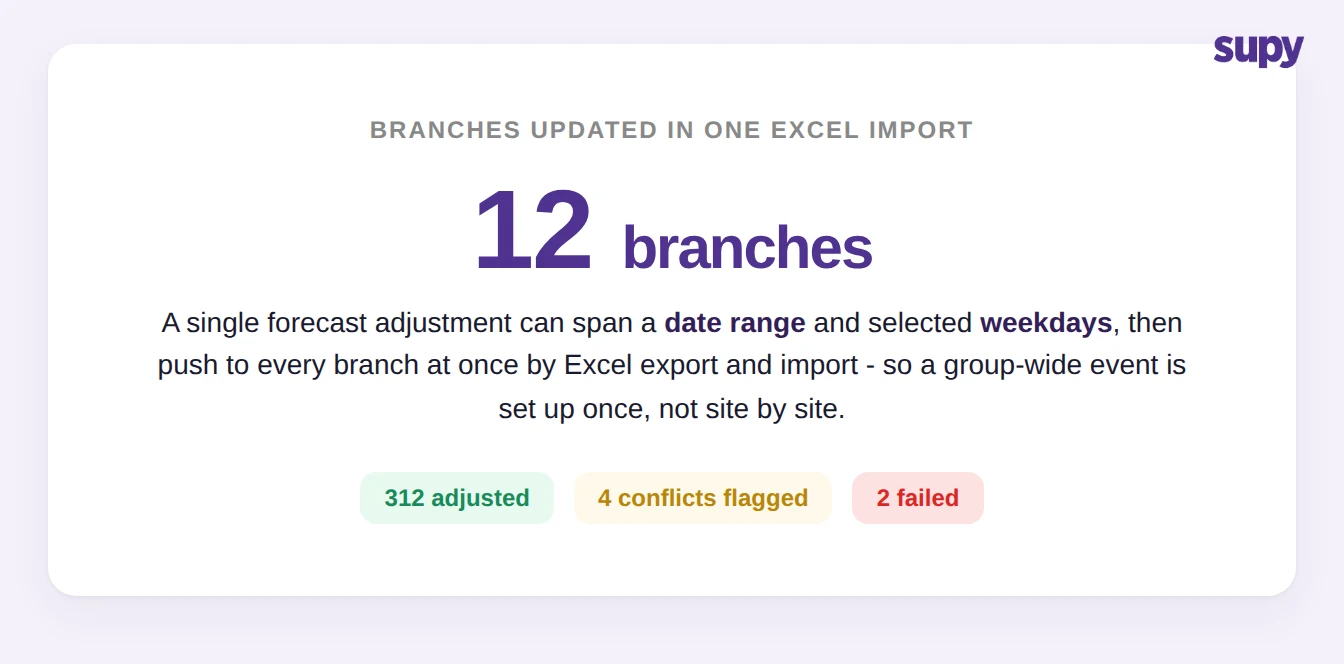
A single override does not have to be a single cell. One adjustment can be applied across a range of dates and selected weekdays at once - every Friday and Saturday in December, say - and forecasts can be bulk-adjusted across branches through an Excel export and import. The import returns a summary of exactly what changed: rows adjusted, rows where a conflict was flagged, and rows that failed.
This is what makes group-wide events manageable. A seasonal promotion or a school-holiday pattern gets set up once and pushed to every branch, rather than a district manager editing each site by hand. The restaurant inventory management platform then turns those adjusted forecasts into branch-level orders.
Keeping Overrides Honest Across Sites
Overrides only stay useful if you can see who made them. When two managers adjust the same day's forecast at once, Supy flags the conflict instead of silently overwriting one change with the other, and lets you stack the adjustments or replace one. Every manual change records the staff member and a timestamp, so a surprising order can always be traced back to a decision.
Across a group, that audit trail is the difference between a forecast people trust and one they quietly work around. If a branch's numbers look off, you can read the last few overrides and who made them instead of guessing.
| Logged | Manager | Branch | Change |
|---|---|---|---|
| Tue 09:12 | A. Rivera | City Centre | Grilled Chicken Platter, +15% (Sat) |
| Tue 09:15 | A. Rivera | City Centre | Fresh Juice, +40 units (Sat) |
| Tue 11:40 | M. Chen | Airport Outlet | Beef Burger, -10% (Mon) |
| Wed 08:05 | S. Patel | Harbour View | Seafood Pasta, +12% (Fri to Sun) |
Your first move: pick your 5 highest-volume menu items and open the 14-day accuracy view for each. Where the raw model is already tracking close to actual, leave it alone. Where you can name a specific reason next week will differ - an event, a promotion, a closure - override those items by the amount you actually expect, and record it. Then check the same view the following week to see whether your adjustment landed closer than the raw model. Do that for a fortnight and you will know which items to trust and which to manage by hand.
If you are still setting up forecasting in the first place, start with the restaurant AI sales forecasting guide; to see how adjusted forecasts turn into orders across sites, the predictive ordering walkthrough covers the next step. To put a rough number on what tighter ordering is worth for your group, the ROI calculator is a quick way to estimate it.