.jpg)


Central Kitchen: Cost Centre or Separate Location?
Cost Centre or Separate Location: What Each Model Changes
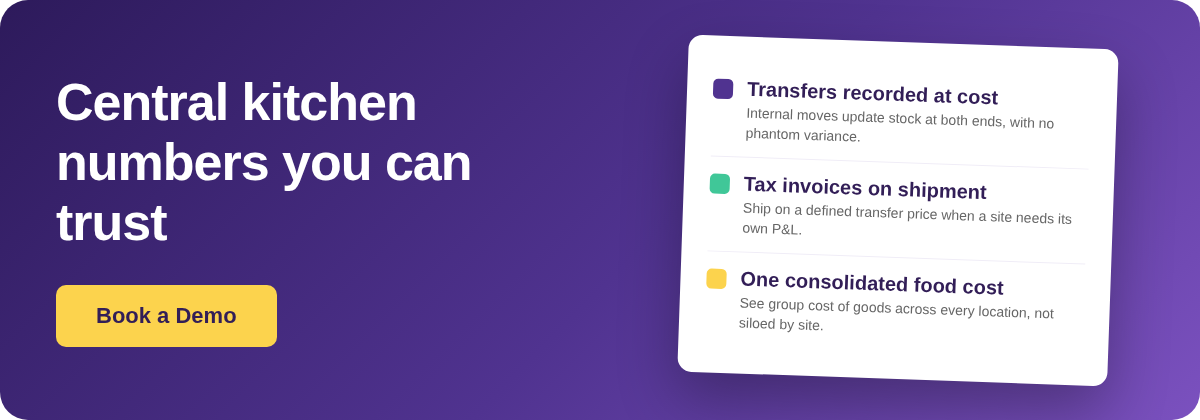
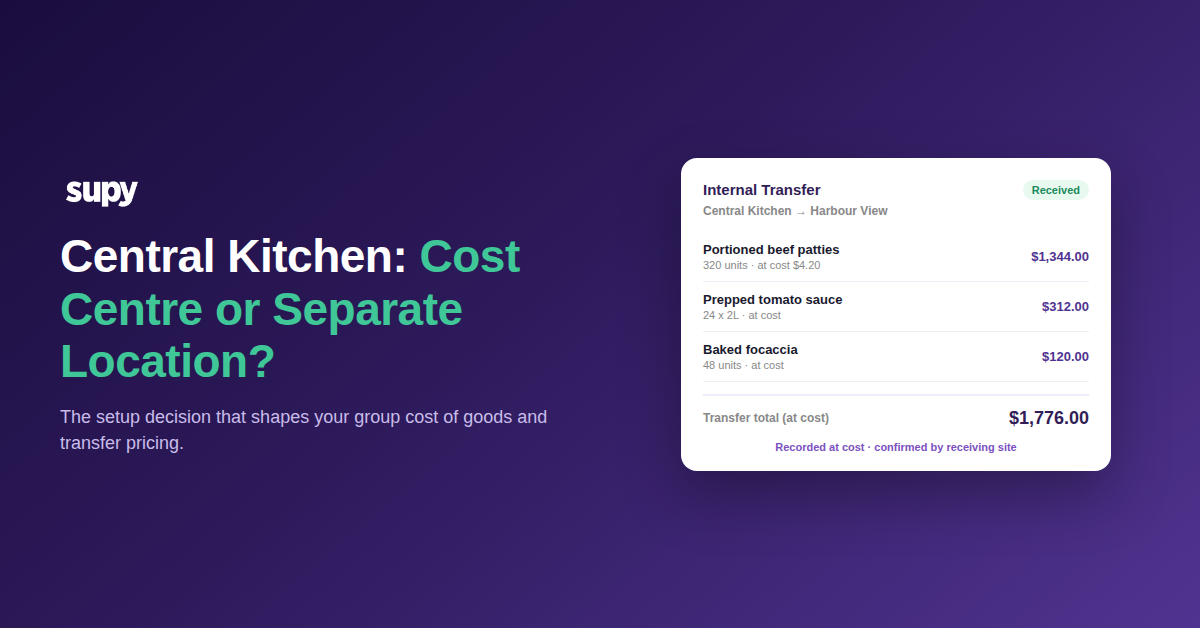
Modelling a central kitchen as a cost centre nests it under a parent venue, so stock moving to a branch is an internal transfer recorded at cost, with no inter-site invoice and one consolidated cost of goods. Modelling it as a separate location makes it a standalone site that ships on a tax invoice at a defined transfer price and carries its own profit-and-loss. Same kitchen, two different sets of numbers.
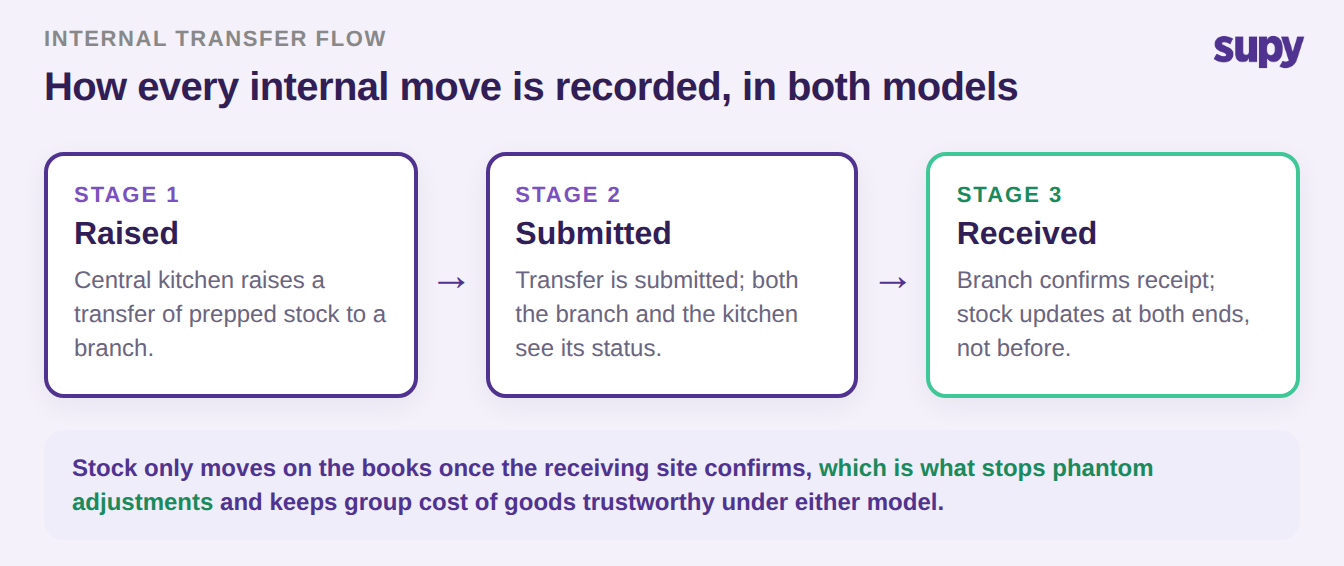
What does not change between the two models is how the movement itself is recorded. In both, stock leaving the central kitchen for a branch is an inter-location transfer that runs through three stages - raised, submitted, then received - and stock only updates at either end once the receiving site confirms it. Both the ordering outlet and the central kitchen see the status at every stage. That receipt-confirmation step is what stops phantom adjustments, and it is what makes either structure produce a group cost of goods you can trust. The model you choose does not decide whether the move is recorded. It decides what the move is worth on the books and whether a document crosses between the two sites.
Where Group Food Cost Goes Invisible
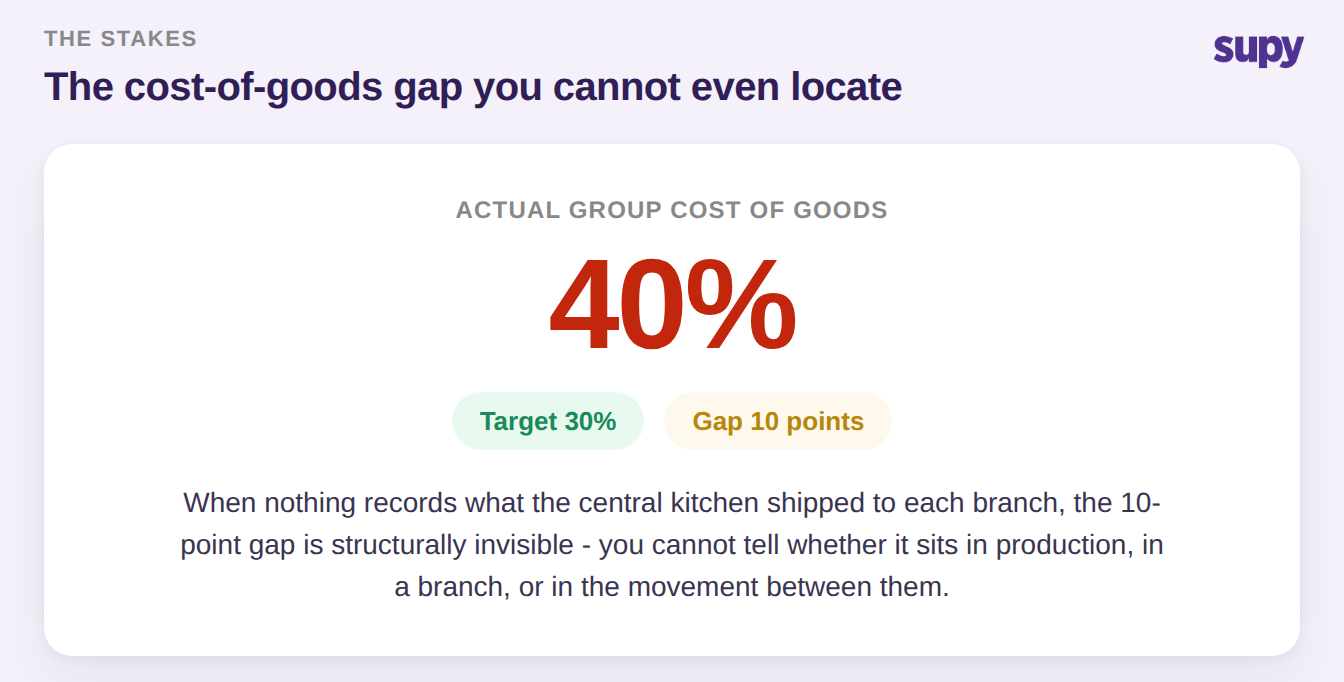
The reason this setup choice matters more than it looks: if internal movement is not recorded at all, group cost of goods variance is not merely unmeasured, it is structurally invisible. Picture a multi-site group running on spreadsheets at roughly 40% cost of goods against a 30% target. The instinct is to hunt for waste and portion drift, and a quick pass through a food cost calculator tells you the number is high but not where it lives. If nothing records how much the central kitchen delivered to each branch, the 10-point gap cannot be located - you cannot tell whether it is sitting in production, in a branch, or in the movement between them. The number is wrong and there is no thread to pull.
A cost centre and a separate location both cure the invisibility, because both force the internal move to be recorded. What they change is the price that move carries, and that is the next decision.
Cost Centre vs Separate Location, Side by Side
Here is the decision laid out across the criteria that actually differ. Neither column is the right answer on its own - the right answer depends on how your group is owned and whether the kitchen sells beyond it.
| Criterion | Cost centre | Separate location |
|---|---|---|
| Internal transfer price | At cost, no mark-up | Marked-up transfer price |
| Inter-site document | None issued | Tax invoice on shipment |
| Group cost of goods | One consolidated number | Split across site P&Ls |
| Best when | Commonly owned, no external sales | Sells to outside clients or each site's P&L must stand alone |
| Month-end close | Simpler, one consolidation | Heavier, reconciles inter-site invoices |
The cost-centre column keeps internal moves at cost: no money changes hands between commonly owned locations, so a mark-up would invent profit that is not real and distort every site's numbers. The separate-location column is built for the opposite case - a kitchen that needs a standalone profit-and-loss, or that sells prepped goods to third-party clients. If those sites are genuinely separate tax entities rather than commonly owned branches, the accounting is different again, and multi-entity central-kitchen transfers is the case to read next.
The Transfer Price Neither Default Gets Right
There is a specific trap in the middle of this decision, and it is the one operators raise most: the internal transfer price. Most systems offer two numbers for a prepped item - its recipe (at-cost) value and its retail price - and neither is the right number for a move between your own locations. Take a prepped item that costs $4.20 to make and sells for $9.50. Shipping it to a branch at $9.50 books a retail sale that never happened. The at-cost $4.20 is correct for a commonly owned group where no money actually moves. But a group that needs each site to carry a standalone profit-and-loss, or a central kitchen billing external clients, needs a third, defined number - say cost plus a 20% internal mark-up, $5.04 - issued on a tax invoice.

The two questions that decide it: does the kitchen sell to anyone outside the group, and does each site's profit-and-loss have to stand on its own? If both answers are no, the cost-centre model with at-cost transfers is the clean choice. If either is yes, you are in separate-location territory, and you need to set the transfer price deliberately before you build the model - not discover at month-end that every internal move was booked at the wrong number. This is the point where a central kitchen and procurement platform that records each move at a chosen price, and issues the tax invoice on shipment, earns its place over a spreadsheet.
The Setup Landmines That Break Either Model
Both models only produce trustworthy numbers if the setup underneath them is right. Three landmines do the most damage, and all three are set at configuration, not at month-end.
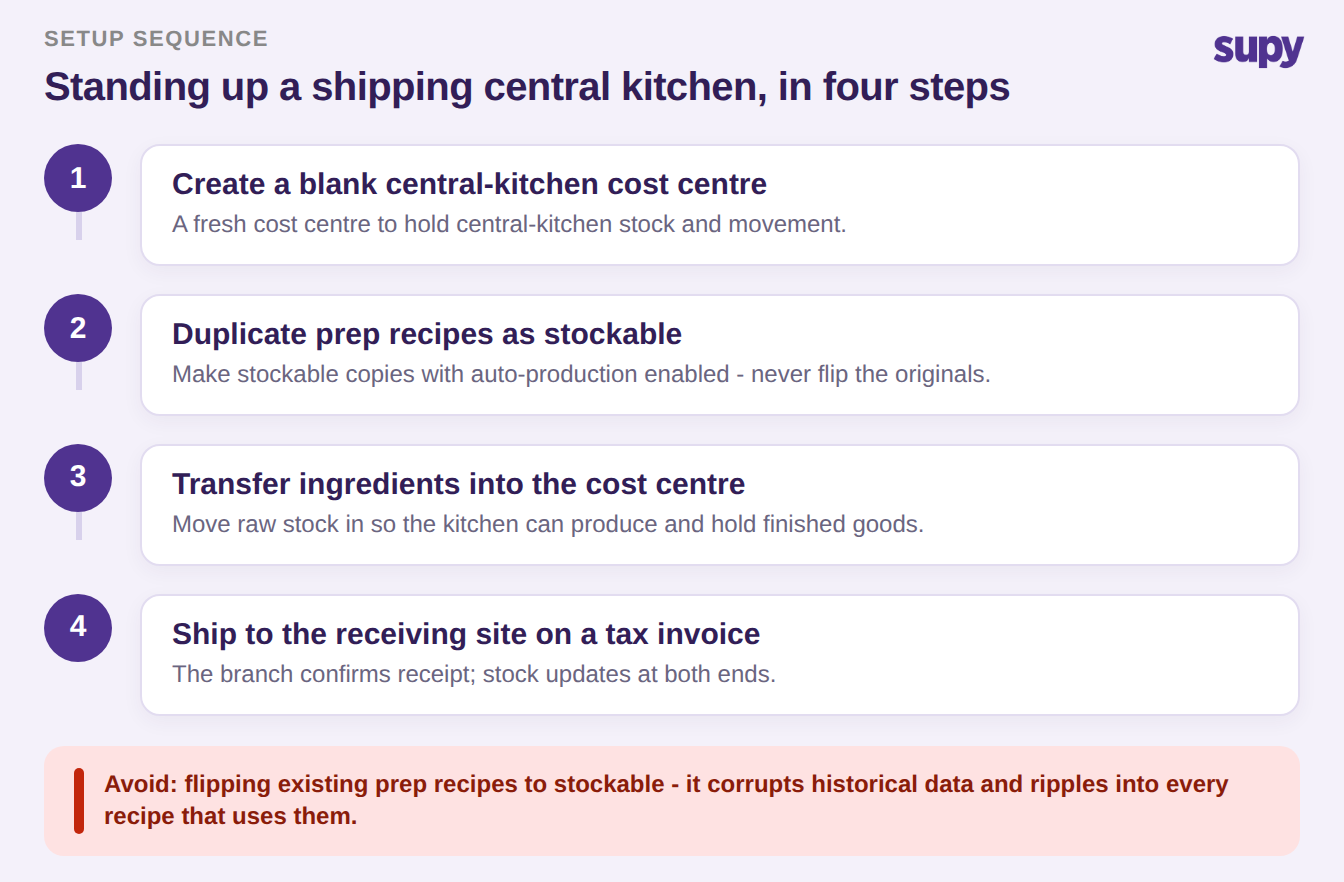
First, non-stockable prep recipes silently block transfer and shipping. When you stand up a central kitchen to issue internal invoices, prep recipes that are non-stockable cannot move, and the obvious fix - flipping them to stockable - corrupts historical data and ripples into every recipe that uses them. The safer sequence is four steps: create a blank central-kitchen cost centre, create duplicate stockable versions of the prep recipes with auto-production enabled, transfer ingredients into the cost centre, then ship from it on a tax invoice.
Second, cost centres that do not match physical reality. A merchandise cost centre for goods that physically sit at the bar, or a production kitchen treated as a standalone location when it is really nested under a venue, inflates stock-count variance and confuses floor staff. Collapse a cost centre that does not match how the site physically works rather than training people around it.
Third, transfers applied after a count. If an internal move is recorded after a branch has already counted, the count and the transfer fight each other and the resulting variance is meaningless. Sequence the move before the count.
These are account-structure and configuration decisions. The physical build of the kitchen - layout, capacity, stations - is a separate problem, and designing an efficient central kitchen for multi-location restaurants covers that side. A structural account overhaul like this is easiest to time to the start of a new financial year, so you are not reconciling two structures mid-period.
Make the Call at Setup, Not at Month-End
So which model? Choose the cost-centre model when your locations are commonly owned, no money changes hands between them, and you want one consolidated cost of goods with the simplest month-end close - move stock at cost and skip the inter-site invoice entirely. Choose the separate-location model when the central kitchen sells to third-party clients, or when each site's profitability has to stand on its own - then set a deliberate transfer price, issue a tax invoice on each shipment, and accept a heavier close in exchange for standalone site numbers. Make the call at setup, against those two questions, and record every internal move from day one. The group that does this picks its numbers on purpose. The group that takes the default inherits whatever the default happened to be, and finds out at month-end.