.jpg)


Restaurant Inventory Data Migration: Why Setups Stall for Months
Where an Inventory Migration Actually Stalls
A restaurant inventory data migration is the work of moving your operational records off an old platform and into a new one: items, suppliers, pricing, recipes, purchase history and user roles. It stalls when that data does not arrive intact and nobody notices until the new system is already live and producing numbers the team does not trust.
One 4-location group lived the worst version of it. Their setup on a prior platform ran for 3 months and left no realised benefit, and it was thrown further off course when two major suppliers changed their item codes mid-switch, affecting roughly 70% of their food costs. That is the failure this guide exists to prevent, and it almost always traces to one of two stall points.
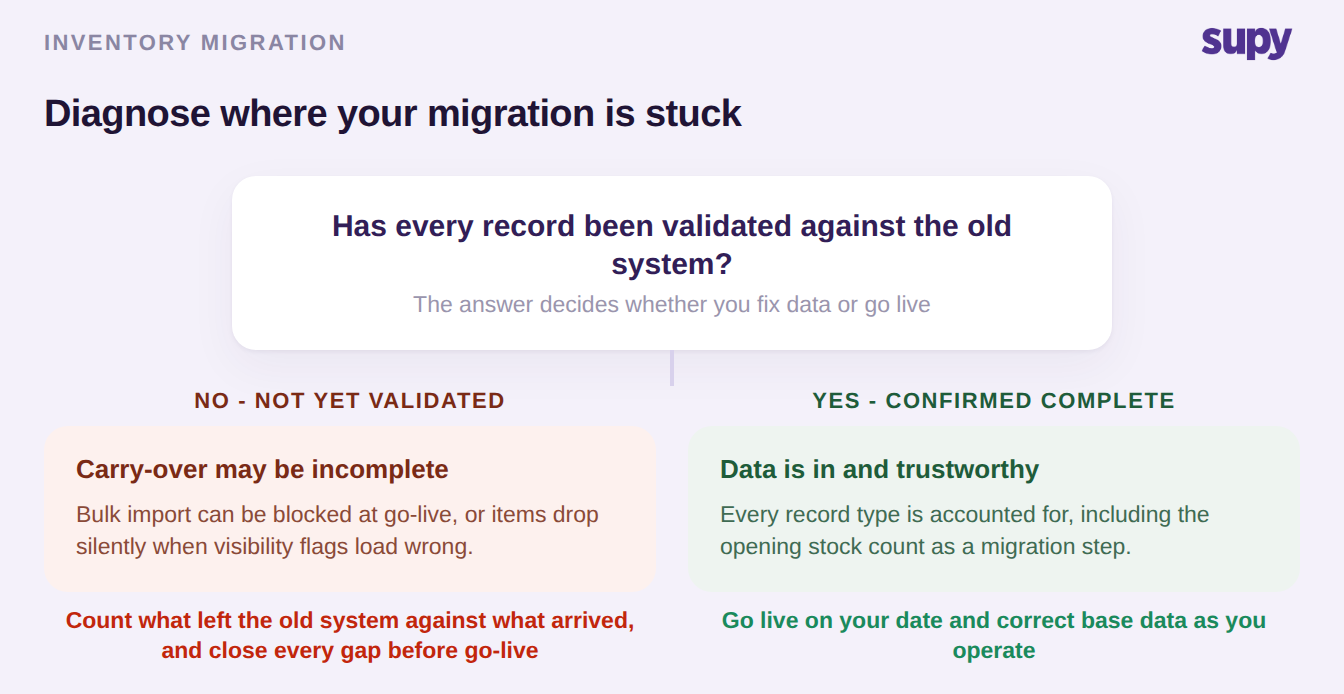
The first is at the boundary with the old system. Bulk carry-over of items and suppliers gets blocked at go-live, forcing manual re-entry before anyone can trade. Extraction windows are short: one group was given 48 hours to pull its data off the incumbent before the door closed, which is not enough time to also clean it. And imported records fail quietly, as when item visibility flags are set wrong during the load and products simply disappear from ordering until someone digs into why. This is the same class of problem behind point-of-sale integration gaps that break inventory accuracy: the data looks present but is quietly wrong.
The second stall point is subtler and comes after the data is technically in. The records are present but wrong, so counts, costs and reports read as nonsense, and the team assumes the platform is broken when the real problem is the data underneath it. Knowing which of these two you are in decides how you fix it, so start there before touching anything else.
Write the Migration Scope Before You Commit
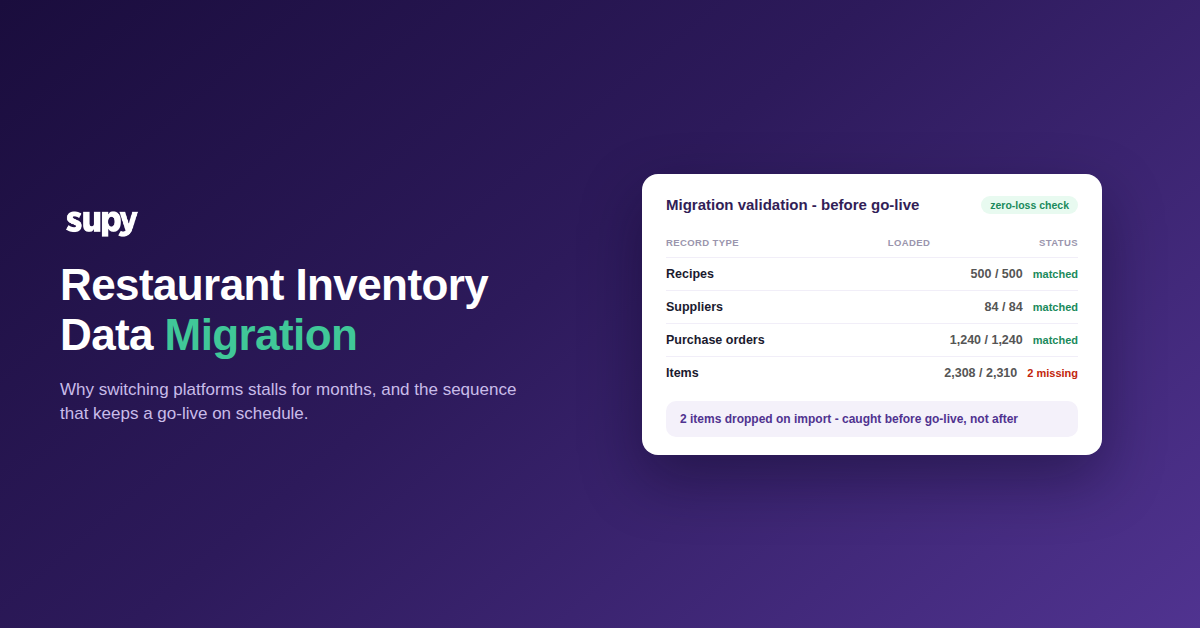
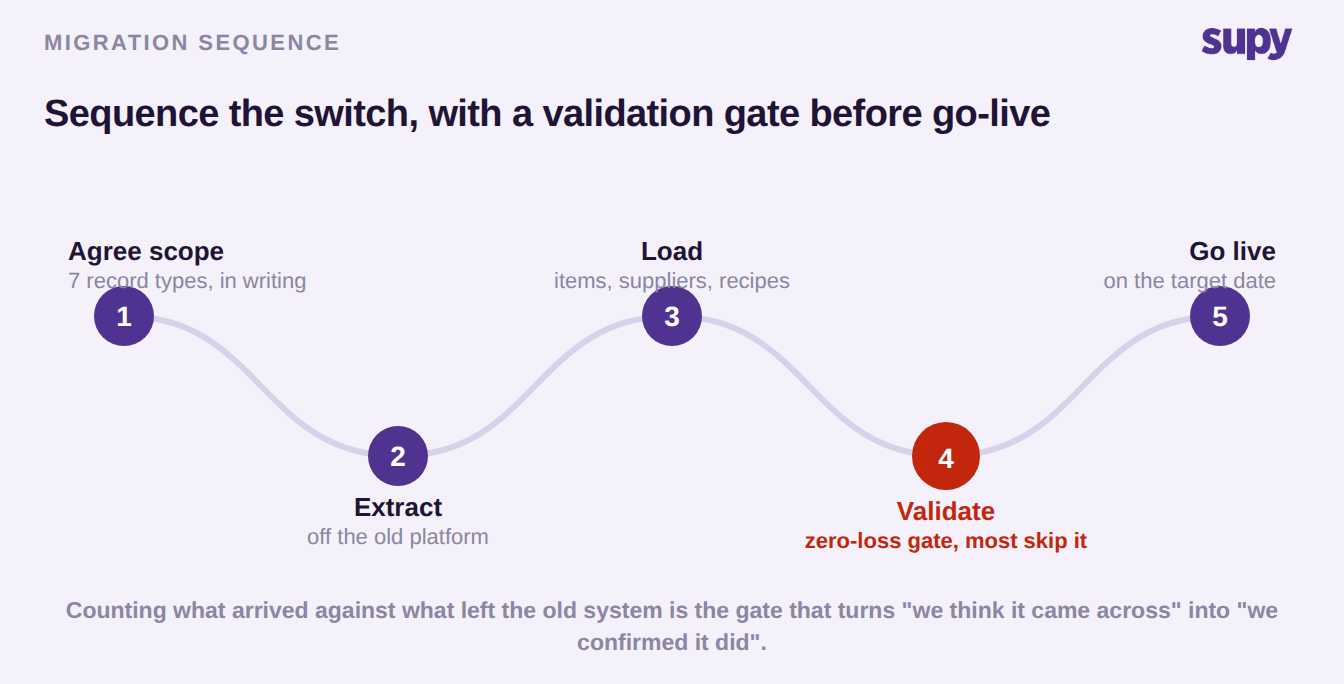
The single move that separates a clean switch from a stalled one is writing the migration scope down before you commit to a date. A large multi-site group did exactly this: it specified, in writing, the 7 record types it expected to carry across, then required client-side validation with zero data loss confirmed before go-live. That written scope is the contract you hold your vendor to, and the validation gate is the step most operators skip.
The scope list is not long, but every item on it has to be named explicitly or it gets dropped:
- Historical transactions, so your reporting has a past to compare against
- Recipes, including nested sub-recipes (one group carried 500 recipes with up to 4 layers of prep and semi-finished items)
- Pricing and supplier records, the data most likely to shift mid-migration
- Purchase orders and goods-received notes, so open commitments are not lost
- User roles, so the right people can act on day one
Agree who fills each template, too. Recipe data entry in particular is usually the customer's responsibility, not the vendor's, and a group that assumes otherwise loses a week discovering it, which is why recipe setup is so often the real onboarding blocker. Then run the validation as a gate, not a formality: count what left the old system, count what arrived, and refuse to go live until the two match or every difference is explained. That is what turns "we think it came across" into "we confirmed it did."
Treat the Opening Stock Count as a Migration, Not a First Count
The opening stock count is where two operators independently lost real time to the same trap: they read it as the first count they were performing rather than as the step that seeds the new system with real quantities. Counted that way, it produces misconfigured numbers with no value, and every report built on top inherits the error. Treat it as the last leg of the migration and it does the opposite, giving you a trustworthy starting balance.
It also helps to sequence the whole go-live against a readiness checklist rather than a single date. One enterprise group preparing for a fixed launch asked for exactly this and got an 8-area checklist, three items of which it had not thought to plan for. The value of a checklist is that it assigns an owner and a timing to each area, so nothing waits on an assumption that someone else was handling it.
| Readiness area | Who owns it | When it happens |
|---|---|---|
| Master data (items, units) | Operator, vendor validates | Before load |
| Supplier and pricing records | Operator | Before load |
| Recipes and sub-recipes | Operator fills template | Before load |
| Point-of-sale mapping | Operator and vendor | Before go-live |
| Users and permissions | Operator | Before go-live |
| Opening stock count | Operator | At go-live |
| Auto-production rules | Vendor configures | At go-live |
| Team training | Vendor and operator | Go-live week |
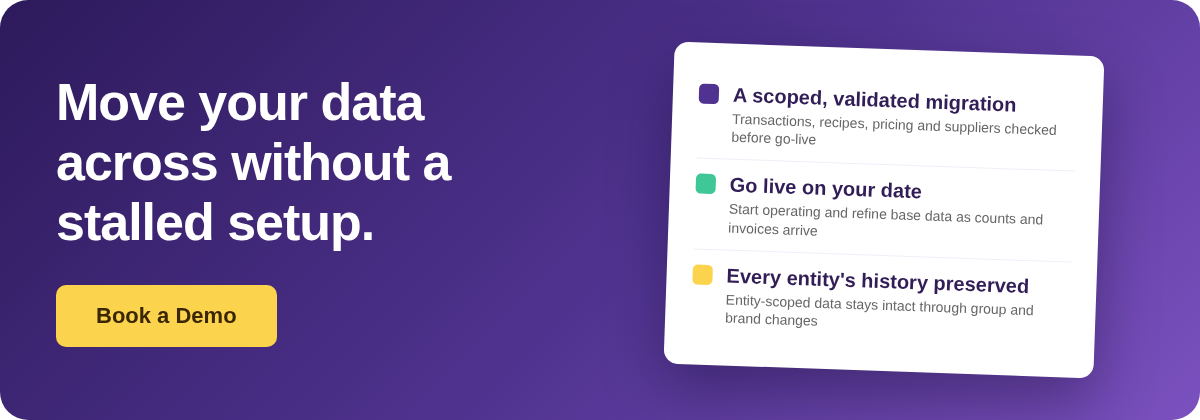
Go Live With Imperfect Data, Then Fix It
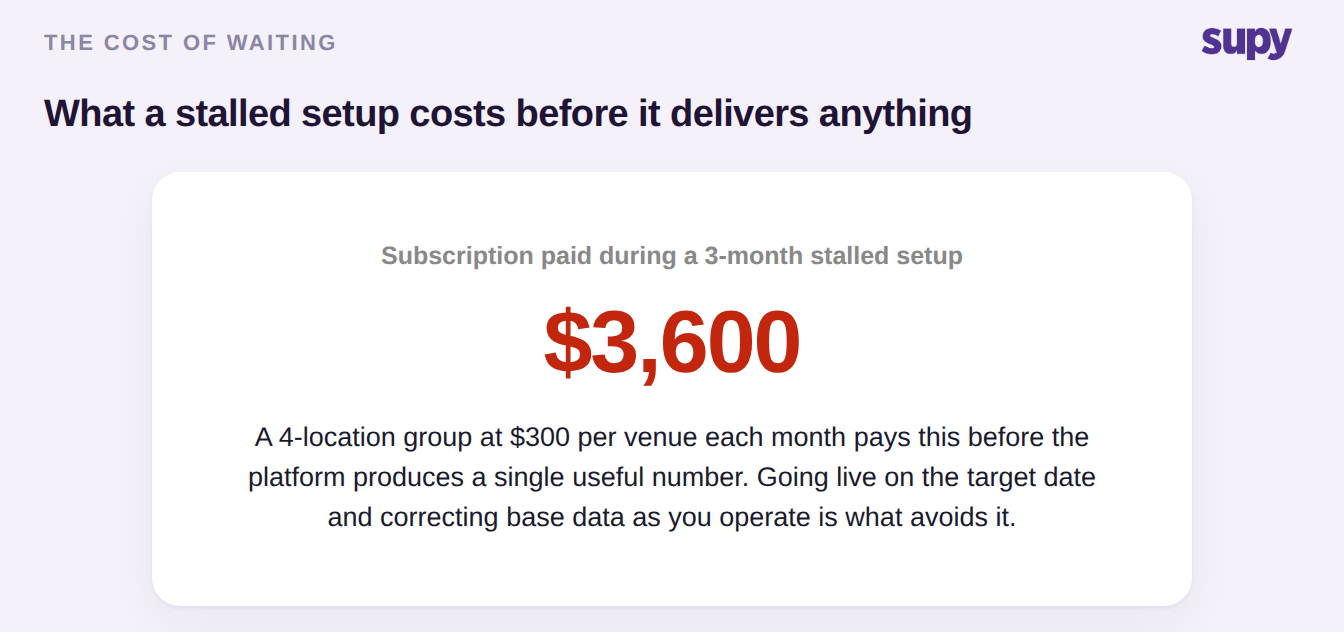
Waiting for perfect data is how a migration turns into a multi-month stall, and it is expensive: a 4-location group paying around $300 per venue each month can spend $3,600 across a 3-month setup before the platform produces a single useful number. The operators who avoid that go live on their date with data they know is imperfect, then correct it in the running system.
One group opening in a new market did this deliberately. Its base items and recipes carried errors from a rushed setup, several suppliers issued handwritten invoices with no item codes, and there was no reliable purchase history. Rather than delay, the team went live on the target date and fixed base items and recipes as it went, backdating entries as counts and invoices arrived, and kept the early stock counts deliberately simple so they were easy to correct. The system was earning its place from day one instead of sitting idle waiting to be perfect.
The last step is to close the door behind you. During a transition everyone is usually granted full access and nobody revisits it, which is how staff end up overriding procurement-set prices at receiving or deleting records they should not touch. Set role-appropriate permissions in the first week, not the first quarter, and lean on a restaurant inventory management platform that scopes access by role and location rather than granting everyone the same rights.
One point worth knowing for a different kind of change: if your migration is really a legal-entity or brand restructure rather than a platform switch, each entity's inventory data stays self-contained and its operational history is preserved without any manual re-migration. That case does not need this playbook. A genuine platform switch does.
So name the branch you are in before you plan anything else. If your data has not made it across intact, you are at the first stall point: stop and validate the migrated records against the source before you go live, because a silent drop found in month two costs far more than a delayed launch. If the data is in but the numbers look wrong, you are at the second: check whether the opening stock count was run as a migration step, then work outward from there. Either way, write the scope down, make zero-loss validation a gate, and go live on your date with a plan to fix the rest in place, rather than paying for a setup that delivers nothing while you wait.