.jpg)


Duplicate Restaurant Inventory Items: Merge vs Archive vs Replace
Duplicate Items Quietly Break Every Number You Trust
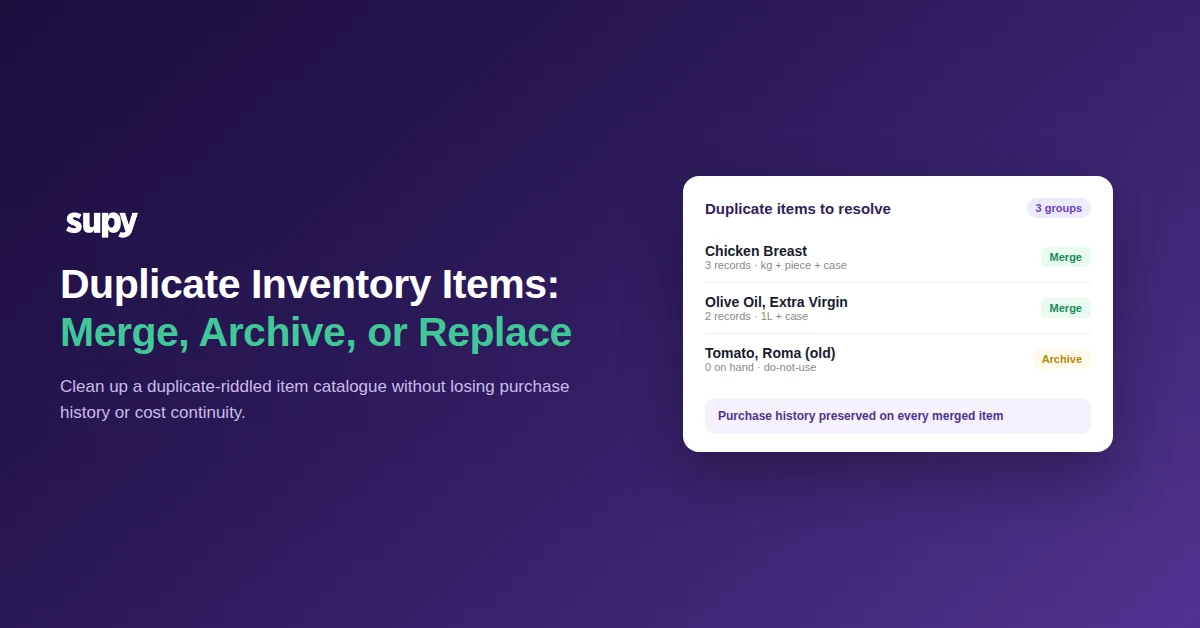
If your item list carries three records for the same chicken breast and two for the same olive oil, every count and cost you pull is already wrong. Duplicate records for one ingredient, usually one per supplier or one per unit of measure, split purchase history between them and make variance unreadable, because the counts and costs land against different items. It compounds quietly: one group let a single ingredient sprawl into eighteen separate records over three years before anyone reconciled it, and the mess almost always surfaces at the worst moment, in the days before a stocktake.
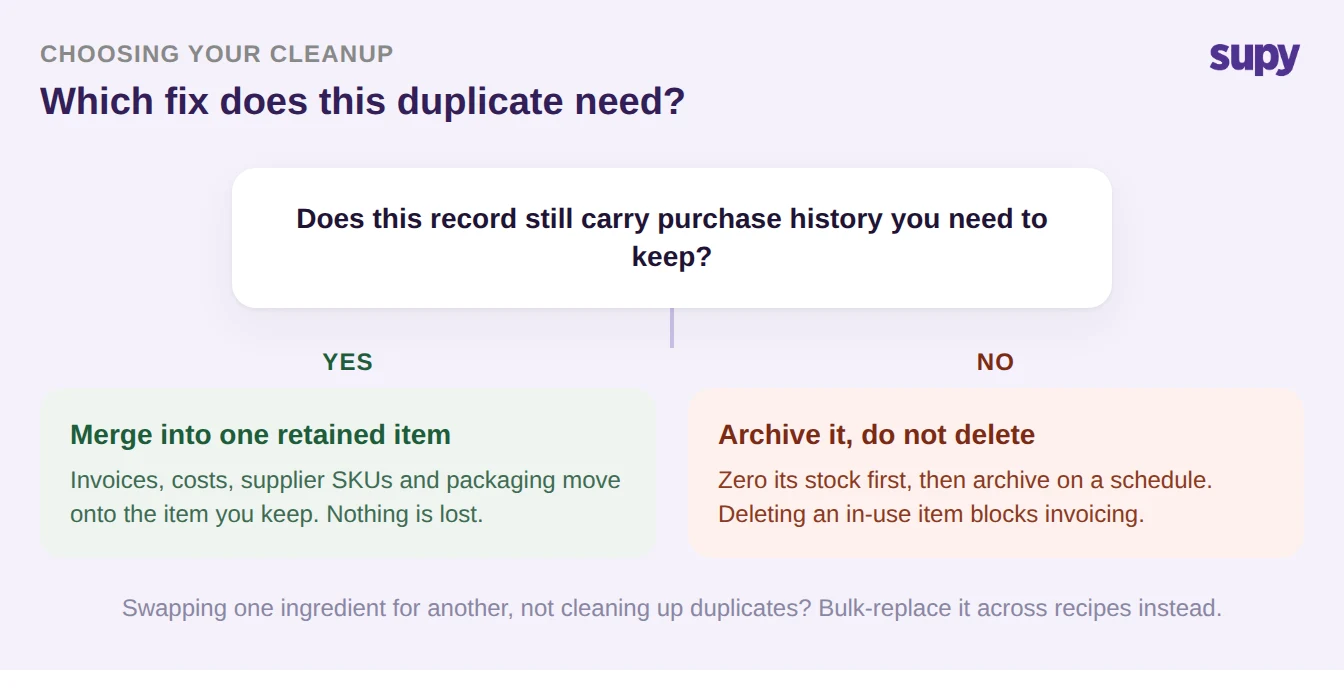
The instinct is to start deleting, and that is the one move that reliably backfires: deleting a record still in use blocks invoicing against it, and one operator who removed a meat line mid-cleanup could not re-add it afterward. Cleaning up duplicates is a decision, not a delete, and this guide gives you the rule for making that decision fast and getting it right. For every duplicate you have exactly three moves: merge two records that both hold purchase history into one retained item, archive a do-not-use record in bulk, or replace an ingredient across all its recipes. The whole job is knowing which one a given duplicate needs, and choosing correctly is what lets you clean up the catalogue without fragmenting your cost trail or stalling a single invoice. Any capable restaurant inventory management platform can merge, archive, or replace a record; the skill, and the reason this guide is worth your time, is the choice, not the click. So answer one question for each duplicate first: does this record still carry purchase history you need to keep?
Merge When Both Records Carry Purchase History
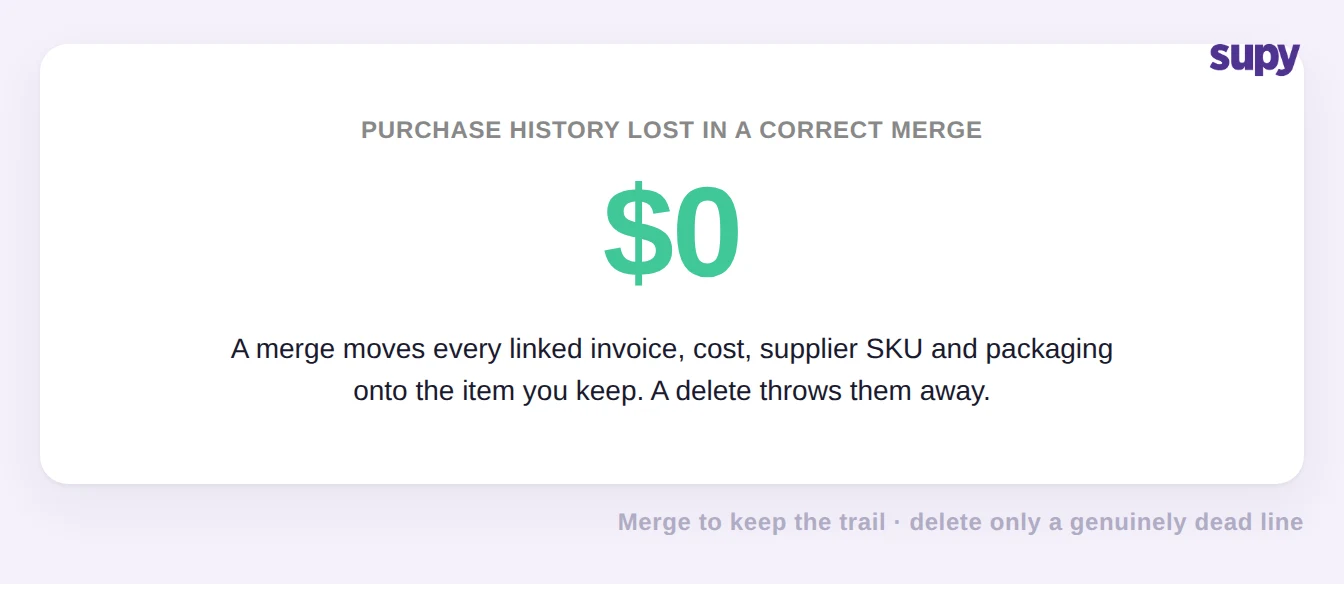
Merge two records when both hold invoices or cost history you cannot afford to lose. A merge consolidates the duplicates into one item you keep and moves the supplier links and packaging onto that retained record, so the purchase and cost trail stays continuous. The amount of history lost in a correct merge is zero, which is the entire reason to merge instead of delete. This is also how a group finally collapses a sprawl like eighteen separate records for one ingredient, accumulated over three years, back into a single clean item.
Two guardrails apply. A record that has been locked cannot be merged until an authorised user unlocks it, which protects items someone has deliberately frozen. And recipe-type or prep items are held out of bulk merges on purpose, so the costing identity of each prep recipe stays intact. One habit to keep: after a merge, open the retained item and confirm the supplier and packaging associations actually carried across before you rely on it for ordering or costing.
Archive in Bulk, But Zero the Stock First
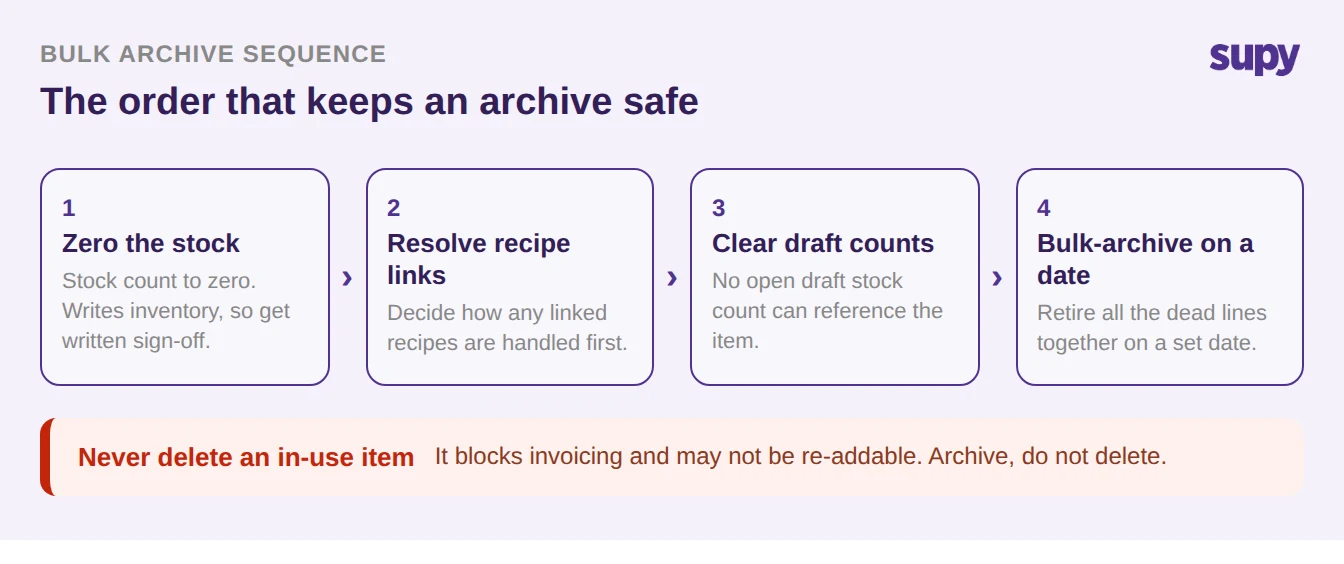
Archive records you are retiring rather than consolidating: the do-not-use duplicates and dead lines that clutter a count. Removing them one at a time is too slow to bother with, so archive them in bulk on a scheduled date. The prerequisite chain is the part operators get wrong. An item holding non-zero or negative on-hand cannot be archived, so you first create a stock count to zero it out, and because that writes to live inventory it needs written approval before it runs. In the same pass, decide how any linked recipes should be handled and clear any open draft stock counts, since an item tied to a recipe or sitting in an unfinished count will refuse to archive.
The hard caution sits here too: never remove a record that is still in use. Archiving a genuinely dead line is safe and reversible through version history; deleting a live one blocks invoicing against it and can leave you unable to re-add it. When in doubt, archive rather than delete, and keep the scope of any bulk action confirmed in writing first. Consistent naming and a clean list are the foundation the whole cleanup rests on, which is why item master data hygiene pays back every time you count or cost.
Merge, Archive, or Replace: The Side-by-Side Call
The third move is replace: when an ingredient is being swapped for a different one rather than retired, bulk-replace it across every recipe instead of archiving and rebuilding. Retroactive corrections, including stock-count edits and backdating, are only permitted inside roughly a two-month window, so plan any historical cleanup to fall within it. The table below is the quick call for which move a given duplicate needs.
| Move | Use it when | Purchase history | Do this first |
|---|---|---|---|
| Merge | Two records both hold history you need | Preserved on the retained item | Unlock locked items; keep recipe items out |
| Archive | A record is dead or do-not-use | Kept, recoverable via version history | Zero the stock, with written sign-off |
| Replace | Swapping one ingredient for another | Carried across by the bulk swap | Stay inside the two-month backdating window |
Once you have named the branch you are in, the next move is single and specific. If both records carry history, merge and then verify the supplier and packaging links carried across. If the record is dead, zero its stock, get sign-off, and add it to the next scheduled bulk archive. If you are swapping an ingredient, bulk-replace it across recipes inside the backdating window. Do that per duplicate and the catalogue converges on one base item per ingredient, with every supplier SKU and packaging linked, synced live across outlets, and full version history behind you if a step needs undoing.