.jpg)


Handwritten Supplier Invoices: Stop Re-Keying Across Restaurant Sites
The Workflow That Ends Triple Re-Entry
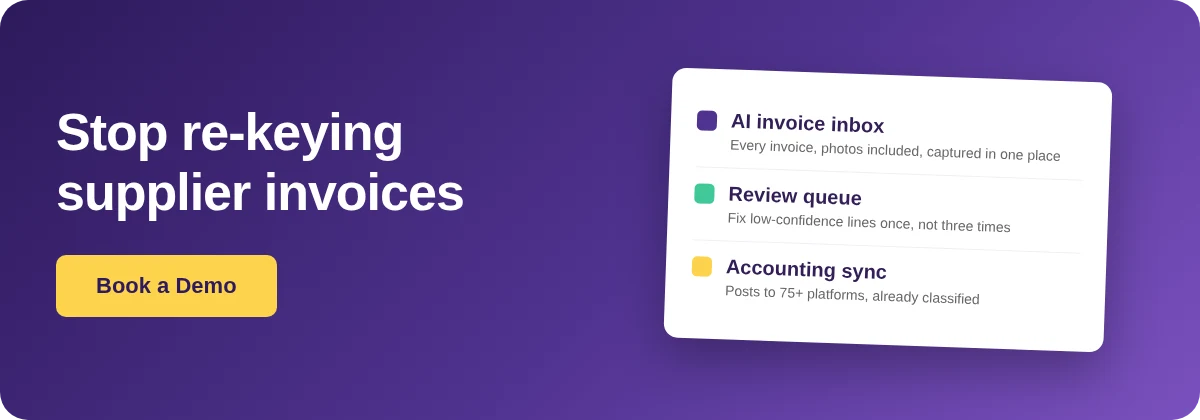
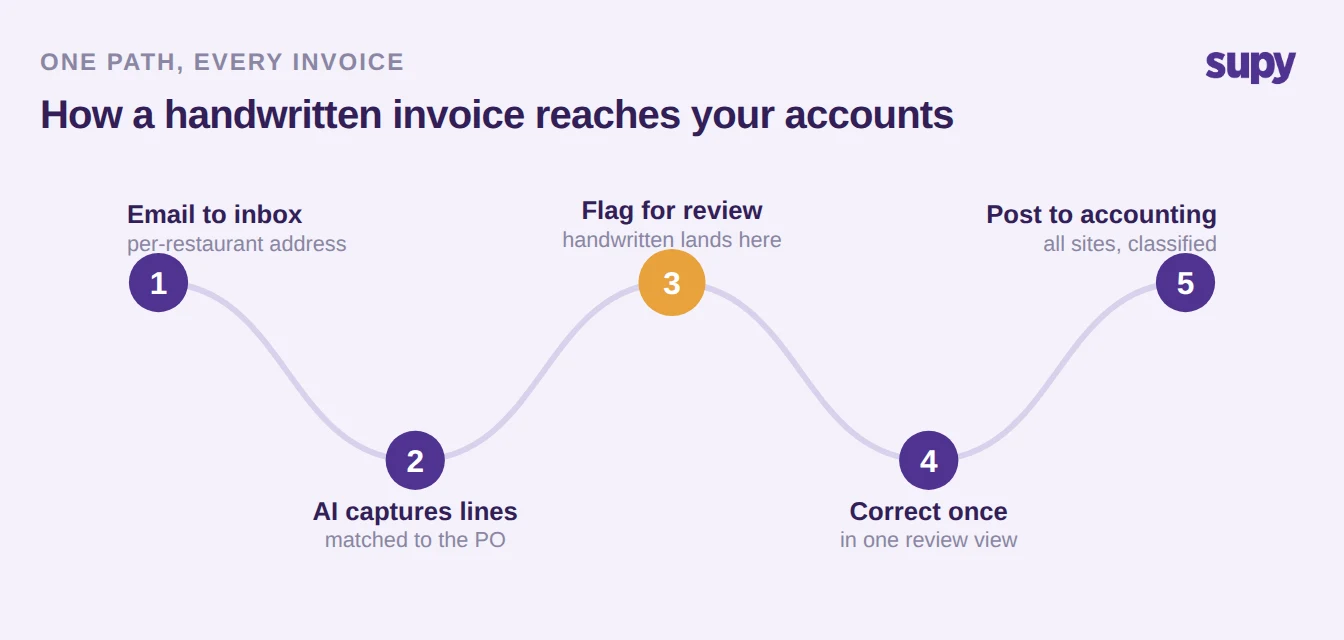
If a large share of your supplier invoices arrive handwritten, the fix is not better handwriting recognition. It is a single path every invoice travels: the supplier emails it to a per-restaurant inbox, the system reads every line it can and matches it to the purchase order, anything it is unsure about is flagged for a quick human check instead of guessed, you correct those fields once, and the finished invoice posts straight into your accounting system already classified.
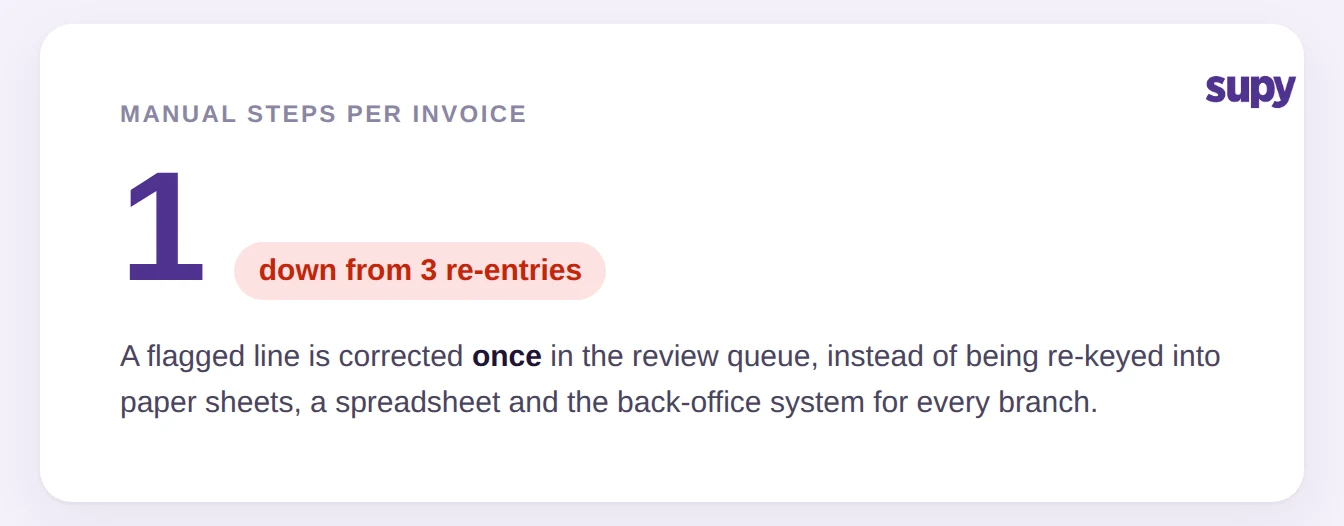
That path replaces the slog most multi-site groups still run. Today a handwritten invoice is copied by hand into paper sheets, then into a spreadsheet, then into the back-office system, three separate re-entries per document, each one a fresh chance to fumble a digit or miss a line. With one inbox and one review queue, the data is captured once and corrected once, and the ledger posting happens on its own. The sections below walk each stage: what the capture reads on its own, how the handwritten pile is handled, the lines that still deserve a human eye, and how the reviewed data lands in accounting across every branch.
What Capture Reads, and What It Flags for Review
Set expectations honestly with your team before you switch anything on: automated capture is strong on structured detail and deliberately cautious on anything it cannot read cleanly. It reads supplier, line items, prices and totals from an emailed invoice and matches them to the matching purchase order, and it copes with inconsistent or non-standard layouts rather than needing one fixed template. What it will not do is silently invent a figure off a handwritten scrawl. Low-confidence lines are sent to a review queue, not pushed through.
That split is the whole point. The system does the volume work on the parts it can read with confidence, and it hands you a short, specific list of the parts it cannot, so your team spends its time only where judgement is actually needed.
| What is on the invoice | How the inbox handles it |
|---|---|
| Typed or printed invoice, standard layout | Extracted automatically: supplier, line items, prices and totals |
| Emailed photo or image, non-standard layout | Still extracted; layout variance is handled, not a blocker |
| Handwritten or low-confidence lines | Flagged to the review queue, never guessed |
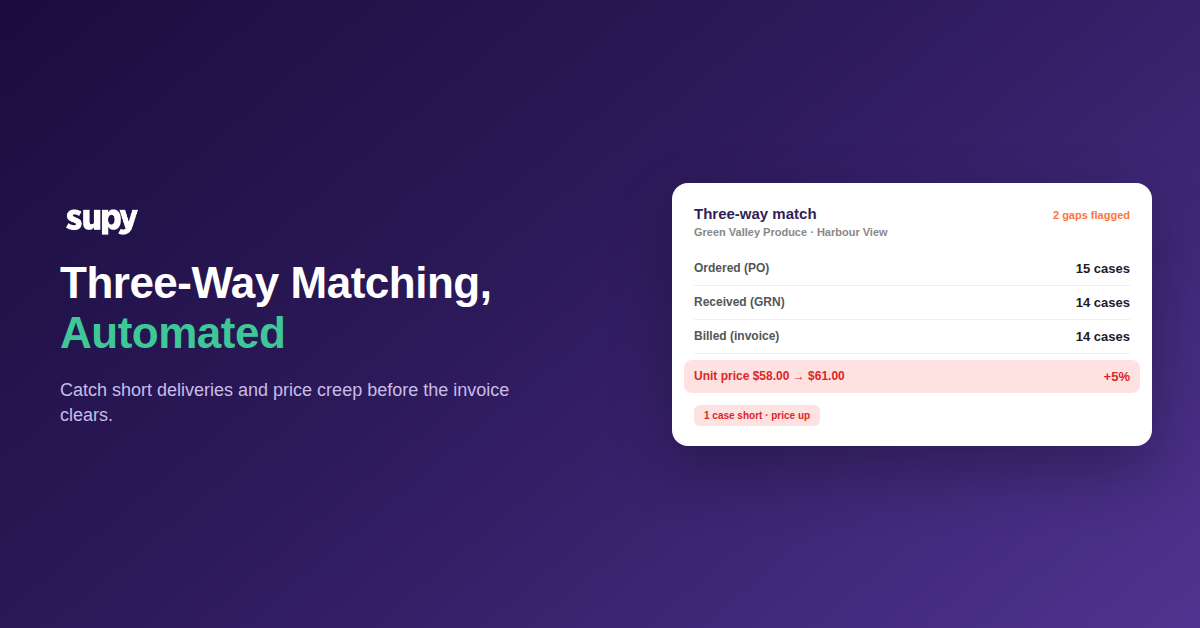
| A price or quantity that does not match the purchase order | Held for review before stock and accounts update |
| A possible duplicate invoice number | Held for review; force-process once you have verified it |
The Review Queue: Fix a Flagged Line Once, Not Three Times
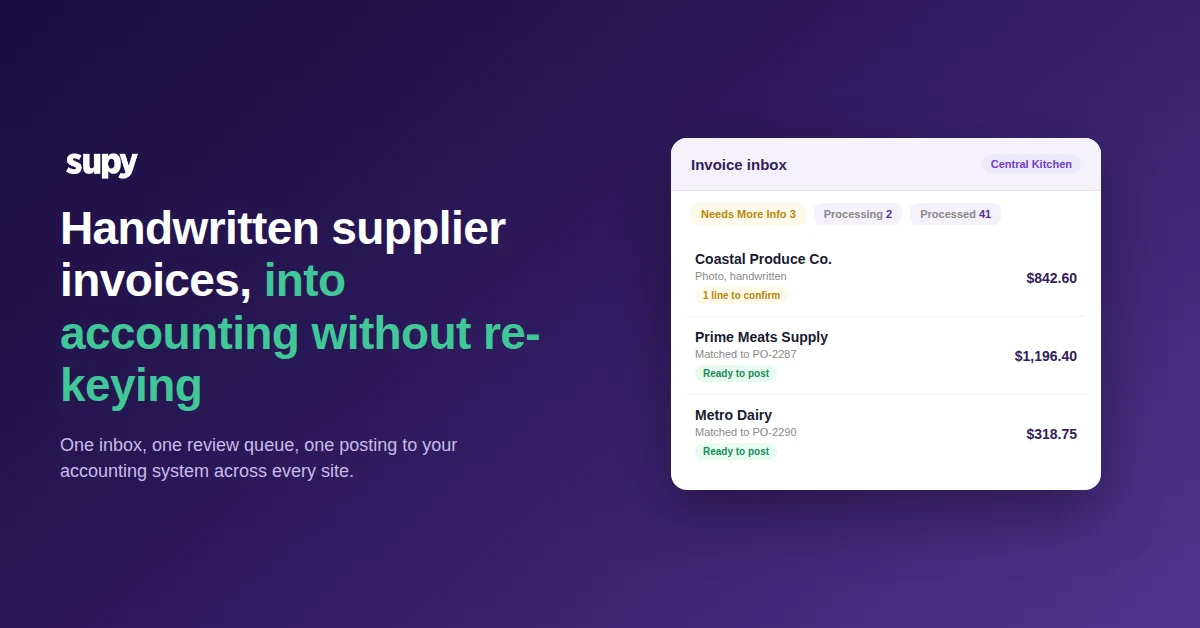
Every inbound invoice lands in one of four status tabs, so purchasing staff can see at a glance what needs attention and what is already handled. Handwritten and low-confidence documents surface under a Needs More Info view with the AI-extracted fields shown next to confidence scores and an attachment preview, so the reviewer reads the original photo and the proposed figures side by side without downloading anything.
The reviewer corrects the flagged fields in that one view and moves on. That single correction is the entire manual step, replacing the three separate re-entries the old workflow demanded. Duplicate submissions are caught too: when the inbox spots a repeated invoice number it holds the document rather than processing it twice, and a permitted user can force it through after confirming it is a genuine re-send. Once a supplier is trusted, adding them to the whitelist can even reprocess invoices that were previously skipped, so nothing quietly falls out of the pipeline.
The Lines That Still Need a Human Check
Automated capture earns trust by being right about where it is weak. On foodservice invoices a handful of line types reward a deliberate glance every time, and they are the ones your reviewers should learn to check first. These are not reasons to distrust the workflow; they are the specific spots where a quick confirmation prevents a costed error flowing into your accounts.
| Line type | Why it needs a look | What to check |
|---|---|---|
| Catch-weight items (fish, meat by weight) | Unit price and delivered weight can be read inconsistently | Confirm the weight and the per-kg price, not just the line total |
| Box-buy or random-weight items | Pack size and value can be forced to match the invoice total | Check the pack size and unit of measure against the purchase order |
| Delivery and service fees | Can be misallocated across the item lines | Confirm the fee sits on its own line, not spread into item costs |
| Handwritten totals | Digits can be misread on a photo | Eyeball the total against the sum of the lines |
Posting to Accounting Across Every Site
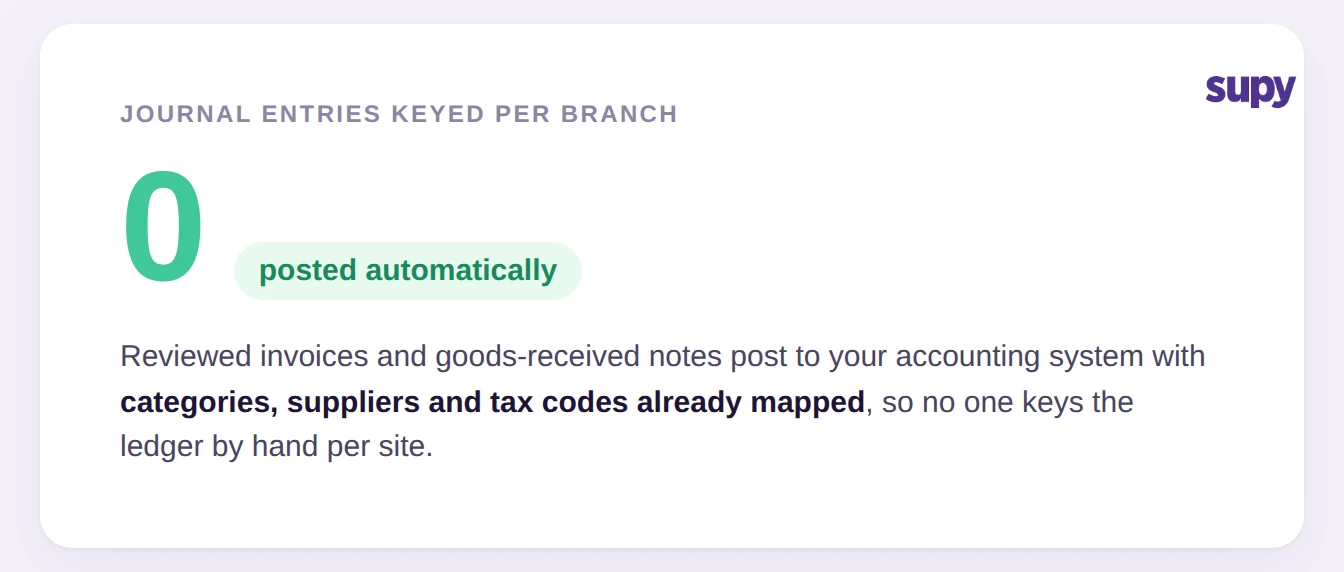
The last mile is where the manual version really hurts: even after an invoice is captured, someone still keys the journal entry per branch. This is the step most tools stop short of. Reviewed invoices and goods-received notes post directly into the connected accounting system instead, with your item categories, suppliers and transaction types already mapped to the right accounts and tax codes, so nothing is reclassified by hand each month. You can post many goods-received notes in a single bulk action, which consolidates the invoices and syncs them across all selected sites at once.
Supy connects to QuickBooks, Xero, Zoho Books, Wafeq and 75+ other platforms, so the reviewed data lands in the system your finance team already runs. Set the mapping once and it holds. The result across a multi-site group is zero journal entries keyed per branch, because the classification travels with the invoice rather than living in someone's memory. For the detail on how that mapping is configured, see our guide to restaurant accounting integration and general ledger mapping, and for the receiving side, the food receiving procedure that feeds it. You can see the capture and review flow in Supy's invoices and credit notes.
Finally, treat the handwritten share as a number you can shrink. Every supplier you move to emailing a digital or printed invoice raises the share captured automatically and shortens the review queue, so the workflow gets lighter over time rather than staying a fixed monthly cost.
Where to Start This Week
Pick your busiest branch and count, over one delivery week, how many supplier invoices arrive handwritten and how many times each is re-entered before it reaches your accounts. If the answer is three, that is your baseline. Route that branch's suppliers to a single inbox, agree with your team which line types always get a second look (catch-weight, box-buy, delivery fees and handwritten totals), and confirm your accounting mapping once before you post. Then ask the two or three suppliers who send the messiest handwriting whether they can email a printed copy instead. Each one you convert is a permanent cut to the review pile.