





How to Build a Food Safety Cleaning Schedule Template for Every Site

What a Food Safety Cleaning Schedule Template Must Cover
A food safety cleaning schedule template is a written plan for what to clean, how often, with which product, and who signs it off. A good one turns "keep the kitchen clean" into named tasks a team can follow and a manager can check. Build it once, and every site works from the same list instead of its own.
- FSA recommends. The UK Food Standards Agency recommends a cleaning schedule, so surfaces and equipment are cleaned when they need to be. The schedule should set out what to clean, how often, and which products to use. A cleaning schedule is one record inside a wider food safety management system, the kind the FSA expects every food business to keep.
- Clear columns. Keep the template to a few clear columns, and the same columns at every branch.
Four carry the structure.
- The area or surface
- The cleaning task
- How often it runs
- Who checks it off
Beside each task, record the product and method and name the person who does it, so a cleaner and a manager read the same plan.
| Area or surface | Cleaning task | Frequency | Checked by |
|---|---|---|---|
| Prep counters and boards | Clear, wash, sanitise | After every use | Shift lead |
| Slicers, mixers, can openers | Strip, wash, sanitise | After use and at close | Shift lead |
| Fridges and cold stores | Wipe seals, shelves, handles | Daily, deep clean weekly | Manager |
| Floors and drains | Sweep, mop, clear drains | Daily at close | Manager |
| Extraction and filters | Degrease, soak filters | Weekly to monthly | Manager |
- Identical columns. Keep the columns identical across sites so a manager can read any branch's record the same way. Cleaning rules and inspection expectations vary, so confirm the detail with your local authority or the FSA before you rely on your version.
- Set by risk. Set each frequency by the risk the task carries and how hard it works, not by what the last manager happened to write down. The FSA's own advice is to clean each surface when it needs it. A template that cleans everything "weekly" is too much for some jobs and nowhere near enough for others.
Sort every task into a tier, then let each site clean more often when it is busier:
- After every use. Anything that touches open food: boards, knives, prep counters, slicer blades. A flat-out site repeats these through service.
- During service. High-touch points that spread germs fast: taps, handles, bin lids, order screens.
- Daily at close. Floors, drains, fridge handles, waste areas, the pass.
- Weekly. Fridge interiors, shelving, storage, wall splashbacks.
- Monthly or deeper. Extraction canopies, filters, behind heavy equipment, high-level cleaning.
Prove the Clean Happened, Not Just That Someone Ticked It
A tick on a paper sheet proves someone held a pen, not that the fridge got cleaned. Most cleaning templates stop at the tick. A schedule can then look complete all week, yet leave a manager with nothing to show when an inspector asks.
Proof means recording more than a tick against each task:
- Who did it, and when.
- How the surface looked after. A photo of the cleaned surface turns a claim into evidence.
- A manager's sign-off on the riskiest jobs, a second pair of eyes on the high-risk work.
A sheet ticked at close is worth little weeks later. The same task with a photo and a name behind it proves due diligence when it counts.
- Plan for failure. Plan for the clean that fails, too. A check can come back wrong: a surface still greasy, or a fridge reading too warm.
- Record the fix. The person on the task records what was wrong, adds a photo, and logs the fix beside the check. That record, the failed step and the action taken together, is the written history that shows your group caught the problem in time.

Run One Schedule Across Every Site
- The hard part. The hard part of multi-site cleaning is not writing a schedule. It is making every branch clean to the same standard and getting each one to prove it, week after week, without a head office visit.
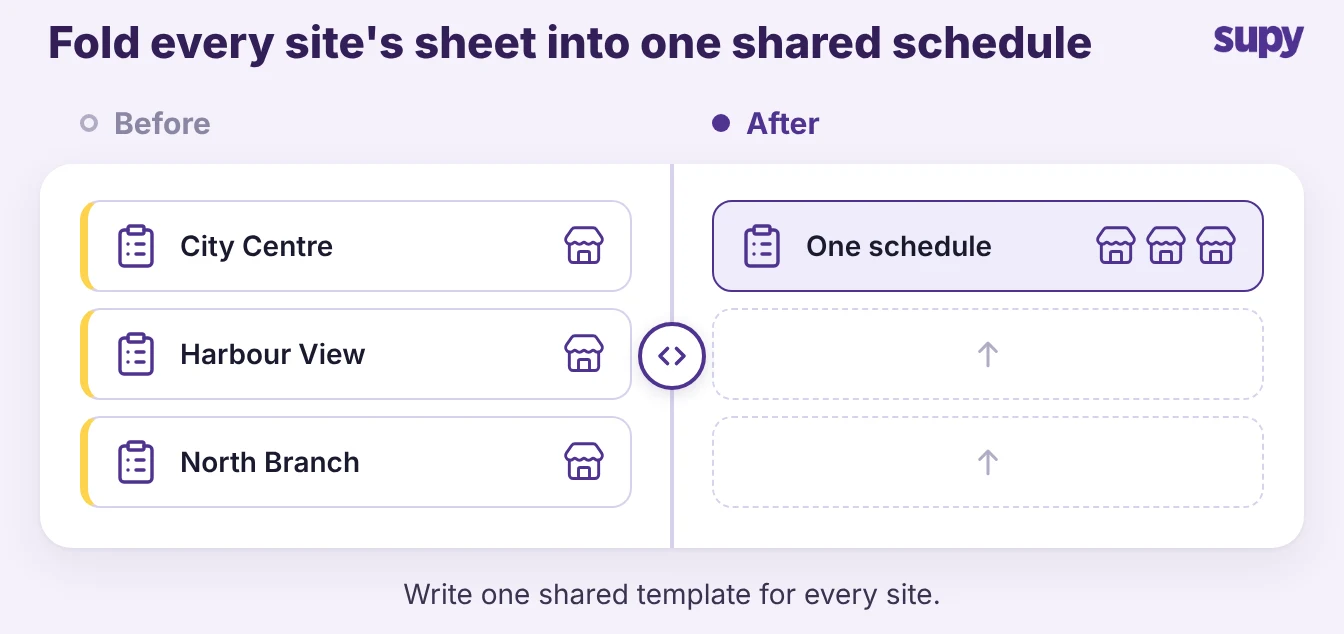
- Its own way. Without one shared schedule, each site runs cleaning its own way. One rebuilds the schedule in its own spreadsheet, another drops the columns it finds fiddly, and a third files the sheets where only that site can find them. A head of operations who wants to compare last week's cleaning across branches ends up chasing managers for photos of paper.
One schedule fixes that. Do it in three moves:
- Write the template once and push the same tasks and frequencies to every branch.
- Lock the columns so one site's record reads the same as another's.
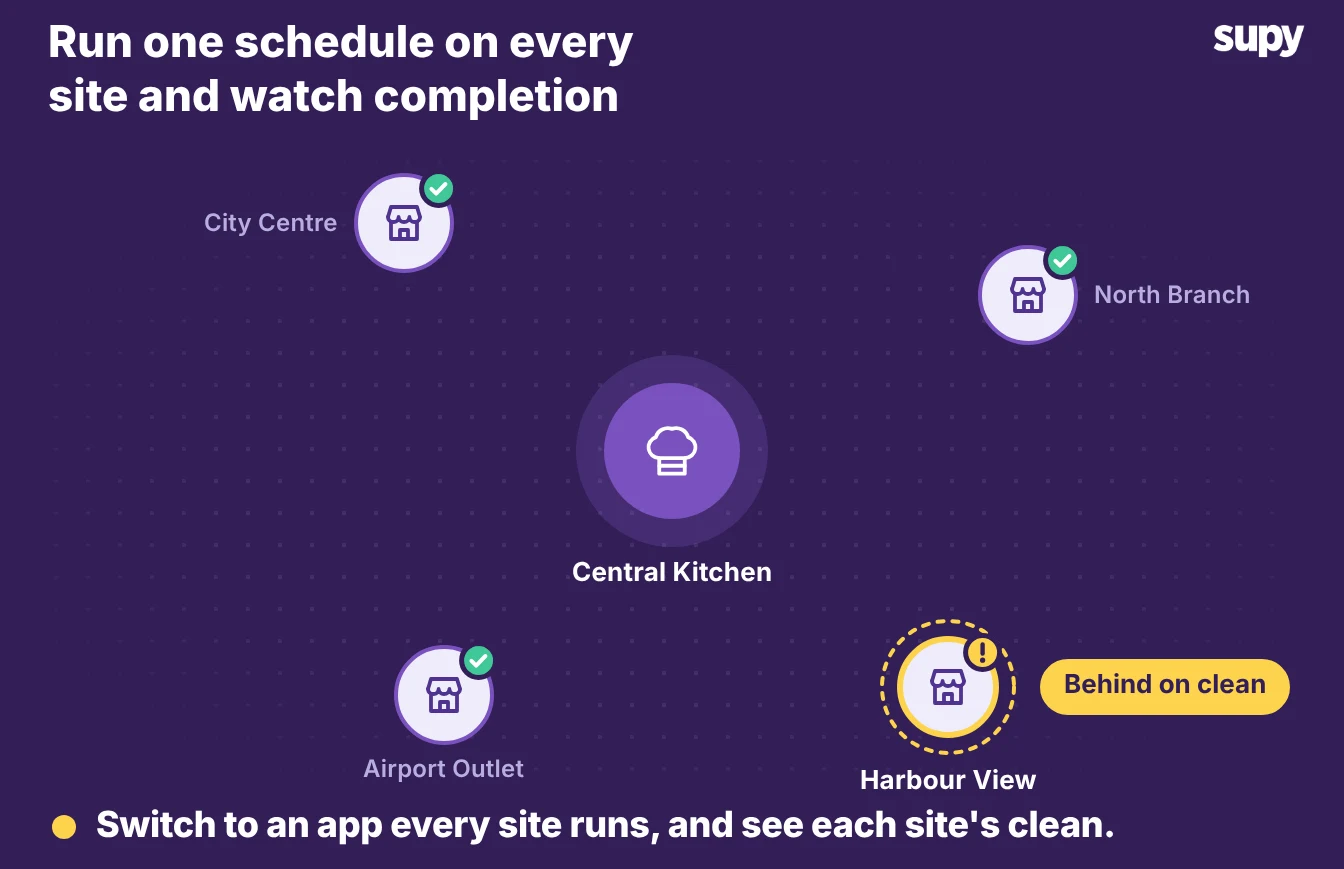
- Watch completion in one view that shows which sites finished, which fell behind, and which raised a problem.
Take the Schedule Off Paper
A paper schedule is only as good as the folder it lives in, and a lost record counts for nothing when you need to show one. Moving the schedule to a tool your staff already carry, their phones, is what makes the proof above hold up at every site at once.
Supy Ops, Supy's checklist software, is built for exactly this:
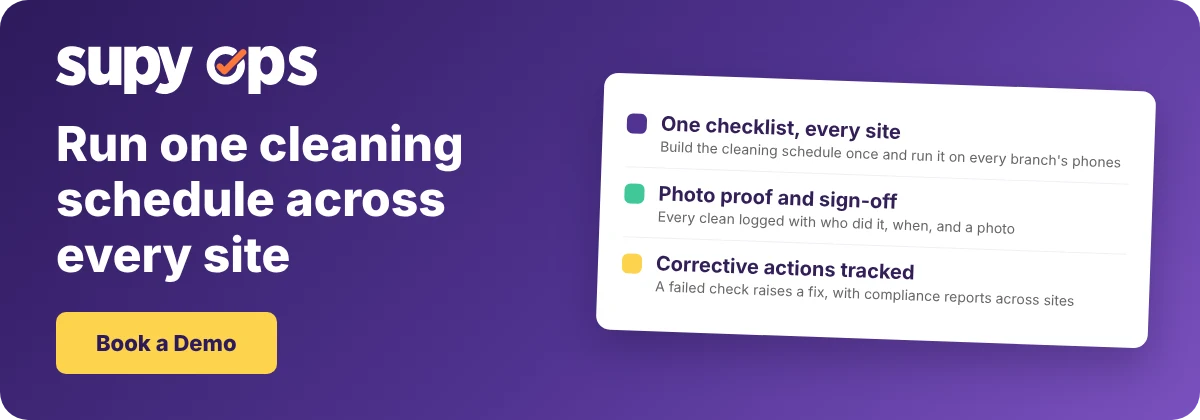
- Build once, run everywhere. Build a cleaning checklist once and run it on schedule at every branch.
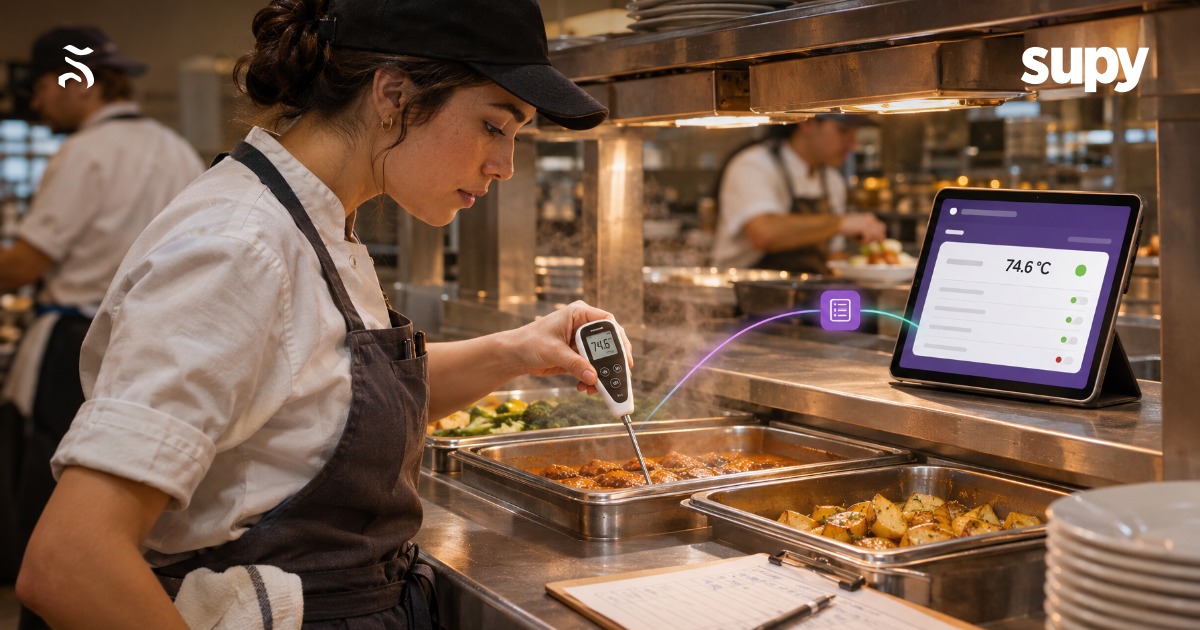
- Proof on the phone. Staff open each task on their phone, follow the steps or the SOP, and add photo proof stamped with who did it, when, and where.
- Failed checks get a fix. A failed step tells staff what to do next and raises a corrective action, and a manager signs off the jobs that matter.
- One view across sites. Completion and compliance reports show which branches finished and which fell behind.
- Start from your current sheet. If your schedule is still on paper, the AI checklist builder turns a photo or PDF of it into a digital checklist.
Supy Ops also prints date and prep labels, carries staff training, and records temperature checks and logs.
Start small and specific. Build the template for your highest-risk surfaces first, name who signs each one off, and set the frequencies by the tiers above.
Then move that one schedule onto a tool every site shares. The record of a clean then survives a lost folder, a staff change, and the day an inspector walks in.