.jpg)


Decoding Restaurant POS Systems: Benefits for Multi-Branch Operations
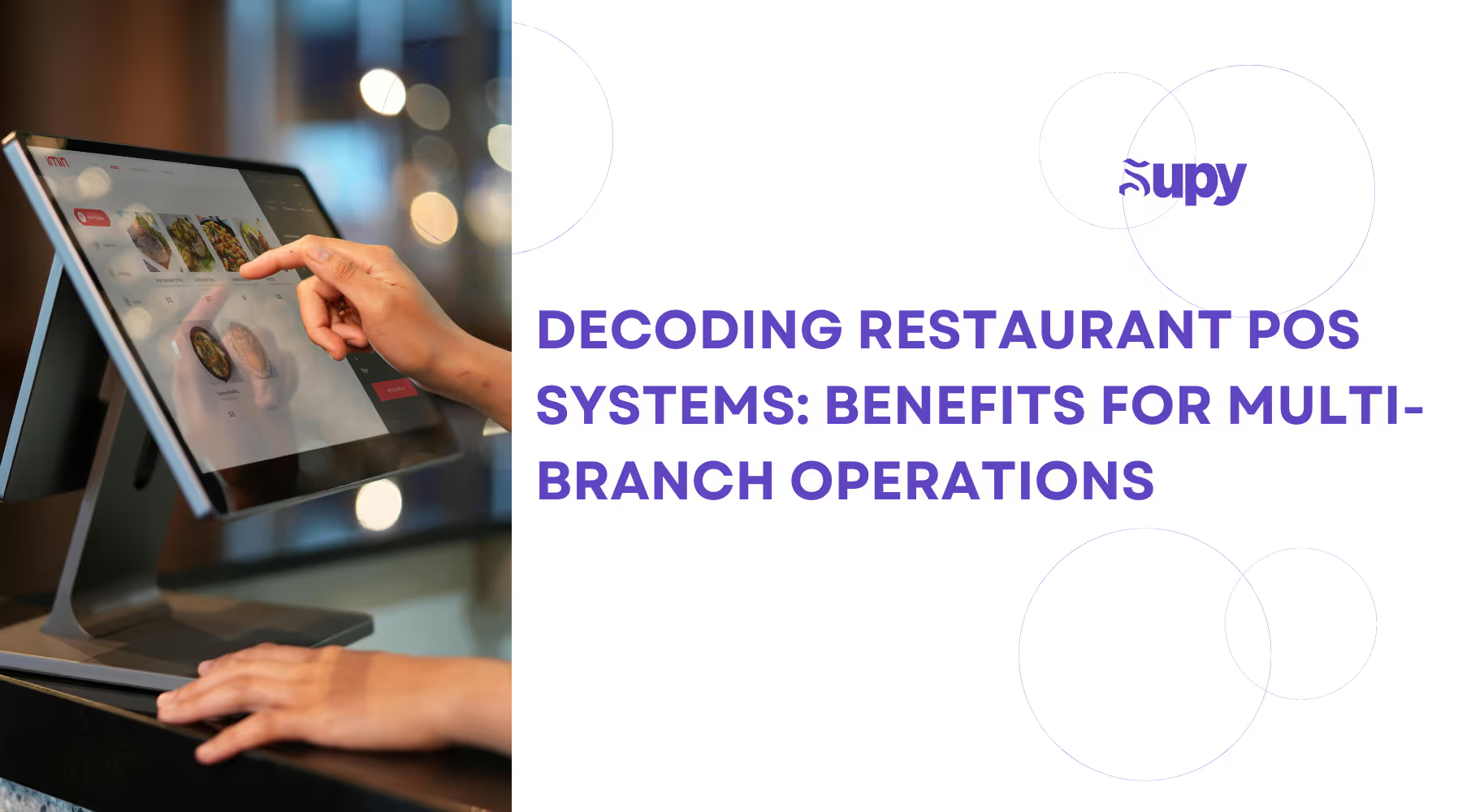
The management of multiple restaurant branches has always come with its fair share of challenges. It’s no secret that misplaced orders, inventory discrepancies, and soaring food wastage are common issues most restaurant owners face. The usual culprit for these crimes is an inefficient point-of-sales (POS) system.
Indeed, from helping restaurants maintain consistent service levels to ensuring seamless communication across branches, a robust POS system can be a real game-changer! But what is a restaurant POS system? Well, certainly much more than your grandpa’s old cash register! The modern POS system is a comprehensive platform that holistically integrates the various aspects of restaurant management, from sales tracking and inventory management to employee scheduling and customer satisfaction.
Table of Contents
- What is a Restaurant POS System?
- What are the Key Features of a Restaurant POS System?
- Benefits of a Restaurant POS System.
- The Costs of Installing a Restaurant POS System.
- Case Studies of Successful Implementations.
- Supy's Role in Establishing Effective Restaurant POS Systems.
- Conclusion.
- About Supy.
Let’s consider the case of one multi-branch restaurant that was struggling to unify its operations and tackle inconsistent customer satisfaction. By implementing a unified POS system, the company managed to transform its operations across all branches. With this new system, they could monitor their inventory in real-time and provide a consistent customer experience, regardless of location. As a result, the company saw a 20% reduction in operational costs and a significant improvement in customer satisfaction scores!
It’s no wonder then that, for restaurant owners and managers looking to take their multi-branch operations to the next level, understanding how to leverage the full potential of a POS system is necessary. In this blog, we’ll dive into the intricacies of leveraging POS systems to optimize restaurant operations. By focusing on best practices and innovative solutions, we aim to shed light on how integrated POS systems can ensure your business operations run smoothly, customers stay happy, and revenue growth is sustained. Read on to learn more!
1. What is a Restaurant POS System?
The POS (point of sale) system refers to the combined hardware and software that allows businesses to accept and process in-store or online payments. This includes payments made by credit and debit cards, mobile apps, cash, and contactless payment methods, as well as payments from self-service digital menu kiosks.
Restaurant POS software also supports stock control, table management, kitchen display, and menu management, while also collecting and analyzing data in real time. In any restaurant setting, the restaurant point of sale system is the central point of operations for both front and back-of-house teams and facilitates each payment taken from your customers.
Most apps on the market are cloud-based pos systems, which means they store all your data on a secure internet server. This allows you to access and manage your restaurant using any device that has an internet connection, whether that’s a computer, tablet, or smartphone. Should you experience an internet outage, most POS systems also come with an offline mode that allows you to keep working even when your internet is down.
Overall, there are three types of POS systems available in the restaurant industry today. These include:
Desktop POS Systems
A desktop POS system is typically found at the front of a restaurant. Think of it as the traditional cash register used by servers and waitstaff.
Mobile POS Systems
A mobile POS system can be operated from anywhere using a smartphone or tablet.
Kiosk POS Systems
Digital menu kiosks have come to be known as something only seen at quick-service restaurants. They allow customers to order and track their food away from the main counter as a form of quick self-service.
2. What are the Key Features of a Restaurant POS System?
Most modern POS systems are adept at processing orders, taking payments, and storing restaurant data. But what makes these systems worth the investment are the myriad of other features they offer.
Here are some important features to look out for when choosing your POS system:
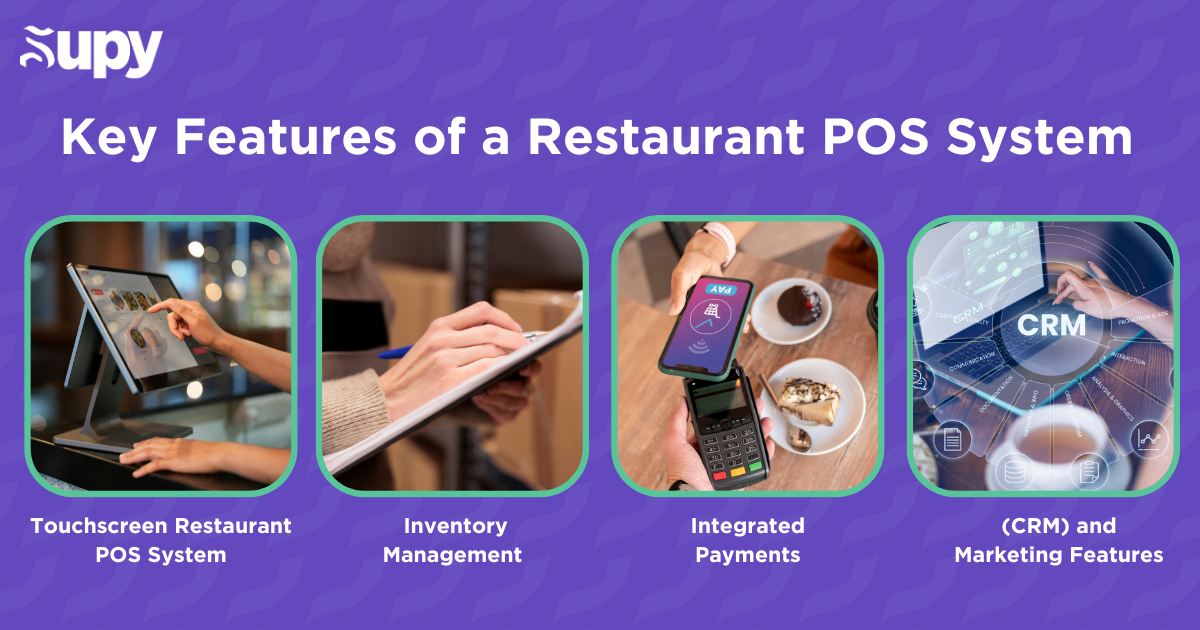
- Touchscreen Restaurant POS System: The touch screen POS is more than just where your staff inputs orders; it’s the information center of your entire operation! Today’s POS systems are required to house all transaction data, allergen information, and product upsell prompts and to easily deal with customer requests or changes.
- Inventory Management: Inventory counts should be a part of any restaurant’s day-to-day routine. This process is essential for managing food costs while ensuring you have enough inventory to meet the demand you forecast for the next day. Most POS systems have inventory management capabilities to help manage food waste, variance, and beginning and ending inventory counts. This is a crucial step for minimizing food waste while also ensuring you have enough inventory on hand to fulfill orders.
- Integrated Payments: Handling payments is possibly the most important part of any business, so it’s something you would want to do as carefully and efficiently as possible. If your payment system isn’t properly integrated into your POS, you could be operating with far less efficiency than you should, wasting valuable money in the process! Consider choosing a POS with a straightforward payment scheme that lets you accept different online payment methods so you know exactly what needs to be paid and when!
- Customer Relationship Management (CRM) and Marketing Features: A customer relationship management system is the best way to make use of your customer data and keep track of loyalty and promotions. As your POS is taking in so much customer order and payment information, it makes sense for your CRM to be integrated into these systems to get the most value out of it.
3. Benefits of a Restaurant POS System
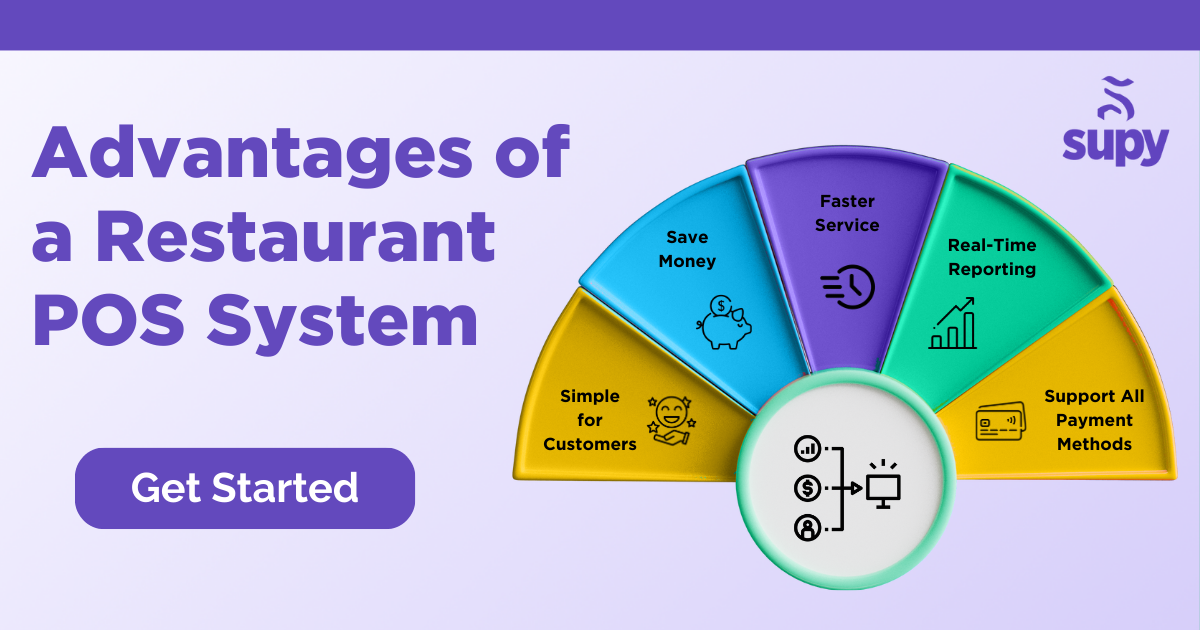
You may be surprised to learn that the advantages of the best restaurant POS systems go way beyond their traditional point-of-sale functionalities. Here are a few key benefits of installing restaurant POS software:
- Faster service – serve your customers quicker, turn around more tables, and deliver better accuracy between your front and back-of-house team with a streamlined kitchen display system.
- Simple for customers – These easy-to-use systems deliver automatic upselling prompts and product details to boost customer service and profitability.
- Support all payment methods – Many POS systems support easy integrations with all major payment methods, loyalty schemes, shopping platforms, and food delivery apps to help you maximize revenue through every conceivable channel.
- Real-time reporting – This helps you record each transaction as it happens so you can monitor performance whenever and wherever you are. Use pre-defined key performance indicators or make your own in your customizable reporting dashboards!
- Save money – Most POS system stock dashboards are designed to help you manage purchase orders, recipe costings, deliveries, returns, and transfers. They can also adapt and manage the items on your menu to reduce waste and minimize operational costs.
4. The Costs of Installing a Restaurant POS System
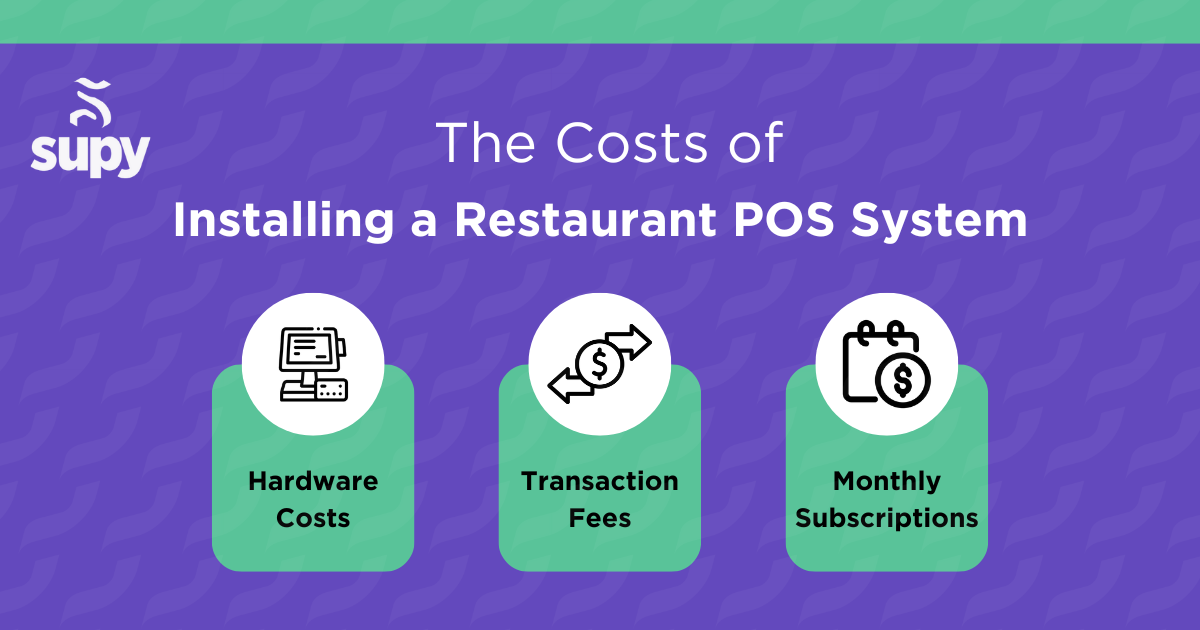
We’re all convinced by now of the importance and value of installing restaurant POS systems, but how much does it all cost? It’s an important question, true, but not necessarily the only thing to base your purchasing decisions on. The cost of installing a restaurant POS system typically depends on the fee structure, number of users, and many other factors. Here are the most common ways to pay for POS systems:
- Monthly Subscriptions: Most cloud-based POS systems are paid for with a monthly subscription. Depending on the provider and number of users and locations you need, you could be looking at paying anywhere between $50 - 250+ per month. It may cost extra to have any additional features added.
- Transaction Fees: Some providers charge a transaction fee as a percentage of each order or payment processed. This might be anywhere between 1-10%. Considering that some delivery marketplaces can charge as much as 35% for processing orders and payments, these transaction fees may seem less egregious.
- Hardware Costs: If you are receiving hardware for your POS to run on, your provider may charge an upfront fee for this. For example, ordering kiosks, kitchen display screens, and cash drawers might cost a few hundred dollars upfront.
At the end of the day, it’s up to you to do the math and decide which payment mode is best for your business. Remember, the cheapest option is not always the best and may end up costing you more in the long run! Ideally, you should choose a POS system that provides all the features you need for a long-term investment that will pay for itself many times over!

5. Case Studies of Successful Implementations
Many restaurants have already experienced the transformative effects of Supy’s centralized, versatile restaurant management software, which makes POS integration smooth and reliable. Take Pinza! for instance. Nourishing, wholesome, and completely irresistible, Pinza! is on a mission to introduce their uniquely healthy menu to the thinkers, doers, movers, and shakers of life. Yet with 13 branches across the country, this dark pizza kitchen restaurant was experiencing large variance and profit losses due to inconsistent recording of events.
The solution? A full onboarding with data centralization and implementation of accurate recipes, items, suppliers, and first stock count for all kitchens. With this new instant access to real-time interactive dashboards, it was now a lot simpler to spot any discrepancies.
“Implementing controls in our operation with Supy’s Back of House allowed us to have clear visibility on our cost,” says Tamer Elkhayat, managing partner at Pinza!
With Supy’s help, the Pinza! the team managed to reduce variance by a whopping 85%! All thanks to easy, regular updates of stock, wastage, and invoices with Supy’s mobile app.
“Supy’s ultra-accurate inventory makes finding and addressing discrepancies quick and easy. We’ve reduced waste, improved variance, and increased profits in record time. Incredible!” said an overjoyed Tamer.
6. Supy's Role in Establishing Effective Restaurant POS Systems
Supy offers several consulting services focused on improving your business’ inventory management practices. Here are a few ways Supy is designed to help:
- Live Data: With Supy’s Restaurant Analytics feature, you don’t need to wait for data to make decisions whenever you need to. All your restaurant dashboards are powered by live data. Plan regular and automated data fetching from your point-of-sale systems and other tools for maximum accuracy.
- Parallel Stock Counting: Accelerate stock counting and increase count accuracy by running digital, synchronized, and cross-device counting sessions with your team. Count more regularly to keep track of the variance between your actual and theoretical stock. Count items in any package and let Supy do all the quantity adaptations for you.
- Real-Time Reporting & Analytics: Track variance, stock value, stock quantity, waste, food cost, menu performance, and margin evolution on Supy’s built-in, real-time dashboards. Identify and address discrepancies immediately and avoid bad surprises at the end of the month.
- Unlock Profitable Restaurant Procurement: Track purchase value per supplier, location, and category. Understand which items are bought the most, from which supplier, and for which location to identify purchasing patterns and optimize your procurement operations.
7. Conclusion
In conclusion, integrating a robust restaurant POS system is essential for multi-branch operations looking to streamline workflows, enhance the customer experience, and unify their entire operation under one cohesive platform. By understanding what a restaurant POS system is and how it can be tailored to your specific needs, rest assured that you can significantly improve efficiency across all your restaurant chains.
At Supy, we understand the ins and outs of restaurant POS system implementation for complex restaurant operations. Our expertise ensures that your restaurant makes the most out of a tailored POS solution. From easy integration across multiple locations to real-time data analytics that drive strategic decisions, Supy empowers your business to thrive in today’s competitive market!
Whether you seek to streamline inventory management, enhance customer service, or improve overall efficiency, our team is here to guide you every step of the way. Empower your restaurant with the right tools and expertise; sign up for our newsletter or book a consultation with Supy today to learn how to propel your business toward sustained growth and success!
You may also want to head on over to the Xenia app for recommendations on the best apps to perform a retail audit for your business!
8. About Supy
Supy is the best restaurant management software platform tailored for multi-branch restaurants and franchises. With unbeatable features like real-time inventory tracking, smart procurement systems, and advanced analytics, Supy helps restaurants manage their various demands effectively. Whether centrally adjusting stock levels or optimizing supply chain relationships, Supy provides the tools restaurants need to thrive in a dynamic industry.
For the latest expert insights, download Supy’s ebook: The Ultimate Guide to Reducing Food Costs in Multi-Branch & Enterprise Restaurants.
Ready to find out more? Schedule a demo with Supy today and take the first step towards a streamlined, profitable future.