





How to Choose a Restaurant Task Management App for Multiple Sites
What a Restaurant Task Management App Must Prove Across Sites
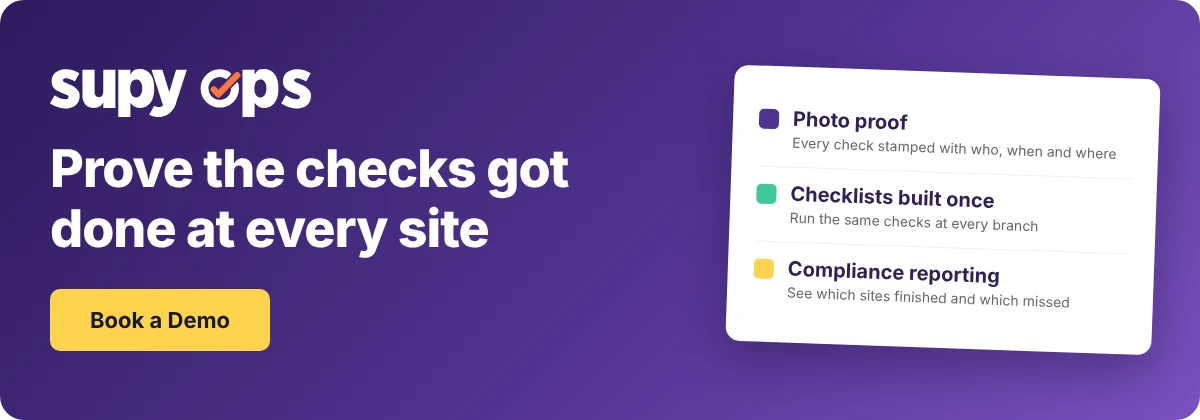
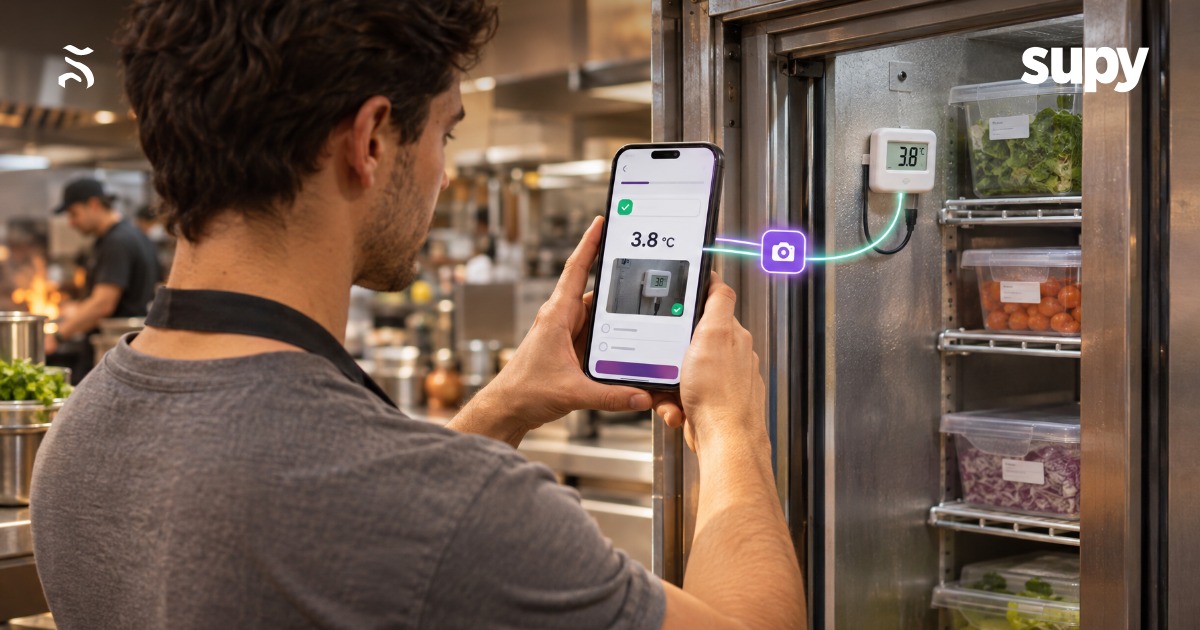
A restaurant task management app is worth having only when it proves a task was done, not just that someone ticked it. The strongest test is photo proof stamped with who took it, when, and at which site. That stamp is what stops a check being faked or reused. Across a group a manager cannot stand in every kitchen, so that stamped evidence is what a site visit used to give. This article shows the criteria to judge an app on, and what to test in a demo.
The problem is easy to miss. A dashboard turns green and every box is ticked, so head office assumes the work happened.
- Never done. Then an inspector or a bad shift shows the opening checks and fridge temperatures were marked complete but never done.
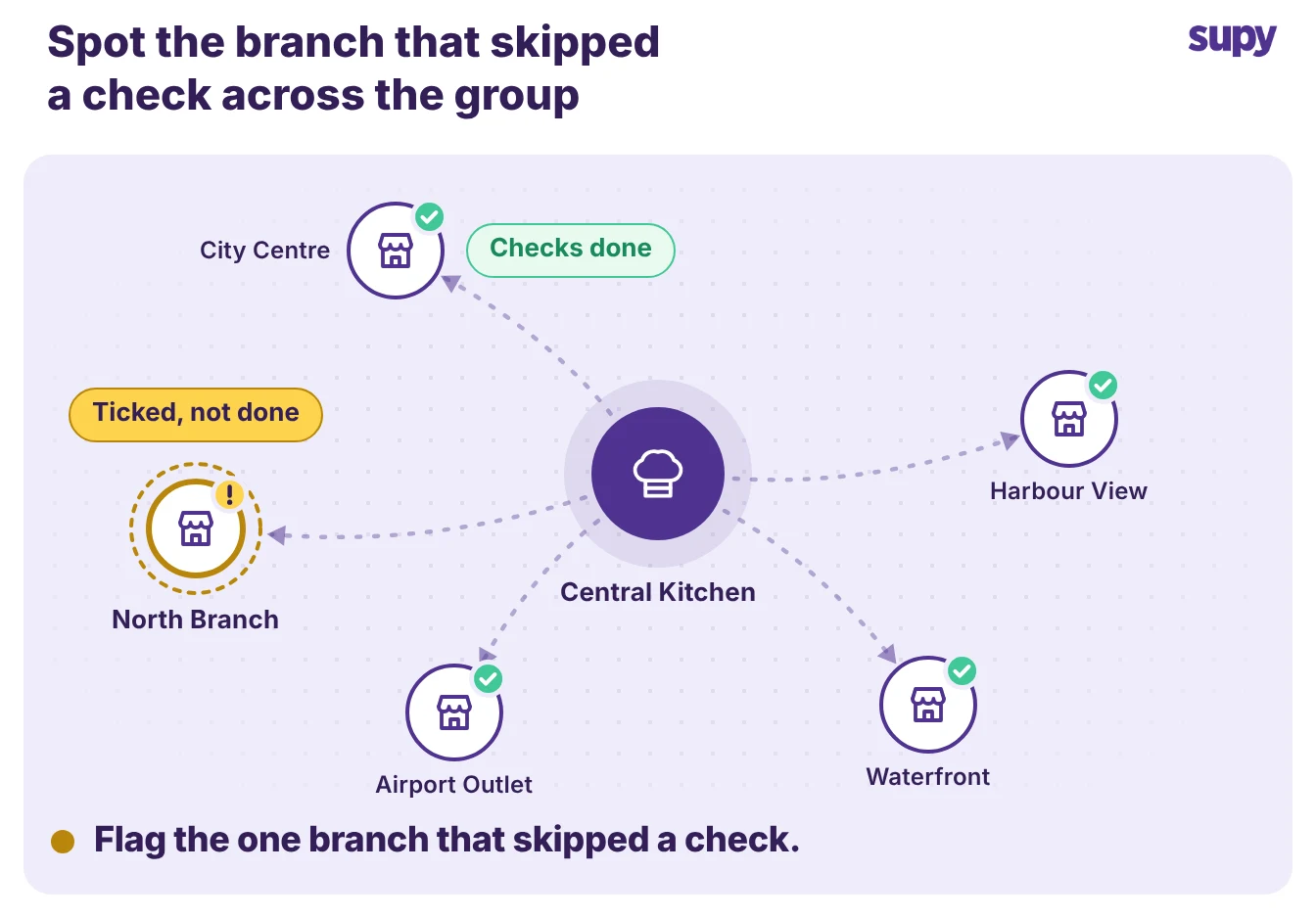
- Verified view. A single site can be run by walking the floor; a group cannot. So the first thing to require is one verified view across every branch, where a missed check shows as a gap in a report, not a bin bag on Friday.
- One verified view across sites. Compliance reporting across sites should show which branches finished their checks and which missed them, with the proof behind each one.
- Proof, not a tidy screen. Judge each app on the evidence it keeps, because a green dashboard is the easiest thing in the world to fake.
- The routines behind the checks. A task app runs on clear standard operating procedures, so the app and the written routine have to fit together.
Proof a Task Was Done, Not Just Marked Done
Start here, because it is the criterion the top-ranking task apps skip. They describe assigning, tracking and verifying that a task is marked complete across locations, but a tick is not evidence. Staff can even photograph a colleague's phone and pass the picture off as their own check, so a plain photo upload proves nothing.
The app has to make a forged check hard. The table below sets a plain task app against what a multi-site operator should require.
| Criterion | A plain task app | What to require |
|---|---|---|
| Evidence of a check | A tick on a screen | A photo stamped with who, when and where |
| A forged photo | A reused picture passes | A stamped photo cannot be reused or faked |
| A failed step | A red mark and nothing more | A corrective action that tells staff what to do |
| Rollout across sites | Local versions per branch | One checklist built once, run everywhere |
Supy Ops, Supy's checklist software, meets the right-hand column. It stamps every completed check and photo with who did it, when, and at which site. It raises a corrective action when a step fails, and it runs one checklist at every branch on the same schedule.
When you compare apps, ask each one to show how it stops a reused photo, because that is the test the ranking pages never mention.
Catch a Rushed Check Before It Reaches an Inspector
A tick tells you a box was pressed. It does not tell you whether the work was real.
- Pressed through. A thorough opening routine of ten steps takes about half an hour, and the same checklist gets pressed through in two minutes.
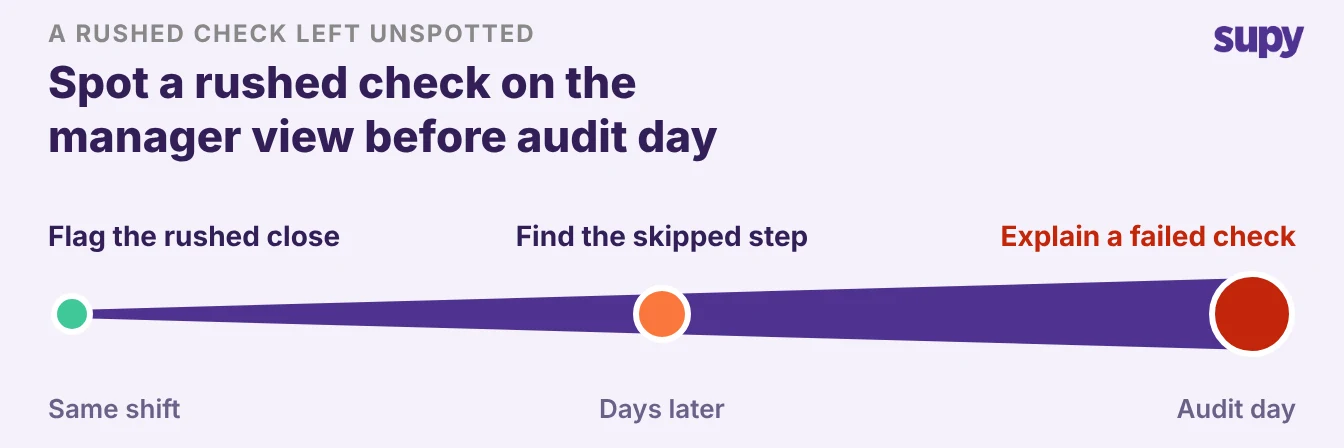
- Cannot tell. A plain task app cannot tell a careful shift from a rushed one. A manager who spots the rushed close the same day fixes it in a word; one who finds it at an audit is explaining a failed check.
Test an app on completion timing. Ask whether it records how long a check took. It should pull a check closed far faster than the task allows to the top, so a manager sees a rushed job before a customer or an inspector does.
- Completion timing, not just completion. The app should show how long each check took, so a half-hour routine closed in two minutes stands out.
- A manager view that shows the outliers first. You want the rushed and skipped checks pulled forward, not buried in a list of green ticks.
Trigger the Right Check at the Moment It Is Needed
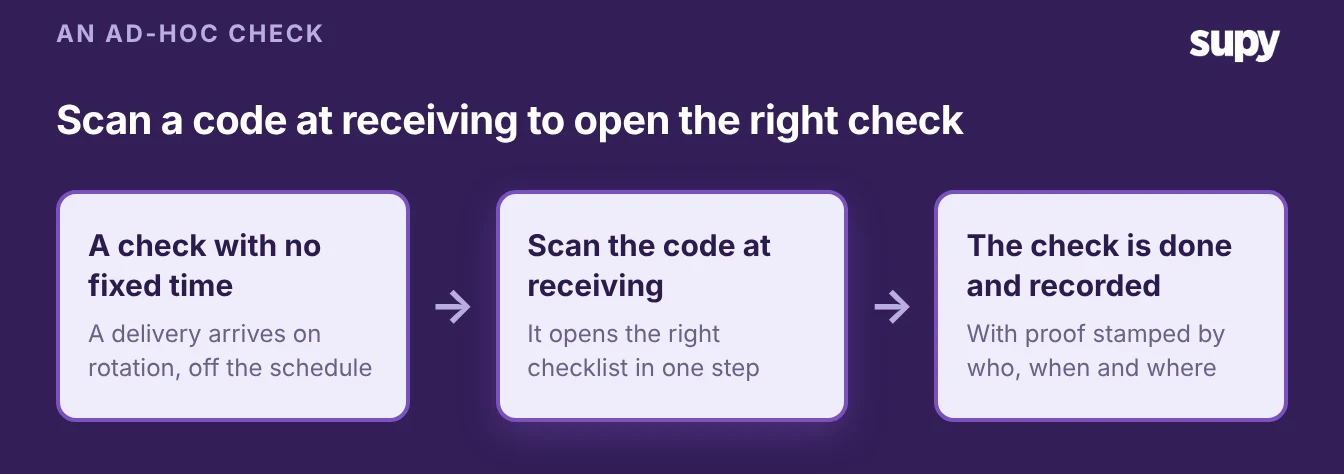
Some checks have no fixed time. A delivery arrives on rotation, a spill needs a clean, a piece of equipment fails. A schedule cannot catch these, and a task that only appears at the start of the day gets missed when the moment comes mid-service.
Ask how an app triggers an ad-hoc check at the point it is needed.
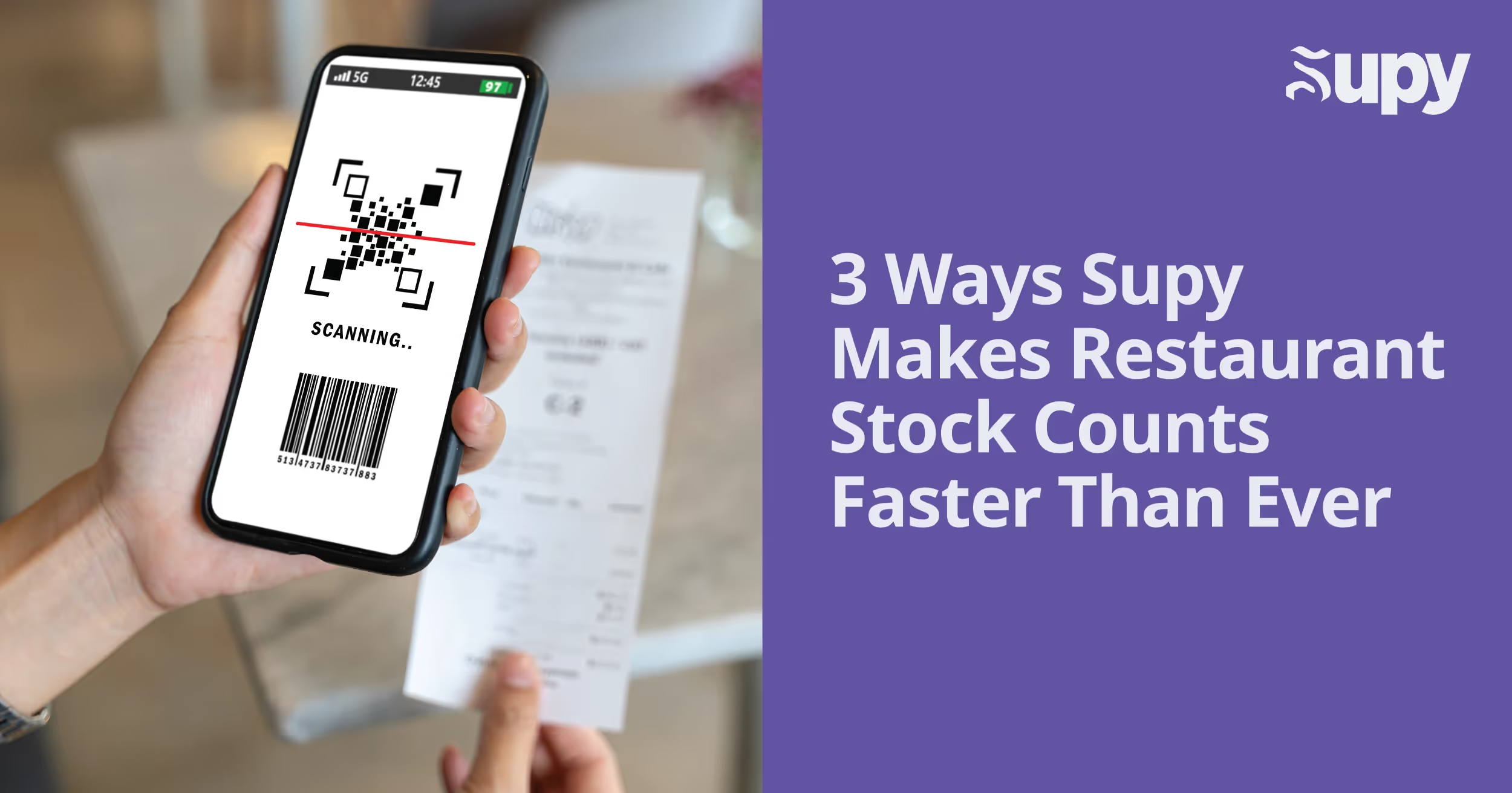
- Code at receiving. A practical answer is a code placed where the work happens, such as the receiving area. Staff scan it and go straight to the right checklist.
- Reaches staff. Judge the app on whether the right check reaches staff at the moment and place it is needed, not only on a timetable.
- A trigger tied to a place or an event. A scanned code at the receiving point, or a check raised by an event, means an irregular job still gets done and recorded.
- No hunting for the right list. Staff should land on the correct checklist in one step, because a check that takes three taps to find is a check that gets skipped.
Before you choose, run four tests in the demo.
- Photo proof. Ask the app to show a completed check with its photo stamped with who, when and where.
- Completion timing. Ask it to flag a check closed far faster than the task should take.
- An ad-hoc trigger. Ask how a staff member triggers a check at the receiving point.
- The head-office view. Ask for the report that shows which sites finished and which missed.
An app that passes all four proves the work; an app that only turns a screen green proves nothing. Start with photo proof, because it is the one that stops a forged check, and the one the ranking apps leave out.