.jpg)


Consolidated Purchasing for Restaurant Groups: Every Branch, One Order
When every branch in a group orders on its own, the same supplier ends up filling several small orders instead of one. That quietly costs you three ways. The volume pricing you negotiated as a group gets split across those orders and partly lost. Deliveries and invoices multiply for a supplier you could have ordered from once. And no one has a single view of what the whole estate needs before the money is committed.
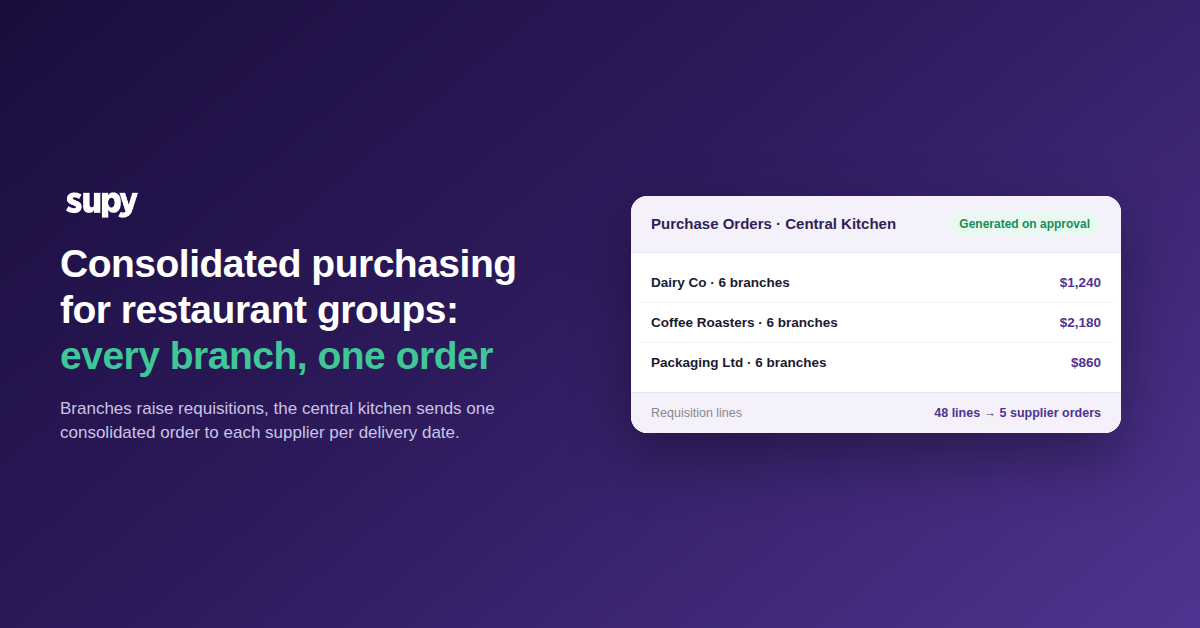
Consolidating those separate branch orders into one supplier order fixes all three. It collects every branch's requisition into one demand view, then turns it into a single order per supplier per delivery date. The direction of travel is what makes this work. Branches raise their requisitions into the central kitchen, and the central kitchen sends one consolidated order out to each supplier. The aim is not to place an order faster. It is to stop rebuilding those supplier orders by hand every ordering cycle.
The Export and Rebuild Loop That Runs Every Cycle
The work that consolidation removes is a loop most multi-site kitchens will recognise. Branches place their orders, someone exports the combined item list, and then rebuilds the actual purchase orders by hand so each supplier gets the right lines. On a spreadsheet and a shared folder this holds together for two or three sites. Past that it becomes unsustainable. The person doing the collation is re-keying numbers the branches already entered, the combined list is stale by the time orders go out, and any mistake lands as a wrong delivery.
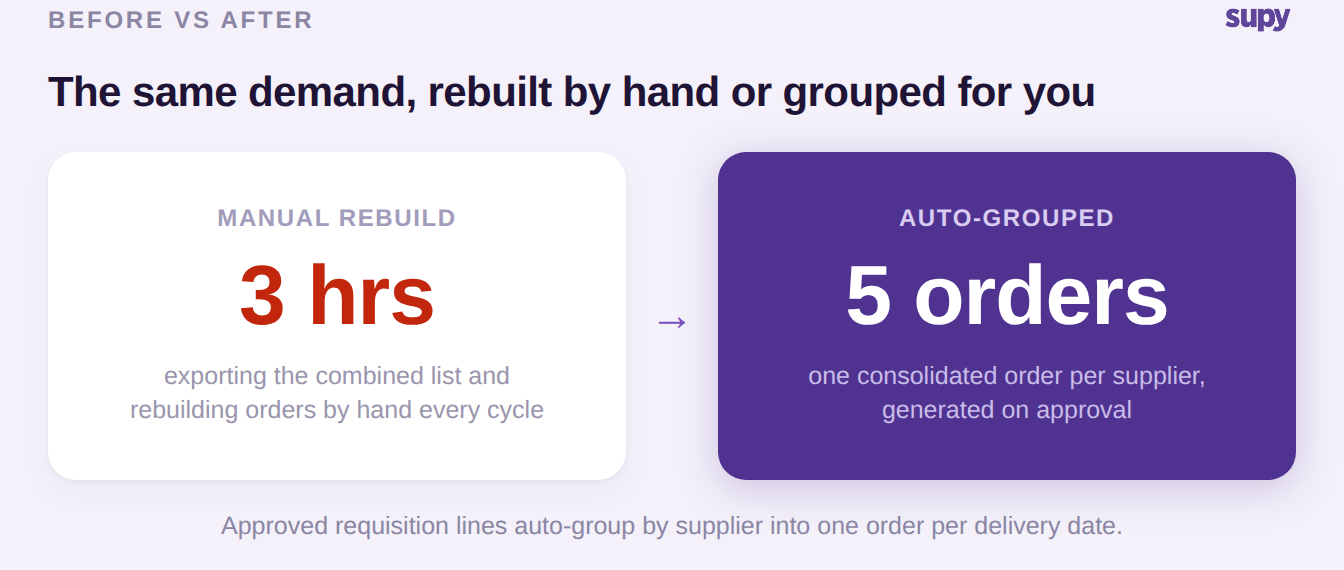
The cost is quiet but real. A group running this manually can spend around three hours a cycle exporting and rebuilding orders that the requisition data already contained. None of that work adds anything the branches did not already supply. It is pure re-entry, and it is the first thing consolidation removes.

Where Ordering Branch by Branch Leaks Money
The manual rebuild is the visible cost. The quieter one is what fragmented ordering does to your buying. When each branch orders from the same supplier separately, that supplier receives several small orders rather than one. The volume pricing you negotiated across the group is then spread thin and partly given back. The same happens in reverse when a rebuild mixes several suppliers into one order, or splits a single supplier across several. Either way, the clean, full-volume order that earns your pricing never gets placed.
There is also a blind spot. Ordering branch by branch means no one sees cross-outlet demand in one place before committing to spend. A stack of separate branch spreadsheets can tell you what each site asked for, but not what the group needs in total. That total is exactly the view you need to buy well. Consolidation closes both gaps at once. It protects the volume, and it gives procurement one demand picture before any order goes out.
One Group View of What Every Branch Needs
Getting that group view starts on the inbound side, where the collation stops being manual. Branches raise requisitions on web or mobile, adding quantities, notes, and photos, and each line can carry its preferred supplier. Because every branch feeds the same system, the central kitchen gets a consolidated multi-outlet view of demand. The same item requested by different branches lines up in one place, and the total is already summed before anyone opens a supplier order. Supy's restaurant procurement software is built around this aggregation.
The same milk, beans, and cups requested across sites collapse into one line per item, with the branch quantities still visible behind the total:
| Item | City Centre Branch | Harbour View | Total ordered |
|---|---|---|---|
| Whole Milk 2L | 24 | 18 | 42 units |
| Arabica Beans 1kg | 15 | 12 | 27 kg |
| Oat Milk 1L | 20 | 16 | 36 units |
| Takeaway Cups 12oz | 500 | 400 | 900 units |
That consolidated view is what a stack of separate branch spreadsheets can never give you: procurement can see cross-outlet demand before committing to any order. The mechanics of turning that combined demand into one order per supplier are covered in our guide to consolidated purchase orders for restaurant groups.
One Order Per Supplier, Grouped on Approval
Between the requisition and the purchase order sits an approval step, and it is there on purpose. A requisition is a request, not a commitment to spend. So it passes through a configurable approval ladder, up to five approvers deep and triggered by branch and order value, before it can become a purchase order. This is what separates demand capture from the spend decision. The full mechanics are covered in our guide to multi-level purchase order approval.
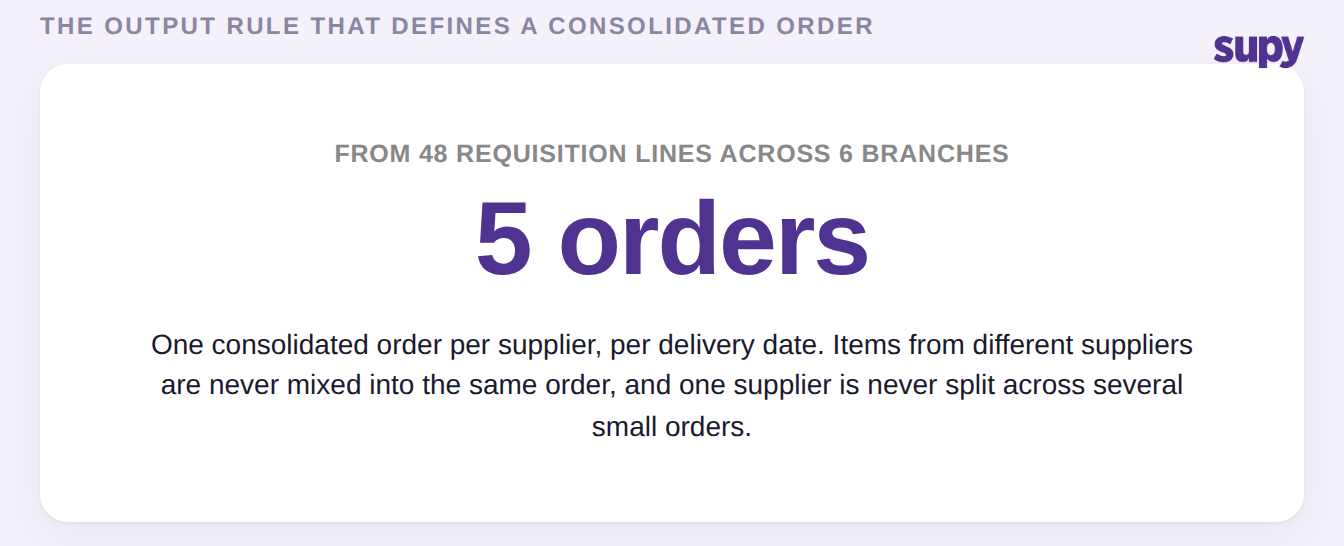
Once approved, the grouping is automatic. The platform sorts every approved line by supplier and generates one consolidated order per supplier per delivery date. Items from different suppliers are never mixed, and one supplier is never split across several small orders. That output rule protects the volume leverage fragmented ordering quietly loses. Each finished order then goes out the way that supplier expects, by email, messaging, or a direct integration, which we cover in sending purchase orders to suppliers.
Your First Move
If your branches still order separately and someone rebuilds the supplier orders by hand, the first step is not new software habits. It is two pieces of setup. Map each item to its preferred supplier, and set your branch requisition permissions and approval thresholds. Get those two right and the consolidation happens on its own. The moment branches order, every line already knows which supplier it belongs to and who has to approve it. Approval is then the last manual touch before clean, per-supplier orders exist. Because consolidation also defends your volume pricing, it helps to know where your food cost sits before and after you tighten the flow. Our food cost calculator gives you that baseline in a couple of minutes.