.jpg)


Multi-Level Purchase Order Approval: How To Control Restaurant Group Spend
What Multi-Level Purchase Order Approval Controls
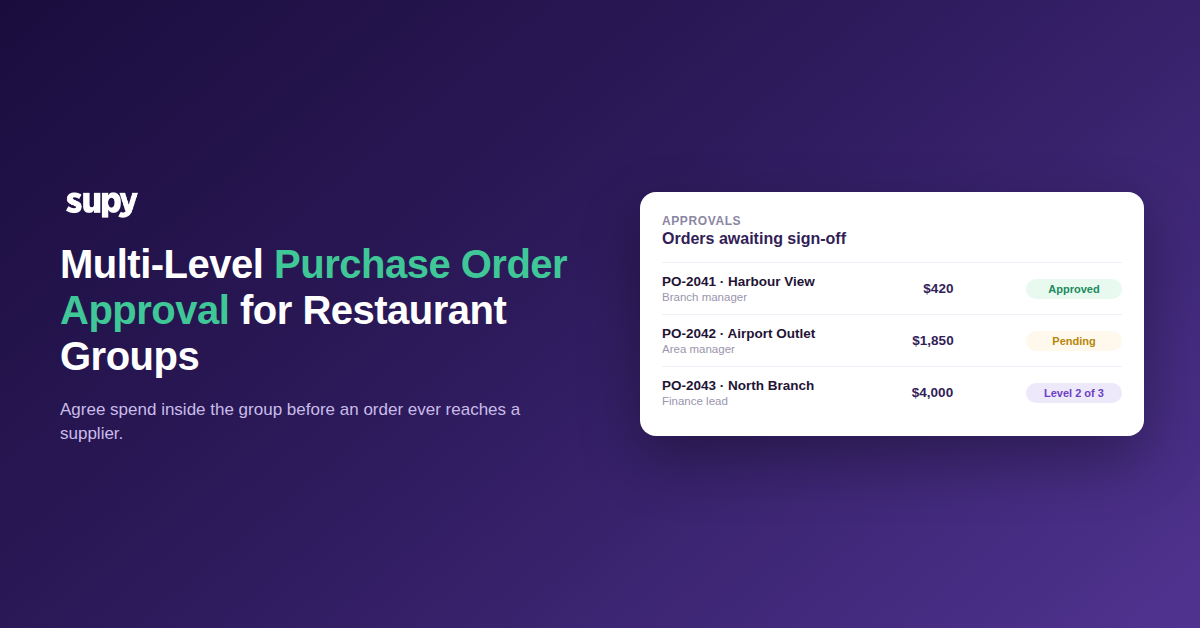
Multi-level purchase order approval lets a restaurant group agree spend before an order reaches a supplier. It routes every requisition through one or more designated approvers - tied to a person, a branch, and usually an order value - so larger commitments face more scrutiny than routine top-ups, and no order becomes a real commitment to a vendor without agreed sign-off.
The control lives in the sequence. A branch raises a requisition, it routes to the first approver, and if the order value crosses a threshold it routes on to a second or third before a purchase order is ever generated. Only once every required level has approved does the order become a real commitment and go out to the supplier by email, WhatsApp, or a direct integration. Supy runs this as sequential approvals of up to 5 approvers, triggered by the combination of branch and order value, which is what turns procurement from a scramble of individual ordering habits into one predictable process across every location - the whole point of running restaurant procurement software rather than a shared spreadsheet and a group chat.
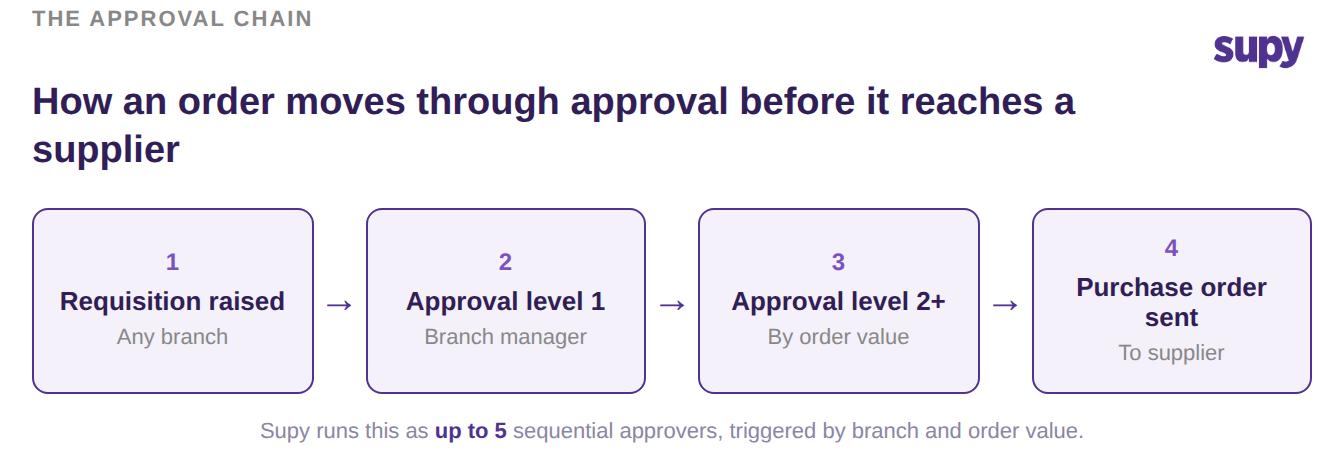
What this gives an operator is a single agreed point of commitment. Instead of spend appearing after the fact on an invoice, it is visible and agreed at the moment the requisition is raised. That is the difference between reviewing what was bought and controlling what gets bought.
Set Up Roles Before the Purchase Order Approval Matrix
The most common reason an approval matrix never works is that it was built before anyone defined who is who. Approval routing can only enforce a rule once the underlying roles and permissions exist and an administrator has assigned them. Until then, requisitions keep going straight to vendors no matter what the matrix on the screen says, because the routing has no roles to route to.
This trips up multi-site groups repeatedly because it looks like a software gap when it is really a governance decision waiting on someone internally. Before you draw the matrix, agree the roles, what each one may raise, approve, and submit, and who owns assigning people to them. Distribute the configuration rights too: if only one full administrator can set up roles and policies, that person becomes the bottleneck for every branch rollout.
The structure below is a simple starting point. The limits are illustrative - set your own to match how your group actually spends - but the shape holds: raising is broad, approving is scoped by value, and submitting a purchase order is the tightly held right.
| Role | Raise requisition | Approve up to | Submit purchase order |
|---|---|---|---|
| Branch staff | Yes | Not an approver | No |
| Branch manager | Yes | $500 | Own cost centre |
| Area manager | Yes | $2,000 | Yes |
| Finance or owner | Yes | No limit | Yes |
Route Approvals by Branch and Order Value
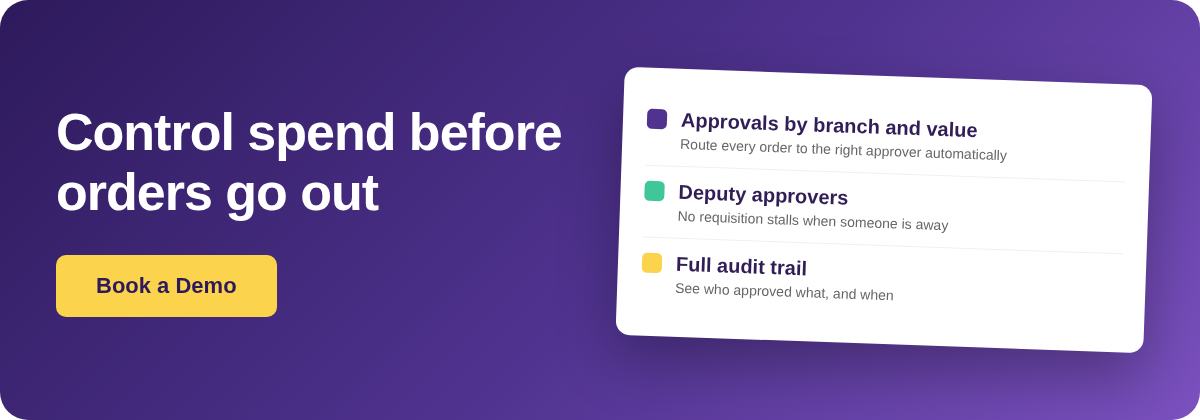
A fixed chain that sends every purchase order through every approver looks like control and behaves like the opposite. When a $40 herb top-up needs the same three sign-offs as a $4,000 equipment order, approvers rubber-stamp to clear their queue, the checks stop meaning anything, and people quietly look for ways around them. Routing everything through everyone reduces control over high-value purchasing rather than adding it.
The fix is to route by order value as well as by branch. Small, routine orders clear with a single local approval so branches are not slowed down; only orders above a threshold escalate to an area manager, and only the largest reach finance or an owner. Supy triggers its approval steps on exactly this combination of branch and order value, and it is the part generic purchase order tools rarely handle for multi-site groups - most explain what a purchase order is, not how to route an over-threshold one to a different approver than a small one.
| Order value | Raised by | Approvals required |
|---|---|---|
| Up to $500 | Branch staff | Branch manager |
| $500 to $2,000 | Branch manager | Branch manager, then area manager |
| Over $2,000 | Area manager | Area manager, then finance or owner |
Build a Deputy Into Every Approval Step
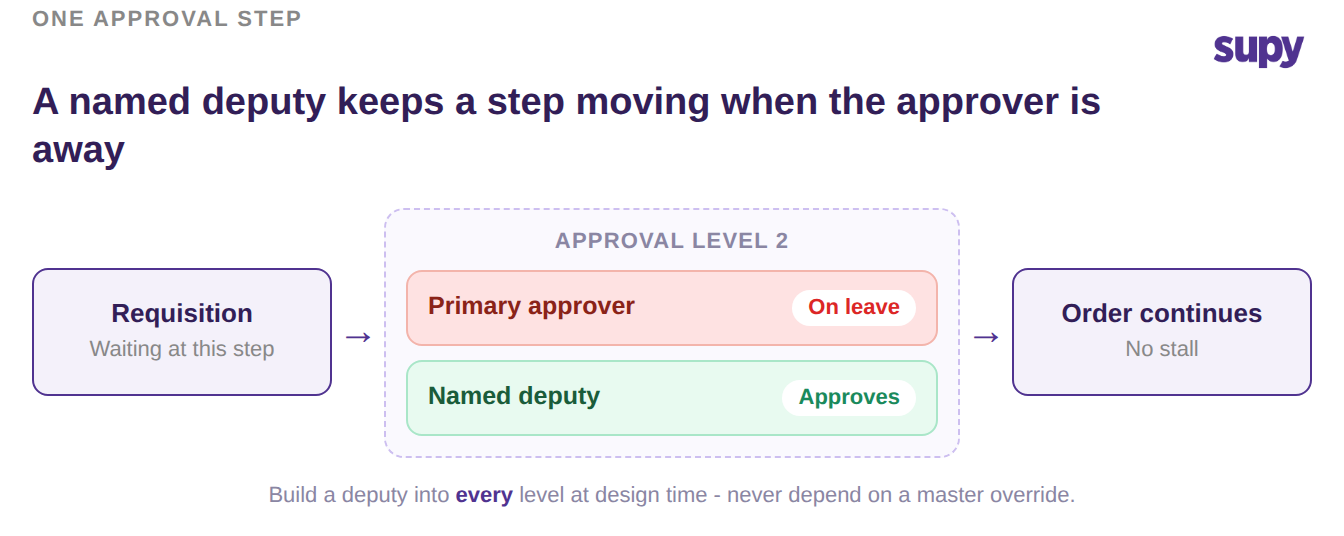
An approval matrix has a single point of failure built into it: the approver. When the one person assigned to a step is on leave, off shift, or simply busy, every requisition waiting on them stalls, and the pressure to keep branches supplied turns into requests for someone to override the step entirely. An override is the wrong answer, because a matrix you can bypass under pressure is not really a control.
The durable design is to name a deputy approver in each step at the time you build the matrix, not to rely on an escape hatch when someone is away. If a step has a primary and a named deputy, an absent approver is a non-event: the requisition routes to the deputy and keeps moving, and the value-based routing still applies unchanged. Decide this deliberately for every level, especially the higher-value ones where a single senior approver is most likely to be the bottleneck.
Close the Paths That Bypass Approval
Even a well-built matrix leaks if there is a way around it, and there are two common doors. The first is a member of branch staff submitting a purchase order directly to a supplier. The fix is to restrict who may submit a purchase order per cost centre rather than by a single group-wide user permission, which is always either too loose for the branches or too tight for the people who genuinely need to order. A behavioural workaround - the ordering user saves a draft and a manager performs the submit - can bridge a gap for a week, but treat it as temporary: a behavioural control is not a control.
The second door is receiving goods with no purchase order at all. If a venue can accept a delivery that was never raised or approved, the entire approval matrix becomes advisory, because the spend already happened. Decide explicitly whether goods can be received without a matching order, and for most groups the answer that protects the matrix is no.
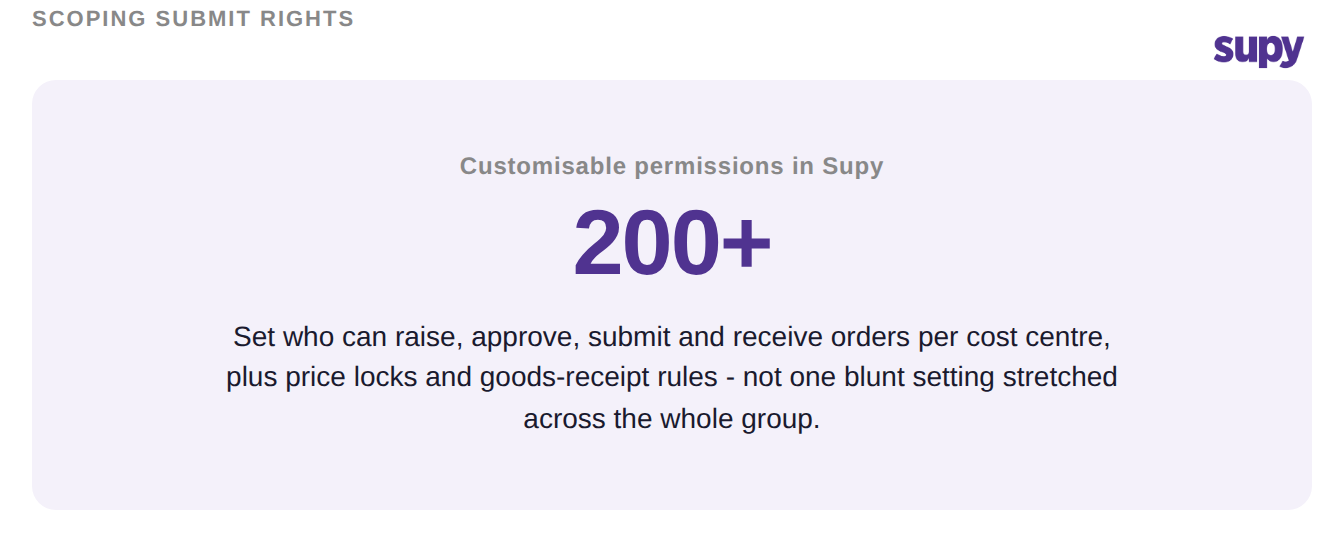
Scoping this precisely is what the permission layer is for. Supy exposes 200+ customisable permissions plus order and goods-receipt policies, so submit rights, receiving rules, and price locks can be set per cost centre instead of forcing one blunt setting across the whole group.
Put Your Own Approval Flow to the Test
Before you consider the flow finished, run one test. Pick a real order from last week and trace it end to end. Could a branch have placed it without sign-off? Would it have stalled if the named approver was away? Did its value decide how many people saw it, or did it get the same treatment as everything else? If any answer is no, the gap sits in one of the four areas above - roles, value routing, deputies, or the bypass paths - and that is where to start.
Groups that also want to lock spend at the budget level can pair this with wider restaurant spending controls, and if you are weighing whether tighter procurement control is worth the setup, the ROI calculator is a quick way to size it. The point of multi-level purchase order approval is not more paperwork; it is agreeing spend inside your group before it becomes a bill you cannot question.