.jpg)


Restaurant Recipe Costs: Keeping Them Current Without The Manual Work
How recipe costs stay current without re-keying prices
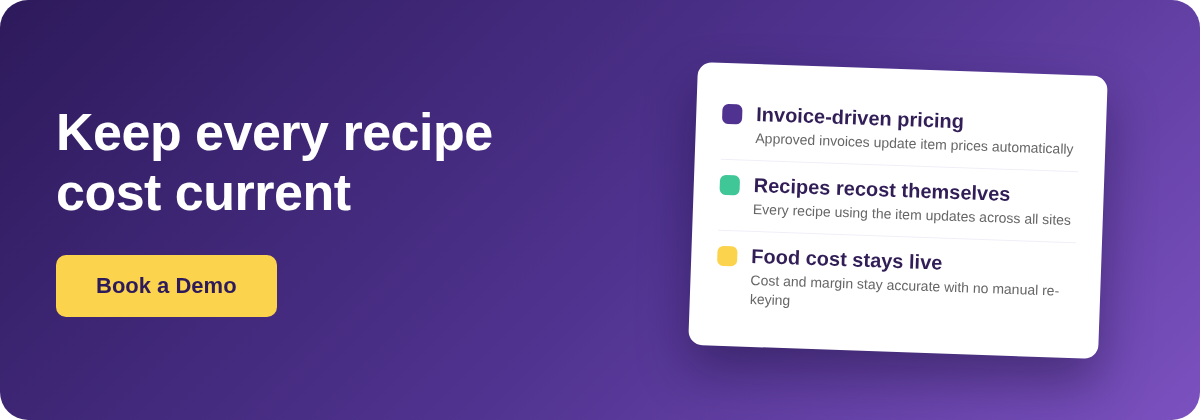
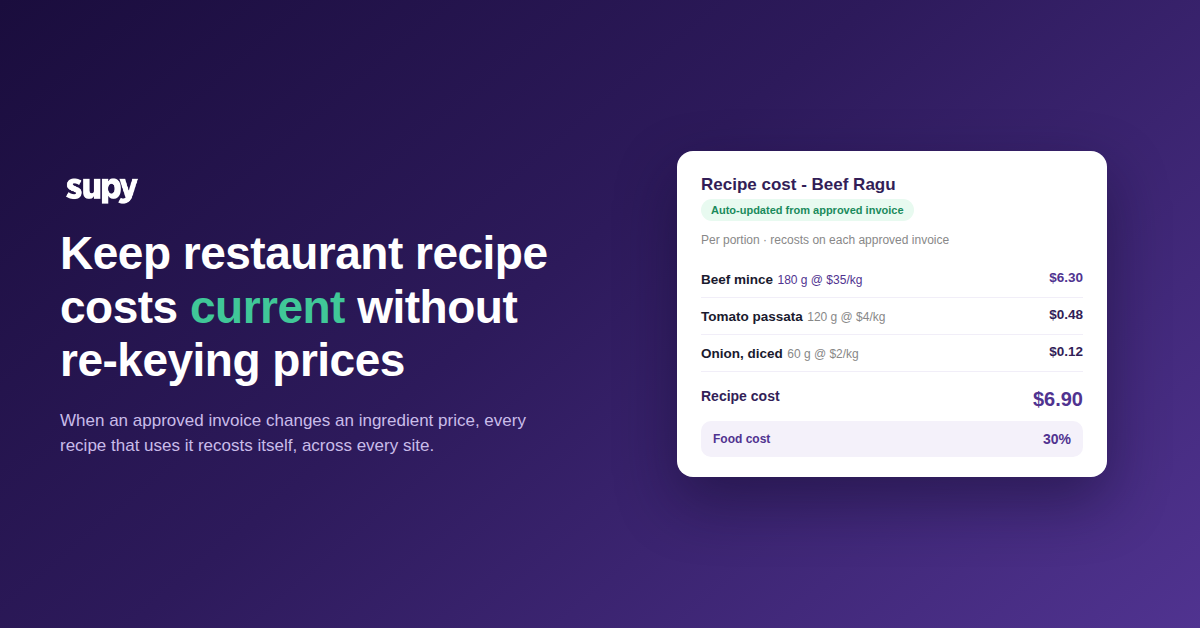
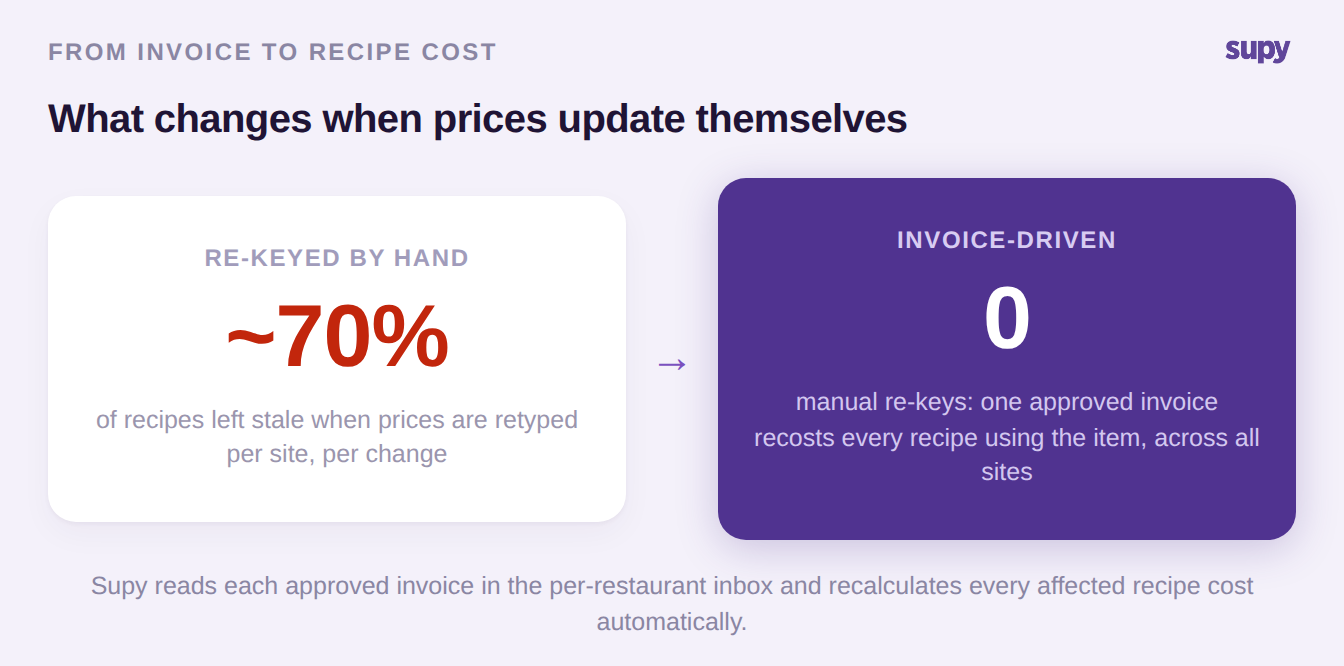
When an approved supplier invoice changes an ingredient's price, Supy recalculates the cost of every recipe that uses that ingredient, across every location, on its own. Recipe costs, food cost percentages and margins update straight from the invoice, so nobody has to retype prices to keep the recipe library accurate. That is the whole point of keeping restaurant recipe costs current without re-keying prices: the number moves because the purchase moved, not because someone remembered to change it.
Most recipe libraries do not work that way. They are built once, costed once, and then slowly fall out of date as suppliers raise prices and nobody has the hours to chase every recipe by hand. The result looks accurate on screen and is quietly wrong. The sections below walk through why that drift happens, where it gets worse across multiple sites, and exactly what an approved invoice updates when the flow is automatic.
Why recipe costs drift the moment a price changes
A recipe cost is only as current as the ingredient prices behind it. The moment a supplier raises the price of an item and that change is not reflected in the system, every recipe that uses the item is understated. The recipe still costs the ingredient at its original setup price while the kitchen is actually paying more, so the food cost percentage the report shows is better than the food cost the business is living.
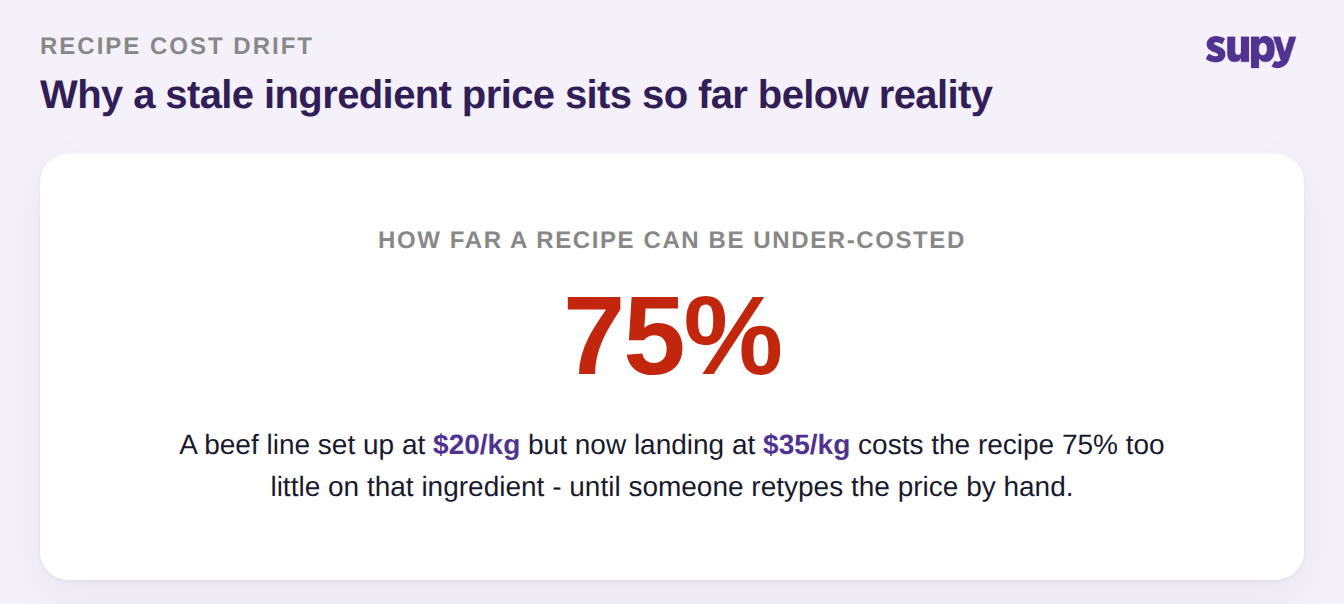
The gap is rarely small. An ingredient set up at $20/kg that now lands at $35/kg costs the recipe 75% too little on that line until someone retypes the price. Multiply that across a menu and a costing report can look healthy while real margin is leaking, which is exactly the kind of drift an operator only discovers at month end when the profit and loss does not match the theoretical numbers.
This is why a recipe library maintained by hand drifts stale within weeks. One single-site operator described the problem plainly: recipe maintenance only stays feasible when supplier price updates flow in automatically, because retyping them is a job nobody has time to keep doing. The moment the retyping stops, the costs freeze at whatever they were, and the longer the freeze the wider the gap between theoretical and actual cost of goods sold (COGS).
Where re-keying prices breaks down across multiple sites
For a single kitchen, stale prices are a maintenance annoyance. For a group, manual re-keying breaks something harder to fix: consistency. When each branch updates an item's price on its own receipt, the same ingredient ends up carrying a different expected price at every site, and there is no single true cost for the item any more.
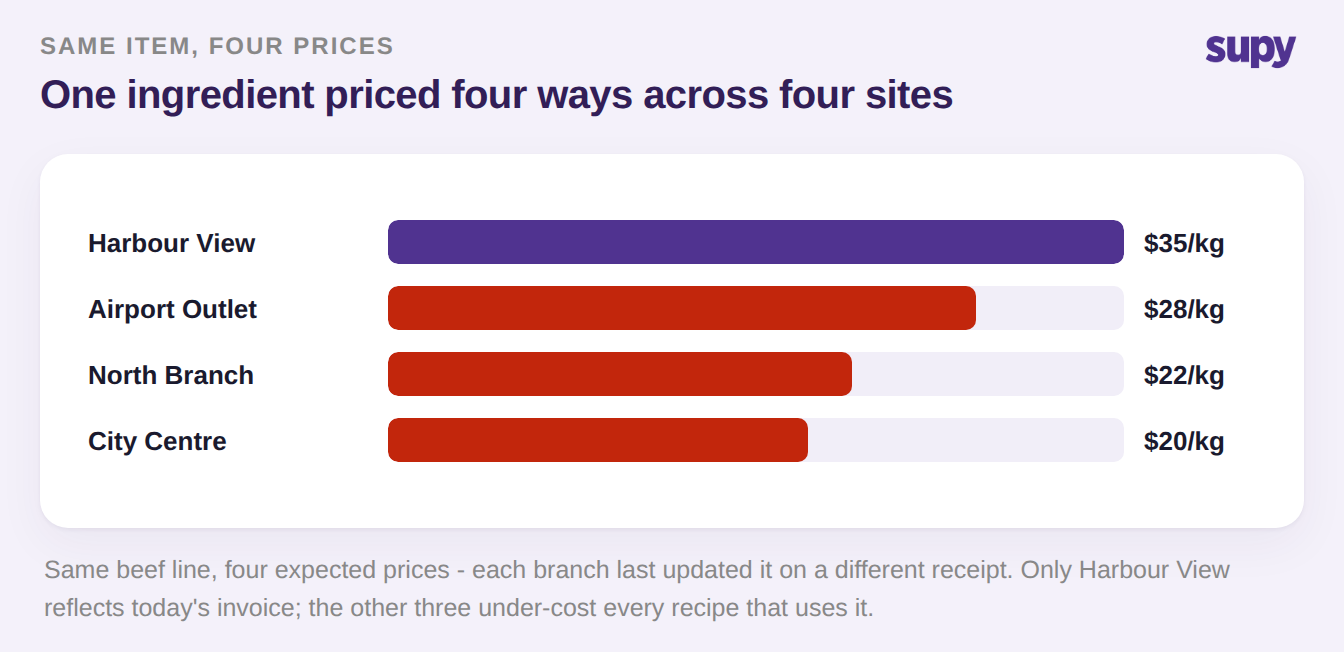
In the example above, one beef line reads $35/kg at the site that updated it on its latest receipt and $20/kg, $22/kg and $28/kg at the three sites that updated it earlier or not at all. Every recipe at the three lagging sites is under-costing that ingredient, so a group-level food cost report blends accurate and stale numbers into a figure that is not true for any single location. One multi-venue group found roughly 70% of its recipes were not updating costs after manual re-entry, which is the point at which the costing data stops being worth trusting.
The deeper problem is that manual re-keying does not scale. Adding sites multiplies the number of price changes to chase without adding anyone to chase them, so the backlog grows fastest exactly where accurate costs matter most. Choosing a cost basis helps at the edges, and it is worth understanding the difference between a live price and a fixed costing method, but no cost basis rescues a number that is never updated in the first place.
What an approved invoice actually updates
The fix is to make the invoice the trigger, not the person. Supy gives each restaurant a dedicated invoice inbox: suppliers email invoices to it, and the system reads each one, matches it to the purchase order, and extracts the supplier, dates, line items and prices. When an approved invoice, a goods received note, or a manual edit changes an item's price, Supy recalculates the cost of every recipe that uses that ingredient and cascades the change into food cost reporting, across all locations, with no manual correction.
Because the update is driven by the purchase, group and branch costs stay consistent by default: the same item resolves to the price actually paid rather than whatever each site last typed. The table below contrasts the two approaches on the things an operator actually feels.
| What you rely on | Manual re-keying | Invoice-driven updates |
|---|---|---|
| Trigger for a cost change | Someone remembers to retype it | An approved invoice or receipt |
| Recipes updated per price change | Whatever gets to before month end | Every recipe using the item |
| Cross-site consistency | Different price per branch | One price, the one paid |
| Food cost accuracy | Stale until corrected | Current from the invoice |
| Manual re-keys needed | One per item, per site, per change | None |
Once prices flow this way, the reporting on top of them becomes trustworthy: live food cost and theoretical-versus-actual variance reflect what the kitchen is genuinely paying, and configurable alerts can flag when food cost drifts above a target such as 30%. It also means the costing data feeding recipe and prep item costing is current the moment an invoice is approved, rather than the day someone finds time to catch up.
Where to start: you do not need to audit the whole menu to know whether this is a problem in your operation. Pick one high-volume ingredient whose price has moved recently, open a recipe that uses it, and check whether the recipe reflects the new price without anyone having retyped it. Then check the same recipe at a second site. If the two do not match, or if the price is the one from setup rather than the last invoice, your recipe costs are drifting and the report you trust is understating cost. The single move that fixes it is making the approved invoice, not a person, the thing that updates the price. If you want a quick sense of where your numbers should sit before you start, the food cost calculator is a fast way to sanity-check a recipe by hand.