.jpg)


Bulk Recipe Updates For Restaurants: How to Instantly Swap an Ingredient Across Every Recipe With Supy
Swap One Ingredient and Every Recipe Updates Itself
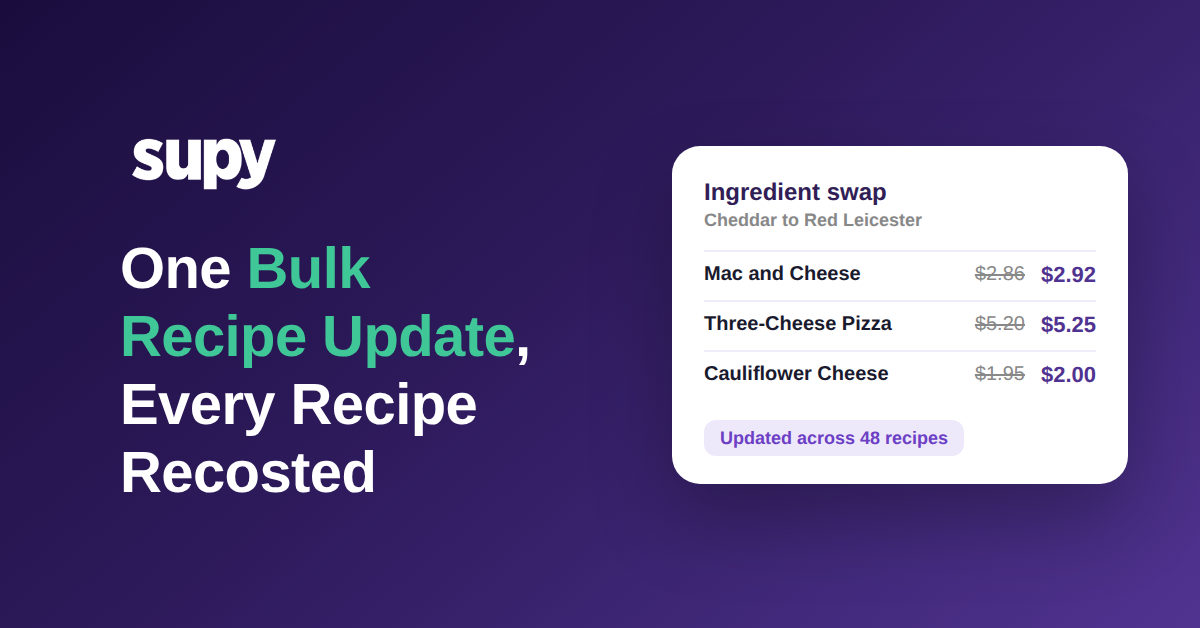
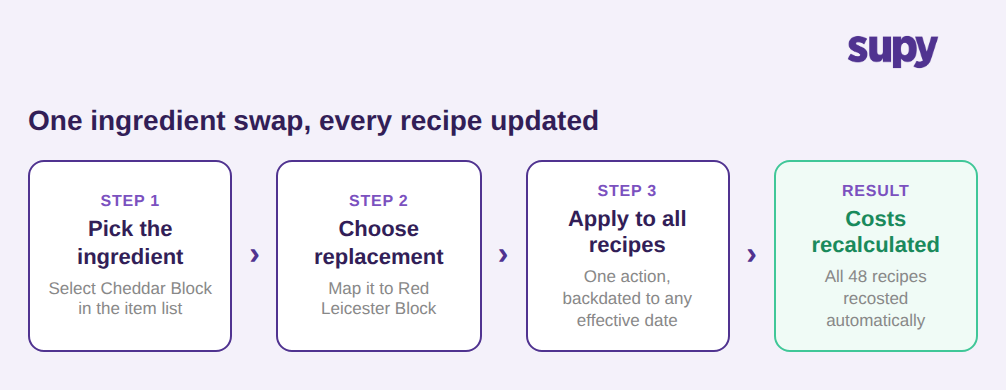
A bulk recipe update lets you replace one ingredient across every recipe that uses it in a single action. When your kitchens switch from cheddar to red leicester, you pick the ingredient, choose its replacement, and apply the change to the whole recipe library at once. Supy updates every affected recipe and recalculates its cost automatically, so you never open each recipe to edit it by hand.
For a single site with a short recipe list, editing dishes one by one is manageable. For a group running the same recipes across dozens of branches, one ingredient can sit inside dozens of dishes, and a change that should take seconds becomes an afternoon of repetitive work. A bulk swap expresses the change once and applies it everywhere the ingredient belongs.
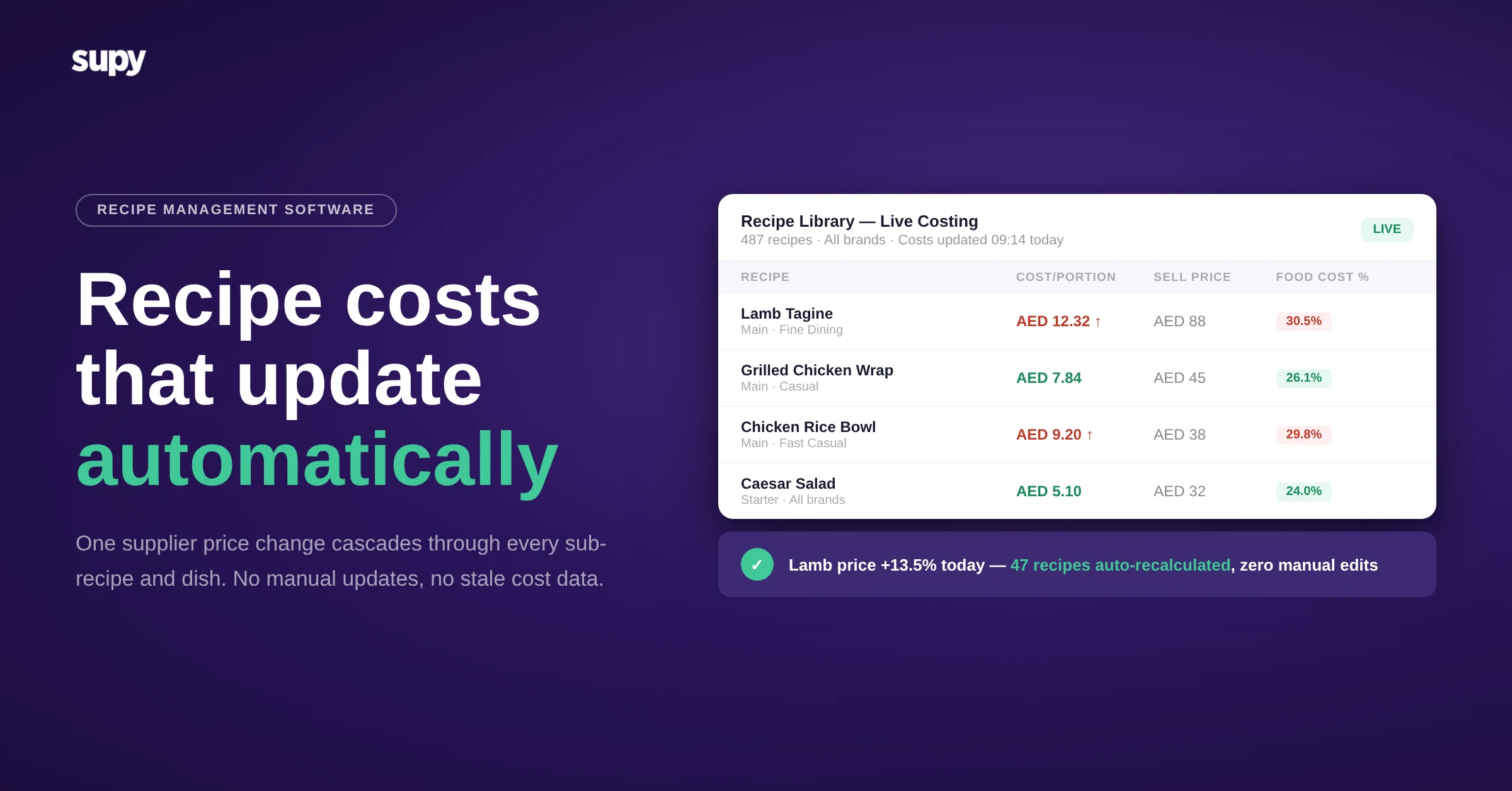
Because the swap runs through Supy's recipe costing, each recipe is recosted the moment the change lands. There is no separate recalculation step and no stale figure waiting to be corrected later.
Why Doing It by Hand Falls Apart Across Locations
The problem with a manual swap is not any single recipe. It is the repetition. An ingredient used in 48 recipes has to be found, opened, edited, saved and re-costed 48 times, and for a group that keeps location-specific versions of its recipes, the same fix repeats site by site across 22 locations. What looks like a small change on paper is really hours of the same action repeated until someone loses track.
Manual swaps are also error-prone. Miss one recipe and it keeps costing the old ingredient, so your food cost report shows a number that no longer matches what the kitchen actually buys. The gap is invisible until month end, when the variance appears with no obvious cause.
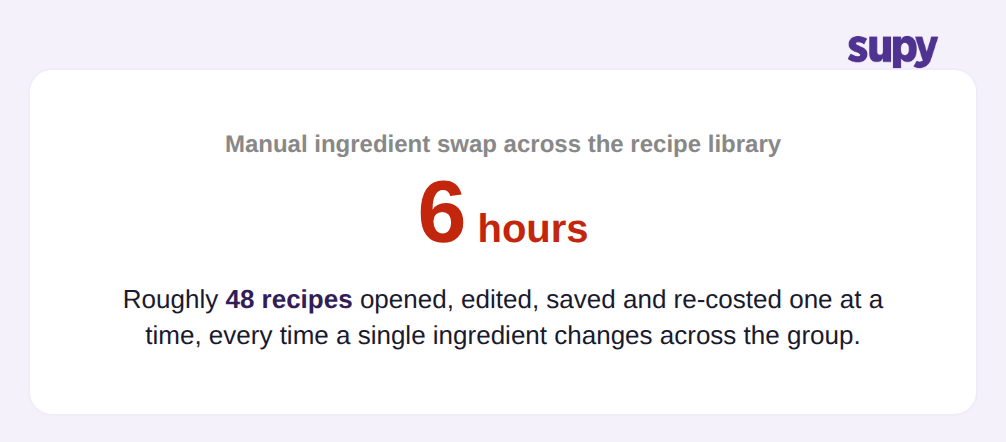
This is the work a bulk update removes. The same swap that takes 6 hours by hand across a large recipe library is expressed once and applied to every recipe together, with a record of exactly what changed.
Keeping Every Recipe Cost Right, Automatically
Swapping the ingredient is only useful if the numbers follow. When you replace cheddar at $8.40 per kg with red leicester at $8.92 per kg, every recipe that used the old item is recosted against the new price the moment the swap is applied. A dish using more of the ingredient moves more; a dish using a little moves a little. You do not recalculate anything by hand.
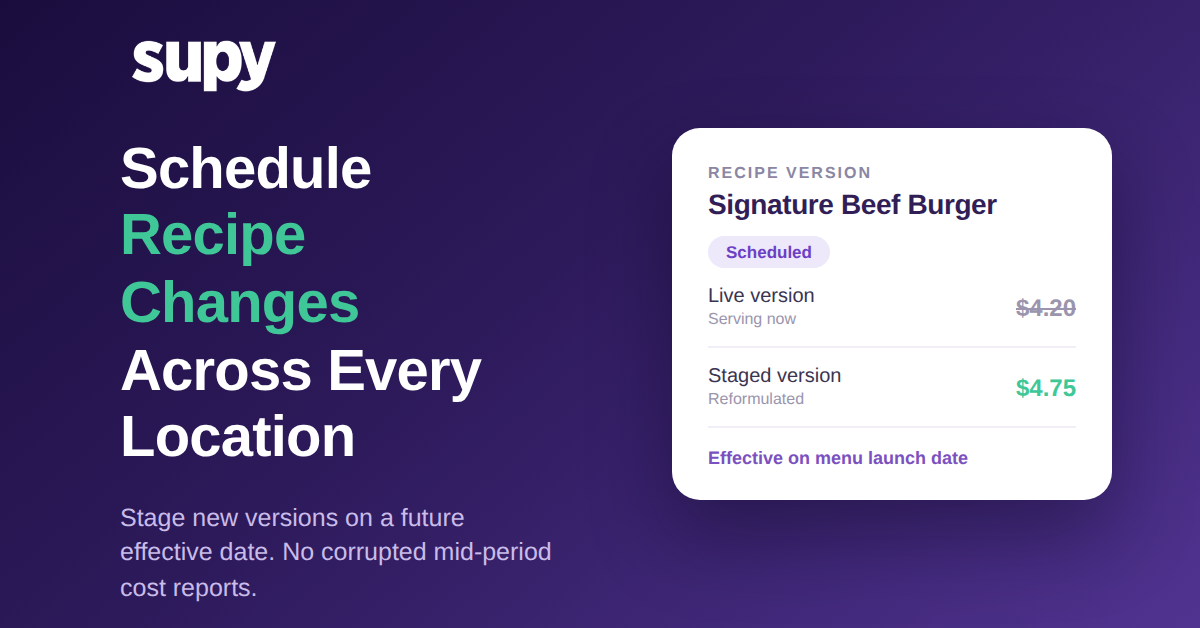
You can also control when the change takes effect. Supy lets you apply a swap immediately, schedule it for a future date such as a menu refresh, or backdate it to a past effective date so historical cost reports reprocess and stay accurate for the period the ingredient was actually in use. Every change is versioned, so you keep a full history of each recipe and can restore an earlier version if you need to. For the mechanics behind those figures, see how recipe costs are actually calculated.

Where the Change Lands: Reports, Stock and Every Site
A recipe cost is not a standalone figure. It feeds theoretical food cost, menu profitability, stock valuation and the dashboards your managers watch. When a bulk swap recosts a recipe, that new cost flows automatically into every one of those places, so a single change updates cost reports and stock records across all 22 locations without a second entry.
That cross-outlet sync is the difference between a swap that is genuinely done and one that only looks done. The ingredient, its cost and its allergen profile update together everywhere the item is used, which matters when the reason for the swap is a supplier change or a reformulation rather than a simple price move. If you are weighing how an ingredient should be costed in the first place, compare a live purchase price against a fixed cost before you standardise the swap.

If ingredient swaps are currently a manual chore in your operation, the first move is to find the ingredients that sit in the most recipes, such as a cheese, an oil or a base sauce, because those are where a bulk update saves the most time and prevents the most costing errors. In a demo, ask to see a single ingredient swapped across a full recipe library, with the cost change and the effective date applied in one action. That is the difference between a change that takes 6 hours and one that takes a moment.