.jpg)


Track Kitchen Waste in Variable Prep: Stop Losing Untracked Pieces
What Counts as Variable Prep Yield
Variable prep yield is what happens when one raw input becomes several outputs and the real quantities shift from batch to batch. A whole animal, a primal cut or a base sauce splits into portions, trim and by-product. No two prep runs land on the same weights, so the recipe card's single fixed yield drifts from the truth every day.
That drift is the problem. Your recipe says a chuck primal yields a set number of portions. The kitchen knows it never does. One day the butcher trims closer, the next day a cut comes in fatty and half of it goes to the bone bucket. When only the theoretical yield is recorded, those daily gaps never land anywhere you can see them.
So the waste does not vanish. It reappears later as a stock variance nobody can explain, sitting in a monthly count that is off by a few kilos with no reason attached. Fixing it starts by treating the split itself as something you record, not something you assume.
Model One Input as Many Weighted Outputs
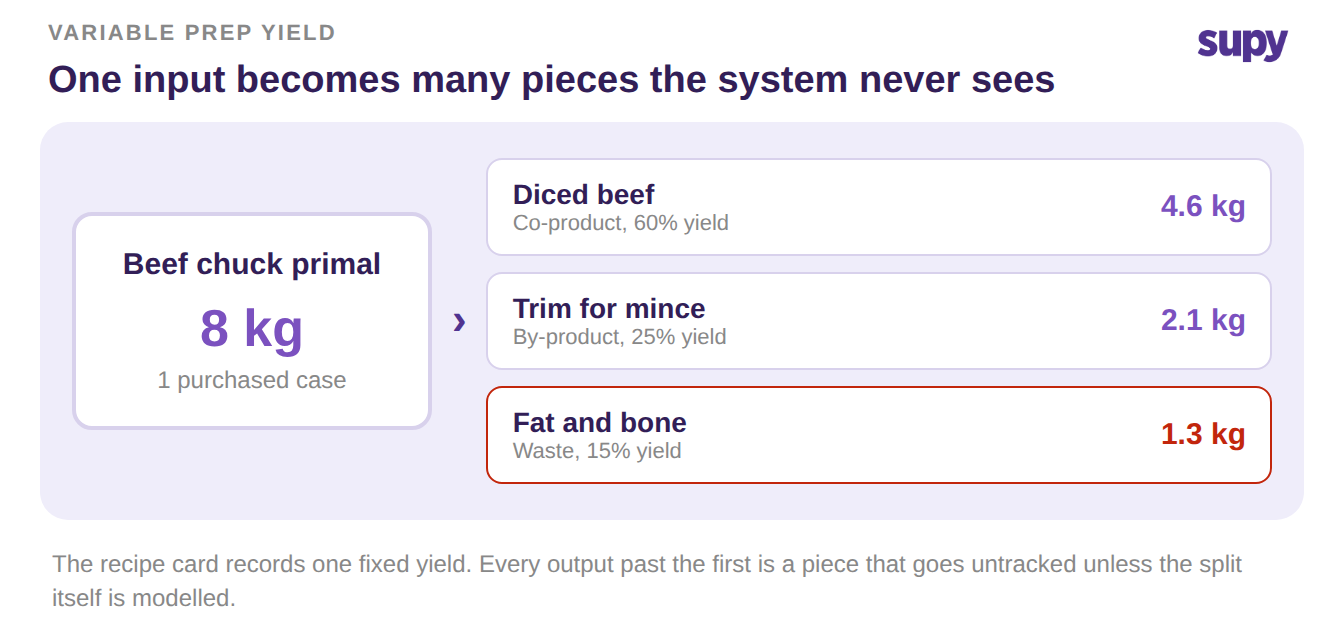
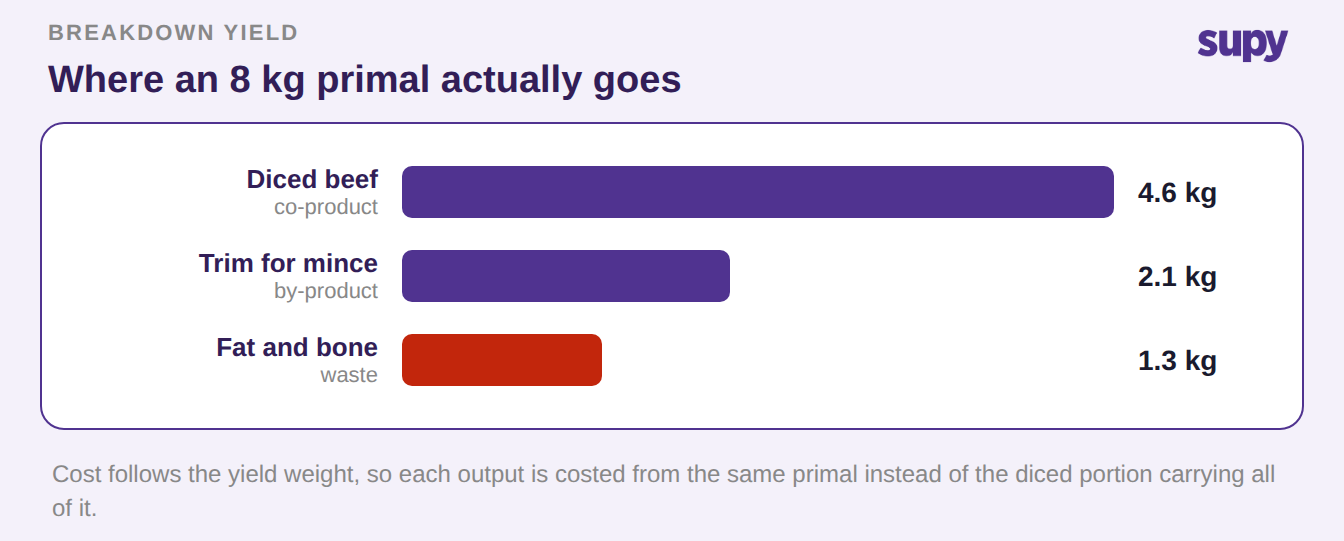
The first step is to stop describing prep as one item in and one item out. A breakdown recipe records a single raw input processed into several weighted outputs at once. These are the co-products you sell, the by-products you reuse, and the waste you throw. Each output carries its own share of the input cost, allocated by its yield weight, so a portion and its trim are costed from the same primal.
This is the reverse of a normal recipe. Instead of many ingredients combining into one dish, one input divides into many pieces. Supy's recipes and prep recipes support this breakdown model directly, and the cost follows the yield automatically rather than being split by hand. If you already track batch production, the same idea extends it, as covered in our guide to prep recipe yield and batch production tracking.
Model every output the input really produces, including the bone and fat. An output you leave out of the model is a piece the system will never account for. Name the waste line explicitly, because a waste output you can name is a waste output you can measure.
Record Actual Yield Against the Recipe's Theoretical
Modelling the split is half the job. The other half is recording what the run actually produced, not what the card predicted. When a production run captures the real output weights, you can override the expected yield for any output and let the system hold both numbers side by side.
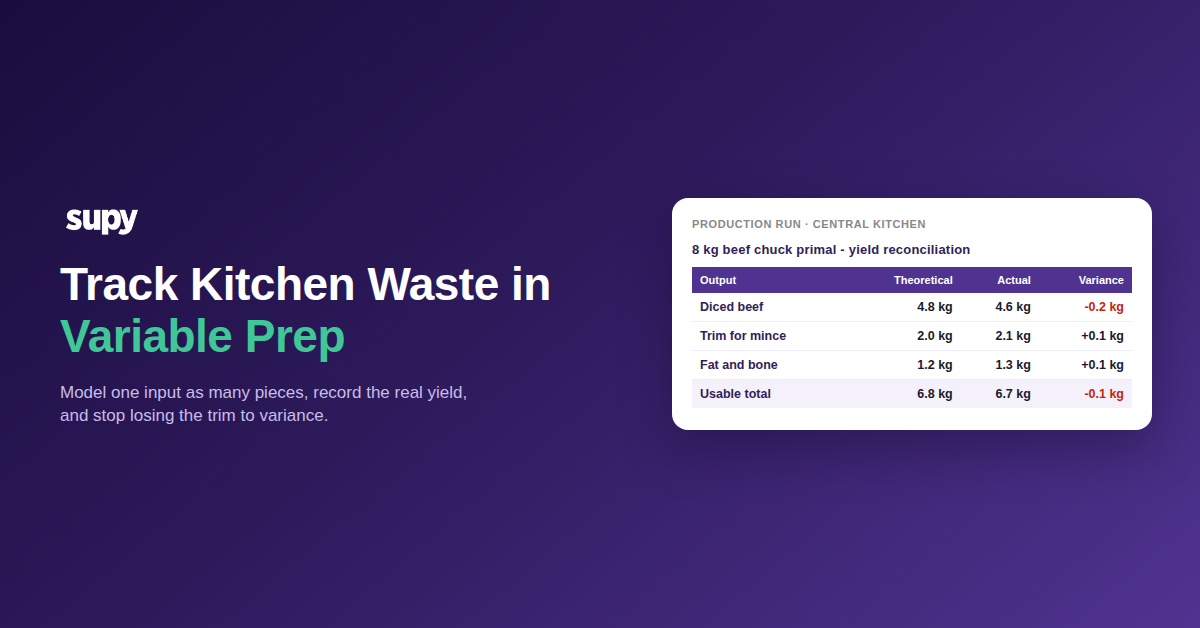
That gives you a clean reconciliation for every batch. The table below shows one 8 kg beef chuck primal broken into three outputs, with the recipe's theoretical yield next to the weights the kitchen really recorded.
| Output | Theoretical yield | Actual yield | Variance |
|---|---|---|---|
| Diced beef (co-product) | 4.8 kg | 4.6 kg | -0.2 kg |
| Trim for mince (by-product) | 2.0 kg | 2.1 kg | +0.1 kg |
| Fat and bone (waste) | 1.2 kg | 1.3 kg | +0.1 kg |
| Usable total | 6.8 kg | 6.7 kg | -0.1 kg |
The variance column is the number you could never see before. Here the usable yield came in 0.1 kg under the card, and the extra loss went to fat and bone. Recorded this way, that gap is attached to a specific batch, a specific output and a specific day, instead of turning up as an unexplained shortfall weeks later. For the wider pattern this feeds, see how stale prep wastage percentages distort variance over time.
Where the Purchasing Unit and the Kitchen Piece Diverge
A second reason pieces go untracked is that you buy in one unit and cook in another. The purchasing unit is a case or a carcass. The kitchen piece is a 180 g portion. If nothing converts between them, the system counts the case leaving the store and never counts the portions that come out of it.
The fix is to record the conversion as part of the prep, so one purchased unit resolves into the pieces it actually yields.
| Measure | Value |
|---|---|
| Purchasing unit | 1 case (one 8 kg primal) |
| Kitchen piece | 180 g portion |
| Theoretical portions per case | 26 |
| Actual portions per case | 25 |
| Untracked gap | 1 portion per case |
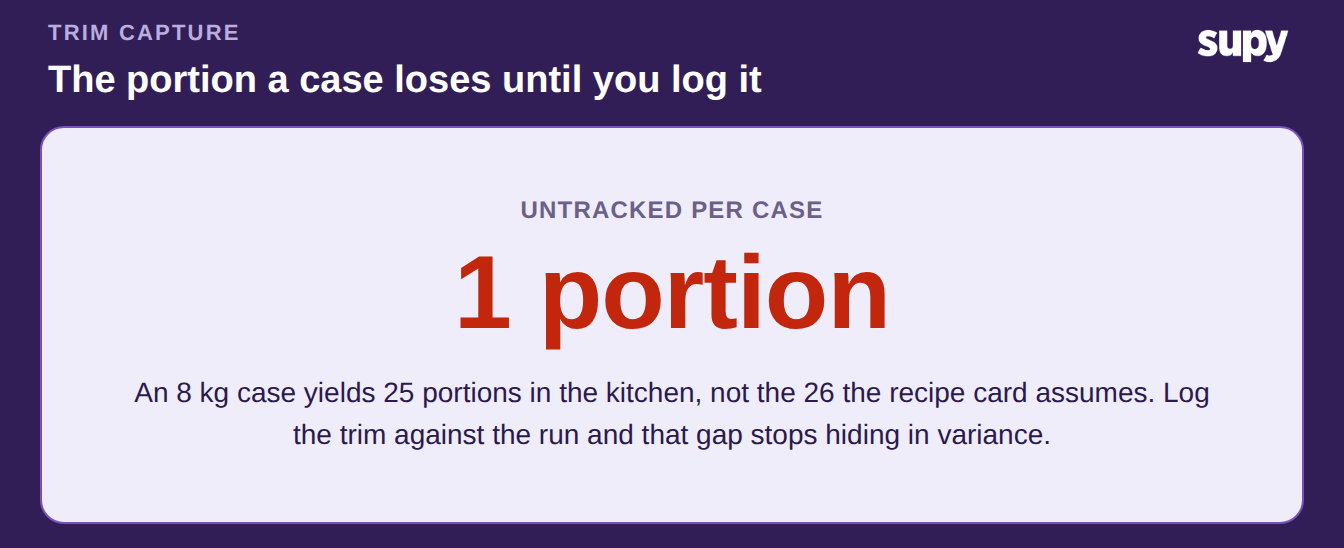
The one-portion gap between 26 expected and 25 real is the untracked piece, multiplied by every case you break. Make a semi-finished prep item stockable and it becomes a counted line in your inventory, so batched production shows up in stock the same way a purchased raw material does. Mid-prep stock stops reading as zero value, and the pieces between raw and plated are finally visible.
Log the Trim So Waste Stops Hiding in Variance
Even with the model and the reconciliation in place, trim only counts if someone records it. The last step is a light waste cadence at each station. Log the waste by item, quantity, reason and type as it happens, scoped to one outlet on one day. A line takes seconds on a phone or a desktop, and recipe-level waste breaks down to the ingredients underneath it.
Keep the cadence small enough that prep staff actually keep it. One line per output that goes in the bin is enough. The point is not a heavy audit, it is that the trim lands somewhere countable instead of disappearing into the next stock count.
Set a ceiling that flags a run when waste climbs past a share of the input, and treat it as a prompt to look, not a target. When the trim is logged against the production run, the batch's waste and its variance finally tell the same story.
Put It to Work This Week
Run one check tomorrow. Pick the input that splits into the most pieces: a primal, a whole fish or a base sauce. Weigh every output of one real prep run, from the portions to the trim to the bin.
Compare those weights to the yield your recipe card assumes. If the usable total is short and you cannot say where the missing weight went, that gap is your untracked waste. It is happening on every batch of that item. Model the split, record the actual yield, and log the trim, in that order. The first one you fix will pay for the habit.