.jpg)


Restaurant Menu Items at Negative or Zero Margin: Find and Fix Them

How Restaurant Menu Items End Up Sold at Negative or Zero Margin
A menu item sold at negative or zero margin costs as much to make as it earns, or more, so every order loses money. The blended average food cost hides it, because strong dishes mask the weak ones. You surface these items by costing each dish against its live ingredient cost and its selling price, then fixing the worst first.
Negative and zero margin are two versions of the same failure.
- Below cost. A negative-margin dish sells for less than it costs to make, so it loses money on every plate.
- At cost. A zero-margin dish covers its ingredients and nothing else, so it earns nothing toward rent, labour or profit.
Both drain the group while the menu looks busy and healthy.
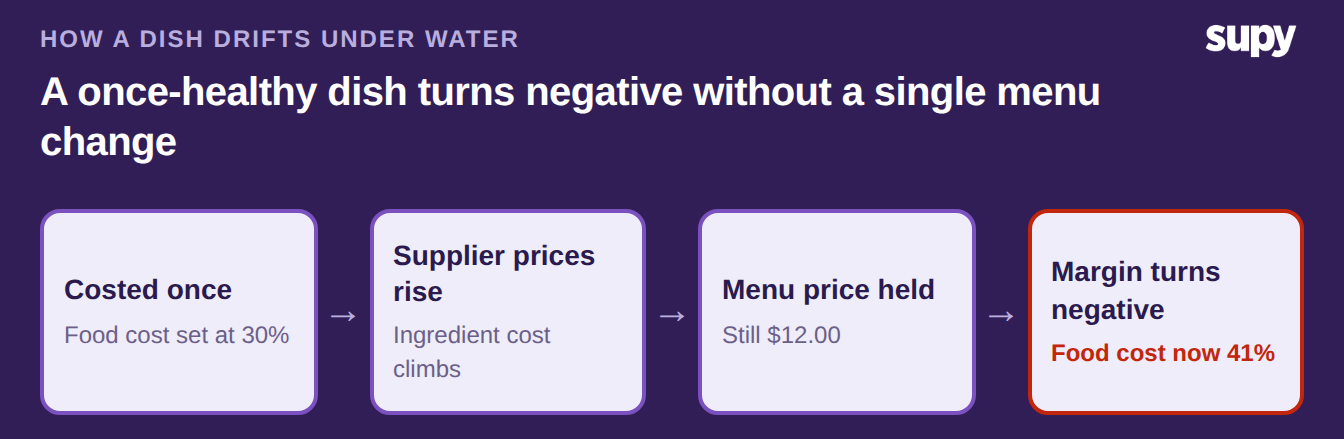
- Quiet causes. Two things push a dish under water, and both stay quiet. Ingredient costs climb while the menu price sits where it was at launch. Or the recipe was costed once and never rechecked, so the figure on screen stopped matching the kitchen months ago.
- Hidden by averages. One dish rarely moves the headline number, so the average stays calm while individual plates bleed. Our guide to how the average food cost hides unprofitable dishes shows the spread across a menu is wide. The worst plates are rarely the ones anyone watches.
The Red Flags That a Dish Is Losing Money
Each flag below is a symptom you can see this week, with the check that confirms it. Run down the list against your own menu.
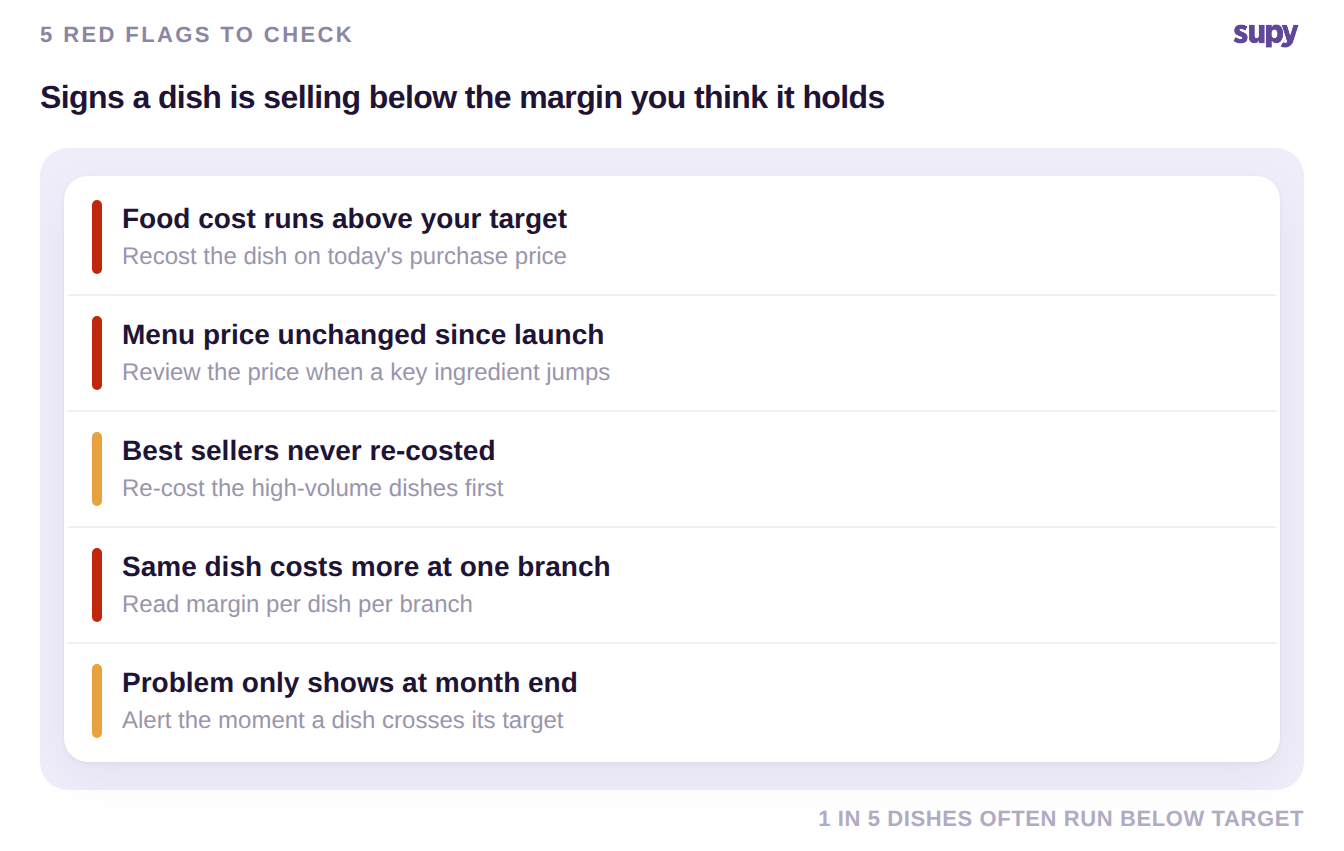
- The food cost percentage runs well above your own target. A dish you costed at a 30% food cost can reach 41% after supplier prices rise, because the recipe was never rechecked. Recost it on today's purchase price and compare that figure to the selling price.
- The menu price has not changed since the dish launched. Costs move most weeks, so a price frozen for a year almost always trails them. Review the price whenever a main ingredient jumps.
- A wholesale or catalogue item sells at a price you agreed once. A sandwich sold at $6.00 now costs $6.40, so it loses $0.40 a unit. At 120 units a week that is $48 gone. Check each catalogue line against its current cost before you reorder.
- Your best sellers are the dishes you have never re-costed. High volume multiplies a small negative margin into a real monthly loss. Re-cost the top sellers first, not the slow movers.
- The same dish costs different amounts at different branches. Supplier prices vary by site, so a plate that profits at one branch can lose money at another. Read margin per dish per branch, never one blended figure.
- You only spot the problem at month end. By the time the gross profit gap appears, the dishes have already sold for weeks. Watch per-dish cost as it moves, with an alert the moment a dish crosses its target.
- A free garnish or packaging line is costed into the plate. A component that should sit outside the recipe cost inflates the food cost and masks which dishes are truly negative. Flag non-costed items so the figure stays clean.
How to Surface and Fix Negative-Margin Items Across Every Site
Surfacing these dishes takes one thing: the current cost and the selling price of every recipe, side by side, kept up to date on their own.
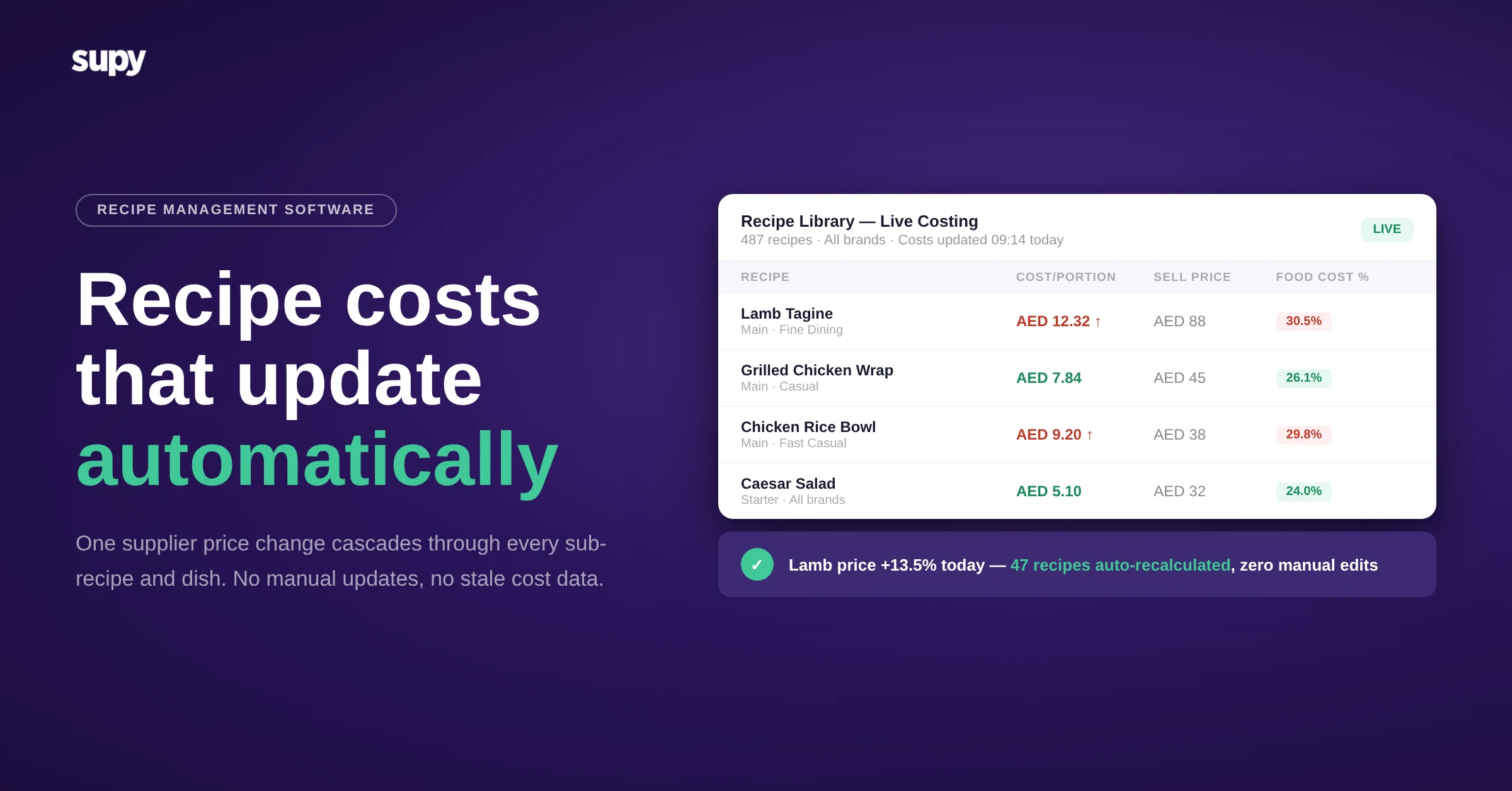
- Live ingredient cost. Supy tracks two cost figures for each ingredient per branch: the running average and the most recent purchase price. A dish's food cost then reflects what you pay now, not what you paid at launch.
- Latest purchase price. The latest purchase price matters most here, because a running average lags a price rise by weeks. A dish can read healthy on the average while the next delivery already sells it at a loss.
- Price and target. Each recipe also carries its selling price and a target food cost percentage per branch, which lets a report rank the plates that breach their target.
Three tools turn that data into action.
- Target cost alerts. Recipe target costs raise an alert when a dish crosses the threshold you set, so you hear about it in the week it happens.
- Analytics and reports. The restaurant analytics dashboards plot every dish on a menu engineering matrix, and a one-click spreadsheet report lists recipe costing and margin across the group.
- Costs on screen. Real-time recipe costs appear inside production, wastage and stock-count screens, so the cost sits in front of the team at the moment they record work.
The menu engineering matrix sorts dishes by how well they sell and how much margin they hold:
| Quadrant | Sells well | Holds margin | What to do |
|---|---|---|---|
| Star | Yes | Yes | Protect the recipe and the price |
| Plow horse | Yes | No | Recost, then lift the price or trim the recipe |
| Puzzle | No | Yes | Promote it or move it up the menu |
| Dog | No | No | Fix the cost or cut the dish |
For a group, the fix holds only when margin reads per branch. A central recipe can profit at a high-volume site and lose money at a smaller one on the same menu price, because each branch pays its own supplier rates. Comparing per-branch margin on the same dish tells you where to change the price and where to leave it.
Start with one pass this week.
- Recost top sellers. Pull your highest-volume dishes, recost each on today's purchase price, and mark any whose food cost now runs above the target you set.
- Find the worst. The plate that sells the most while breaching its target bleeds fastest.
Fix its price or its recipe first, then work down the list.