.jpg)


Franchise Financial Visibility in Restaurant Groups: Who Sees What
Financial Visibility Is an Access Decision, Not a Toggle
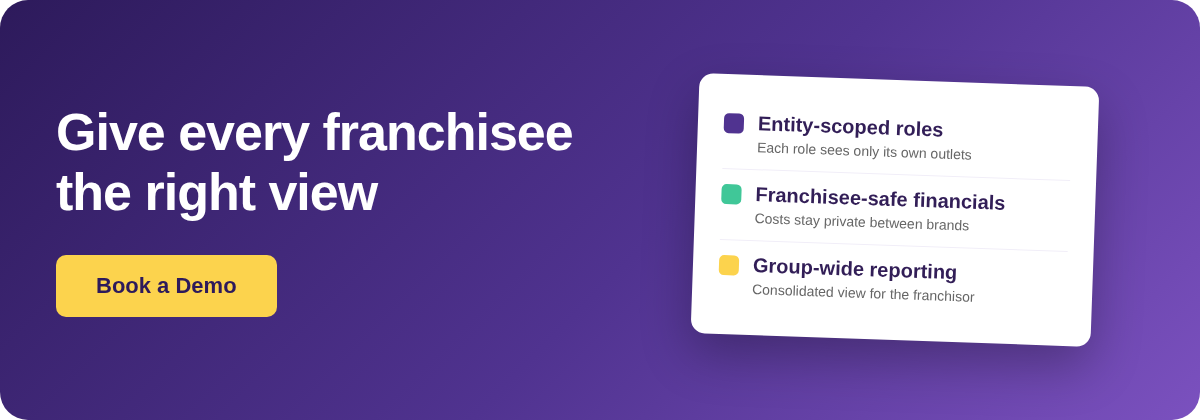
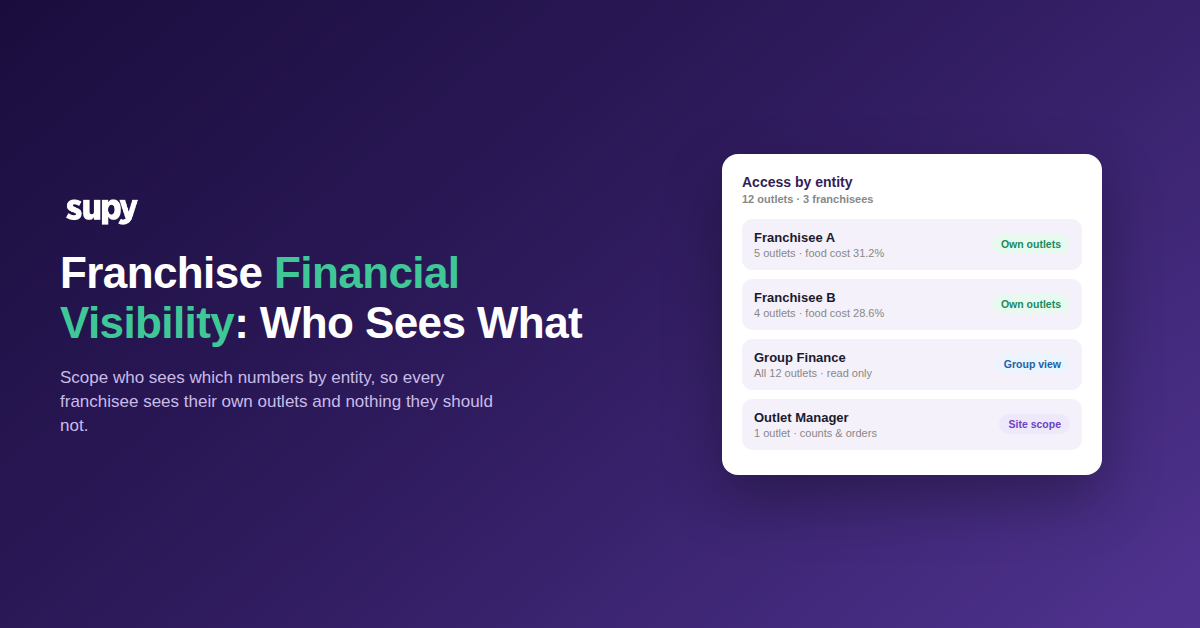
Franchise financial visibility control is the practice of deciding which roles in a multi-entity group can see which numbers, then enforcing those decisions by scoping access to the entity, not the person. In a franchise group it means a franchisee sees their own outlets' costs and reports, the franchisor sees the whole group, and neither sees what they should not.
Most groups never make that decision explicitly. Access gets set up once during onboarding as a list of features a user can open, and the entity dimension - which outlets those features apply to - gets left on a default. That default is almost always "all of them". The gap surfaces the first time a franchisee opens a report and sees another franchisee's food cost, or a regional manager edits prices for a brand they do not run.
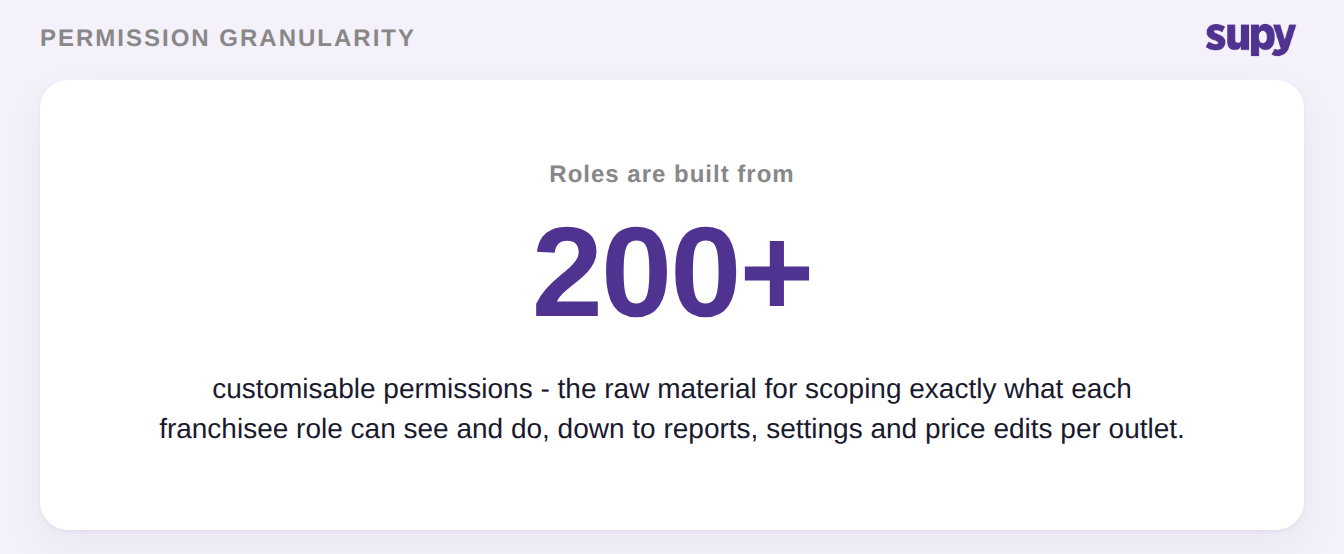
The granularity to prevent this already exists: Supy builds every role from 200+ customisable permissions, and access to consolidated reporting across the group is one of the things a role can grant or withhold. The work is not finding a switch. It is deciding how to use that granularity per entity before the first franchisee logs in.
Where Franchise Visibility Actually Breaks
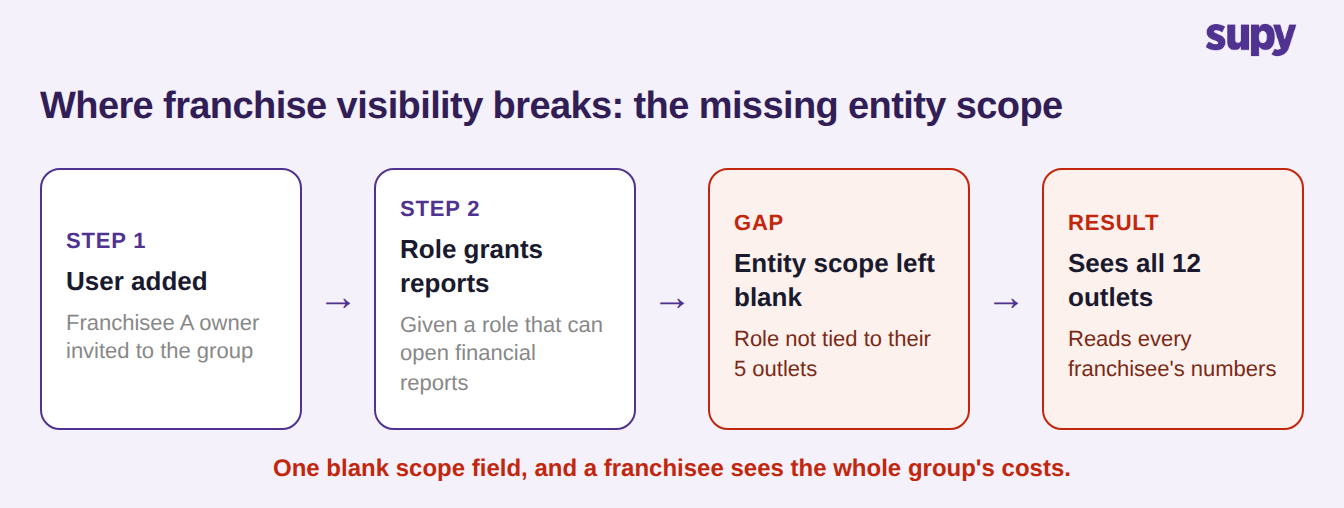
Two failure modes account for almost every complaint. The first is over-scoping: a franchisee is given a role that can open financial reports, but the role is never tied to their specific outlets, so it reads across all 12. Nobody notices until the franchisee mentions a number they should never have seen. The second is under-scoping: a user has the right feature permissions but is still blocked from the item categories they need to raise a requisition, because the scope that would let them act on their own outlets was never granted.
Both come from the same root cause - treating access as a single list of features instead of features scoped to entities. In Supy every action, from viewing a report to receiving a delivery, is gated by a role check scoped to the specific outlet the user is operating in. When the entity scope is blank, the feature permission is the only gate left, and a feature permission with no entity boundary is exactly what lets a role either see everything or reach nothing useful.
A Decision Tree for Franchise Permission Roles
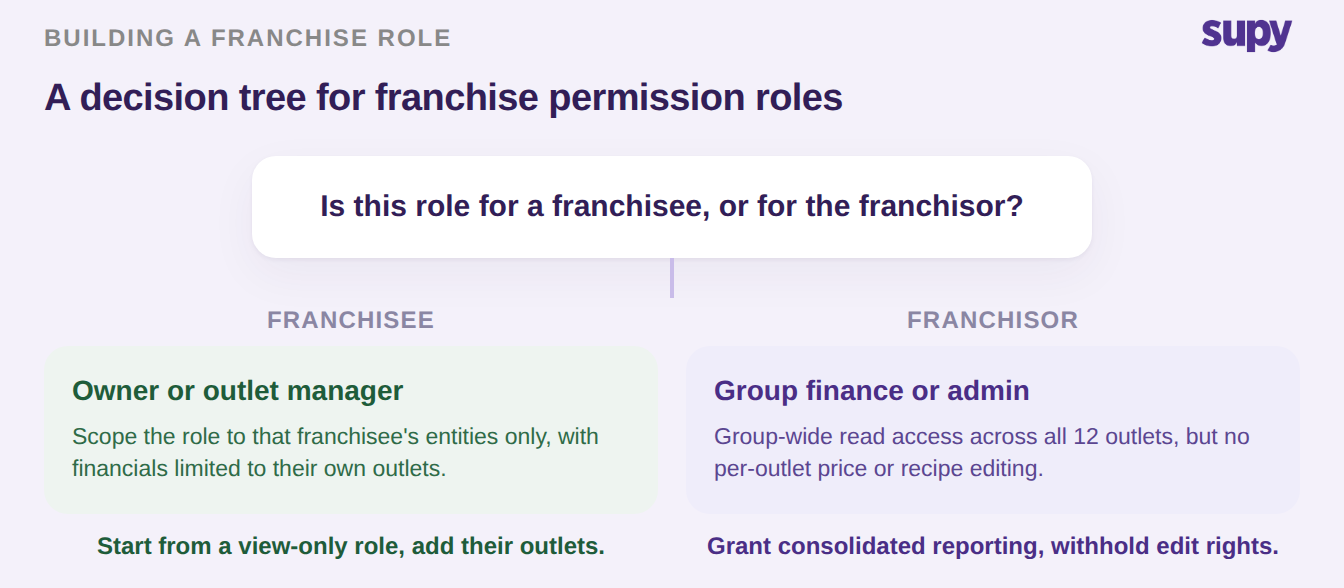
Building the roles is easier when you start from one question for each role: is it for a franchisee, or for the franchisor? A franchisee role - an owner or an outlet manager - should be scoped to that franchisee's entities only, with financial figures limited to their own outlets. A franchisor role - group finance or an admin - should get consolidated read access across every outlet, but not the right to edit prices, recipes or settings inside a franchisee's operation.
Two habits keep this clean at scale. Build franchisee roles up from a default view-only role rather than trimming down an admin role, because the built-in default roles are view-only and protected, so you are adding access deliberately instead of remembering to remove it. And lean on the permission tree's dependency checks - when a permission needs another to work, Supy validates the chain and shows what a change affects before you save, so you do not grant a reporting view that quietly pulls in an editing right. This is the same role-based access control that governs who can edit stock, applied to the financial layer. A user can hold more than one role where someone genuinely wears two hats, and a role update takes effect immediately.
There is a second lever worth knowing about, because it changes how you think about the franchisor side. Access runs through two independent gates: the role-based permission check, and a per-entity activation setting that decides whether a whole module is even switched on for that entity. So a franchisor can enable the financial reporting module across every entity for group finance, while a franchisee entity has it enabled only for its own owner. The permission tree decides what a role can do; the per-entity setting decides where that role's remit reaches at all. Design both, and a franchisee never has a live path to a number outside their outlets, even if a permission is granted by mistake.
Franchisor vs Franchisee: What Each Role Should See
The matrix below is a starting point for a three-franchisee group. Adjust the rows to your structure, but keep the principle: financial detail narrows as you move from the franchisor to a single outlet, and no franchisee row ever reaches another franchisee's numbers.
| Data or action | Franchisor admin | Franchisee owner | Outlet manager |
|---|---|---|---|
| Group-wide reports and P&L | Yes | No | No |
| Own outlets' food cost and reports | Yes | Own outlets | Own outlet |
| Other franchisees' numbers | No, by design | No | No |
| Price and recipe editing | No | Own outlets | No |
| Supplier terms and contracts | Yes | Own outlets | View only |
| Order approval authority | Set limits | Within own outlets | Within threshold |
To place your own group, name the branch you are in. If a franchisee can open any report that is not scoped to their own outlets, you are in the over-scoped branch, and the first move is to rebuild that franchisee's role from a view-only default and add back only their entities. If a franchisee is blocked from their own requisitions or reports, you are under-scoped, and the fix is to check the entity scope on their role before granting any broader permission. Fix the scope first; adding more permissions on top of a missing scope is what created the problem.