.jpg)


Supplier Credit Notes and Receiving Discrepancies: How Multi-Site Groups Keep Delivery Adjustments Reconciled With Accounting
Where a Delivery Adjustment Is Supposed to End Up
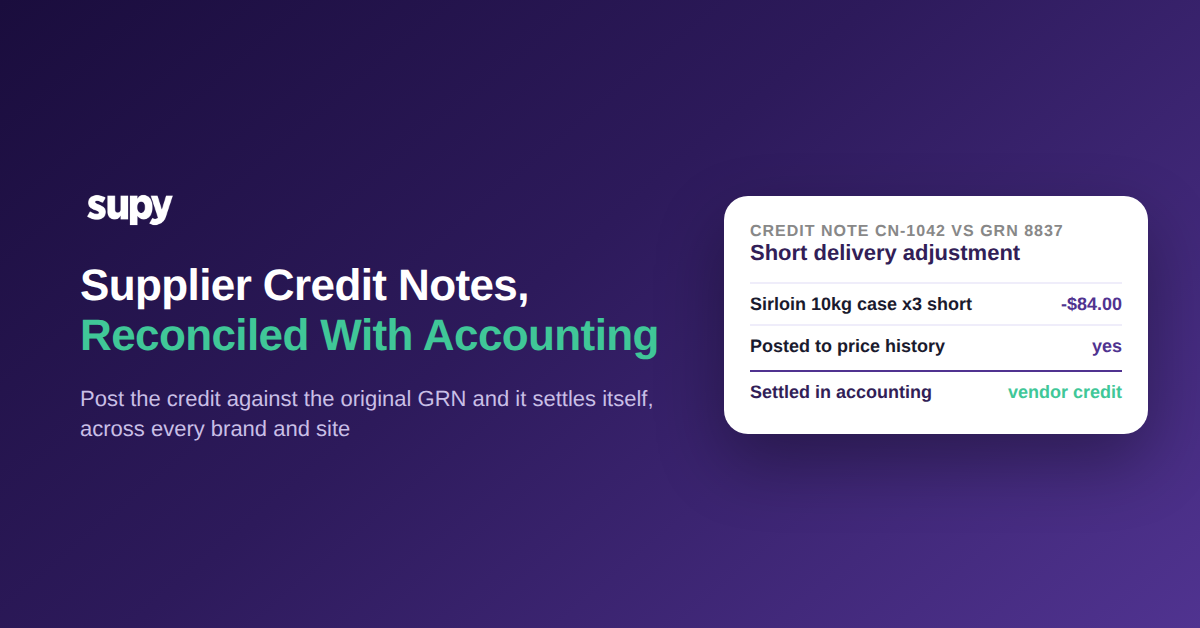
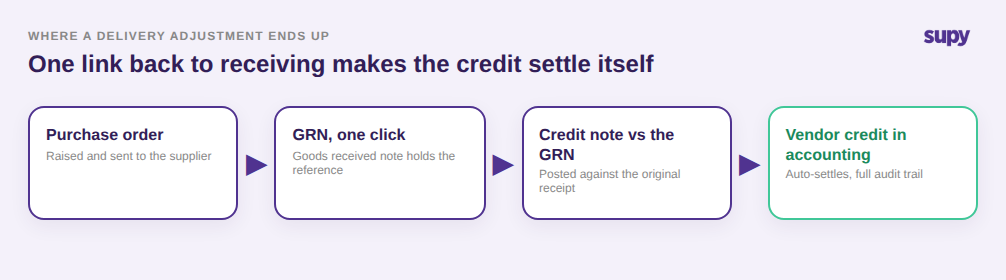
A supplier credit note is the document that lowers what you owe a supplier when a delivery arrives short, damaged, or over-charged. It only does its job once it settles against the original goods received note and posts to your accounting ledger as a vendor credit. Handled that way, every adjustment reconciles itself, and supplier statements match your books without anyone chasing a number by hand.
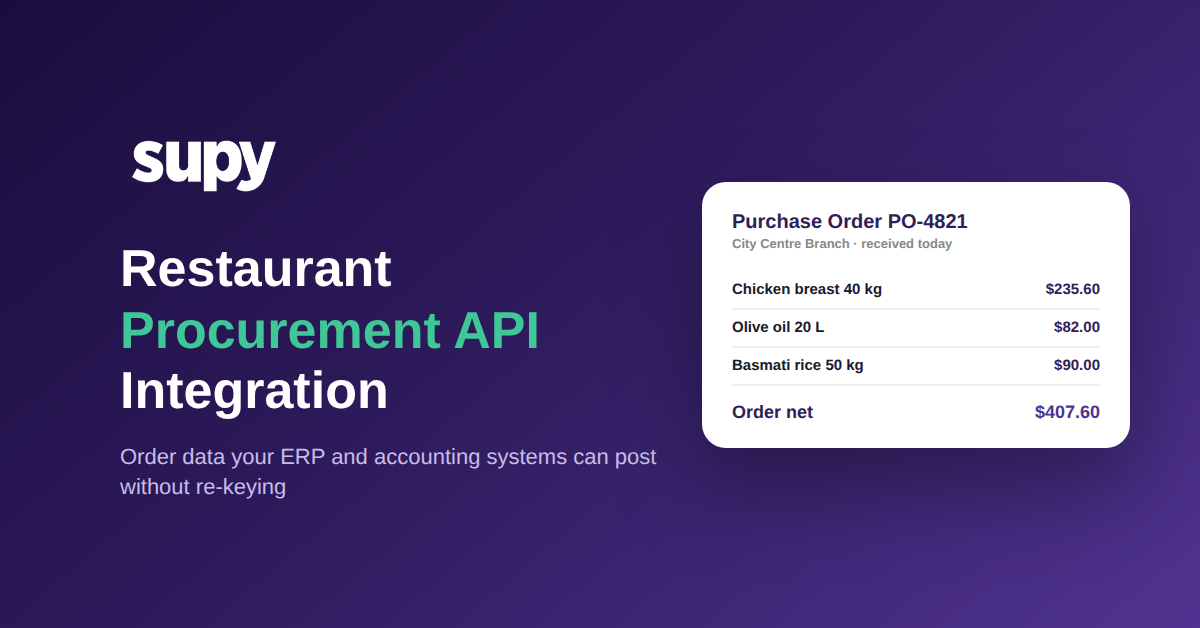
The mechanism that makes this automatic is the link back to receiving. A purchase order becomes a goods received note (GRN) in one click, and a credit note is posted against that original GRN. Because the system already holds the GRN reference, the credit settles straight into your connected accounting software as a vendor credit, with a full audit trail. Supy runs credit notes for over-charges, incorrect charges, and returns as part of its receiving and credit-note workflow, and it connects to QuickBooks, Xero, Zoho Books, and Wafeq among its 75+ integrations, so the adjustment lands where finance actually reconciles it. If your team is still working out how GRNs should be managed across sites, that is the foundation this whole flow rests on.
Why Email Threads and Negative GRNs Quietly Break Reconciliation
The two most common workarounds both look fine on the day and fail at month-end. The first is managing credit notes over email: a manager agrees the shortage with the rep, the credit gets promised in a thread, and nothing is recorded in the system. When the supplier statement arrives, there is no credit-note log to reconcile it against, so the figures never line up. One single-site team fixed exactly this failure with a written standard operating procedure plus a monthly reconciliation between their credit-note log and supplier statements.
The second workaround is entering a supplier credit as a negative GRN. It adjusts stock, so the shelf looks right, but nothing settles in accounting and staff across sites end up confused about which document did what. A three-location group ran into this directly. The correct move is to enter the credit note against the original GRN and post it, which auto-settles in accounting because the GRN reference is already there. If the distinction between the two is still fuzzy for your finance team, it is worth reading how to record supplier discrepancies accurately with credit notes, stock adjustments, and negative GRNs. The difference between the workaround and the dedicated flow is not cosmetic: one leaves your books out of sync, the other closes the loop on its own.
Why email threads and negative GRNs never reconcile
| How the credit is handled | What happens | Settles in accounting? |
|---|---|---|
| Agreed over email | Promised in a thread, no record in the system, nothing to reconcile against the statement | No |
| Entered as a negative GRN | Stock adjusts so the shelf looks right, but the ledger is untouched and sites get confused | No |
| Credit note vs the GRN | Posts as a vendor credit with a full audit trail and closes the loop on its own | Yes |
When Raising a Credit Note Is the Wrong Move
A credit note is the right tool for a genuine over-charge or a returned item, and the wrong tool for two situations that come up constantly at receiving. The first is a no-show line, where the invoice bills for something the driver never delivered. Raising a credit note there creates a document you now have to track and settle; the clean fix is to set the invoiced and received quantity to zero on the GRN, so the line simply never enters your costs. One three-location group learned this after raising a credit note for an item a supplier never sent.
The second is habitual supplier rounding. Some vendors round an invoice total by a few cents every delivery. Disputing a $0.40 rounding difference with a credit note on every drop is more work than the money is worth, and it clutters your reconciliation with noise. The right handling is to absorb it with the invoice discount field, which keeps the GRN clean and stops a harmless pattern from firing false discrepancy flags. Knowing when not to raise a credit note is as much a part of clean reconciliation as raising one correctly.
When a credit note is not the fix
| Situation at receiving | The right fix | Credit note? |
|---|---|---|
| Over-charge or returned item | Raise a credit note against the original GRN so it settles as a vendor credit | Yes |
| No-show line, billed but not delivered | Set invoiced and received quantity to 0 on the GRN so the line never enters costs | No |
| Habitual $0.40 invoice rounding | Absorb it with the invoice discount field instead of disputing every delivery | No |
How a Price Discrepancy at Receiving Becomes a Costing Problem
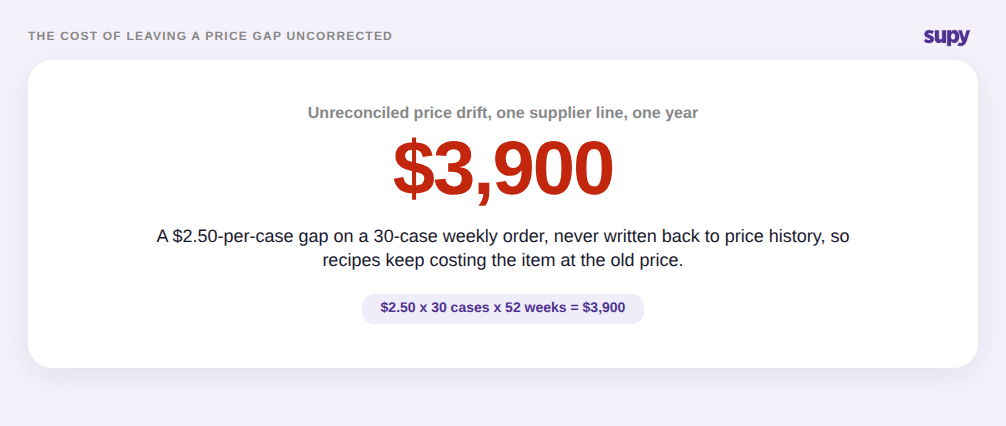
A receiving-price gap is where a small, ignored discrepancy compounds into a costing problem. Say a case of vine tomatoes is expected at $42.00 and the invoice reads $44.50. That $2.50 per case looks trivial in the moment. Left uncorrected on a 30-case weekly line, it is $3,900 over a year, and worse, your recipe and margin numbers keep costing that tomato at the old $42.00 because nothing wrote the new price back.
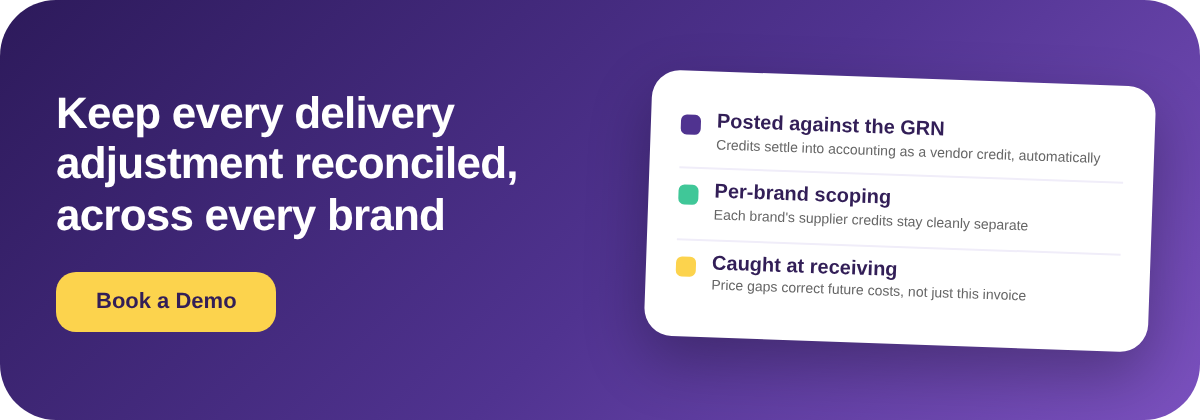
Supy closes that gap at the point it appears. When a GRN price differs from the expected cost, the system flags the discrepancy and lets the buyer either update the expected price or raise a credit note from the same screen. Either way the event is recorded in price history, so future cost calculations reflect the corrected figure instead of a stale one. That is the real payoff of handling discrepancies at receiving rather than at month-end: the correction reaches your costs while it still matters, not after three months of margin has already been mispriced.
Keeping Multi-Brand Credits From Bleeding Into Each Other
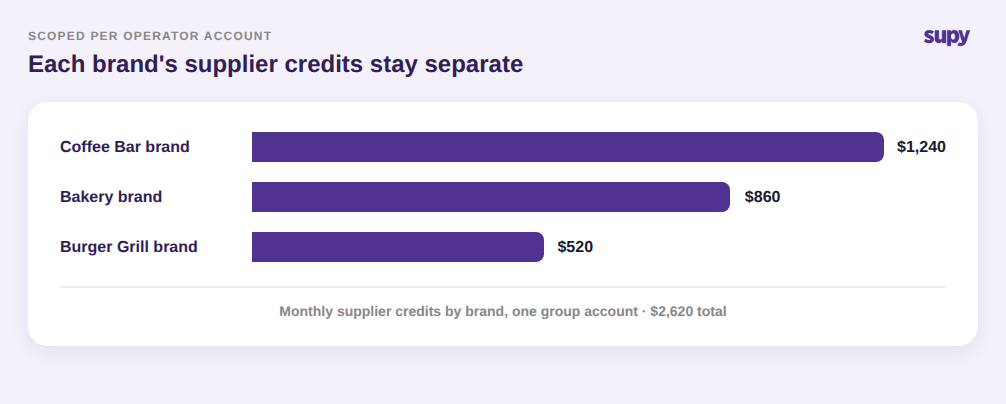
For a group running several brands, the risk is not just whether a credit settles, but whose books it settles into. If a coffee-bar credit and a bakery credit land in the same undifferentiated pile, per-brand financials stop being trustworthy and month-end becomes an unpicking exercise. Supy scopes every credit note to a single operator account, so a group can process supplier credits for each brand without one brand's credits mixing with another's.
That separation also lets a group handle the messier receiving realities cleanly. Delivery notes from different cost centres can be consolidated onto one supplier invoice while each item keeps its originating cost centre for reporting, and a financial-only return, such as $48.00 of returned-bottle deposits, can settle in accounting without ever touching inventory. The result is that each brand sees its own supplier credits, each cost centre keeps its own numbers, and the group-level view still reconciles as a whole.
Check This in Your Own Operation
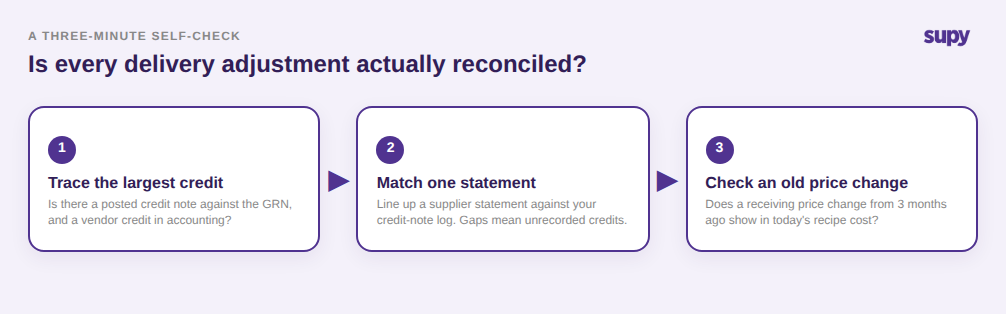
If you are not sure whether delivery adjustments are actually reconciled in your group, run three quick checks. First, pick last month's largest supplier credit and trace it: is there a posted credit note against the original GRN, and did it appear in your accounting software as a vendor credit? If it lives only in an email thread, that is your leak. Second, pull one supplier statement and match it line by line to your credit-note log; a gap here means adjustments are being agreed but not recorded. Third, look at whether a receiving price change from three months ago is reflected in today's recipe cost. If any of the three comes back wrong, the fix is the same: move delivery adjustments onto a dedicated credit-note flow posted against the GRN, so they settle themselves and your costs stay current.