.jpg)


Revolutionize Your Workflow: The Power of Invoice Scanning AI
Dealing with invoices can feel like a never-ending chore, right? You've got piles of paper, endless spreadsheets, and the constant worry about missing a detail. It’s a process that eats up time and can lead to some pretty costly mistakes. But what if there was a way to make all of that easier? That's where invoice scanning AI comes in. This technology is changing how businesses handle their finances, cutting down on the manual work and boosting accuracy. Let's look at how this kind of AI can really make a difference in your day-to-day operations.
Key Takeaways
- Invoice scanning AI automates the tedious parts of accounts payable, making things run smoother.
- Using AI means less manual data entry, which cuts down on mistakes and saves time.
- The technology uses things like OCR to grab details from invoices, even if they look different.
- AI helps make sure you're following rules and makes it easier to get ready for audits.
- By automating invoice processing, businesses can save money and get better insights into their spending.
Unlocking Efficiency With Invoice Scanning AI
Let's face it, dealing with invoices can feel like a never-ending chore. Stacks of paper, endless spreadsheets, and the constant worry about missing a detail or making a typo – it's enough to make anyone want to pull their hair out. But what if there was a way to make all of that… easier? That's where invoice scanning AI comes in. It's not just about digitizing documents; it's about fundamentally changing how your finance department operates.
Streamlining Accounts Payable Workflows
Think about your current accounts payable process. How much time do your team members spend just sorting, matching, and entering invoice data? It's a lot, right? AI can take over these repetitive tasks. It can automatically pull information from incoming invoices, whether they're emails, PDFs, or even scanned paper. This means less manual work for your staff and a much smoother flow of information from the moment an invoice arrives to when it's paid.
- Automated Data Capture: AI reads invoices and pulls out key details like vendor name, invoice number, date, and amount. No more typing!
- Intelligent Routing: Once the data is captured, AI can automatically send the invoice to the right person for approval, based on predefined rules.
- Reduced Bottlenecks: By handling the initial data entry and routing, AI helps prevent invoices from getting stuck on someone's desk.
Reducing Manual Data Entry Errors
Human error is a given when you're dealing with a high volume of manual data entry. A misplaced decimal point, a wrong digit, or a simple typo can lead to overpayments, underpayments, or incorrect record-keeping. AI, on the other hand, is designed for accuracy. Once trained, it can extract data with a very high degree of precision, significantly cutting down on those costly mistakes.
The difference in error rates between manual entry and AI-powered systems can be dramatic. While humans might make errors on 1-5% of entries, AI systems can achieve accuracy rates of 95% or higher, especially with well-structured documents.
Accelerating Invoice Processing Times
Time is money, as they say. The faster you can process an invoice, the sooner you can pay it. This not only keeps your vendors happy but also opens up opportunities for early payment discounts. AI dramatically speeds up the entire process. Instead of days or even weeks, invoices can be processed in minutes or hours. This agility is a game-changer for managing your company's finances effectively.
Here's a quick look at how processing times can change:
The Power of AI-Driven Data Extraction
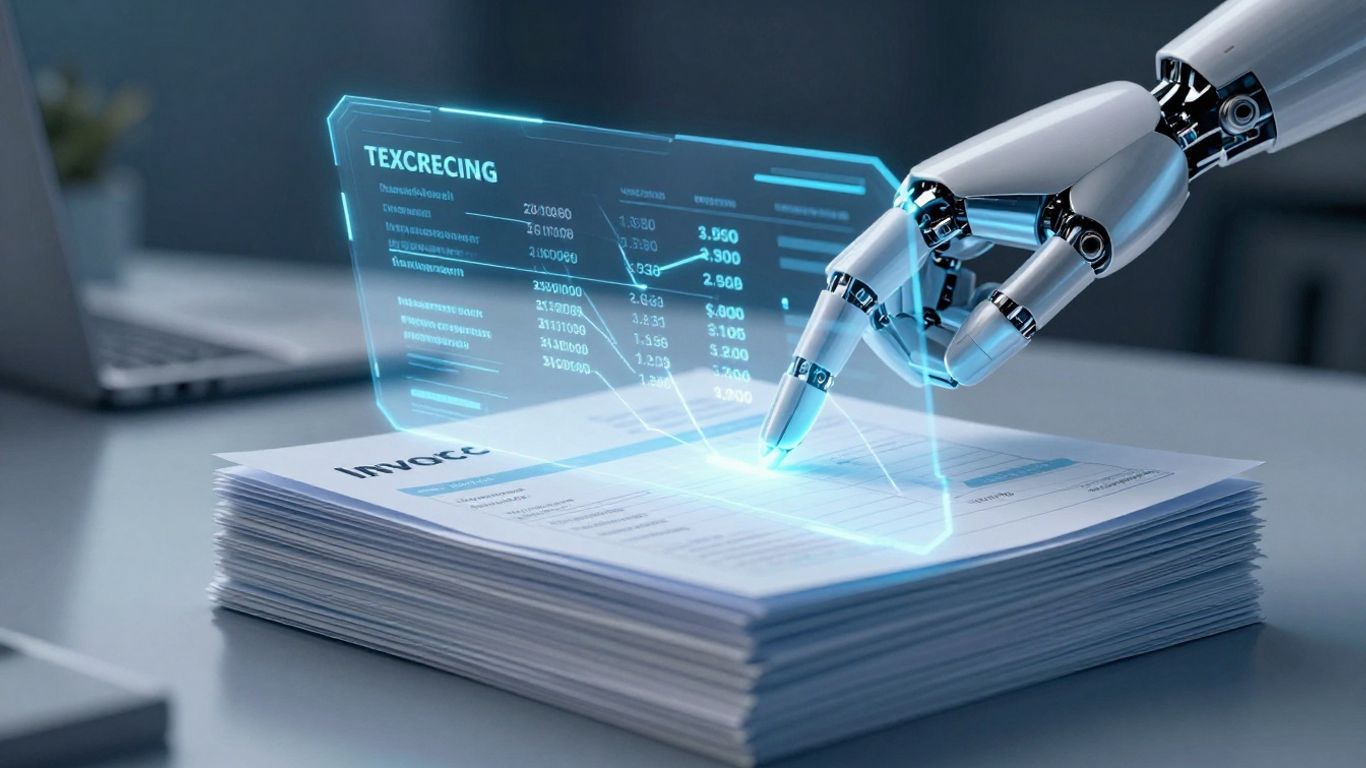
So, how does this AI magic actually work when it comes to invoices? It all starts with getting the information out of those documents. Think about it – invoices come in all shapes and sizes, from fancy PDFs to scanned paper copies. Trying to pull out the important bits like invoice numbers, dates, and amounts by hand is a recipe for mistakes and takes forever.
Leveraging Optical Character Recognition (OCR)
This is where Optical Character Recognition, or OCR, comes in. Old-school OCR was okay, but it was pretty rigid. It needed things to look a certain way to read them. Modern AI-powered OCR is way smarter. It uses machine learning to actually read and understand the text on the page, no matter how the invoice is formatted. It's like giving your computer eyes that can see and interpret.
Understanding Document Context and Layout
AI doesn't just see letters; it starts to get what they mean. It looks at where things are on the page – is this number the total amount, or just a line item subtotal? It learns the typical layout of an invoice. This means it can figure out the vendor's name, the payment terms, and the due date even if they're in different spots on different invoices. This ability to grasp context is what makes AI so much better than basic text scanning.
Extracting Structured Data from Unstructured Invoices
What you end up with is structured data. Instead of a jumbled mess of text from an invoice, the AI pulls out specific pieces of information and puts them into neat little boxes – like the invoice number, the total amount, the tax, and so on. This structured data can then be easily fed into your accounting software.
Here’s a quick look at what AI can pull out:
- Invoice Number
- Invoice Date
- Vendor Name
- Total Amount Due
- Payment Terms
- Line Item Details (optional, depending on complexity)
This process transforms a pile of paper or a folder full of different digital files into organized, usable information. It’s the difference between having a messy desk and having a well-organized filing cabinet, but done automatically.
Enhancing Accuracy and Compliance
When you're dealing with a mountain of invoices, keeping things straight and following all the rules can feel like a full-time job on its own. That's where invoice scanning AI really steps in to help. It's not just about speed; it's about getting it right, every single time.
Minimizing Errors with Machine Learning
Manual data entry is, let's be honest, a bit of a mess waiting to happen. People make mistakes, especially when they're tired or just doing the same thing over and over. AI, particularly machine learning, changes that. These systems learn from every invoice they process. They get better at spotting details, understanding different layouts, and flagging anything that looks off. This continuous learning means the AI gets smarter and more accurate the more it's used. Think of it like a junior accountant who gets progressively better with experience, but without the coffee breaks.
Ensuring Consistent Regulatory Adherence
Keeping up with regulations is tough. Different industries have different rules, and they change. AI can be programmed to look for specific pieces of information required by law, like tax IDs or specific compliance codes. It doesn't forget, and it doesn't get confused by complex legal text. This consistency is a big deal for avoiding fines or legal trouble.
Improving Audit Readiness
Audits are never fun, but they're a lot less painful when your records are clean. AI systems keep a detailed, digital trail of every invoice processed. This makes it much easier to pull up the exact documents and data needed for an audit. You're not scrambling through old filing cabinets or trying to find that one spreadsheet from three years ago. Everything is organized and accessible.
Here's a quick look at how AI helps:
- Reduced Data Entry Mistakes: AI can cut down on human errors significantly.
- Standardized Data Capture: It pulls information consistently, no matter who sent the invoice.
- Digital Audit Trail: Every step is logged, making retrieval simple.
- Compliance Checks: Built-in rules can flag non-compliant entries automatically.
The real benefit here is peace of mind. Knowing that your financial data is accurate and that you're meeting all your legal obligations frees up a lot of mental energy. It means you can focus on running your business, not worrying about paperwork mistakes.
Achieving Significant Cost Savings
Let's talk about the money. When you automate invoice processing with AI, you're not just making things faster; you're actively cutting down on expenses. Think about all the hours your team spends manually entering data, checking for errors, and chasing down approvals. AI takes a huge chunk of that work off their plates. This means fewer people are needed for these repetitive tasks, directly lowering labor costs. It's a pretty straightforward equation: less manual work equals less money spent on wages for those specific jobs.
Reducing Labor Costs Through Automation
Manual invoice processing is a time sink. Employees spend valuable hours on tasks that an AI can handle in seconds. This isn't about replacing people, but about reallocating their time to more important things, like strategic analysis or vendor relations. With AI handling the bulk of the data entry and validation, your accounts payable team can focus on exceptions and higher-value activities. This shift can lead to a significant reduction in the cost per invoice processed. Some studies suggest that AI can bring the cost down to around $2.36 per invoice, a massive drop from manual methods [0f68].
Avoiding Late Payment Penalties
Missing payment deadlines can really sting. Late fees add up, and they're completely avoidable. AI-powered systems can process invoices so quickly that your team can pay them on time, every time. This means no more surprise charges from vendors. It also helps maintain good relationships with your suppliers, which is always a plus. Imagine a system that flags invoices needing attention well before they're due – that's the kind of proactive approach AI brings.
Capturing Early Payment Discounts
Many suppliers offer discounts if you pay them early. These discounts can add up to real savings over the year. However, you can only take advantage of them if you can process and approve invoices quickly enough. AI makes this possible. By speeding up the entire invoice lifecycle, from receipt to payment, your company can consistently capture these valuable early payment discounts. It's like getting a small rebate on every eligible invoice, directly boosting your bottom line.
The financial benefits of adopting AI for invoice processing are clear. Beyond just reducing the hours spent on manual tasks, it opens up opportunities to save money through avoiding penalties and taking advantage of supplier incentives. This technology transforms a necessary but often tedious back-office function into a source of tangible financial gain.
Gaining Advanced Financial Insights
Beyond just processing invoices faster, AI brings a whole new level of understanding to your company's finances. It's like having a super-smart assistant who can sift through all that invoice data and tell you what it really means. This isn't just about knowing what you spent last month; it's about seeing trends, predicting what's coming, and making smarter choices for the future. The real power lies in turning raw data into actionable intelligence.
Real-Time Spending Pattern Analysis
Imagine knowing exactly where your money is going, as it happens. AI can track spending across different departments, projects, or vendors in real-time. This helps you spot unusual spending spikes or areas where costs are creeping up before they become big problems. You can see which vendors are costing the most and if those costs are justified. This kind of visibility is a game-changer for managing your budget effectively.
Optimizing Cash Flow Management
Cash flow is king, right? AI can help you manage it better by looking at your incoming and outgoing payments. It can predict when you'll have cash surpluses or shortfalls, giving you time to plan. This means you can avoid late payment fees and potentially take advantage of early payment discounts from your suppliers. Getting a handle on your cash flow means less stress and more stability for your business. It’s about making sure you have the money you need, when you need it. You can find out more about managing financial data here.
Informed Financial Decision-Making
With all this new insight, making big financial decisions becomes a lot easier. AI can help you forecast future expenses based on historical data and current trends. This means you can budget more accurately, plan for growth, and identify opportunities for cost savings. Instead of guessing, you're making choices based on solid data. This leads to better financial planning and a healthier bottom line.
Here's a quick look at how AI helps:
- Predictive Analytics: Forecast future spending and cash flow.
- Trend Identification: Spot patterns in expenses over time.
- Cost Optimization: Find areas to reduce spending without hurting operations.
- Vendor Performance: Understand which vendors provide the best value.
AI transforms invoice data from a simple record of transactions into a strategic asset. It provides the clarity needed to navigate complex financial landscapes and make proactive, data-backed decisions that drive business success.
Implementing Invoice Scanning AI Successfully
So, you're thinking about bringing invoice scanning AI into your business. That's a smart move, but like anything new, it needs a bit of planning. It's not just about flipping a switch; you've got to get things ready.
Assessing Organizational Readiness
First off, take a good look at where your company stands. Are your current systems ready for this kind of tech? Think about your existing accounting software and how well it plays with others. You'll also want to consider your team's comfort level with new tools. A smooth transition often means getting your people on board early. Are there specific departments that will benefit most? Identifying these areas helps focus your efforts. It’s about making sure the tech fits your workflow, not the other way around.
Setting Clear Implementation Objectives
What exactly do you want this AI to do? Be specific. Are you aiming to cut down processing time by a certain percentage? Or maybe reduce data entry mistakes by a specific amount? Having clear goals makes it easier to measure success. For example, you might set a target to process 90% of incoming invoices automatically within the first six months. This kind of focus helps keep the project on track and shows everyone what you're working towards. It’s also good to think about what success looks like beyond just numbers – maybe it’s freeing up your AP team for more strategic work.
Integrating With Existing Financial Systems
This is where things can get a bit technical, but it's super important. Your new AI invoice scanner needs to talk to your current financial software, like your ERP or accounting system. If they don't connect properly, you'll end up with data silos and more manual work, which defeats the purpose. Look for AI solutions that offer good integration options. This might involve APIs or pre-built connectors. Getting this right means your invoice data flows smoothly from scanning to your main financial records, making everything much more efficient. It’s about building a connected financial ecosystem, not just adding another piece of software. You can find automated invoice scanning software that helps with this integration process.
Here’s a quick look at what to consider:
- Data Compatibility: Does the AI format data in a way your system can read?
- Workflow Alignment: Can the AI trigger actions in your system, like payment approvals?
- Security Protocols: How does the AI handle sensitive financial data during transfer?
Getting the integration right from the start saves a lot of headaches down the line. It’s the backbone of making the AI truly useful for your day-to-day operations.
Wrapping It Up
So, we've talked a lot about how AI can really change how businesses handle invoices. It's not just about making things faster, though that's a big part of it. Think fewer mistakes, better tracking of money, and freeing up your team for more important stuff. It feels like a no-brainer, really. If you're still doing things the old way, you might want to look into this. It’s a big shift, but one that seems to be paying off for a lot of companies already. The future of invoice processing is here, and it’s powered by smart tech.
FAQ's
1. What exactly is invoice scanning AI?
Invoice scanning AI is like a super-smart computer program that reads your paper or digital invoices. It uses special technology to find all the important details, like who you owe money to, how much it is, and when it's due. It does this much faster and with fewer mistakes than a person could.
2. How does this AI stuff actually work?
It uses something called Optical Character Recognition, or OCR, which is like a digital magnifying glass that can read text on images. The AI part is even smarter because it learns from many invoices to understand where to find information, even if the invoices look different. It can even understand the meaning of the words, not just read them.
3. Will using AI for invoices save us money?
Yes, it can save a lot of money! Think about how much time your team spends looking at and typing invoice details. AI does that work for them, so they can do other important jobs. It also helps avoid mistakes that can cost money, like paying bills late or paying the wrong amount.
4. Is AI good at catching mistakes?
Definitely! AI is much better at spotting errors than humans are. It can check details against your records automatically. Studies show AI can cut down on mistakes by as much as 80% compared to when people do it all by hand. This also helps make sure you follow all the rules.
5. Can AI help us understand our spending better?
Absolutely. By processing invoices quickly, the AI can show you patterns in your spending right away. This helps you manage your money better, know when you'll need cash, and make smarter choices about where your money is going.
6. Is it hard to start using this AI for our invoices?
It can seem like a big change, but it's easier than you might think. The first step is to see if your company is ready for it and decide what you want to achieve. Then, you connect the AI system to the other computer programs you already use for finances. Many companies find it makes their work much smoother.

.jpg)

.jpg)
