.jpg)


Restaurant Inventory System Rollout: Training Staff Across Multi-Site
What Training That Sticks Across Every Site Looks Like
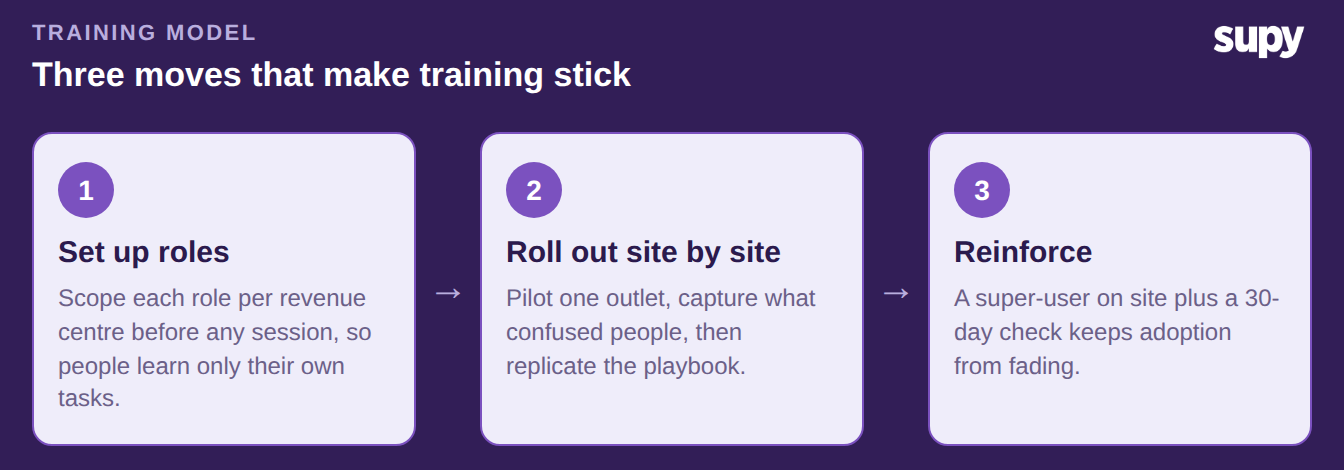
Training sticks when each person learns only the tasks their role owns, on the device they will actually use. It also needs a local expert at every outlet to ask once the trainer has gone. Rolling out a new system across multiple sites means getting three things in order: role-based setup, then a site-by-site rollout, then reinforcement.
The common failure is the opposite. Training is delivered inconsistently across sites, key staff miss the setup session, and managers run repeat sessions while time-to-value slips. In one case, staff across several departments had still never logged in months after launch. Everyone had been given the same blanket access, and no one owned a defined role. A purpose-built restaurant inventory management system makes the model below practical across every outlet.
Treat training as part of the rollout itself, not a task bolted on at the end. The outlets that adopt fastest share one habit. Before the first session, managers already know which role each person holds and which tasks they own from day one.
Set Up Department-Scoped Roles Before You Train
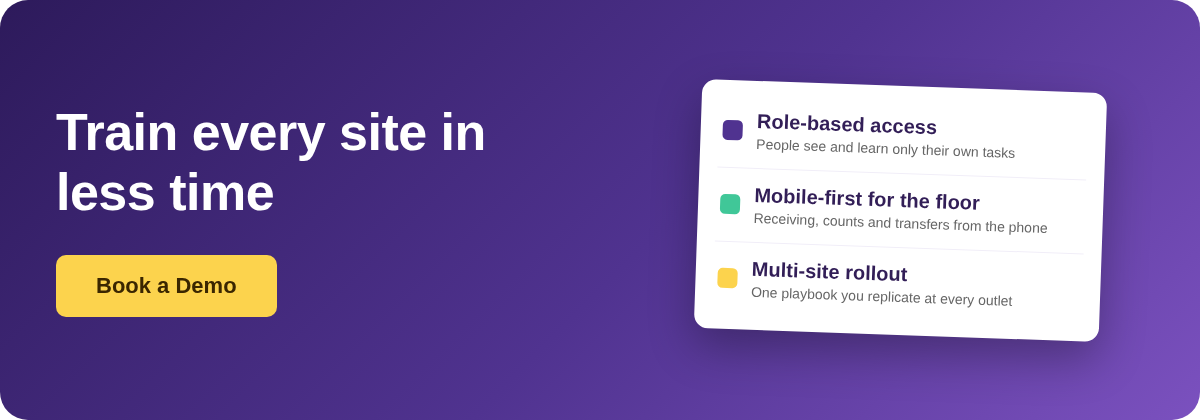
Roles come before training, not after. Supy applies two access layers on every item and page: a role-permission check and a feature-availability check, so a person sees only what their role allows. Setting up role-based access per revenue centre first means each person's training covers just their own screens rather than the whole system. That is what makes a session short enough to land.
Map who learns what before you book a single session. A clear split also tells you which sessions run on the mobile app and which run on the web.
| Role | Trains on | Where |
|---|---|---|
| Outlet manager | Ordering, approvals, reports | Web and mobile |
| Receiving staff | Goods receipts and deliveries | Mobile |
| Kitchen team | Stock counts, recipes, transfers | Mobile |
| Finance | Invoices, cost reports, accounting sync | Web |
| Super-user (per site) | Everything above, plus helping others | Web and mobile |
The same role scoping pays off well beyond the first login. Approvers, for instance, can review, approve, reject or batch-process requisitions from one consolidated screen on both web and mobile, filtered by location and category. An area manager who covers several outlets then learns one workflow, not a different process at each site. Mapping every location to its branch in your POS or accounting system, with optional auto-sync, keeps per-site setup explicit and easy to demonstrate.
Roll It Out One Site at a Time
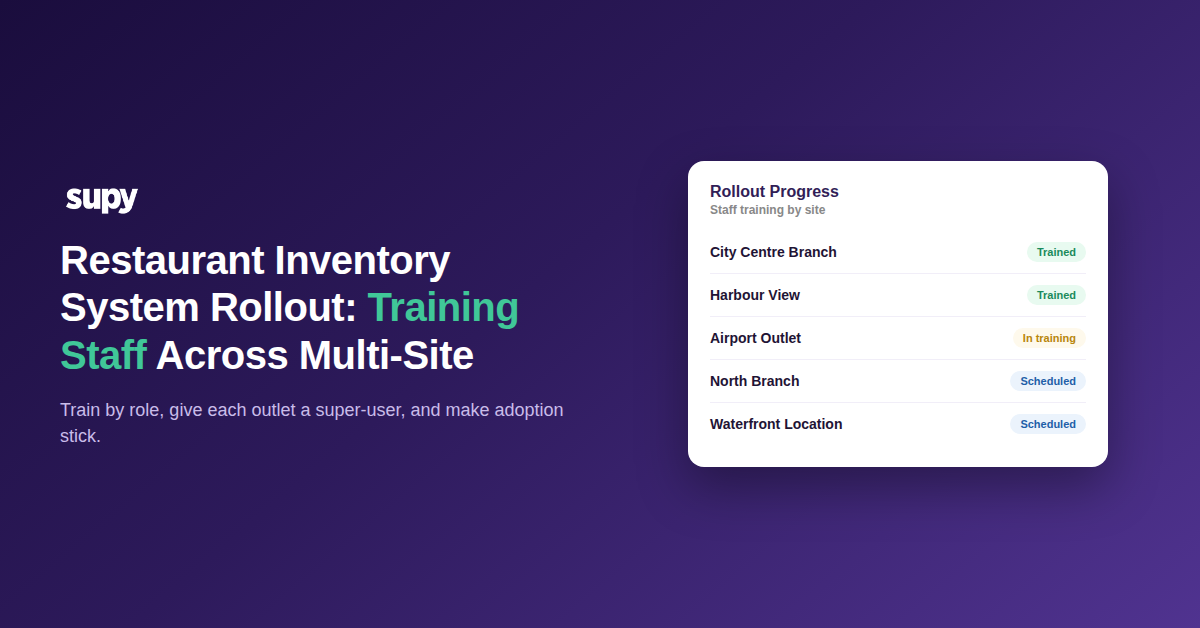
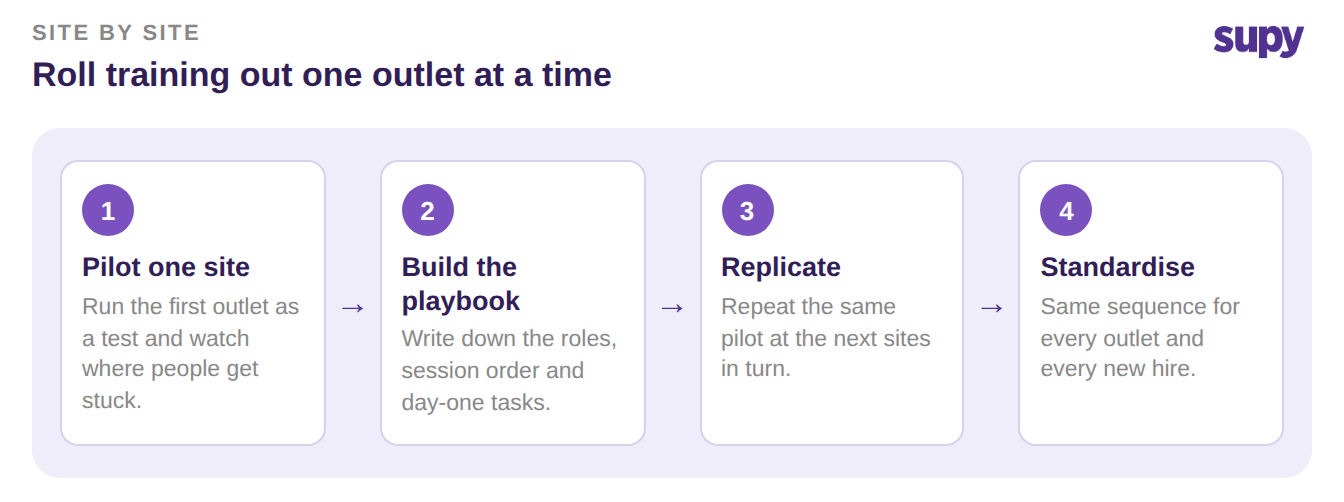
Do not train every outlet at once. Run the first site as a pilot and capture what confused people. Turn that into a short playbook: it names the exact roles, the session order, and the day-one task for each role. Then replicate the pilot at the next sites and standardise it across the group.
A staged rollout is also how you keep delivery consistent, which is the single thing that most often breaks across a multi-site launch. Each new site gets the same sequence, so no outlet is left with a half-trained team.
Use the pilot to surface the workflows people find hardest. Semi-finished recipes, inter-location ordering and production tracking tend to stay confusing after a single general session. Note where the first team hesitated, and build a short, role-targeted follow-up for those tasks before the next outlet starts.
Make Adoption Stick After the First Session
A single session fades. Frontline resistance is real. When it wins, the manager ends up absorbing the counting and ordering work, and the process never becomes the team's. The fix is a super-user model plus reinforcement, so the knowledge stays on-site after the trainer leaves.
- Name a super-user at every site. A manager plus one power user per department gives each outlet someone to answer questions the day after training, not a week later through support.
- Train floor staff on the mobile app. Receiving, counts, transfers and central-kitchen order edits all run from the phone. Train those roles on the device they carry, not a back-office desktop.
- Give each role a first-week task list. Have people do their real jobs in the system in week one, not just watch a demo, so the habit forms while help is close.
- Check adoption at 30 days. Look at who is actually logging in and completing their tasks per site, and re-run a short session for any role that has drifted.
- Fold training into onboarding. New hires join with the same role and the same first-week list, so a site does not slowly fall back to spreadsheets as staff turn over.
Reinforcement is also where the multi-site features start to earn their keep. Once each outlet counts and orders reliably, you can aggregate pending demand from every site into one consolidated procurement view. From there you turn it into supplier purchase orders in bulk. That gives head office a concrete reason to keep every site on the process, not let one outlet drift back to its old habits.
Before the next site goes live, run a quick check. Are roles scoped per revenue centre? Does every outlet have a super-user? Are floor staff trained on the app? If any answer is no, fix it before the rollout, not after.