.jpg)


Standing Orders vs Manual Reordering: What Each Restaurant Item Needs

Where Standing Orders and Manual Reordering Really Differ
A standing order is a recurring order built on a saved template that generates a purchase order automatically on a set schedule, per supplier and per location, so a staple order is placed without anyone re-entering it. Manual reordering is the opposite end: a person builds and confirms each order every cycle, whether from a spreadsheet or from a suggested quantity the system calculates. The gap between them is not effort, it is what triggers the order.
Standing orders trigger on time. You set a cadence (daily, weekly, monthly or every set number of days) and the purchase order is generated on that clock regardless of what stock did that week. Manual reordering, done properly, triggers on usage: par levels are set per item, and fill-to-par works out how much to order to bring on-hand stock back up to par, with a person confirming before it sends. Neither is "the automated one." They automate different things, and the biggest ordering mistakes at scale come from putting an item on the wrong one.
If you'd rather not work par out by hand, the free par level calculator does it for every item on your sheet from your usage, delivery days and supplier lead times.
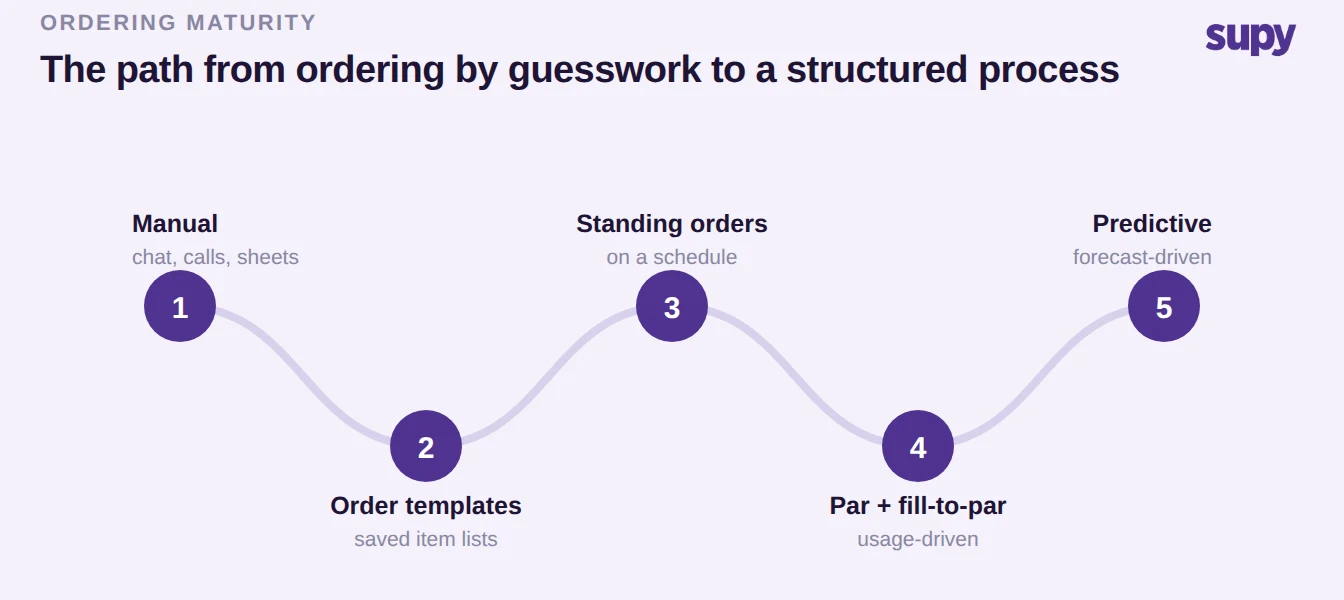
It also helps to see the full path most groups travel, because standing orders are one rung on it, not the destination.
What Manual Reordering Really Looks Like at Scale
Across early-growth multi-branch operators the single biggest procurement pain is running supplier ordering by hand through email, phone and messaging apps with no structured process. A central kitchen consolidates branch orders through shared folders; a multi-branch operator runs a point-of-sale system with no inventory behind it at all. Ordering style then varies by whoever is on shift, the same staple lines get re-keyed every cycle, and central operations has no single view of which site ordered what from which supplier when. Less-experienced site supervisors are left to guess quantities.
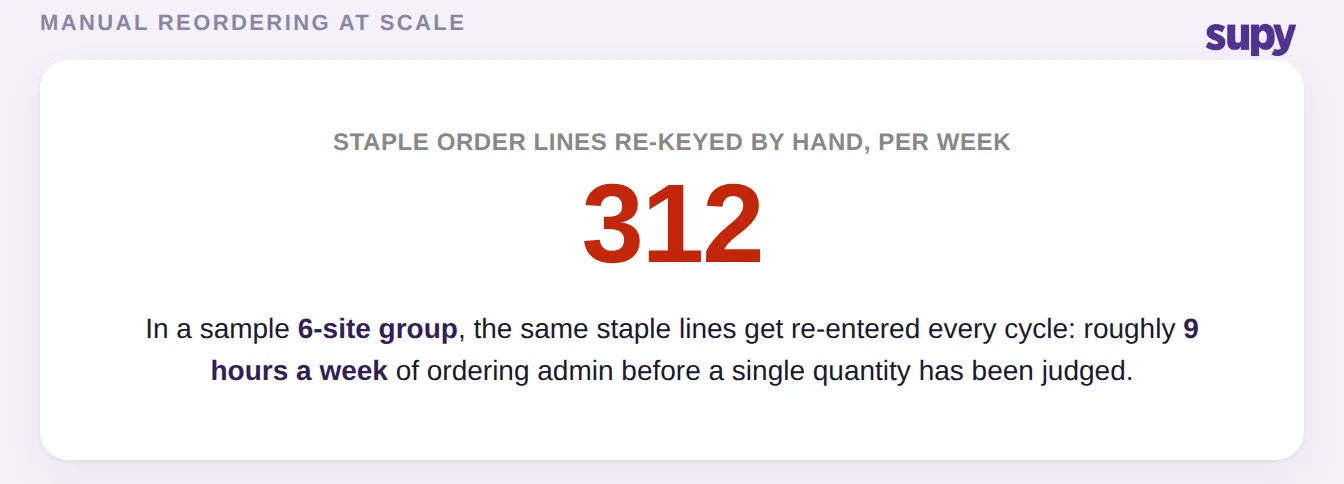
That is manual reordering at its worst. But manual is not only chaos, and it is worth being honest about its good version. Setting a par level for an item and letting fill-to-par calculate the suggested order quantity, then having a named person confirm it before it goes out, is a deliberate, supported way to order. For items whose demand moves around, that human confirmation step is a feature, not a failure. The ranking pages that treat "manual" as pure guesswork and "automatic" as pure progress blur exactly the distinction an operator needs.
Standing Orders vs Manual Reordering, Side by Side
Neither approach wins outright. They answer different questions, so the honest comparison is criterion by criterion rather than a verdict.
| Criterion | Standing orders | Manual and fill-to-par |
|---|---|---|
| What triggers the order | The clock: a schedule you set | Usage, or a person's judgement |
| Senses demand | No, it follows the schedule | Yes, when a person confirms fill-to-par |
| Best-fit items | Stable, high-frequency staples | Volatile, fresh or variable items |
| Multi-site oversight | Every branch from one central view | Varies by site unless standardised |
| Human confirmation | PO reviewed before it sends | Always in the loop |
| Effort per cycle | Near zero once set up | Repeated every cycle |
The row that trips operators up most is demand sensing. It is tempting to read "standing order" as "the system reorders when I run low." It does not. Fully automatic reorder-point ordering, where an order builds itself the moment a line breaches its buffer, is not how standing orders work: they fire on the schedule you set. A reorder point is only useful when a named role receives the signal and has an action to take on it, which is why the usage-driven path keeps a human in the loop by design.
When a Standing Order Is the Right Call
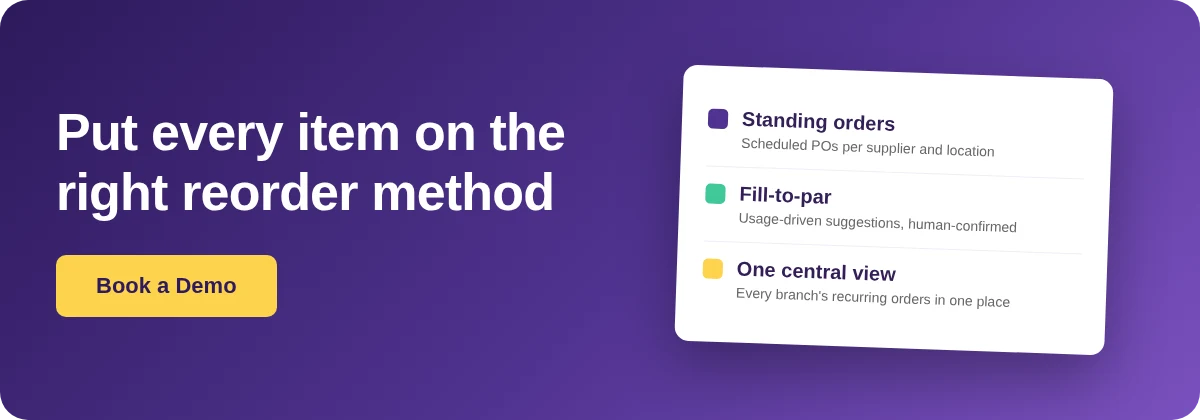
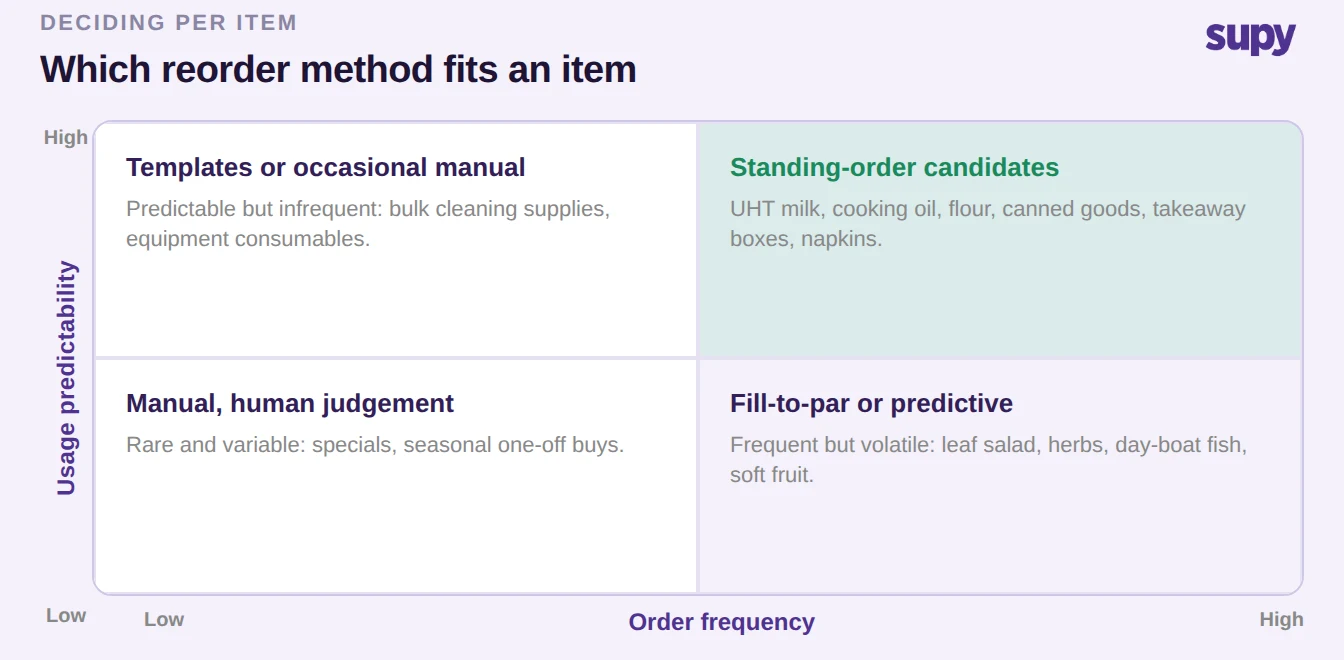
Standing orders earn their place on stable, high-frequency staples with predictable consumption and a fixed delivery cadence. Think UHT milk, cooking oil, flour, canned goods, takeaway boxes and napkins: items you will order in a similar quantity every week no matter what, from a supplier who delivers on set days. Putting these on a schedule removes the re-keying, standardises the order across sites so it no longer depends on who is on shift, and lets a super administrator view and manage every branch's recurring orders from one place instead of logging into each outlet.
The two axes that decide it are how predictable the item's usage is and how often you reorder it. High on both is standing-order territory.
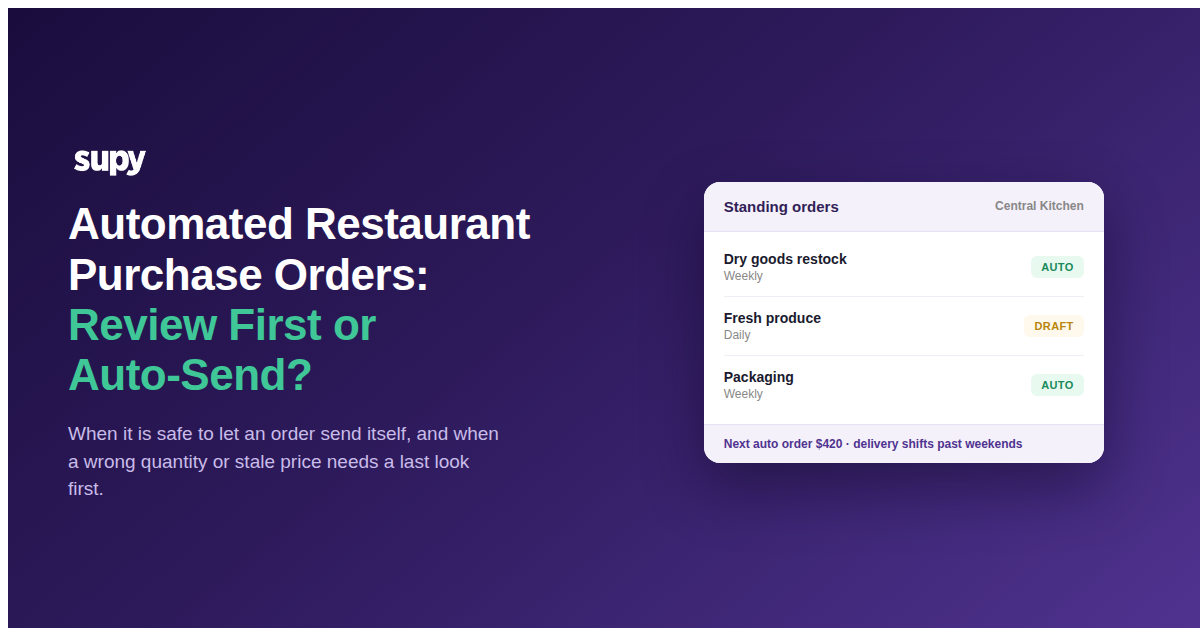
Two guardrails keep this from going wrong. First, a standing order still generates a purchase order your team can review and edit before it sends, and you can set the lead time (commonly one to fourteen days ahead of delivery) so there is room to adjust. Second, standing orders sit inside the same spending controls as any other order in your restaurant procurement software: value limits by supplier, branch, category and user, and an approval chain of up to five approvers. Automating the schedule does not mean giving up oversight of the spend.
When to Keep Items Manual (or on Fill-to-Par)
Volatile and fresh items are where a fixed schedule quietly costs you money. Leaf salad, fresh herbs, day-boat fish, soft fruit and avocados move with covers, weather, promotions and season. Put them on a standing order and a quiet week over-orders and spoils while a busy week under-orders and 86s a dish. These items belong on par levels with fill-to-par and a person confirming against what is actually in the walk-in, or on forecast-driven ordering.
That forecast-driven step is the next rung past manual. Predictive ordering builds a ready-to-submit purchase order from a sales forecast run through your recipes, minus current stock, and shows projected stock on delivery and a recent average alongside it. It still never auto-sends: someone reviews every order before it goes out. It is the closest thing to "automatic" for demand-sensitive items, and it is deliberately not a standing order.
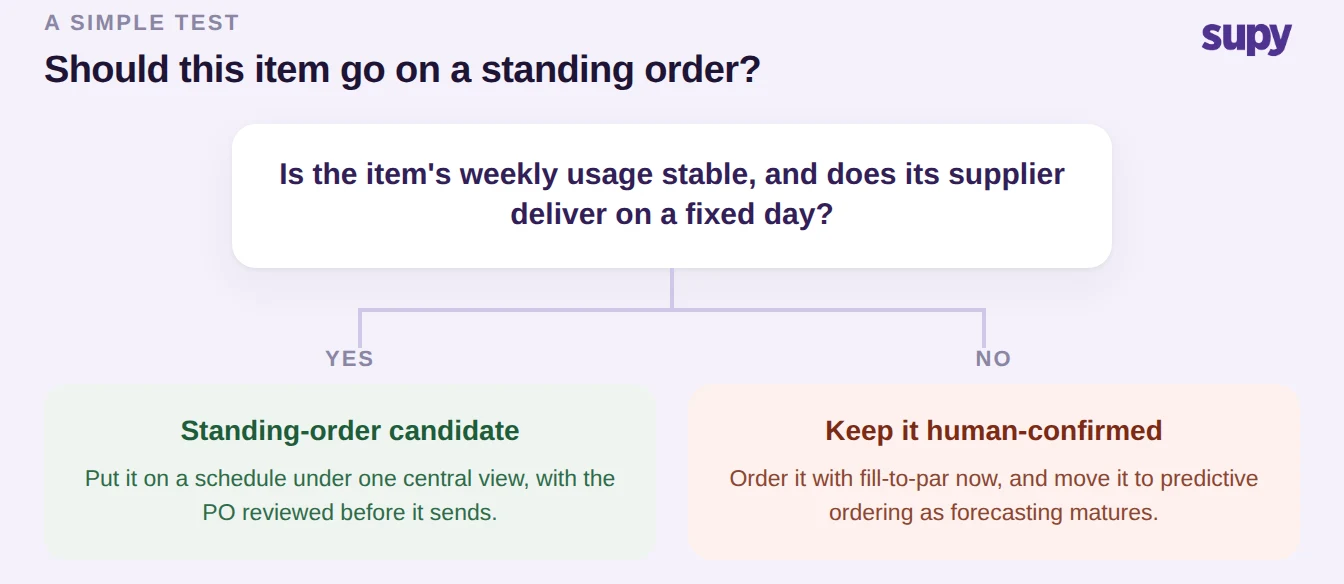
A simple test settles most items: is this item's weekly usage stable, and does its supplier deliver on a fixed day? If yes, it is a standing-order candidate. If no, keep it on fill-to-par with a human confirming, or move it to predictive ordering once you are forecasting.
Which Items Belong Where: Your Next Move
Choose standing orders when an item's demand is stable and its delivery day is fixed, and you want it ordered the same way at every site without re-keying and under one central view. Choose manual, and specifically par levels with fill-to-par, when demand moves and a human should confirm the quantity, and move those items to predictive ordering as your forecasting matures. The mistake to avoid is treating either one as the whole answer: a fixed schedule cannot sense demand, and hand-keying every order does not scale.
The practical first step is to pull your top twenty order lines by frequency, mark each one stable or volatile, and split them. The stable staples move to standing orders under central oversight this week; the volatile items stay on fill-to-par with a named confirmer. If you want to size the payback before you change anything, our ROI calculator helps you estimate the admin hours you would reclaim against the cost of getting it wrong on fresh items.